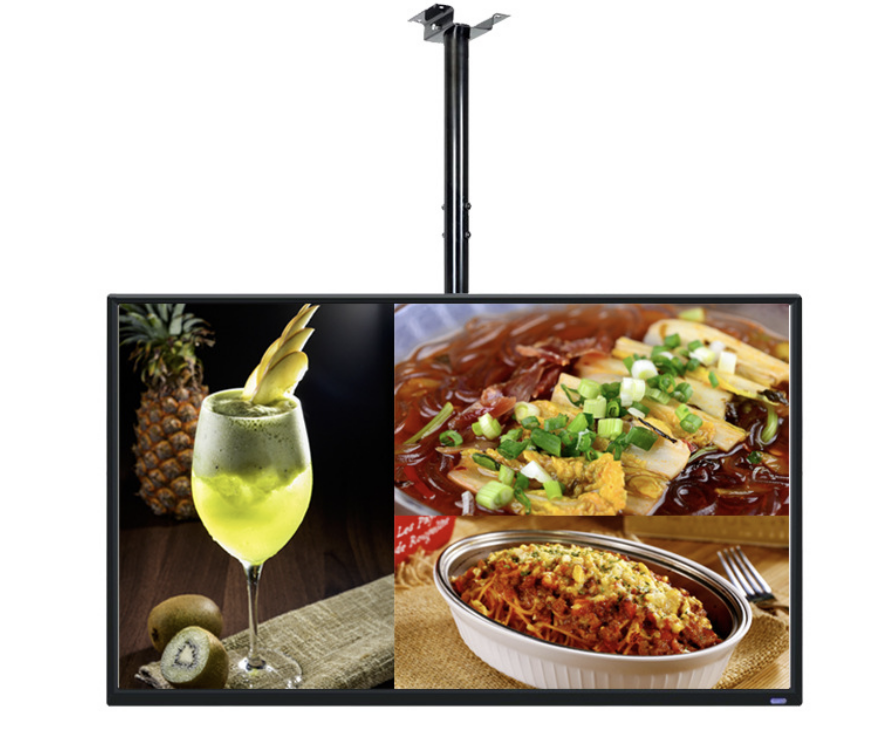
An indoor digital menu board should make prices and choices easy to read from the ordering queue. Start with the menu layout, customer viewing position and opening hours, then select the screen and playback system.
Adapte la pantalla al menú
La gama mural de YJCEN ofrece paneles Full HD de 15,6 a 49 pulgadas y 4K de 55 a 98 pulgadas. Más píxeles permiten más detalle, pero añadir platos puede seguir haciendo el texto demasiado pequeño. Compare el nombre de plato más largo y su precio desde el punto de pedido más lejano.
En la pared, el mostrador o el escaparate
Un menú mural despeja el mostrador y varias personas pueden leerlo a la vez. Una pantalla pequeña de mostrador sirve para una promoción breve o un aviso de recogida cerca del cliente. Mantenga visible el menú principal mientras el público decide; no esconda los precios esenciales en una lista que cambia demasiado deprisa.
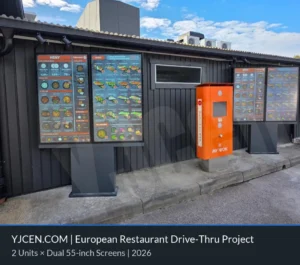
La iluminación interior, los reflejos y el sol directo generan necesidades distintas. Una posición luminosa frente al escaparate puede necesitar una pantalla de alto brillo. Un menú interior y una pantalla exterior expuesta para servicio al coche requieren carcasas y diseños térmicos diferentes.
Planifique las actualizaciones y la reproducción
La pantalla muestra el menú; el reproductor y el software determinan la programación, las actualizaciones remotas y la reproducción sin conexión. Android y Windows son opciones de la gama mural. Elija el sistema que ejecute su aplicación e incluya su licencia y gestión en el proyecto.
Las actualizaciones automáticas de precios o productos agotados requieren integración con el TPV del restaurante. Defina qué sistema mantiene los datos y cómo llegan a cada pantalla. Para un menú sencillo pueden bastar archivos programados; una integración en tiempo real añade trabajo de software y soporte.
Facilite la elección al pedir
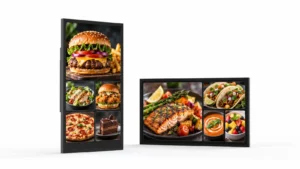
Agrupe los platos con claridad, alinee los precios y deje espacio para los nombres en todos los idiomas. Use fotografías para apoyar la elección sin restar legibilidad al menú principal. Revise el diseño completo en la pantalla prevista, incluidos los reflejos y la vista desde el final de la cola.
Planifique sus pantallas de menú interiores
Comparta con YJCEN el diseño del menú, la distancia de lectura, el número de pantallas y los horarios para valorar hardware y montaje. Incluya el software actual si las pantallas nuevas se incorporarán a un sistema existente.
For the hardware behind this topic, see video wall panels.
Ordering efficiency, features and seasonal content
Most menu-board projects ask the same three questions after the hardware is chosen: does it speed up ordering, which features matter, and how do we change the menu without reprinting? These are content and workflow decisions, not panel specifications.
What changes ordering efficiency
A menu board helps when the customer can see the full choice before reaching the counter or speaker. Put the items that drive margin at the top of the screen, keep the number of visible options manageable, and repeat the price where the customer makes the decision. The gain comes from fewer “what comes with it?” questions and a shorter pause at the till, not from the screen size alone. Measure the time from arrival to order confirmation before and after the change; if the queue does not move, the layout or content is usually the cause.
Features worth specifying
For a single site, a built-in Android player with a cloud CMS is usually enough. For a multi-site rollout, look for central scheduling, role-based accounts, offline playback, proof-of-play logs, and a player that the CMS vendor supports. Dayparting, automatic brightness and a template that non-designers can update matter more than a long feature list. Confirm who updates prices, how approvals work, and what happens when the network is down.
Seasonal and promotional changes
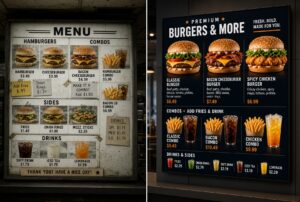
Seasonal menus fail when every change needs a designer or a site visit. Build a template with locked brand areas and editable price/product zones, keep a library of approved images, and schedule the change before the campaign starts. For a one-day promotion, prepare and test the playlist the week before; for a permanent menu change, update the printed backup and the POS at the same time. A menu board is only as useful as the team’s ability to change it.
Why the lightbox comparison still matters
Digital menu boards win on change speed, dayparting and cross-sell, not automatically on purchase price. A printed lightbox can still be cheaper for a single site with a menu that changes once a year. Compare the total cost over three years: hardware, installation, content production, electricity, maintenance and the staff time to change the menu. The digital case is strongest where the menu changes often or where several sites need one central update.