How can a retail kiosk improve the customer journey?
A retail kiosk can help customers browse choices, enter information and complete supported transactions when the interface and connected systems work as one service.
- Define the task, required input, receiving system and confirmation step.
- Let customers review and correct selections before submission.
- Test payments, data updates and failure handling for the selected configuration.
- Provide accessible use, staff assistance and another service route; measure completion, errors and feedback during a pilot.
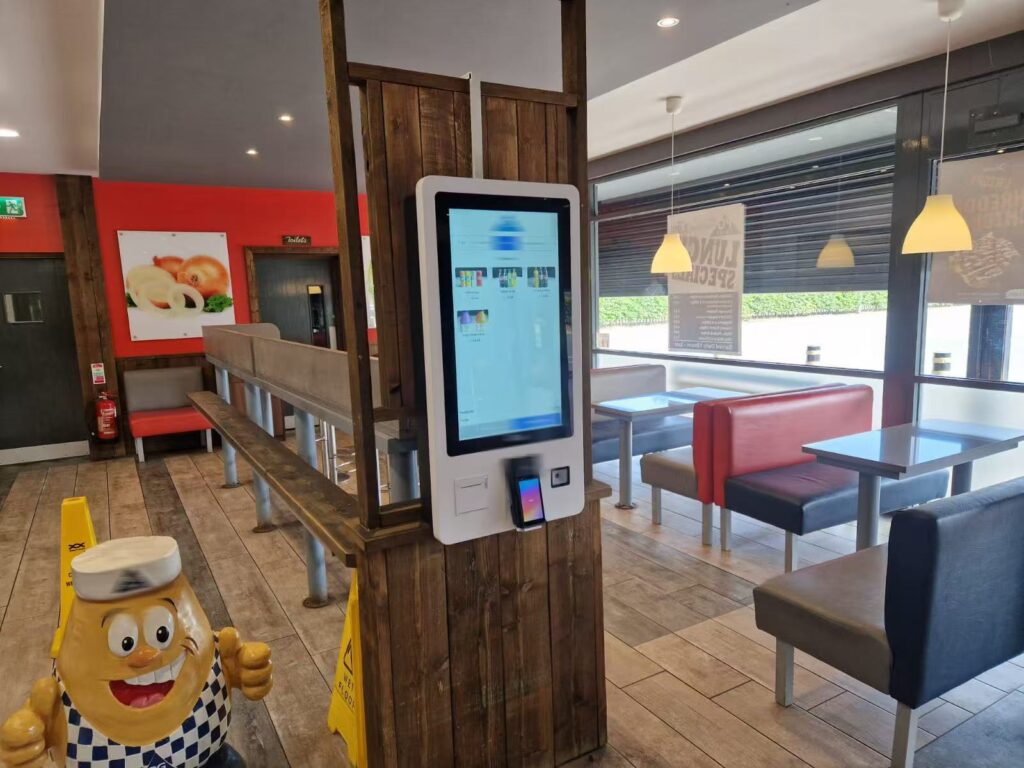
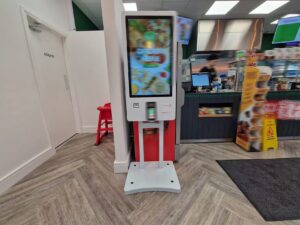
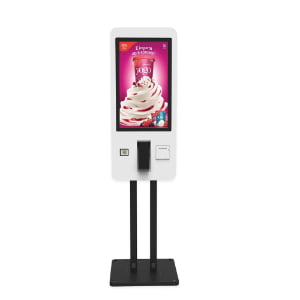
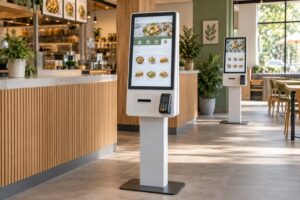
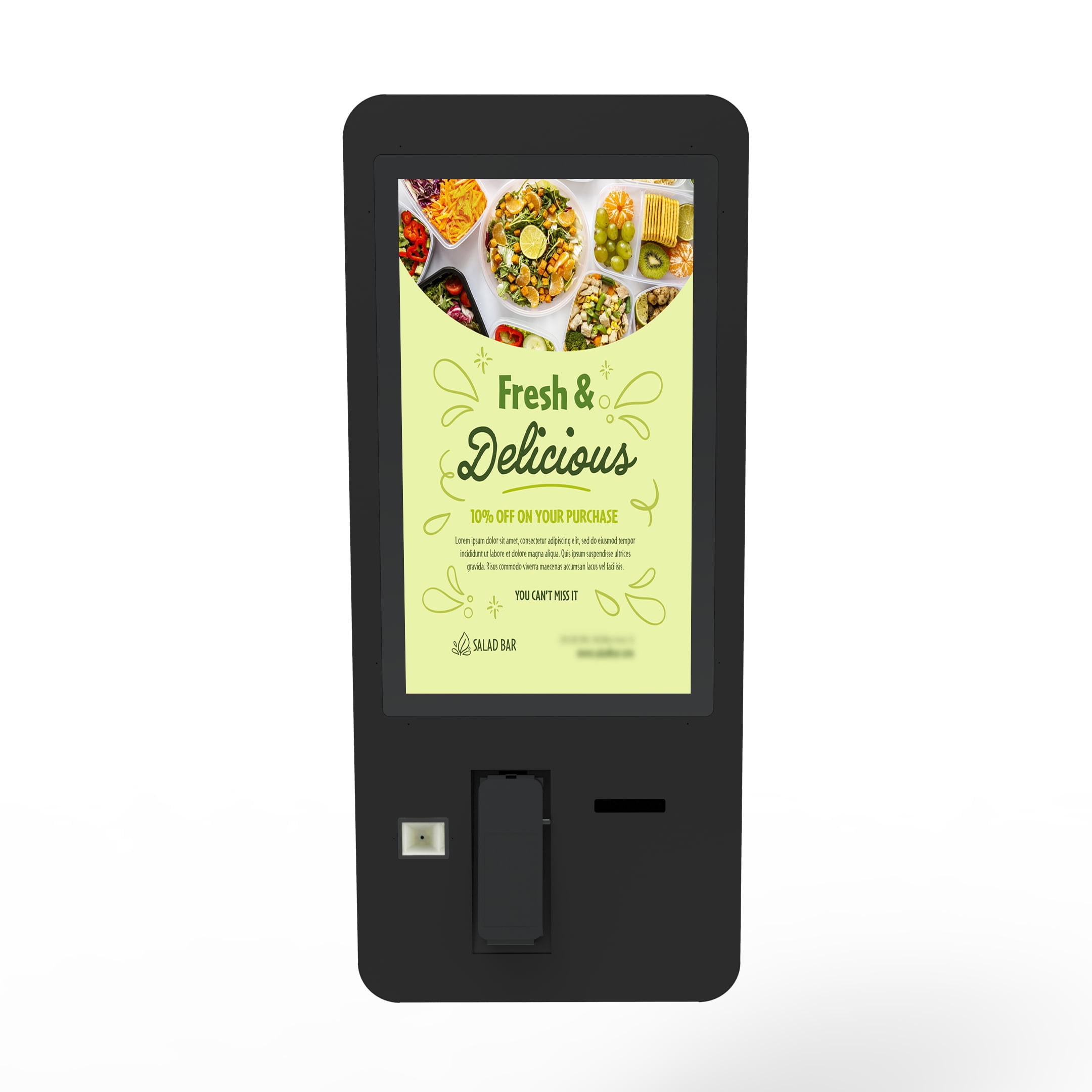
An indoor self-service kiosk can guide customers through menu selection and ordering. Available hardware and software functions depend on the selected configuration.
Where a Self-Service Kiosk Fits in the Customer Journey
The best starting point is a clearly defined customer task. A restaurant may want customers to browse a menu and submit an order. A retailer may need product lookup or stock information. A hotel may use a kiosk for check-in guidance. Each task requires a different interface and connection to back-office systems.
Before selecting hardware, map the complete journey:
- How does the customer notice the kiosk?
- What task can the customer complete?
- What information must the customer enter?
- Which system receives the transaction?
- How does the customer receive confirmation?
- What happens if the customer needs assistance?
This map identifies the screens, integrations and staff procedures required for the installation.
Clear Choices and Easier Decision-Making
A kiosk can present products or menu items in a consistent structure. Customers can review categories, options and prices at their own pace. Clear labels and logical grouping reduce the amount of information shown at one time.
The interface should use familiar words. Buttons should describe the action they perform. Important information such as price, quantity and selected options should remain visible before confirmation. If a product is unavailable, the screen should explain that status before the customer reaches the final step.
Images can help identify products, but they should support rather than replace accurate text. Small type, weak contrast and crowded screens make the process harder. Interface testing should include the actual viewing distance and lighting at the installation site.
Order Review and Transaction Accuracy
Self-service can give customers a chance to review their own selections before submitting a transaction. A review screen should show the selected items, quantities, options, price and any applicable service choice. Customers need a clear way to edit or remove an item.
The kiosk cannot guarantee order accuracy by itself. Product data, option rules and system integration must remain synchronized. If a restaurant kiosk sends orders to a kitchen system, the item names and modifiers should reach the preparation team in an unambiguous format. Test orders should cover common selections as well as cancellations, unavailable items and unusual option combinations.
Payment and Confirmation
Payment functions depend on the hardware, payment provider, market and project configuration. A deployment may support a payment terminal, QR-code workflow or another approved method. Payment processing should follow the provider's security and compliance requirements.
The interface should clearly show when payment is in progress, accepted or unsuccessful. It should not encourage the customer to repeat a payment while the system is still processing. After a successful transaction, the kiosk can show an order number, collection instruction or other confirmation. Receipt printing is optional and should be confirmed for the selected configuration.
Integration with Retail and Restaurant Systems
A useful kiosk normally exchanges information with other business systems. Depending on the project, this may include a point-of-sale platform, order-management system, kitchen display system, product database, payment service or loyalty platform.
Integration requirements should be documented before deployment. Confirm:
- Which system owns product names, prices and availability
- How often data is synchronized
- Where completed transactions are recorded
- How orders reach staff or production systems
- What happens when a network or connected service is unavailable
- Which team is responsible for each integration
API availability does not guarantee a complete integration. Data formats, authentication, error handling and testing responsibilities still need agreement between the relevant vendors.
Queue Management and Service Capacity
Several kiosks can allow customers to begin transactions at the same time. This may reduce pressure at a staffed ordering point when the rest of the service process has enough capacity. The result depends on customer adoption, transaction length, kiosk availability and downstream operations.
A faster ordering step will not remove a bottleneck in payment, preparation, collection or customer support. Measure the complete journey instead of assuming that adding screens will solve every queue. Keep a staffed option available when customers cannot or do not want to use self-service.
Staff Support Still Matters
Staff help is especially important during launch and for customers who are unfamiliar with the interface. Employees should know how to explain the basic flow, respond to payment problems and identify when a kiosk should be taken out of service.
The operating plan should define:
- Who checks the kiosk at opening
- Who responds to customer questions
- Who handles failed or duplicate transactions
- Who updates products, menus and prices
- Who reports hardware or software faults
- What service channel remains available during downtime
Clear ownership prevents a small problem from becoming a poor customer experience.
Accessibility and Inclusive Use
Customers have different visual, physical, language and technical needs. Screen height, touch-target size, text contrast and navigation complexity should be reviewed for the intended users. Instructions should not rely only on colour. Important actions should have clear text labels.
If audio assistance, multiple languages or other accessibility functions are required, confirm that the selected hardware and software support them. Local accessibility requirements may affect the interface, mounting position and available assistance. Accessibility should be included in testing rather than added after installation.
Choosing the Installation Location
Placement affects visibility, comfort and customer flow. A kiosk should be easy to find without blocking an entrance, aisle or queue. Customers need enough space to use the screen and payment device without creating congestion behind them.
Review these site conditions:
- Approach direction and nearby signs
- Viewing distance and ambient light
- Floor or wall structure for the selected mounting method
- Power and network access
- Space for users and mobility aids
- Staff visibility and assistance routes
- Cleaning, maintenance and emergency access
A site check should confirm the final position before installation work begins.
Content and Interface Management
Product information, menu items, prices and instructions must stay current. The system owner should know where each field is maintained and how changes reach the kiosk. Update procedures should include review and approval before publication.
Promotional prompts should not obscure the main task. If optional recommendations are shown, customers need a clear way to accept or decline them. The final review page should make the total transaction easy to understand.
Privacy and Data Handling
A kiosk may process customer or transaction data. The project team should collect only the information required for the stated task and apply the relevant privacy and security controls. Screens should not expose the previous customer's information after a session ends.
Camera, loyalty, account and analytics functions are not universal. If they are included, explain their purpose and obtain the required legal and technical review. Access to administrative functions should be restricted to authorized users.
Reliability, Cleaning and Maintenance
Commercial operation requires a maintenance plan. The plan should reflect the selected screen, enclosure, touch surface, printer, payment device and mounting system. Staff should use cleaning materials approved for those components.
Routine checks can include:
- Screen and touch response
- Network and application status
- Payment-device status where fitted
- Printer paper and print quality where fitted
- Physical damage or loose connections
- Accuracy of product and price information
- Completion of a test transaction
Remote monitoring may be available in some systems, but it does not replace physical inspection and customer feedback.
Measuring Customer Experience
Set a baseline before launch so the business can compare the new process with the previous one. Choose measures that match the intended customer task.
Useful measures may include:
- Kiosk sessions started and completed
- Abandoned sessions by process step
- Average transaction time
- Payment or application errors
- Requests for staff assistance
- Kiosk availability during operating hours
- Order corrections, cancellations or refunds
- Customer feedback collected through an appropriate method
Review the measures together. A high completion rate is less useful if customers frequently need corrections later. Results should be interpreted in the context of staffing, demand and other operational changes.
A Practical Deployment Process
Start with a limited and testable use case. Confirm the journey, integrations and site requirements before choosing the final equipment. Build a test plan that covers normal transactions, error conditions and recovery steps.
A practical sequence is:
- Define the customer task and success measures.
- Document required hardware, software and integrations.
- Confirm installation, power and network conditions.
- Test content, options, payment and order routing.
- Train staff and prepare a downtime procedure.
- Launch with support available near the kiosk.
- Review usage, errors and customer feedback.
- Adjust the interface or process based on evidence.
Frequently Asked Questions
Can a self-service kiosk reduce waiting time?
It can add another transaction point and allow several customers to start at the same time. The actual result depends on usage, transaction design, kiosk availability and downstream service capacity. Measure the whole customer journey before and after deployment.
Does every kiosk include payment and receipt printing?
No. Payment devices, QR-code workflows and printers depend on the selected hardware, software and project configuration. Confirm each required function before ordering and integration work.
Can a kiosk connect to an existing POS system?
Integration may be possible when the systems provide compatible interfaces. Confirm data ownership, APIs, authentication, order routing, error handling and vendor responsibilities before deployment.
Will customers still need staff assistance?
Some customers will need or prefer help. Staff should support first-time users, respond to errors and provide an alternative service channel when self-service is not suitable.
How should a retailer choose a kiosk?
Begin with the customer task and site conditions. Then confirm the screen, mounting method, input devices, payment options, software, integrations, accessibility, maintenance and support requirements for that project.
Planning a Retail Self-Service Kiosk
A successful kiosk combines suitable hardware with a clear interface and a reliable operating process. It should help customers complete a defined task without hiding important information or removing access to assistance.
For available configurations, see the YJCEN self-service kiosk product page. Confirm the required screen, mounting method, printer, payment, camera, software and integration options with the project team before specification.