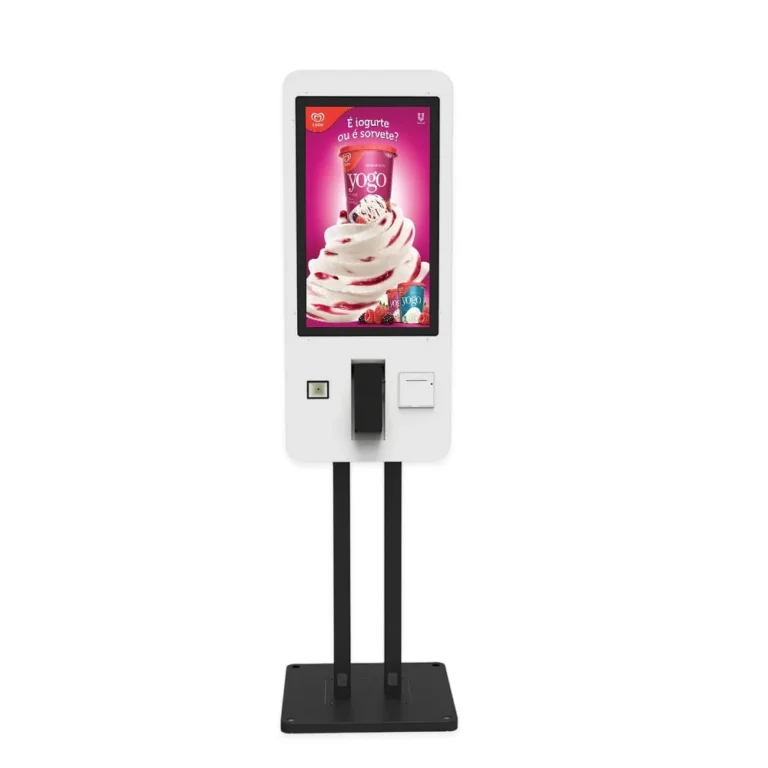
Self-Service Kiosk for Restaurant Ordering

This self-service kiosk machine brings a touchscreen, receipt printer and configurable payment hardware together for restaurant ordering. Choose wall-mounted or floor-standing installation and a 21.5, 27 or 32-inch screen to suit your ordering area.

  • 21.5 / 27 / 32-inch capacitive touchscreens
  • Wall-mounted or floor-standing installation
  • Integrated 80 mm thermal receipt printer
  • QR code and NFC payment configurations

Kiosk Machine Specifications

SpecificationDetails
Screen Size21.5 / 27 / 32 inches
TouchscreenHD capacitive touchscreen
InstallationWall-mounted or floor-standing
Receipt PrinterIntegrated 80 mm thermal printer
Payment ConfigurationQR code and NFC
CameraOptional HD camera
Primary ApplicationRestaurant self-service ordering and payment
Ordering SoftwareApplication and integration selected for the project
Related ServicesPayment processing and software licences specified separately

Self-Service Kiosk Features

A self-ordering kiosk gives customers a place to browse a menu, select items and complete an order through the configured application. This self-service kiosk brings the touchscreen, payment hardware and receipt outlet together in one terminal.

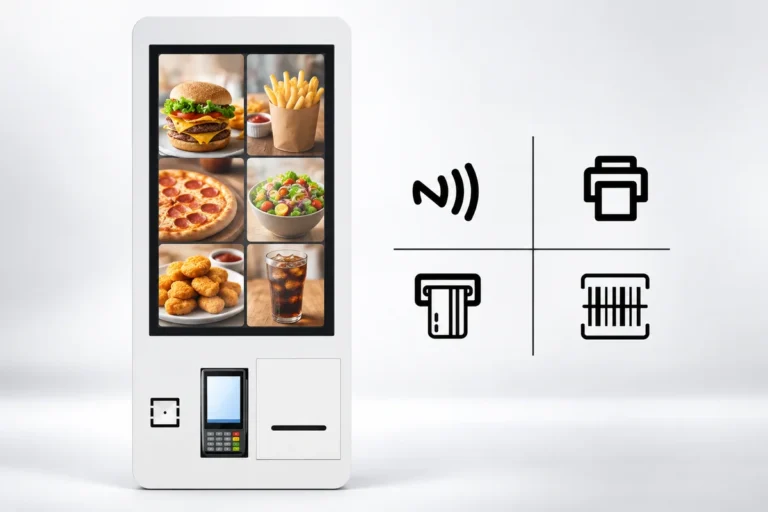
Illustration: A self-ordering kiosk shows a food menu beside symbols for contactless payment, printing and barcode scanning.

Touchscreen Menus for Self-Service Ordering

The HD capacitive touchscreen provides an interface for menu photographs, item descriptions and ordering controls. The three screen sizes offer different amounts of space for the menu layout.

Choose the screen around the application customers will use: a short menu, detailed meal choices and drink customisations need different layouts. Check text size, button spacing and the order-review screen on the selected format.

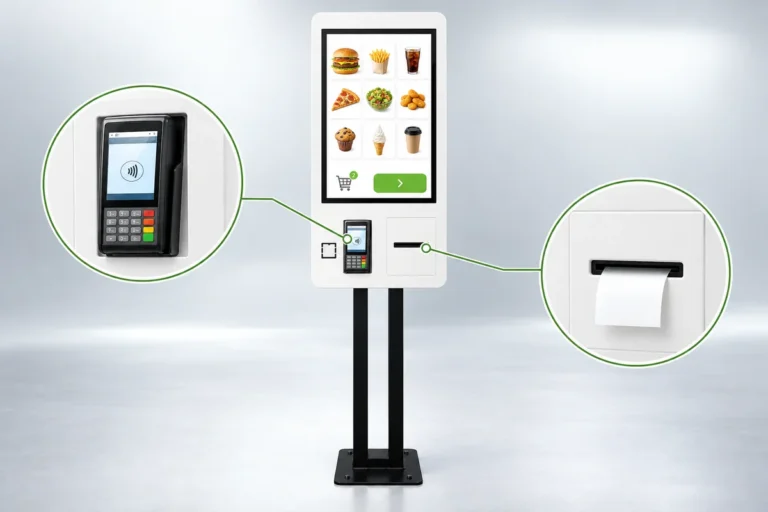
Illustration: A floor-standing ordering kiosk with close-ups of the payment terminal and printed receipt outlet.

Payment Hardware and Receipt Printing

QR code and NFC payment configurations work with the selected payment provider and application. The integrated 80 mm thermal printer produces receipts, with order numbers and receipt content controlled by the ordering software.

An optional HD camera is available when the project requires it. Confirm the peripheral configuration before ordering so that the payment device, printer and application can be checked together.

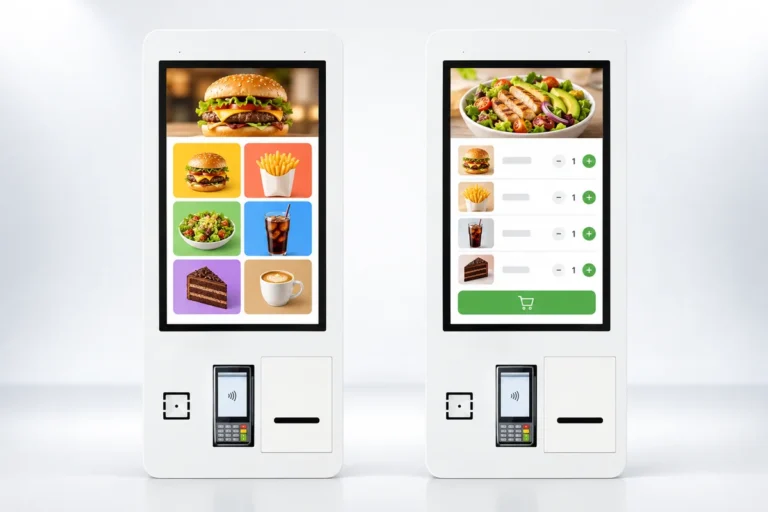
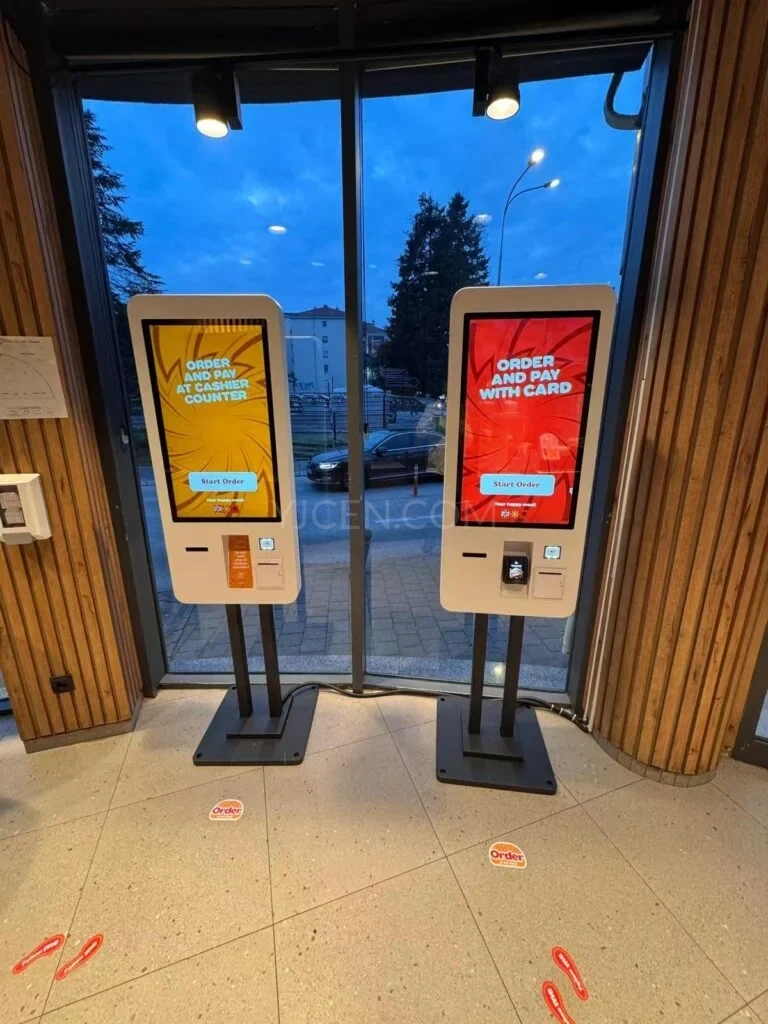
Illustration: Two ordering kiosks compare a large food-image menu with a compact menu and cart layout.

Ordering Software and POS Integration

YJCEN supplies the terminal hardware. The selected ordering application controls menus, customer choices and the handover of orders. Software licences, payment processing and integration services are specified separately.

The kiosk supports integration projects and secondary development. Connections to an existing POS or kitchen system depend on the interfaces and support provided by the software suppliers; compatibility should be confirmed for the complete setup.

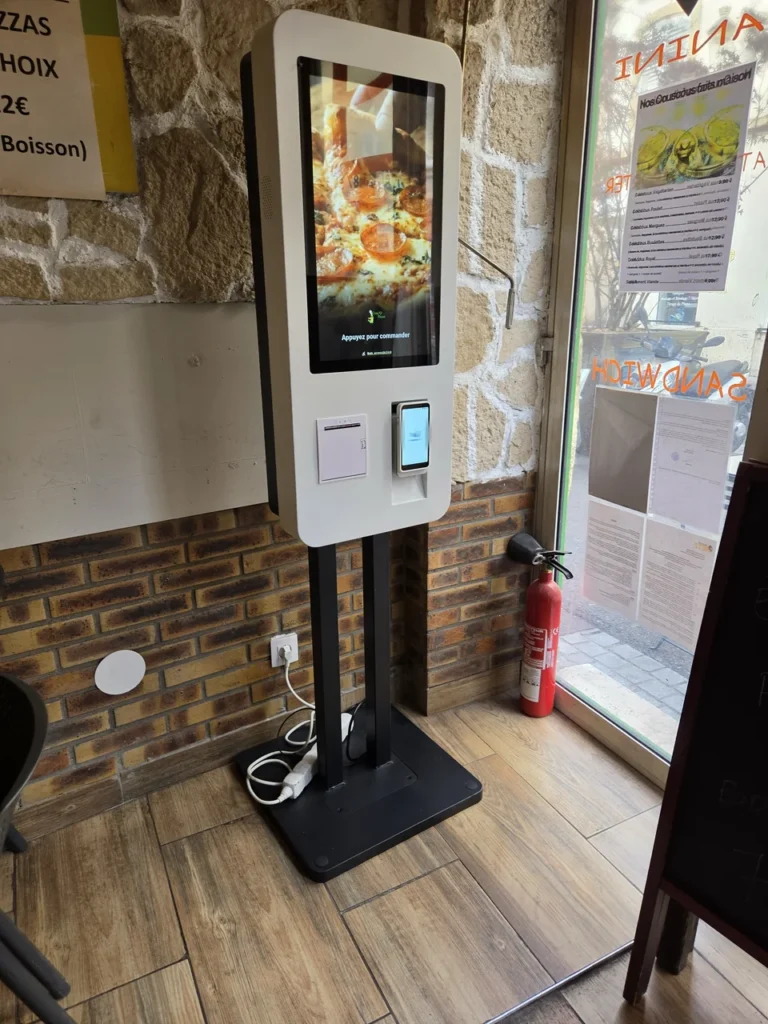
White floor-standing ordering kiosk near a restaurant entrance, with an ordering interface, payment terminal and receipt outlet.
Europe · Photographed in 2026

Self-Service Ordering in a European Restaurant

A restaurant in Europe uses a YJCEN self-ordering kiosk for in-store orders. Positioned near the entrance, the floor-standing unit combines an ordering touchscreen, a payment terminal and a receipt outlet.

Discuss your installation

Restaurant and Café Ordering

A restaurant ordering kiosk can provide another ordering point beside a staffed counter. Cafés and bubble tea shops can use the screen for drinks, sizes and add-ons. Canteens can use self-service touch screen kiosks for menus available during a defined service period.

Place the terminal where customers can identify the ordering point, complete payment and collect a receipt without obstructing the route to food collection.

Wall-Mounted or Floor-Standing Installation

Choose wall mounting where a suitable wall is available and floor space is limited. A floor-standing unit creates a separate ordering station and can be positioned around the queue and counter layout.

For either format, check reach to the touchscreen, payment device and receipt outlet. Plan power, network access, cable routing and clearance for staff to replace paper and service the terminal.

Other Kiosk Formats

For detachable components or a different arrangement of peripherals, see our modular self-service kiosk hardware. For visitor information and directories, see our interactive kiosk.

Self-Service Kiosk FAQs

What should I check when choosing a screen size?

Try the menu layout at the intended display size. Customers need readable item descriptions and enough room to select options; the selected unit must also fit the available wall or floor space.

Can I keep a staffed counter alongside the kiosks?

Yes. The kiosks can provide additional ordering points while staff handle questions, assistance and collection. The ordering software determines how those orders enter the restaurant’s workflow.

Can I use my existing POS system?

A connection depends on the POS and ordering application interfaces. Share the software names and versions so the integration requirements can be checked before the hardware is configured.

Can the receipt show an order number?

The thermal printer can print receipt content supplied by the application. Order numbering and the receipt layout are configured in the ordering software.

Are QR code and NFC payments ready to use in every country?

The payment provider, hardware and application must support the market where the kiosk will operate. Confirm the required payment methods and provider during project configuration.

What should be tested before installation?

Test menu selection, payment, receipt printing and the handover to the restaurant’s systems together. Also check access for customers and staff with the chosen installation format.

Discuss Your Project

For a hardware quotation, send your preferred screen size, installation format, quantity and installation country, together with the names and versions of your ordering and POS applications. Include their operating-system requirements, receipt-printing needs and preferred payment provider so the proposed configuration can be reviewed. Contact YJCEN.