
Digital Drive-Thru Menu Board
Outdoor menu displays with an IP66 protection rating, 3000-nit brightness and a choice of one, two or three screens.
55 inches per screen
Single / dual / triple screen
View product & specificationsQSR digital signage hardware for menu display and restaurant ordering.
Compare 55-inch drive-thru menu boards, self-service ordering kiosks and modular terminals. Specify the screen format, mounting and peripheral configuration for your restaurant rollout.
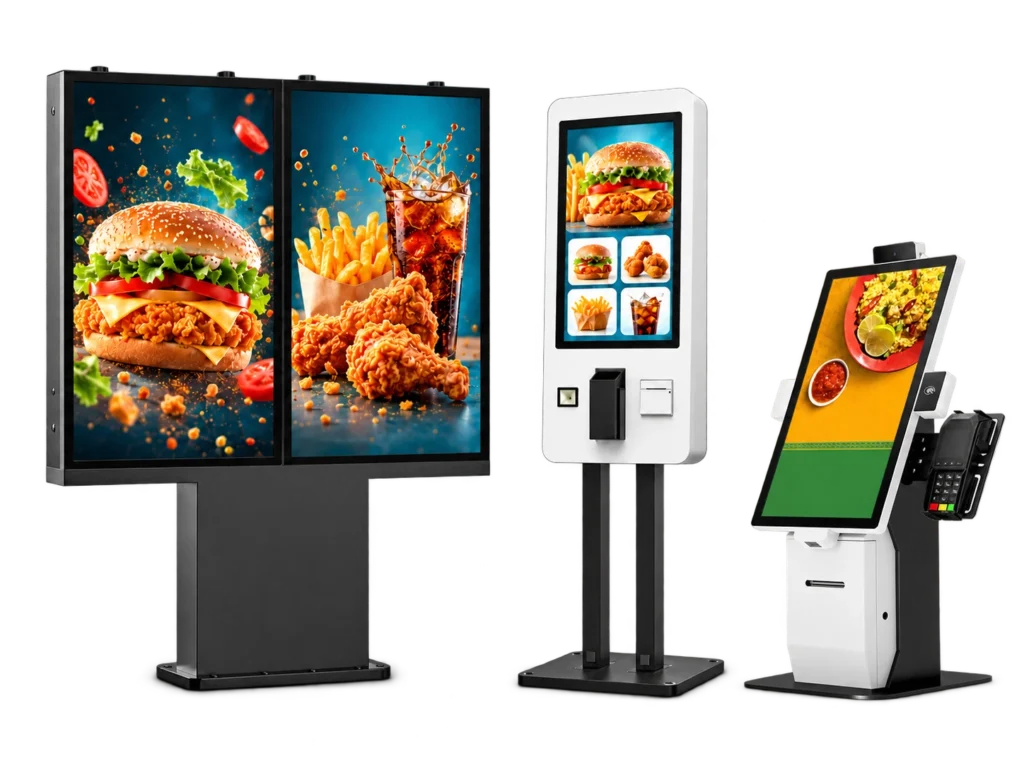
| Hardware option | Installation / power | Sizes & key specifications | Selection considerations |
|---|---|---|---|
| Digital Drive-Thru Menu Board | Outdoor drive-thru lane | 55 inches per screen; Single / dual / triple screen | Lane layout, screen count and power route |
| Self-Service Ordering Kiosk | Indoor ordering point | 21.5 / 27 / 32 inches; Wall-mounted or freestanding | POS software, printer and payment device |
| Modular Self-Service Kiosk | Project-specific terminal | 15.6 / 21.5 / 23.8 inches; Configurable hardware | Peripheral dimensions, drivers and mounting |
Outdoor menu displays with an IP66 protection rating, 3000-nit brightness and a choice of one, two or three screens.
Bring touchscreen ordering, receipt printing and configurable payment hardware together.
Choose the touchscreen and peripheral layout around your ordering application.
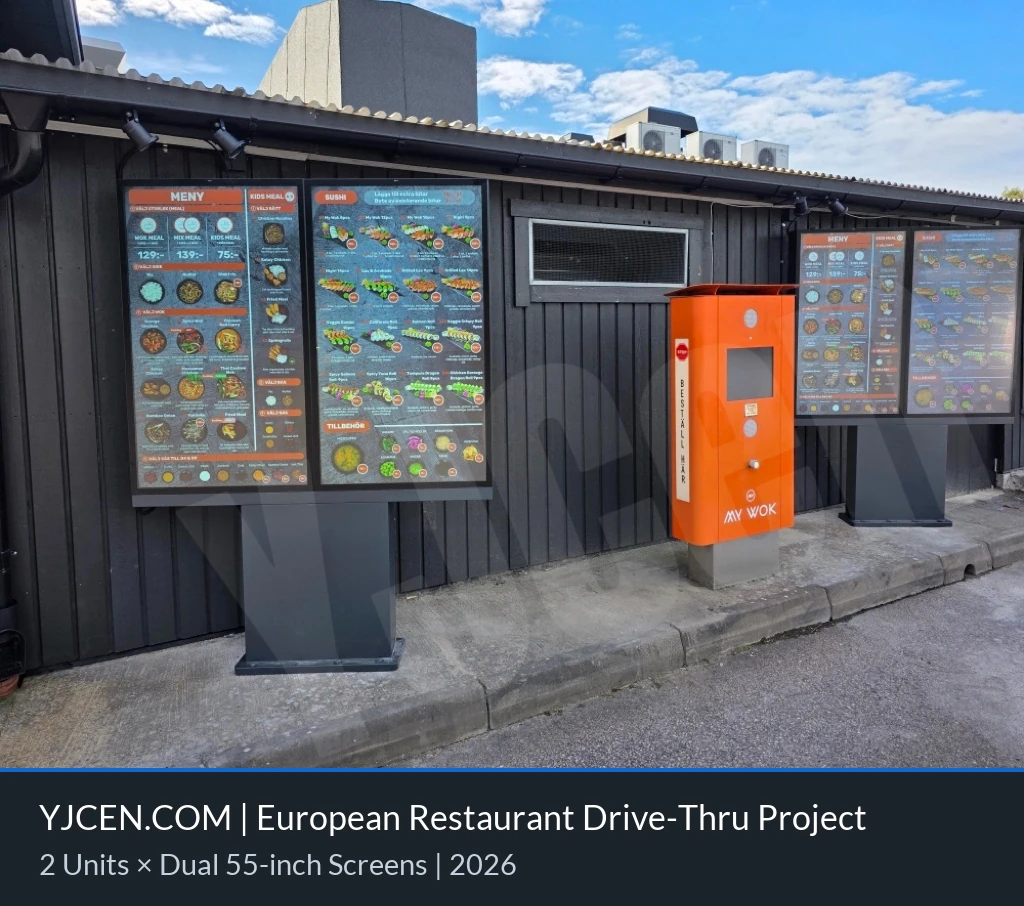
Two freestanding dual-screen menu boards positioned beside a restaurant drive-thru lane.
Request a hardware configuration and project quotation.
Still comparing options? Select “Help me choose” and describe the intended use.
Project category: QSR & Drive-Thru
Android configurations include a free cloud-based CMS with no limit on the number of accounts.
Ordering and payment software come from your chosen provider. YJCEN can preinstall and test your software on the selected Android or Windows hardware.
Use one screen for a compact menu, two to separate the core menu from offers, or three for more menu categories. Choose the arrangement around the lane width and the driver’s viewing position.
Share your application, operating system, payment-terminal and printer models, together with available driver information, for a hardware integration review.