High-Brightness Window-Facing Digital Signage

This high-brightness window-facing digital signage display presents retail messages from behind storefront glass. Choose from 32 to 86-inch screens, with brightness up to 3,000 nits and anti-reflective screen treatment.

  • 32 / 43 / 49 / 55 / 65 / 75 / 86 inches
  • Up to 3,000-nit brightness
  • Anti-reflective screen treatment
  • For window-facing advertising

Digital Signage Display Specifications

SpecificationDetails
Screen Size32 / 43 / 49 / 55 / 65 / 75 / 86 inches
BrightnessUp to 3,000 nits
Viewing AngleWide-angle display
Surface TreatmentAnti-reflective treatment
Installation EnvironmentStorefront windows and suitable bright interior positions
ContentProduct imagery, offers, brand and campaign content
Player and InstallationSpecified for the selected screen configuration

High-Brightness Display Features

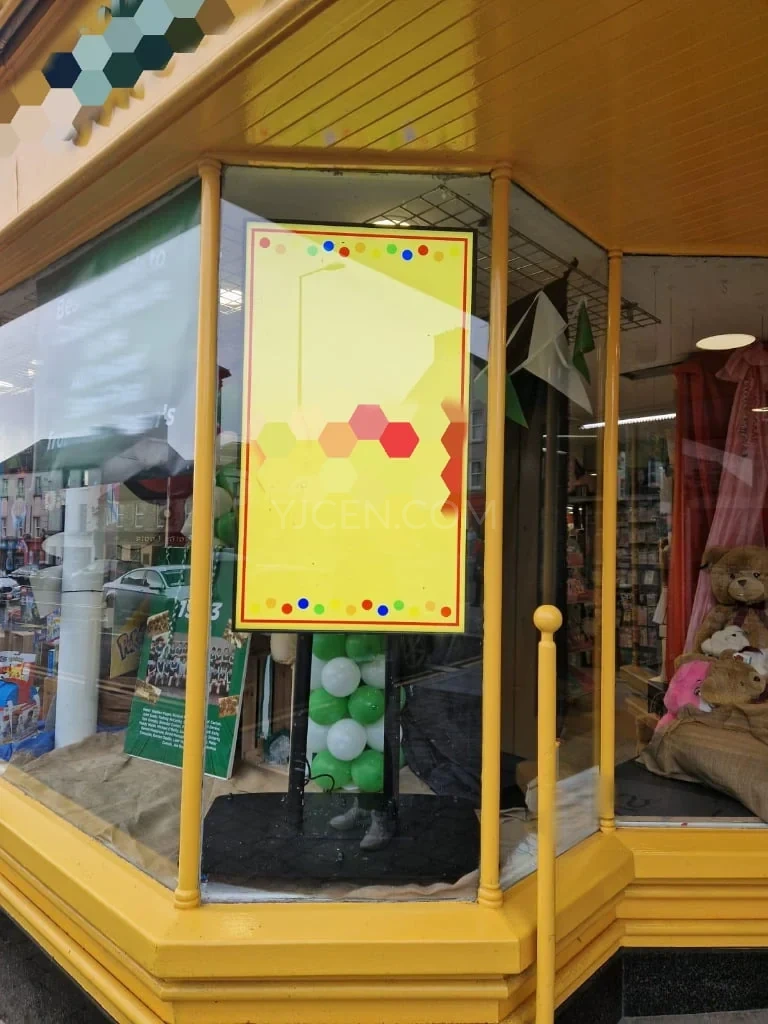
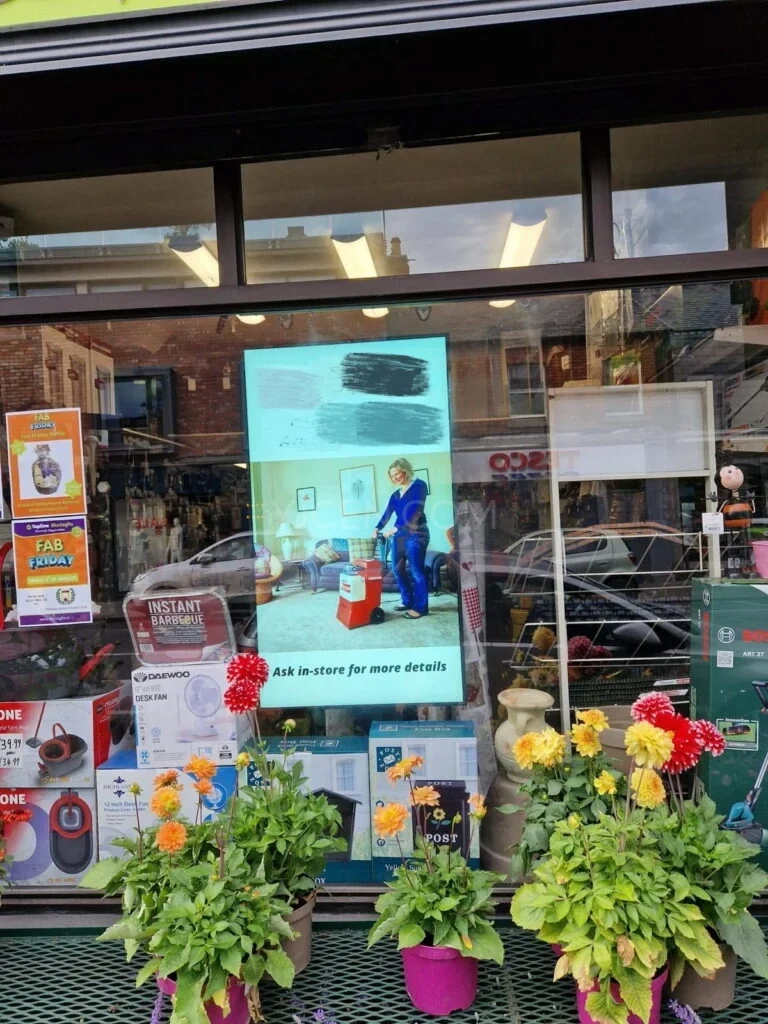
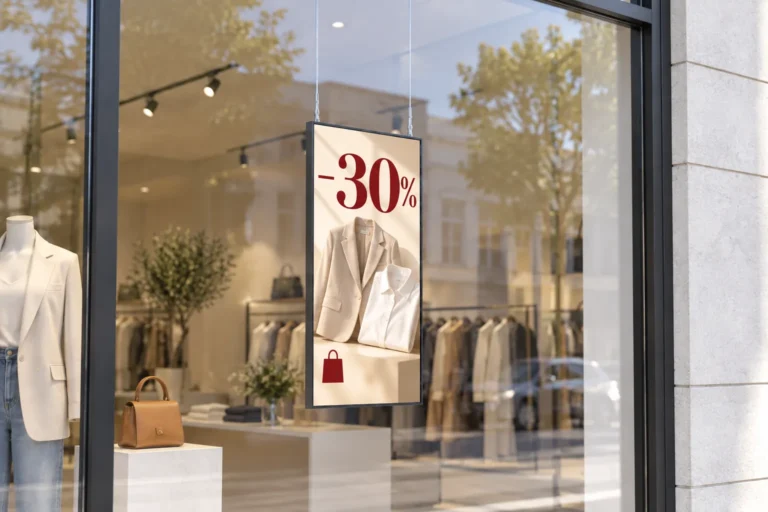
A high-brightness shop window display screen presents product images, offers and seasonal campaigns to people outside the store. This window-facing digital signage is installed behind storefront glass; choose the screen position and content layout around reflections and the viewing distance.

Illustration: A suspended window display advertises 30% off clothing behind a fashion-store window in daylight.

High Brightness Behind Storefront Glass

Brightness reaches up to 3,000 nits, helping photographs and text stand out in bright storefront conditions. The extra output is useful where daylight washes out an ordinary indoor screen. Anti-reflective treatment helps control reflected light on the display surface.

Window glass, screen direction and direct reflections still affect what passers-by see. The display is designed for bright window positions, with the content and placement working together to make the message readable.
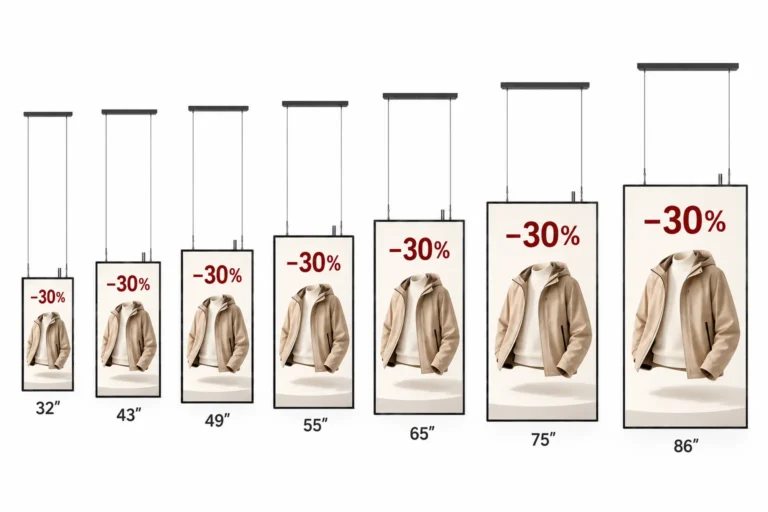
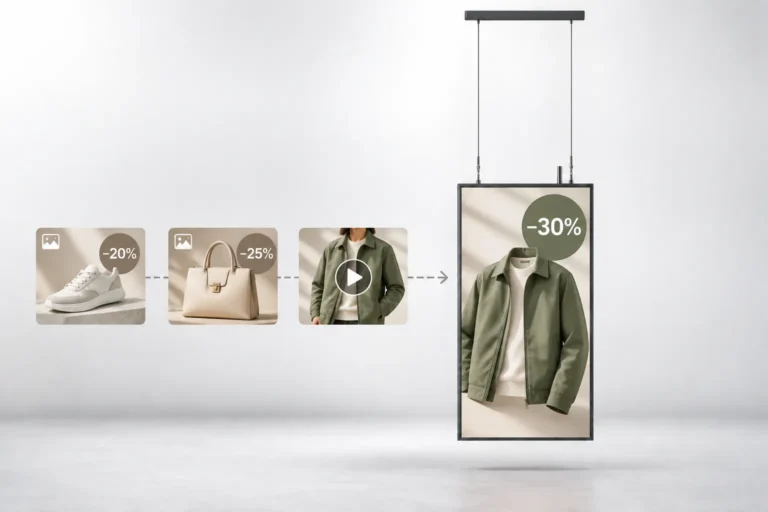
Illustration: Seven suspended window displays, from 32 to 86 inches, show the same clothing promotion in increasing sizes.

Screen Sizes for Different Storefronts

The range includes 32, 43, 49, 55, 65, 75 and 86 inches. A compact window display screen can sit beside merchandise without taking over the window. A larger screen provides more image area in a broad frontage or commercial entrance.

Businesses with several locations can choose sizes that suit each window while keeping a consistent campaign style. The available installation space determines the enclosure size, and the viewing route determines how much detail the content needs.

Illustration: Clothing, shoe and handbag campaign thumbnails lead to a suspended window display showing a jacket discount.

Image and Video Playback for Window Campaigns

A window display screen can carry a sequence of product photographs, video and short messages through the selected player. Staff can replace the campaign files while keeping the same screen in position.

Window-facing digital signage usually serves people walking past. Use a clear image and short text, and allow enough time to read each message before the next item plays. Scheduling and remote updates depend on the chosen content system.

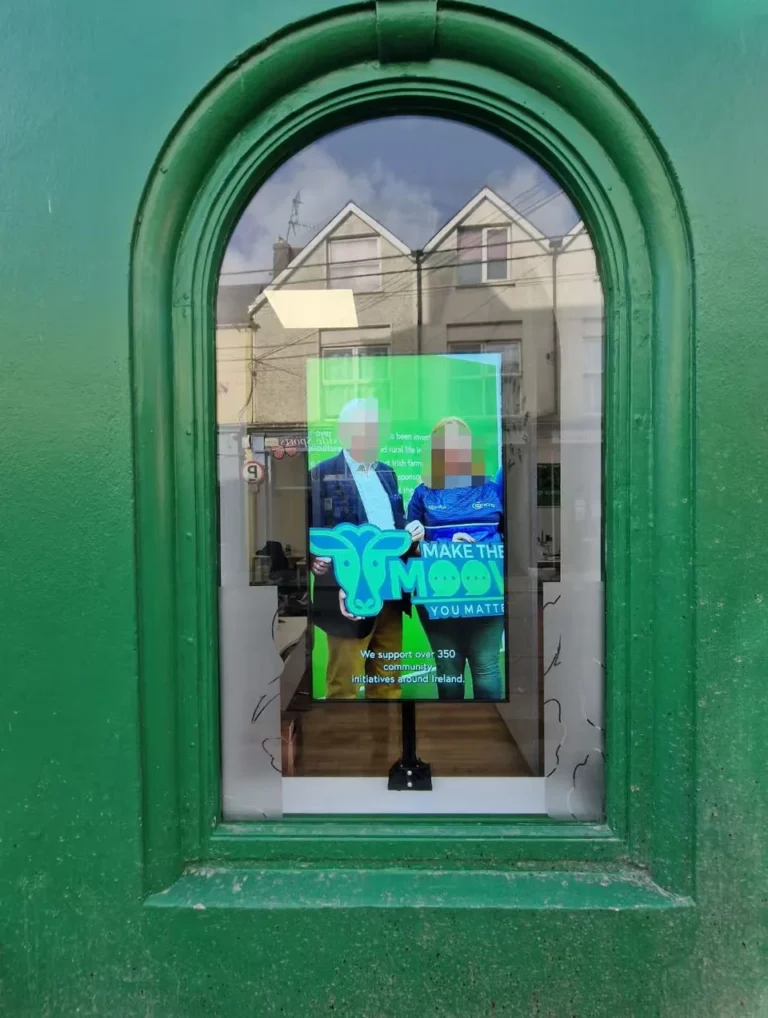
Portrait display behind a green arched shop window, facing the street and showing a community support message.
Europe · Photographed in 2026

Window Digital Signage in a European Food Shop

A food shop in Europe uses a YJCEN high-brightness window display to show advertising and promotional content to people outside. The portrait screen sits behind the street-facing glass, with content including a community support message.

View Customer Projects

Digital Signage for Storefront Windows

A shop window display screen can introduce a new collection, present a featured product or announce a short promotion. Video and changing images give the window a different rhythm from a fixed poster. A retailer can keep the same display position while changing the campaign content.

Restaurants can show menu highlights and food photographs. Property agencies can display current listings, while service businesses can show appointments, opening hours and seasonal offers. Prepare the layout for the screen orientation and check it from outside the window.

Choosing an Indoor Window Display Position

This product is intended for storefront windows and other suitable bright interior positions. High brightness is a display feature and does not establish an outdoor enclosure rating. An exposed wall or open-air location needs a display built for the weather.

For an installation outside the building, see our outdoor LCD display. For a wall position exposed to outdoor conditions, compare the outdoor wall-mounted digital signage. These ranges include their own enclosure and protection specifications.

Manuals and Drawings

Select your screen size and configuration to find the right documents.

Browse all product documents

Window Display FAQs

Why use a high-brightness screen in a shop window?

Daylight can make an ordinary indoor screen look dim through glass. The higher brightness of this range helps the content remain visible in bright window positions.

Will the storefront glass affect readability?

Yes. Tinted glass, reflections and the direction of sunlight affect the view from outside. Review the proposed position in daylight and match text size and image contrast to the distance from which people will see it.

What measurements should I provide?

Send the usable window width and height, the preferred screen size and a photo showing the intended position. The selected model drawing defines the enclosure dimensions and mounting space.

Can it show video and changing promotions?

Yes, through a suitable player and content system. The same screen can carry a sequence of product images, video and promotional messages.

Can I install it outside in the rain?

This display is designed for a position behind storefront glass. An exposed location needs a screen with the appropriate outdoor enclosure protection.

Is it a touchscreen?

This is an advertising display. Touch interaction is not included in the standard configuration.

Discuss Your Project

For a window display quotation, share the usable window dimensions, preferred screen size, quantity and storefront photos. Include the glass type, window orientation, viewing distance and operating hours so brightness, installation space and the content system can be discussed. Contact YJCEN.