Can self-service kiosks reduce waiting time?
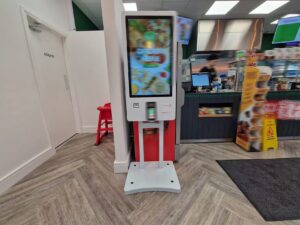
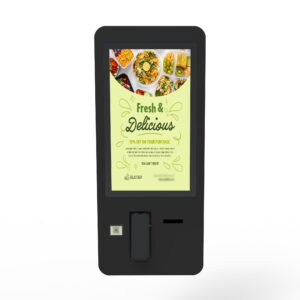
Kiosks can reduce waiting by adding parallel service points for suitable routine tasks. The result depends on the interface, integrations, customer adoption and capacity of the rest of the service process.
- Measure queue time, on-screen interaction, processing and fulfilment separately.
- Test payment, printing and order routing with the actual systems.
- Keep staff assistance and a fallback route available.
- Compare equivalent service periods before expanding; a shorter ordering queue does not by itself prove faster fulfilment.
This guide explains where kiosks can help, what affects performance and how to measure the result without relying on unsupported industry averages.
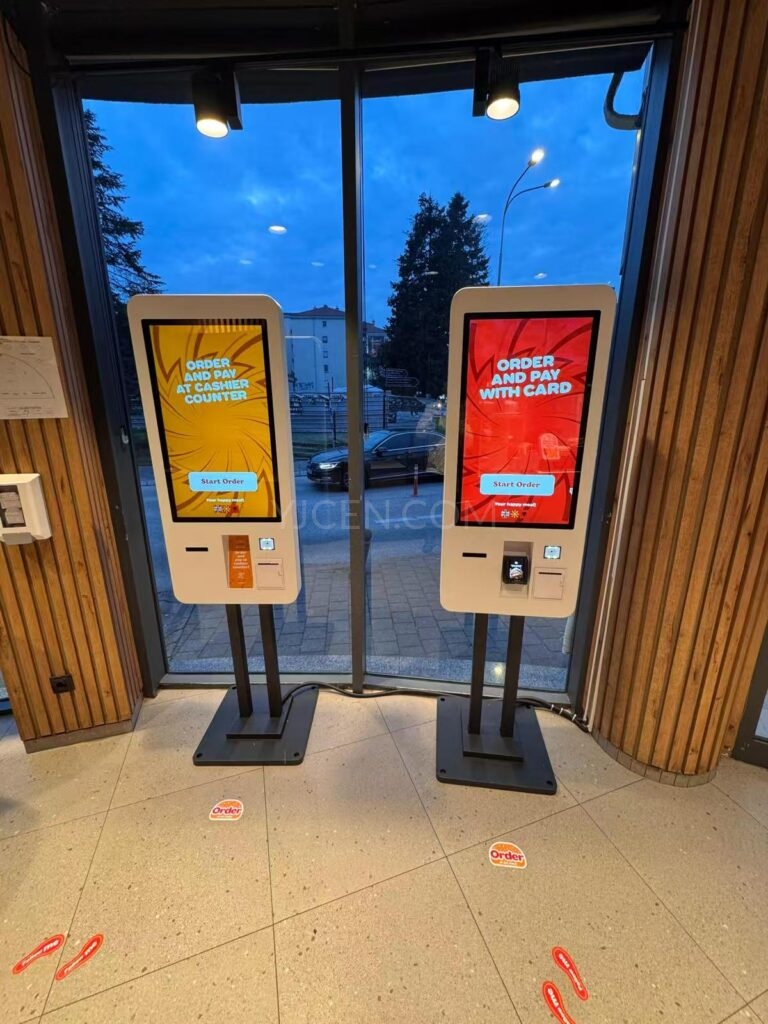
How a Self-Service Kiosk Can Reduce Waiting
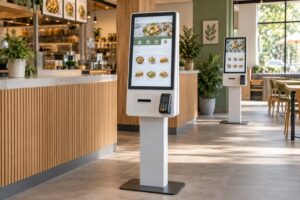
A conventional counter handles customers one at a time. A kiosk area can create several service points within the same space. Customers can browse options, enter information or place an order without waiting for the previous transaction to finish.
Kiosks are most useful for predictable tasks with clear steps. Examples include selecting menu items, checking in, printing a ticket or finding information. Staff can then focus on exceptions and customers who need personal assistance.
- Parallel service: Several customers can use separate kiosks at once.
- Guided input: The interface can request required information in a consistent order.
- Direct confirmation: Customers can review their selections before submitting them.
- Task separation: Routine steps can move away from the main service counter.
Waiting Time Has More Than One Component
Queue length alone does not show whether a kiosk project works. A business should separate waiting time from transaction time and total completion time.
- Queue time: Time before the customer reaches a counter or available kiosk.
- Interaction time: Time spent completing the task on the screen.
- Processing time: Time required by payment, printing or connected software.
- Fulfilment time: Time needed to prepare an order or complete the requested service.
A kiosk may shorten the first two stages while fulfilment remains unchanged. For example, faster ordering will not remove a kitchen bottleneck. Measuring each stage helps identify the real constraint.
Where Kiosks Are Commonly Used
Quick-service restaurants can use kiosks for menu browsing, order entry and configured payment workflows. Retail locations may use them for product lookup, assisted ordering or customer information.
Reception areas can use kiosks for check-in and visitor guidance. Public-service locations may use them for forms, ticketing or information access. Each application needs a different interface and set of peripherals.
A general-purpose screen is not enough. The workflow should determine the required software, printer, payment module, camera, scanner or other component.
Start With the Customer Journey
The first planning step is to map what the customer does before, during and after using the kiosk. The screen should support a real task rather than add another stop to the process.
Ask the following questions before selecting equipment:
- What task should the customer complete?
- Which steps require staff assistance?
- What information must be entered or confirmed?
- Will the customer need to pay or print a receipt?
- Which existing system must receive the transaction?
- What happens if the kiosk is unavailable?
This review often reveals that software and integration need more attention than screen size alone.
Interface Design Affects Service Speed
Customers should understand the first action without instruction from an employee. Clear buttons, familiar labels and visible progress reduce hesitation. Important options should not be hidden behind unnecessary screens.
Each screen should ask for a manageable decision. Error messages need to explain what happened and how to continue. A final review screen helps customers correct an order or form before submission.
Language selection and accessibility also matter. Text size, contrast, touch-target size and screen height should suit the intended users. Projects serving several language groups should test every translated workflow, not only the home screen.
Payment, Printing and Other Peripherals
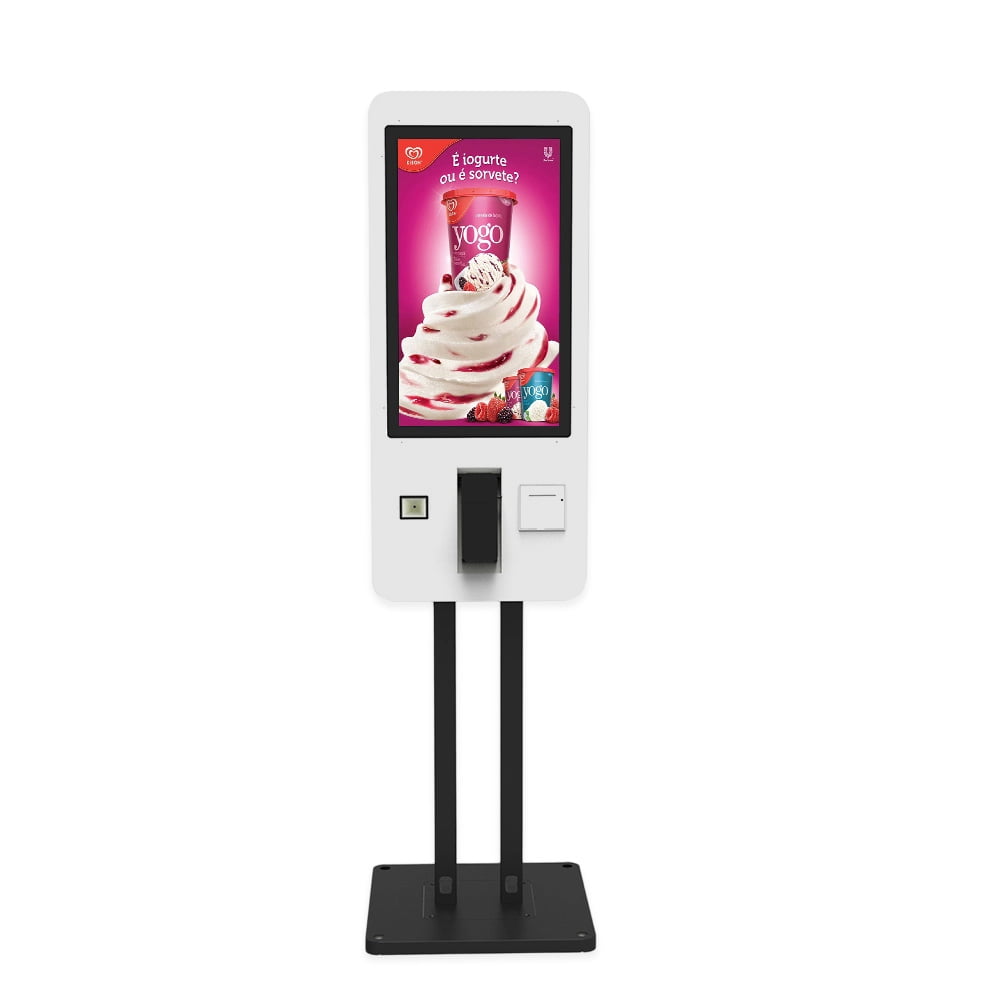
Peripherals can change both usability and project cost. A restaurant kiosk may need a payment terminal and receipt printer. A check-in kiosk may use a scanner, camera or badge printer.
These devices must work with the selected software and operating system. Their physical position should also be comfortable for the user. Cables, paper replacement and maintenance access need to be planned before the enclosure is finalized.
Not every kiosk includes every peripheral. Buyers should list required functions and confirm whether each device is standard, optional or supplied by another vendor.
Integration With Existing Business Systems
A kiosk may need to exchange information with a point-of-sale platform, inventory system, booking system or customer database. Integration should be defined before deployment.
The project team should identify the data sent by the kiosk, the response expected from the connected system and the action taken when a connection fails. Test transactions should include normal orders, cancellations, payment failures and unavailable products.
API availability does not guarantee a completed integration. Software versions, data fields, security rules and responsibility for ongoing support must also be agreed.
Placement and Queue Design
A kiosk that is difficult to find will not reduce pressure on the service counter. It should be visible from the normal customer path without blocking entrances, staff routes or accessibility areas.
Customers need enough space to approach, use and leave the unit. A busy location may also need a clear waiting area. Floor-standing, wall-mounted and counter installations create different space and service requirements.
Power, network access and cable protection should be checked at the intended location. The layout should also allow staff to assist a customer without blocking another kiosk.
The Role of Employees
Self-service does not remove every need for staff. Employees may still help first-time users, handle exceptions, confirm restricted items or support customers who prefer personal service.
During rollout, a nearby employee can explain the new process and observe where users hesitate. Those observations can guide interface improvements. Over time, staffing decisions should be based on measured demand rather than an assumed reduction.
How to Measure Performance
Record a baseline before installation. The same measurements should then be collected during comparable operating periods after deployment.
- Average queue time
- Average kiosk transaction time
- Percentage of started sessions completed
- Number of abandoned or cancelled sessions
- Payment or printer failure rate
- Transactions completed by kiosk and by staffed counter
- Number of customers requiring staff assistance
- Total fulfilment time after the transaction is submitted
Results should be compared by location, time of day and transaction type. A short promotion or unusual traffic period can distort the result. The business should use its own data instead of relying on a universal performance claim.
Understanding Kiosk Costs
The total cost includes more than the enclosure and touchscreen. Software, payment integration, peripherals, installation, network work, content preparation, maintenance and support may all affect the budget.
Price also depends on screen size, processor requirements, operating environment and customization. A simple information kiosk and a payment-enabled ordering kiosk should not be compared as if they provide the same functions.
For a useful quotation, buyers should provide the required workflow, installation method, peripherals, software connection and expected operating environment. YJCEN can then evaluate a suitable self-service kiosk configuration.
Calculating Return on Investment
There is no reliable universal payback period for a kiosk. Transaction volume, project cost, customer adoption and local operating expenses vary widely.
A business can calculate its own result by comparing verified benefits with total ownership cost. Benefits may include time saved in specific tasks or additional service capacity. Costs should include hardware, software, integration, installation, maintenance and payment processing where applicable.
Use conservative assumptions and keep measured results separate from forecasts. If a benefit cannot be measured, it should not be presented as guaranteed financial value.
Common Reasons a Kiosk Project Underperforms
- The kiosk duplicates the counter process without removing a bottleneck.
- The interface contains too many steps or unclear instructions.
- Payment, printing or software integration is unreliable.
- The units are difficult to see or reach.
- Customers cannot obtain help when a transaction fails.
- Content and product availability are not kept current.
- The business measures adoption but not total service time.
A pilot installation can reveal these problems before a larger rollout. Testing should use real users, real transactions and the intended connected systems.
Implementation Checklist
- Define the customer task and success measure.
- Record queue and transaction data before deployment.
- Confirm software, payment and peripheral requirements.
- Review accessibility, language and interface needs.
- Select the installation position and mounting method.
- Test normal transactions and failure scenarios.
- Train staff to assist users and report faults.
- Set a maintenance and content-update process.
- Review measured results before expanding the project.
Frequently Asked Questions
Do self-service kiosks always reduce queues?
No. They can create parallel service capacity, but the result depends on workflow, placement, interface design, system speed and customer adoption.
Can a kiosk replace every service counter?
Not necessarily. Many locations keep staffed service for exceptions, accessibility support and customers who prefer personal assistance.
What affects the price of a self-service kiosk?
Screen size, processor, enclosure, peripherals, software, integration, installation and support can all affect the total project cost.
How quickly will a kiosk pay for itself?
There is no universal answer. The business should calculate payback from its own transaction volume, verified benefits and total ownership cost.
Can a kiosk connect to an existing POS or management system?
It may be possible when the systems provide compatible integration methods. The required data, software versions and support responsibility should be confirmed before ordering.
What information is needed for a quotation?
Provide the application, screen size, mounting method, required peripherals, software platform, payment needs, installation environment and expected quantity.
Plan a Self-Service Kiosk Project
Explore YJCEN self-service kiosk solutions or contact the project team with your workflow and integration requirements.