
Order & collect a receipt
Review the ordering kiosk for restaurant projects requiring a portrait touchscreen and receipt or payment hardware options.
Self-service kiosk hardware built around the task, peripherals and your application.
Compare restaurant ordering kiosks, modular terminals and interactive information kiosks for integration with your application. YJCEN can preinstall and test your software on the selected hardware.
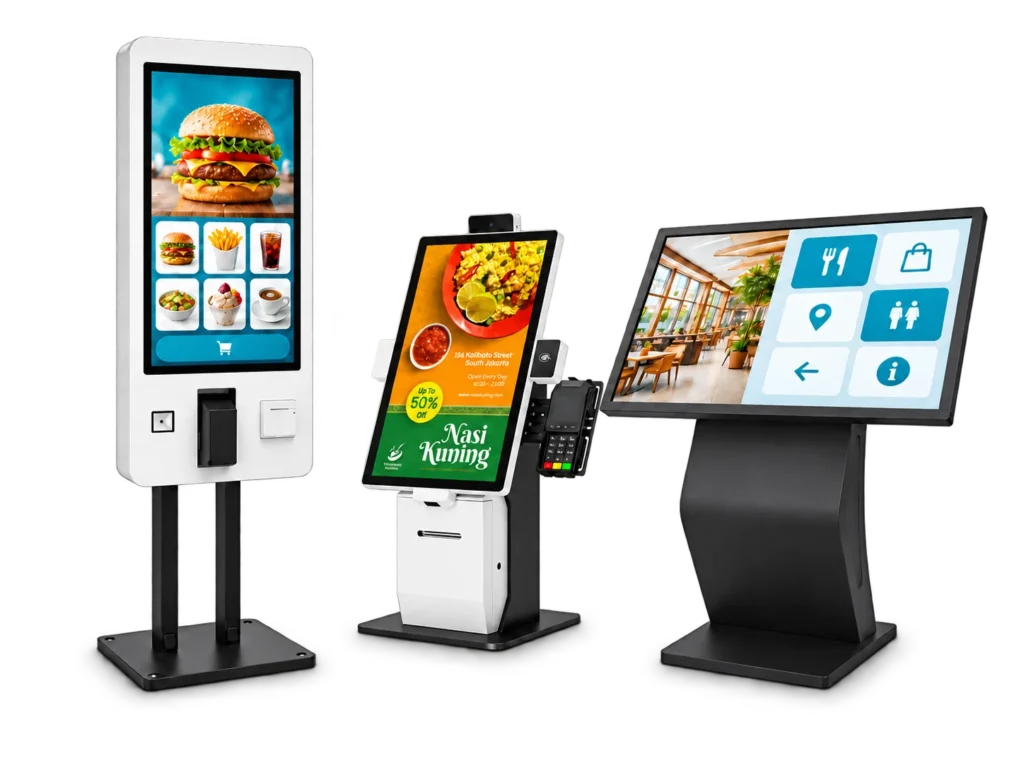
Review the ordering kiosk for restaurant projects requiring a portrait touchscreen and receipt or payment hardware options.
Compare the modular terminal when your application needs a particular payment device, printer or peripheral arrangement.
Use an interactive kiosk for directories and information access. Specify the interface, screen orientation and accessible installation position.
| Hardware option | Installation / power | Sizes & key specifications | Selection considerations |
|---|---|---|---|
| Self-Service Ordering Kiosk | Restaurant ordering point | 21.5 / 27 / 32 inches; Wall-mounted or freestanding | Application, payment device and receipt printer |
| Modular Self-Service Kiosk | Project-specific terminal | 15.6 / 21.5 / 23.8 inches; Configurable hardware | Peripheral dimensions, drivers and mounting |
| Interactive Kiosk | Information and directory access | 15.6–65 inches; Commercial touchscreen | Interface, orientation and user reach |
Bring touchscreen ordering, receipt printing and configurable payment hardware together.
Choose the touchscreen and peripheral layout around your ordering application.
Touchscreen hardware for visitor information, directories and wayfinding applications.
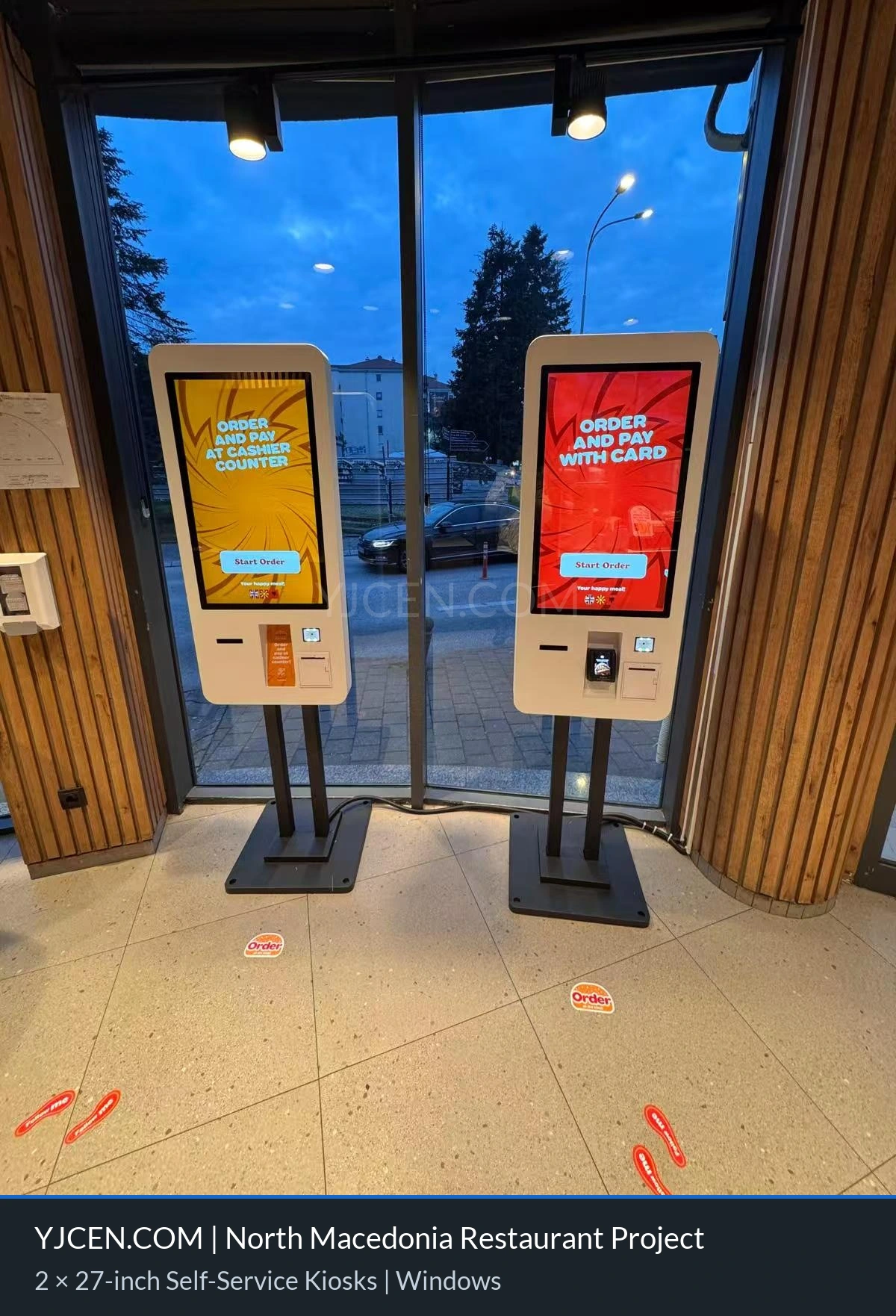
Two 27-inch floor-standing ordering kiosks supplied for a restaurant chain.
You do not need a final model number to start. Share the requirements you already know. For the wider choice of kiosk format and hardware, see How to Choose a Self-Service Kiosk: 9 Essential Checks.
Explore OEM/ODM optionsName your application, supported operating system and deployment requirements.
Provide exact payment, printer or other peripheral models, dimensions and driver information.
Share the installation format, drawings, mounting and required service access.
Share your software and intended workflow to discuss preinstallation and testing on the selected hardware.
Android configurations include a free cloud-based CMS with no limit on the number of accounts.
The supply covers kiosk hardware; ordering, payment and directory software are provided by the customer. YJCEN can preinstall and test your software on the selected hardware.
Send your terminal model, dimensions, interface and driver details so we can review mounting and integration with your application.
Start with the user task and likely peripherals. We can discuss hardware options with you as your application requirements take shape.
Request a hardware configuration and project quotation.
Still comparing options? Select “Help me choose” and describe the intended use.
Project category: Self-Service & Touch