YJCEN interactive kiosks provide touchscreen hardware for visitor information, directories, product content and wayfinding applications. The range includes ten screen sizes from 15.6 to 65 inches for retail and public interiors. Application software is selected for the project.
Download technical documentation and installation guides to help you get the most out of your product
Explore the product features, application options and configuration details for this commercial display solution.
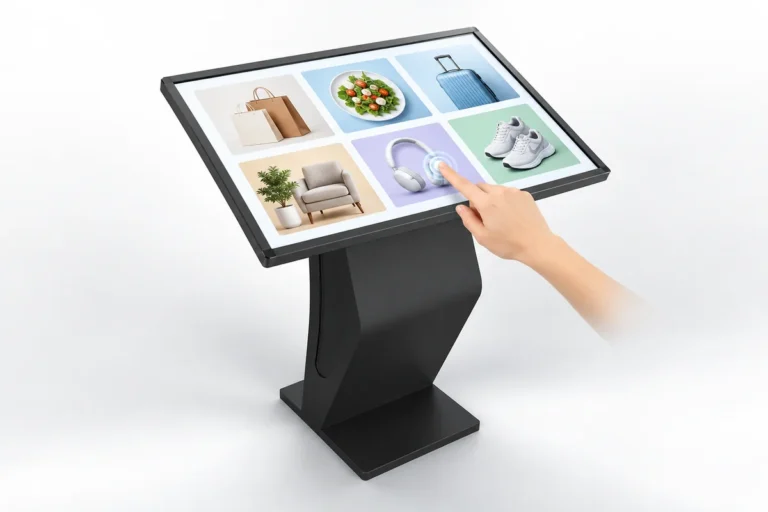
An interactive kiosk lets visitors choose the information they want to see. A user can browse a directory, read product details or open content about a venue through the selected application. The touchscreen provides a clear place to start without searching for a printed notice.
A touch screen information kiosk puts navigation controls directly on the display. Visitors can move between content pages, categories and search results when those functions are provided by the application. Text, photographs and other media can share the same interface.
The content can be simple, such as a list of departments, or more detailed, such as a product catalogue. The hardware provides the screen and interaction surface; the application defines the tasks available to the visitor.
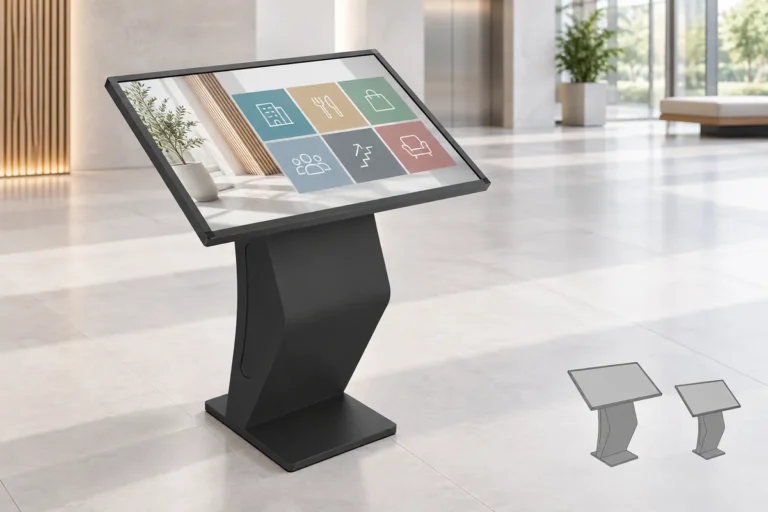
The range includes 15.6, 18.5, 21.5, 23.6, 27, 32, 43, 49, 55 and 65 inches. Compact formats suit focused information tasks. Larger screens give maps, directories and visual content more room on the interface.
An information kiosk can sit in a shop, lobby or shared interior where visitors naturally stop. The enclosure, screen size and interface layout can be selected around that position and the people using it.
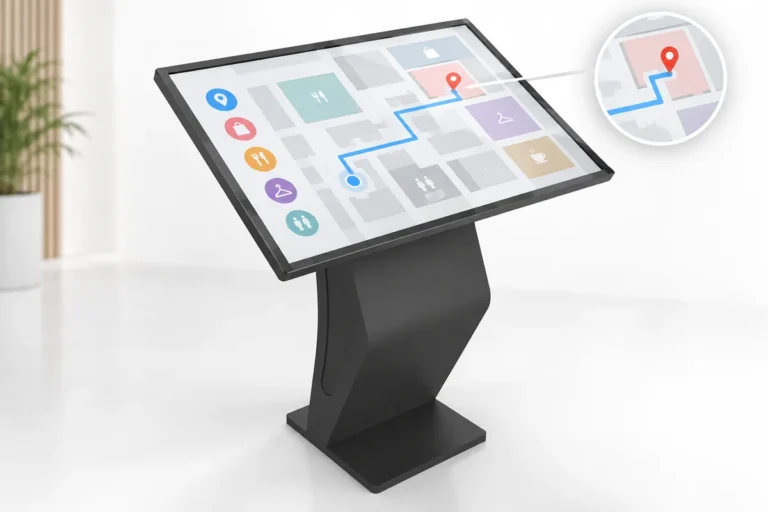
A wayfinding kiosk can help visitors locate a shop, a department or a room when a suitable map and directory application is installed. It can present searchable locations and route information as part of the project’s software.
The hardware does not include a universal map of the venue. Building plans, destination names, route logic and ongoing updates belong to the application and content service. This allows the display to be configured for the information structure of each site.
| Specification | Details |
|---|---|
| Screen Size | 15.6 / 18.5 / 21.5 / 23.6 / 27 / 32 / 43 / 49 / 55 / 65 inches |
| Product Type | All-in-one interactive kiosk |
| Interface | Touchscreen |
| Hardware | Commercial kiosk hardware |
| Applications | Information, directories, product content and wayfinding |
| Software and Maps | Selected and configured for the project |
| Installation Environment | Retail and public interiors |
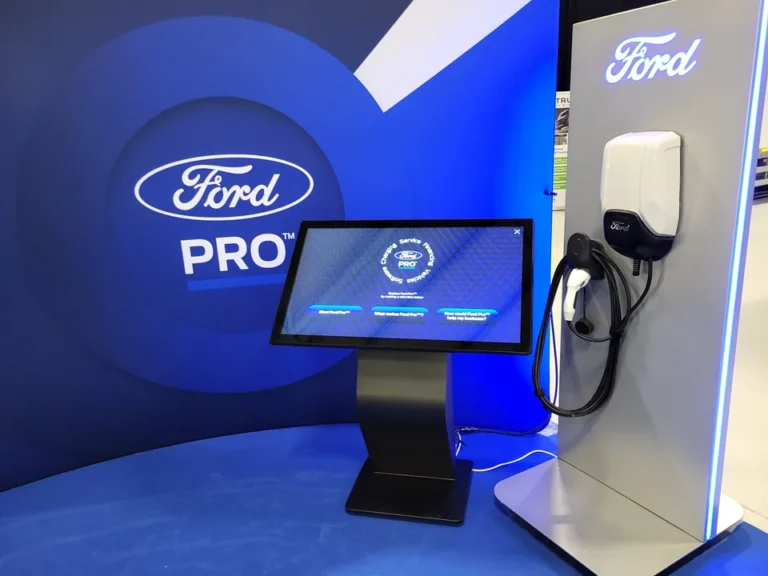
A shop can use an interactive display for product details or a catalogue that extends beyond the items on a shelf. A shopping mall can provide tenant information and directories. In a hotel, guests can browse facilities, local information and services.
Museums can present exhibit information and interactive media. Hospitals and education sites can provide department details, service information and campus directories. Government offices and transport interiors can use the screen for visitor information relevant to that location.
Start with the task visitors need to complete, such as finding a department or reading product details. Check the application’s operating system, touchscreen and connectivity requirements against the selected hardware. Test the interface with representative content before ordering several units.
Place the information kiosk where visitors can find it, reach the controls and step aside without blocking a route. Readable text, clear navigation and an easy return to the start screen are part of the application design.
For restaurant ordering and payment, see our self-ordering kiosk. For a terminal with detachable components, compare modular self-service kiosk hardware.
They can explore the information provided by the selected application, such as a directory, product catalogue or venue guide. Available search and navigation functions depend on that application.
Wayfinding requires software, a venue map and destination data. Those are specified separately from the kiosk hardware for the project.
Multiple languages are possible when supported by the application and supplied content. Language options are part of the software setup.
Test the application at the intended size and viewing position. Maps and product photographs need enough display area, while buttons and text must remain readable and within reach. Also check the enclosure footprint.
For restaurant ordering, choose our self-ordering kiosk range with its payment-hardware and receipt-printing configurations.
The application can be evaluated against the selected hardware and system configuration. Its operating-system, touch and connectivity requirements determine compatibility.
Tell us what visitors need to do, the preferred screen size and the application you plan to use. Contact YJCEN.
Explore more products from our digital signage collection

<p>Build a shared display from multiple LCD panels. YJCEN LCD video walls support large images and multiple-source layouts, with 46, 55 and 65-inch panels and 0.88, 1.8 or 3.5mm bezel options.</p>
<ul><li>46 / 55 / 65-inch panel options</li><li>0.88 / 1.8 / 3.5mm bezel options</li><li>500–700-nit brightness range</li><li>Single-image or multiple-source layouts</li></ul>

<p>YJCEN high-brightness battery-powered digital signage brings a 43-inch screen to outdoor promotions without a fixed power connection during use. Choose 2,000 or 2,500-nit brightness, with a 78Ah LiFePO4 battery, IP65 enclosure and wheels for moving between display positions.</p>
<ul><li>2,000 or 2,500-nit brightness with automatic adjustment</li><li>24 V, 78 Ah LiFePO4 rechargeable battery</li><li>Up to 14 or 11 hours at maximum brightness, depending on version</li><li>IP65 outdoor enclosure with handle and lockable wheels</li></ul>

<p>YJCEN outdoor LCD displays show advertising, menus and public information outside shops, restaurants and other commercial sites. Available in six sizes from 32 to 75 inches, the range combines a 3,000-nit panel, 4K UHD resolution and an IP66 enclosure.</p>
<ul><li>32 / 43 / 49 / 55 / 65 / 75 inches</li><li>3,000 nits with automatic brightness adjustment</li><li>4K UHD display with Android 11</li><li>IP66 enclosure with tempered front glass</li></ul>