A project lands labeled “information kiosk,” then the walkthrough adds a ticket scan, a printed receipt, or a payment terminal on the column. Search results still list kiosk types. The RFQ you have to settle is narrower: for this site’s user tasks, which hardware path—browse-only interactive, floor self-service with printer USB, or modular mounts for scanner and printer—must enter the BOM before peripherals and sheet-metal cutouts freeze? And a payment-terminal bracket still is not a payment system.
Information kiosk vs transaction tasks on the same RFQ
An information kiosk RFQ often mixes two buys. One is browse-only: guests look up a directory, map, or exhibit and leave. The other is transaction: the same script asks them to scan, print, or pay. Vendor guides sort products into type lists. That list does not freeze your BOM.
Map each user task to a hardware signal first. Browse-only stays on capacitive interactive hardware. Print pulls in a floor self-service or modular chassis with a printer USB path. Scan or card modules pull in TP-C peripheral mounts when configured. A column-side POS bracket is a mount only—the app and any acquirer stay with the client or integrator.
| User task | Hardware signal | Candidate model | Evidenced mount / port | Out of scope (app / acquirer) |
|---|---|---|---|---|
| Browse directory / map / exhibit | Capacitive touch + Android ports only | YJC-215-IK (P10-003) | PCAP 10-point; USB×2; RJ45×1 | Content app ownership |
| Print receipt / ticket | Printer USB + paper path | YJC-215-K floor (P08-001) or modular (P09-005) | Printer USB to motherboard; paper-roll via front door | Receipt layout / POS software |
| Scan ticket / barcode / QR | Scanner module when configured | YJC-215-K modular (P09-005) | TP-C module connect; screw fix when configured | Scanner brand SKU; decode app |
| Camera or card module | Camera / card module when configured | YJC-215-K modular (P09-005) | TP-C module connect; screw fix when configured | Module brand SKU; capture app |
| Dock a payment terminal | Column-side POS bracket mount | YJC-215-K modular (P09-005) | POS bracket on column right side (3× No.2) | Payment app, acquirer, PCI / EMV stack |
Browse-only path: capacitive interactive hardware
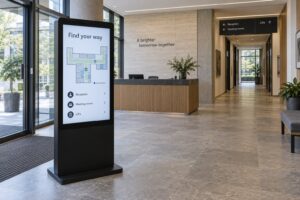
If guests only browse a directory, a 21.5-inch interactive kiosk (YJC-215-IK, P10-003) is the hardware scope. The panel is 21.5″ capacitive (PCAP / 10-point) at 400 nit, 1920×1080, with Android 11, USB×2, and RJ45×1. Overall size: total height 1036.65 mm, screen-body width 508.4 mm, column width 170 mm; net weight 20 kg, max power 30 W. Indoor line rating is IP5X; orientation is portrait or landscape.
That path covers touch, ports, and enclosure for information use. It does not add a printer bay, scanner cutout, or POS bracket. If the script never prints or pays, stop here and keep those peripherals off the interactive BOM.
When print enters scope: floor self-service USB path
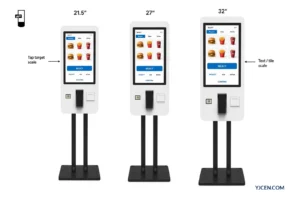
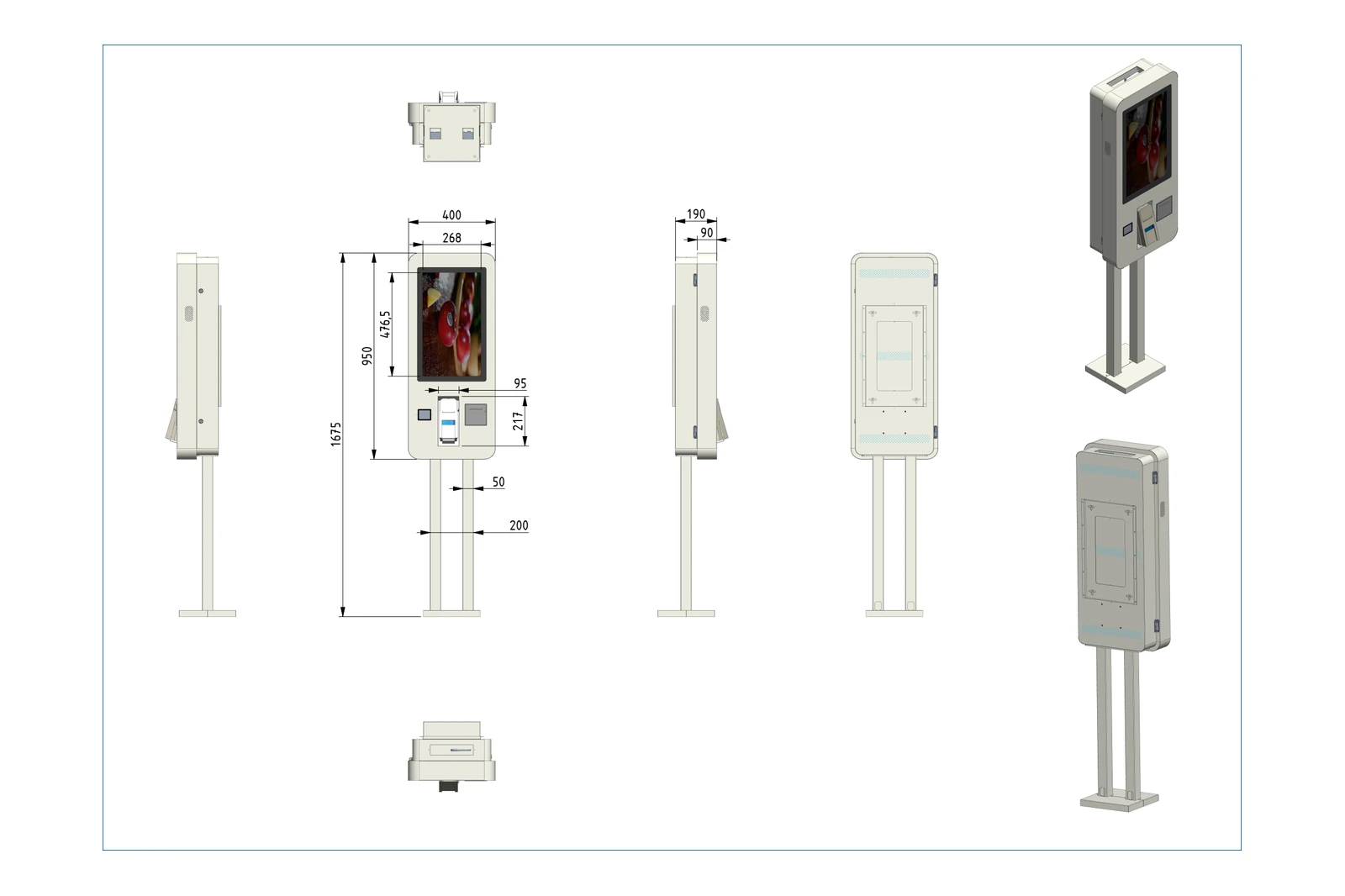
The moment the script requires a receipt or ticket, the RFQ must leave the browse-only interactive chassis. A 21.5-inch self-service kiosk (YJC-215-K, P08-001) is the floor transaction path in this set: 1675 × 400 × 190 mm, 22 kg, 28 W, 300 nit, Android 11, USB×2, RJ45×1, portrait, IP5X.
On the modular sister line, the same printer wiring pattern applies: connect printer USB to the motherboard, then change the paper roll through the front maintenance door / printer cover. If print is in the walkthrough, freeze a floor self-service or modular chassis—and the printer USB path—before sheet-metal and door cutouts lock.
When scan or card modules enter scope
If the walkthrough adds a ticket scan, camera capture, or card module, the modular floor family is the path with those peripheral mounts. The 21.5-inch modular self-service kiosk (YJC-215-K, P09-005) is overall height 1570.8 mm, base 540 × 370 mm, 28 W, 300 nit, Android 11, USB×2, RJ45×1, IP5X, portrait or landscape. Net weight for this SKU is 未提供—leave weight blank on the quote rather than inventing one.
When those modules are configured, scanner, camera, or card modules connect through TP-C and fix with the named screws. Do not invent scanner brands or claim a default peripheral SKU ships with every unit. Freeze “module required: yes/no” and the TP-C mount path in the RFQ; leave brand SKU and decode/capture software with the integrator.
Payment terminal mount ≠ payment system
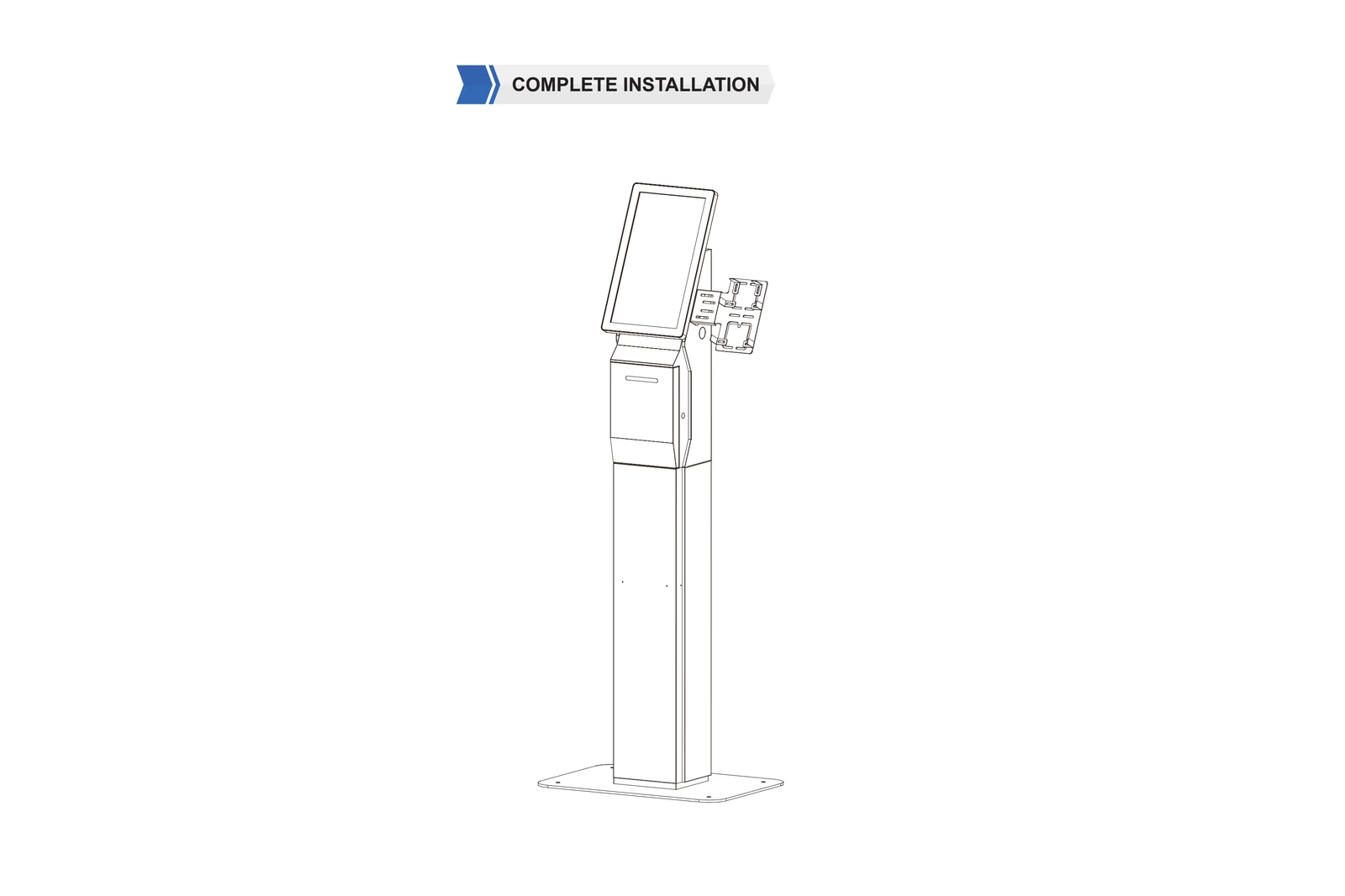
On the modular floor assembly, mount the POS bracket on the column right side with 3× No.2 screws. That line item is sheet metal and fasteners.
It is not a delivered payment system. Payment application ownership, acquirer contract, and any PCI / EMV certification are 未提供 on these kiosk SKUs and stay with the client or integrator. Do not write the hardware quote as if docking a terminal equals shipping a certified payment stack. Keep the bracket on the BOM when the walkthrough docks a terminal; keep software and acquirer off it.
What to send in the RFQ (and what we return)
Send site photos; a user-task list (browse / scan / print / pay); preferred form (interactive vs floor vs modular); and who owns the app and any acquirer.
We return a one-page hardware scope among YJC-215-IK, floor YJC-215-K, and modular YJC-215-K (or the next size in the same family), plus the matching datasheet/drawing and a peripheral mount checklist—not a payment integration package.
Related reading on the same decision path: digital wayfinding kiosk map and deployment, self-service kiosk vs POS system, and self-ordering kiosk software peripheral checklist.
FAQ
Is an “information kiosk” RFQ always browse-only hardware?
No. Map each user task to hardware first.
Is YJC-215-IK enough when guests only browse?
Yes, for browse-only capacitive interactive scope.
Does a payment-terminal bracket deliver a payment system?
No. The bracket is a hardware mount only.
Which port evidence covers a receipt printer?
Printer USB to the motherboard, plus front-door paper path.
What brightness does the browse-only interactive model use?
400 nit on YJC-215-IK (P10-003).