IP65 and IP67 describe different water-exposure tests. For outdoor digital signage, choose the protection rating around the actual installation and cleaning conditions. A larger second digit does not automatically mean that every lower-numbered water test has been passed.
IP65, IP66 and IP67: compare the test, not just the number
The IP code in IEC 60529 describes protection provided by an enclosure. In IP65, IP66 and IP67, the first digit 6 indicates dust-tight protection. The second digit identifies the water test.
| Protection rating | Water exposure covered | What to confirm with the supplier |
|---|---|---|
| IP65 | Water jets under defined test conditions. | The tested model, cable-entry arrangement and permitted installation orientation. |
| IP66 | Powerful water jets under defined test conditions. | The complete supplied configuration and the manufacturer’s cleaning instructions. |
| IP67 | Temporary immersion under defined test conditions. | The immersion conditions and separate evidence for any required water-jet protection. |
IP67 does not automatically establish IP65 or IP66 water-jet protection. If a project needs both jet and immersion protection, ask for documentation covering both tests for the same model and configuration. Neither rating is permission to operate a display in floodwater.
A rating applies to specified test conditions. It is not an unlimited waterproof guarantee, and it does not approve arbitrary pressure-washing distances, detergents or damaged seals.
Start with the site’s actual exposure
- Identify rain exposure, wind-driven water, airborne dust and the proposed cleaning method.
- Check the front, rear, cable entries and connectors. A front-only rating is not a rating for the whole installed assembly.
- Specify mounting orientation, drainage and cable routing. Confirm which installation conditions preserve the stated protection.
- Where flooding is a risk, review the mounting position and electrical safety with the responsible site professionals.
What an IP rating does not establish
Check operating temperature, solar heat, condensation, salt corrosion, impact resistance and screen readability separately. The IP code alone does not prove these properties. Use the selected model’s documented limits rather than applying one temperature range or brightness figure to every outdoor display.
Ingress protection is only one part of the decision. To assess brightness, heat resistance and impact protection alongside the IP rating, use our outdoor digital signage selection guide.
Documents to request before ordering
- A datasheet identifying the exact model and protection rating.
- The relevant test report or certification, including the tested assembly and test conditions.
- Installation instructions for seals, cable entries, connectors and orientation.
- Cleaning, inspection and service instructions, including how the unit is resealed after maintenance.
- Confirmation that any options or custom modifications are covered by the stated rating.
A documented IP66 display application
YJCEN’s concrete-plant project used a 55-inch YJC-550-OD09-A display with an IP66 protection rating and wall-mounted installation. Its specified operating mode is continuous 24/7 operation. These are project configuration details, not a measured uptime percentage or a claim of immersion protection.
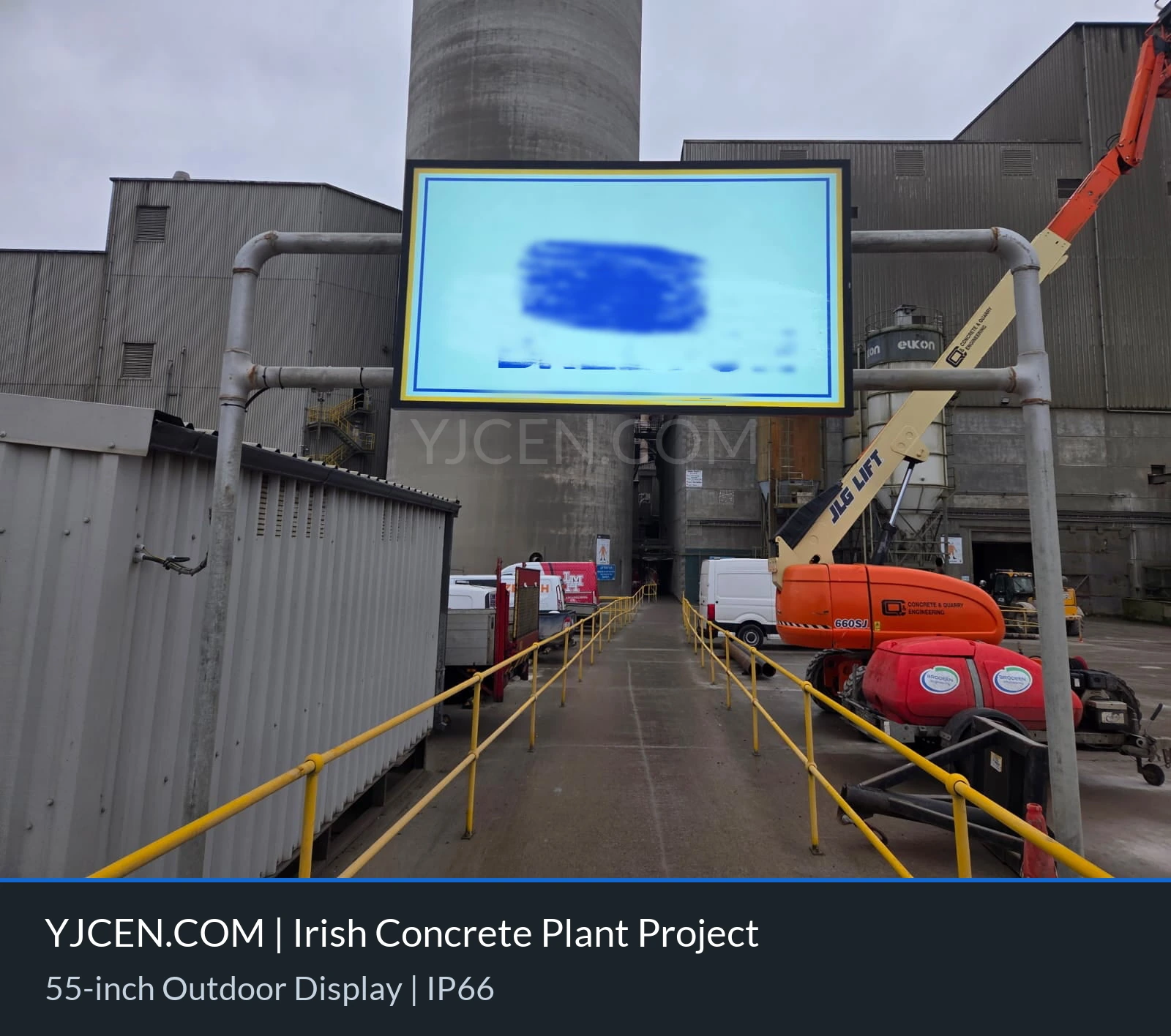
View the concrete-plant installation and confirmed hardware
Prepare an outdoor display enquiry
Send site photos, exposure and cleaning requirements, mounting details, operating hours and expected ambient conditions. Ask the supplier to identify the suitable model and its limits before confirming a protection rating.
Explore YJCEN IP66 outdoor displays