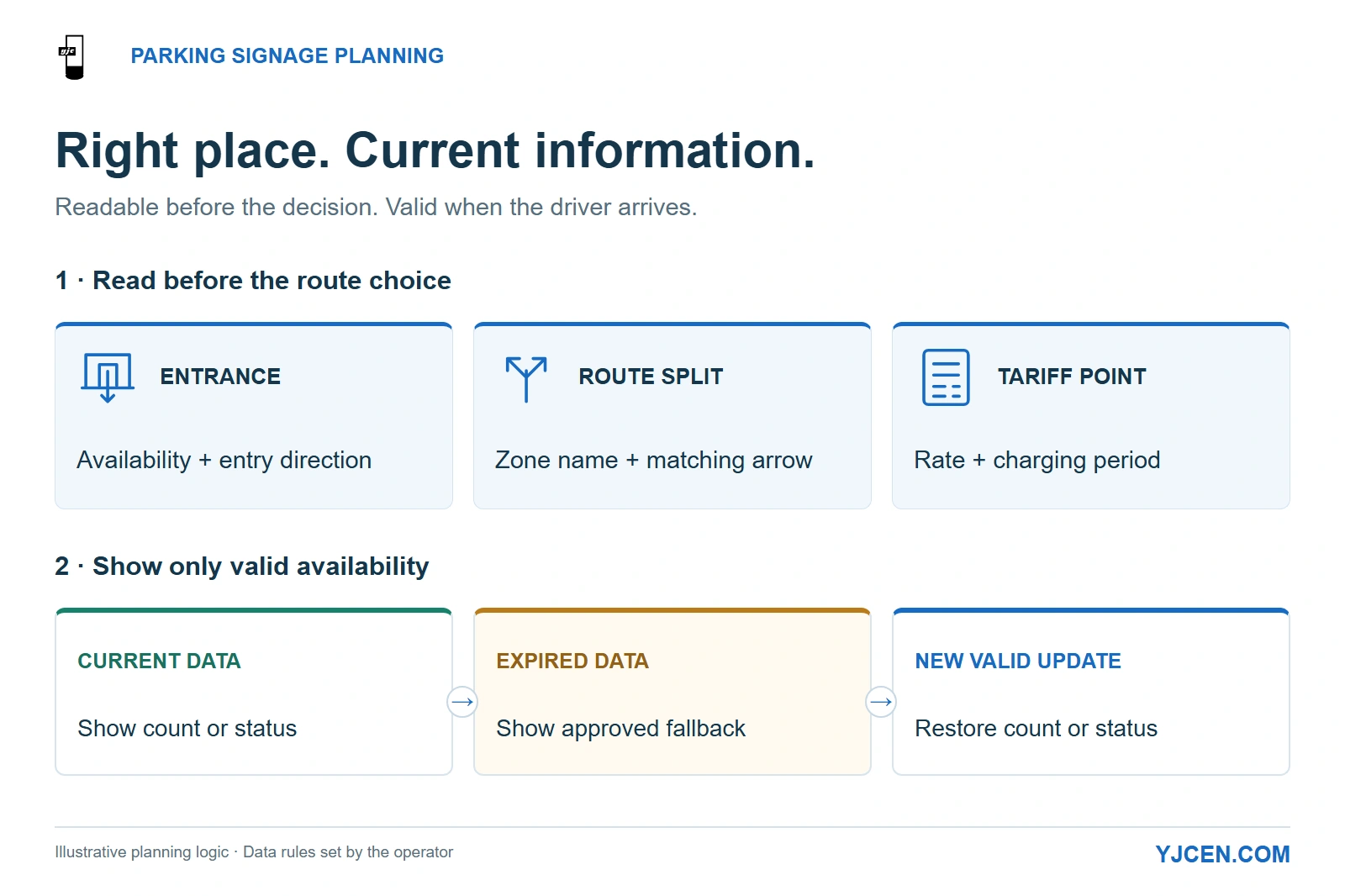
Place availability and directions where drivers can read them before choosing a route. When data expires, replace the count with the operator-approved fallback and restore it after a valid update.
For permanent parking lot digital signage, choose the display position around the driver’s next decision: enter, turn toward a zone, or read the parking rate. Use fixed outdoor LCD where that position needs changing availability, directions or pricing in a clear layout. Select the enclosure and mounting arrangement for the site, and connect availability messages to the parking operator’s data source.
A useful parking display must pass two tests: drivers can read it before they choose a route, and its availability message is still valid when they arrive. A brighter screen helps with the first; it cannot correct an outdated space count.
1. What Should Each Parking Display Tell the Driver?
Give each screen a primary decision to support. An entrance display, an internal direction sign and a tariff board can share a content platform without sharing the same layout.
| Display position | Driver’s question | Priority content | Layout decision |
|---|---|---|---|
| Approach to the entrance | Should I enter this lot? | Lot name, current availability or operating status, entry direction | Keep the status and direction visible together before the entry choice. |
| Internal route split | Which zone should I use? | Zone name, corresponding availability, matching arrow | Keep each arrow beside its destination; show the relevant choices on the same view. |
| Slow or stopped entry position | What will parking cost? | Applicable rate, charging period and essential conditions | Give rates a dedicated reading area rather than shrinking them under an advertisement. |
| Pedestrian route after parking | Where do I go now? | Building entrance, payment location or visitor destination | Use a separate walking-route layout; a driver-facing arrow may point the wrong way for pedestrians. |
Place the decision message where the driver still has a route choice. If a queued vehicle hides the screen until the driver has passed the turn, relocating or raising the display is more useful than adding pixels.
For a parking lot with two zones, an entrance screen can present both zone names and directions together. A second screen at the internal split is useful when the approach screen cannot resolve that later choice; adding another display beside the first does not solve a hidden turn further inside.
Keep availability and route instructions continuously visible while they are needed. Put promotional content on a separate screen or in a secondary area that leaves the decision message intact, rather than making drivers wait for a playlist to return to directions.
When Is a Space Count Better Than “Available” or “Full”?
Use a numeric count when the operator can provide a current figure for the exact lot or zone being advertised. When the system supplies only an occupancy state, use that state instead of manufacturing a precise number.
The APDS Information Model, Occupancy section distinguishes capacity from its usage and associates demand information with a location, timestamp and update frequency. That supports a practical integration rule: map the screen to the correct zone and evaluate the age of the underlying data, not just whether the player is online.
Let the parking platform determine which spaces are available to the intended visitor. Subtracting occupied spaces from total physical capacity can mislead drivers when reserved, closed or otherwise unavailable spaces are included in that total.
2. When Does Fixed LCD Make More Sense Than a Portable LED Sign?
Choose fixed outdoor LCD when the information point is permanent and needs a controlled layout for rates, destination names, occupancy and branding. Choose a portable LED message board when temporary deployment or repeated relocation is central to the job, such as directing event traffic to an overflow lot.
“LED sign” can mean either an LED-backlit LCD or a direct-view LED board. State the display technology and installation type in the quotation request so a permanent LCD project is not compared with a trailer rental.
| Purchasing question | Fixed outdoor commercial LCD | Portable direct-view LED message board |
|---|---|---|
| Will the viewing position remain in use? | Plan a permanent mounting position, cable route and service access. | Plan where the unit will be deployed, moved and stored. |
| What must fit on screen? | Evaluate the proposed rate table, zone labels and graphics at actual viewing distance. | Evaluate the selected board’s character size, pixel layout and graphics capability for the message. |
| Where will power come from? | Include the permanent electrical supply in the installation scope. | Include the selected unit’s power arrangement and replenishment or connection routine. |
| Will it show changing occupancy? | Connect the selected player/application to the operator’s data source. | Check the selected controller and data interface for the same requirement. |
For a large, simple message viewed from farther away, compare the actual readable character size before choosing the technology. For rates and several destinations read closer to the entrance, test the full LCD layout rather than choosing solely by screen diagonal.
3. Should You Use a Wall, a Pole or a Freestanding Totem?
Use a wall when it faces the approach and provides a suitable supporting structure. Use a freestanding totem when the correct information point is away from a building, and consider a designed pole installation when parked or queued vehicles obstruct a lower screen.
Start with the required sightline, then choose the cabinet and support together. A convenient wall facing across the lane can be a poor location even if it makes cable routing easier.
Compare the Actual Cabinets Behind the Same Screen Size
YJCEN’s 55-inch configurations illustrate why “55-inch outdoor screen” is not enough information for the installation team. The three units below have different enclosure formats and net weights.
| YJCEN display configuration | Enclosure rating | Net unit weight | Consequence for the parking installation |
|---|---|---|---|
| IP66 Outdoor Digital Signage, YJC-550-OD09-A, portrait or landscape | IP66 | 37 kg | A display unit to coordinate with the selected support; include the bracket or frame in the installed assembly. |
| Outdoor Wall-Mounted Digital Signage, YJC-550-OD-W, landscape configuration | IP65 | 92 kg | A wall-mounted enclosure supplied with a reinforced wall-mount bracket; plan the supporting wall and access around this assembly. |
| Outdoor Floor-Standing Digital Signage, YJC-550-OD-F, single-sided portrait configuration | IP65 | 120 kg | A complete freestanding cabinet requiring a coordinated foundation, base fixing and cable entry. |
Use these net weights to plan handling and begin the support review, then include the remaining mounting equipment. The structural design also needs the cabinet area, support height, connections and site wind conditions; unit weight alone does not determine a pole or foundation.
For a pole installation, specify the complete pole-to-display interface as a project item. Select the mounting height and orientation with the site designer, then coordinate the pole, adapter, anchorage and cable route against the selected cabinet drawing.
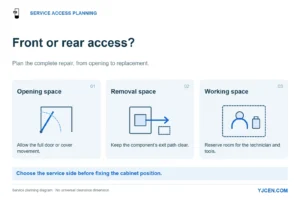
For the floor-standing configuration, place the base and underground cable route on the site plan before civil work starts. Leave rear access for the cabinet door and ventilation, and keep the maintenance position out of the vehicle path; the 55-inch OD-F drawing shows the service lock and air openings at the rear.
For a wall position, allow room to connect cables and remove the unit for service. The IP66 wall-mount installation sequence connects the cables before the display is hung, so a recess that blocks those connections can create installation rework.
These choices can coexist on one site: a fixed totem at an open entrance, a wall display beside a readable tariff position, and a separately engineered elevated screen where vehicles would obstruct the view. Choose each for the decision point it serves rather than forcing one mounting format across the lot.
4. How Do You Specify Sunlight Visibility, Night Output and Weather Protection?
Mark each position as shaded, beneath a canopy, exposed to changing sun, or in sustained direct sun. Include the screen’s direction and the driver’s approach in the site photographs so reflections and exposure can be assessed together.
The three YJCEN configurations above specify 3,000-nit brightness and automatic brightness adjustment. The IP65 wall and freestanding ranges also use anti-glare tempered glass, giving the layout designer a daylight-capable starting point while the screen’s position determines which reflections reach the driver.
Edward F. Kelley’s NIST publication on daylight readability explains an approach based on ambient contrast that includes diffuse and directed reflections. Apply that principle by checking the actual arrow, zone name and status against reflected sky, buildings and sunlight from the driver’s viewing position.
Set the screen size around the largest essential message, not the amount of content the CMS can fit. Enlarge the zone name, arrow and availability first; remove secondary material if it competes with them during the approach.
At night, configure and test the automatic brightness response under the site’s lighting. Keep the light sensor unobstructed and evaluate the displayed message from the approach lane; daytime maximum output is not the target nighttime setting.
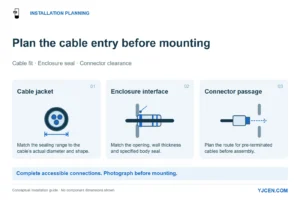
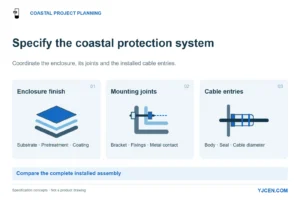
Carry the chosen IP65 or IP66 enclosure rating into the equipment schedule. Plan the cable entries and mounting work to preserve that enclosure protection, and keep ventilation and service areas clear when placing the unit beside walls, planting or other site furniture.
For hot or cold sites, select the thermal configuration alongside the enclosure. The IP66 range lists operation from −45°C to +65°C with the appropriate thermal configuration; include local temperature extremes and solar exposure together when specifying that option.
Lock brightness, glass treatment, enclosure protection and thermal configuration into the outdoor display specification. Keep those hardware choices separate from the parking application’s rules for counts and status changes.
5. How Should Power, Networking and Availability Updates Be Planned?
Bring permanent power to the chosen position and decide how content will reach it before committing the civil layout. A screen placed correctly for drivers still needs an accessible, protected route for cables and future service.
The YJCEN configurations discussed here support Ethernet and Wi-Fi, with mobile connectivity available as an option. Use Ethernet where a practical cable route is available; where wireless is proposed, test connectivity at the cabinet location and include the network equipment and service responsibility in the quotation.
Choose the Android or Windows configuration around the intended parking/signage application. Where an external player renders the content, HDMI provides a separate playback route; allocate the parking-platform connection, authentication and content rendering to the software integrator.
An Online Screen Can Still Show an Old Count
Treat data freshness as an application function. A player can remain connected while its upstream parking feed stops updating, so a successful network connection is not sufficient to label a count “live.”
| Data condition | Recommended display behavior | What the integrator implements |
|---|---|---|
| Current data for the correct lot or zone | Show the corresponding count or operator-defined status with its direction. | Map the location identifier, availability field and timestamp to the correct screen area. |
| A valid feed reports the lot as full | Show the operator’s full message and any approved alternative direction. | Distinguish a genuine full state from missing data. |
| Data exceeds the operator-agreed freshness limit | Replace the numeric count with the approved information-unavailable message. | Evaluate the source timestamp and apply the agreed fallback. |
| A newer valid update arrives after an interruption | Restore the appropriate count or status. | Validate the location and timestamp before resuming the live display. |
For example, if a cached count remains on screen after its source has stopped updating, a driver may enter based on spaces that no longer exist. Keep static destination directions available when they remain valid, but remove the expired availability claim.
Agree the freshness limit and fallback wording with the operator, then test an interrupted feed as part of application acceptance. Test rates separately: the rate presented at the entrance should correspond to the applicable parking period and the operator’s charging configuration.
6. What Should You Put in a Parking-Lot Display RFQ?
Send a marked-up site plan with the entrance choices, internal splits and intended reading positions. Add the hardware requirements to an outdoor LCD buying checklist and use the block below to keep the parking-specific scope together.
7. Parking Lot Digital Signage FAQ
Can a fixed outdoor LCD show live parking availability?
Yes. Connect the selected application to the operator’s parking data and define its update and fallback behavior.
Does the display itself count parked vehicles?
No. Supply occupancy information from the parking system and map it to the displayed lot or zone.
Is a portable LED board always the better parking sign?
No. Choose around the reading task, viewing distance and whether the installation must move.
Can I reuse a wall bracket as a complete pole-mount design?
No. Specify the pole, display interface, structural support and cable routing as a coordinated assembly.
Should an old space count stay visible when the feed stops?
No. Replace it at the agreed freshness limit with the operator’s approved fallback message.
Should the display stay at maximum brightness after dark?
No. Configure and test its automatic brightness response under the site’s nighttime lighting.
Can YJCEN pre-install and test our application on the selected display?
Yes. Provide the application, operating-system requirements and test data needed to exercise the intended workflow.
Send the Parking Layout and the Message Each Position Must Show
Send your site drawing, approach photographs, screen quantity and preferred mounting positions for outdoor display configuration and mechanical-fit review. Include a sample of the availability or tariff layout and identify the parking software provider so the hardware quotation and integration scope can be coordinated around the same installation.