What is the difference between anti-glare and anti-reflective glass?
Anti-glare treatments diffuse reflections through surface texture. Anti-reflective coatings reduce reflection optically. Neither label alone establishes how readable the complete display will be.
- For AG, inspect reflection spread, haze and fine-text clarity.
- For AR, inspect remaining reflections under the actual lighting and viewing angles.
- Compare the full glass and LCD assembly with the same text, images and settings.
- Treat optical bonding and brightness as separate specifications.
For a shop window, information kiosk or wall-mounted display, choose the surface together with the LCD, cover glass and installation position. A sample that looks good under showroom lighting may behave differently beside your entrance. This guide explains what to compare and what to ask before approving a display.
Anti-glare vs anti-reflective: the practical difference
The window-display range specifies anti-reflective treatment for use behind storefront glass. The street-facing view still passes through both the storefront glass and the display front, so assess reflections across the complete installed viewing path. Digital Window Displays.
Think about a ceiling light reflected in a dark screen. An untreated smooth surface can produce a distinct image of that light. An anti-glare finish makes the reflection less sharply defined by scattering it. An anti-reflective coating aims to reduce the reflected light while preserving a clearer view through the glass.
AGC’s digital signage glass guidance distinguishes acid-etched anti-glare surfaces from coated anti-reflective glass. The terms describe optical approaches, not a universal quality ranking. Actual results depend on the selected material, treatment and complete display assembly.
| Question | Anti-glare (AG) | Anti-reflective (AR) |
|---|---|---|
| What is the main approach? | Diffuse reflected light using a textured surface | Reduce reflection using an optical coating |
| What should a sample review focus on? | Reflection spread, haze and fine-detail visibility | Remaining reflections, viewing angle and image clarity |
| What does the label not establish? | A fixed reflection or readability result | Zero reflection under all lighting conditions |
| What should be confirmed separately? | Cleaning, touch performance and complete assembly | Cleaning, coating durability and complete assembly |
Why reducing glare can change the picture
Haze and fine details
A less mirror-like surface is not automatically a sharper one. Texture that spreads reflected light can also affect the light coming from the display. EIZO’s explanation of AG and AR coatings describes this trade-off between diffused reflections, detail and the appearance of dark areas.
For signage, use content that exposes the differences. Include small destination names, a product photograph and a dark background with light text. Look at the smallest information that a visitor actually needs to read. A bright promotional image alone can hide problems that become clear on a directory or menu.
Sparkle
Some textured cover surfaces can produce a fine, grain-like optical effect over a pixel display. This is commonly called sparkle. AGC’s work on anti-glare glass for high-resolution displays discusses the balance among reflection control, clarity and sparkle. Its reported improvements apply to its own glass, not every AG screen.
Inspect a light, plain background as well as photographs. Move to the intended viewing distance and angle. A close-up phone photograph is useful documentation, but it should not replace looking at the assembled screen in person. Record the content, lighting and distance used so a second sample can be assessed fairly.
Check the complete glass and LCD assembly
Surface treatment is one part of the optical path. Cover glass, any gap behind it and the LCD surface all matter. Optical bonding addresses the interface between layers, while AG and AR describe surface treatments. These terms should not be used as substitutes for one another.
EIZO’s optical bonding overview explains how replacing the gap with bonding material can reduce internal reflections. Ask which layers are bonded and which surface is treated. A quotation that says only “anti-glare glass” leaves important details unanswered.
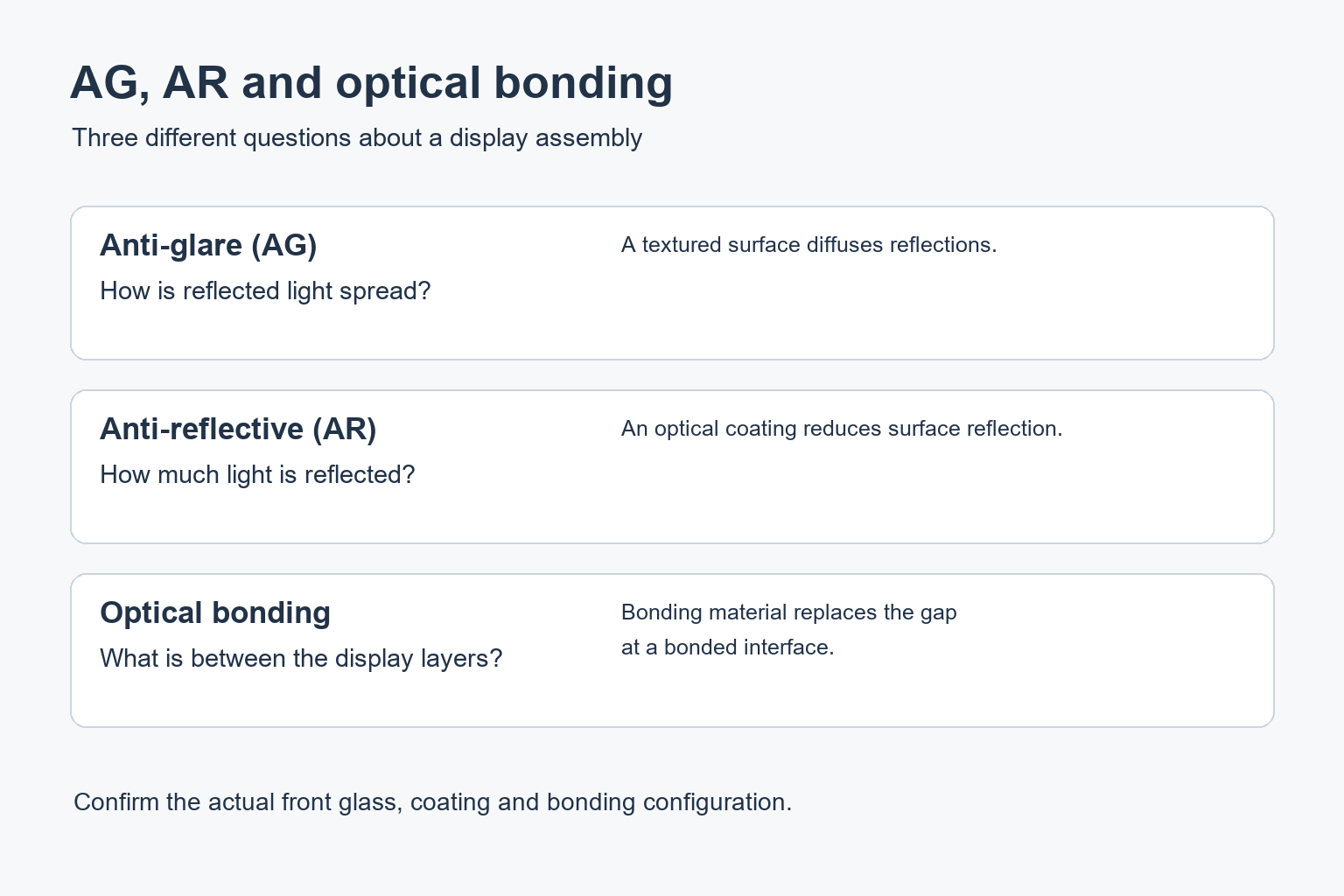
Confirm whether a quoted reflection figure describes one surface, a piece of glass or the entire display. Ask for the measurement conditions and the applicable configuration. Do not compare a glass-only figure with a complete-screen result as if they describe the same thing.
Match the comparison to your signage location
Shop windows
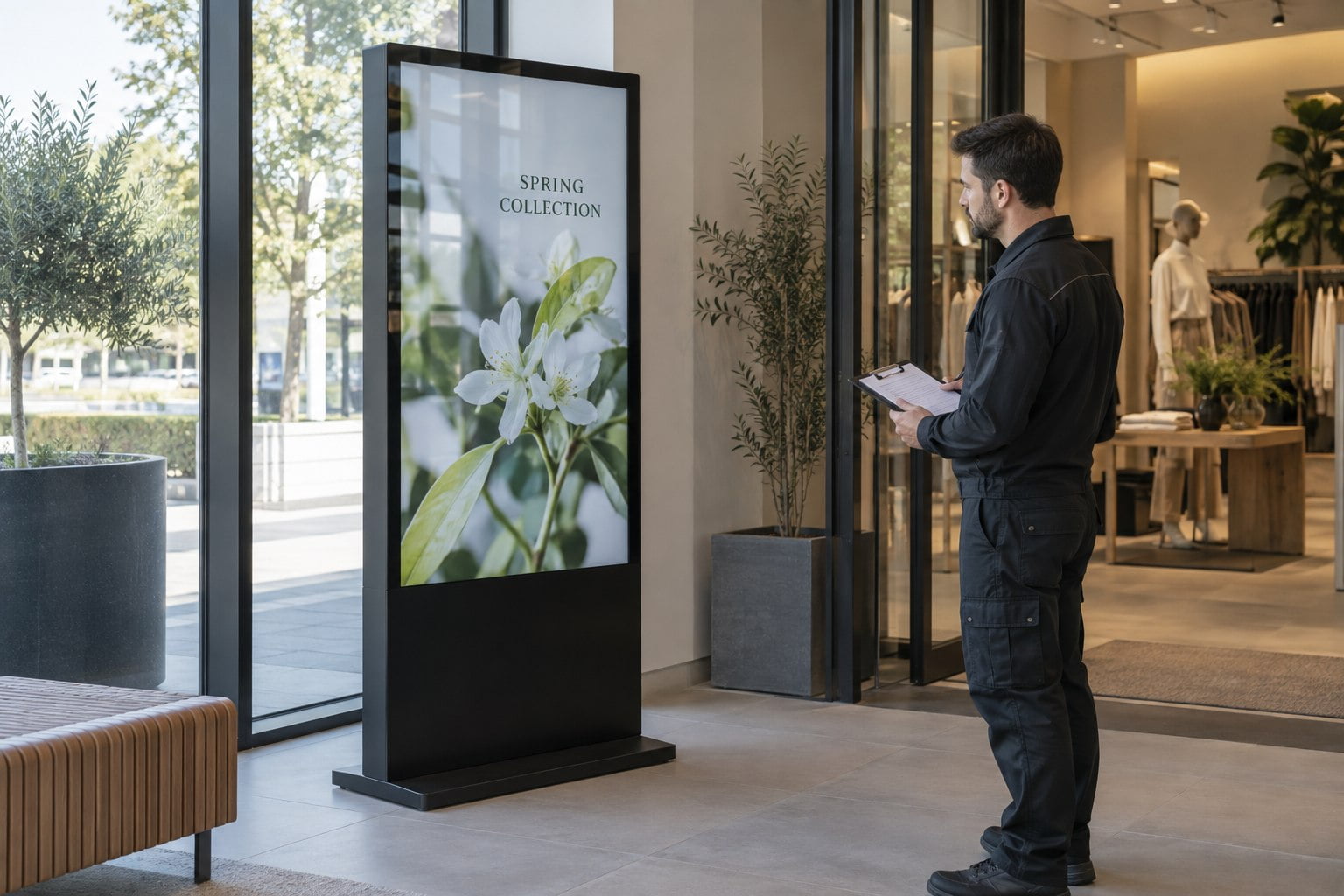
A window-facing screen is viewed through more than its own front surface. Visit the location at the times when the display needs to attract attention. Note nearby buildings, bright sky, shop lighting and the glass between the viewer and the screen. Photograph the proposed position from the pedestrian route.
Review a high-brightness window display as a complete installation. Brightness, reflections and the content layout should be considered together. Increasing brightness should not be the only response to a poorly chosen position or a strong reflection over the main message.
Touch kiosks
A kiosk is often viewed from much closer than an advertising screen. Include small interface labels, icons and touch targets in the sample. Ask whether the exact front assembly has been checked with the intended touch system.
For a commercial interactive kiosk, also request the approved cleaning method. Public touch surfaces need routine cleaning, so the operating team should know which products and cloths are suitable. Keep those instructions with the maintenance record.
Indoor wall displays
Mark the screen position before choosing the surface. Walk past it from both directions and check the view from seating areas. If a ceiling fitting reflects directly over the content, a small change in position or lighting may be worth testing before specifying a different cover assembly.
A useful sample approval checklist
Give the supplier a short test brief rather than asking which finish is “best”. Use the same content and agreed settings for each candidate. If assemblies differ in more than the surface treatment, record those differences so the comparison does not attribute every change to AG or AR.
- Use the planned screen orientation and typical viewing distance.
- Include fine text, photographs, dark areas and a plain light field.
- Check the screen under representative daylight and artificial lighting.
- Inspect from the main route and reasonable side positions.
- Record distracting reflections, haze and any visible sparkle.
- Confirm the front glass, coating, bonding and touch configuration in writing.
- Keep the approved sample reference with the order documentation.
Common questions about AG and AR displays
Does anti-glare glass make a display waterproof?
No. Optical treatment and enclosure protection are separate specifications. Confirm the environmental rating and permitted installation conditions for the complete product.
What information should we send for a recommendation?
Send photographs of the location, viewing distance, operating hours, sample content and whether touch is required. Tell us if the screen sits behind shop glass or receives direct sunlight. Contact YJCEN to review a suitable commercial display configuration and the surface details that need confirmation.
Related reading: Optical Bonding for LCD Displays: Benefits and Buying Checks · Why We Recommend 3000-Nit Shop Window Displays for Sunlight Readability
Share your screen size, installation environment and quantity for a display quotation.