What should you do about a faint old image on an LCD?
A fixed trace of earlier content may be image retention. It is different from a trail behind a moving object, and its appearance alone does not establish whether it will recover.
- Record the model, previous content, operating conditions and symptom.
- Compare a known-good source or the display's supported test function.
- Follow the model's documented recovery guidance instead of an unapproved repair loop.
- Review persistent logos, layout changes, rest periods and ventilation to reduce prolonged static exposure.
Start by identifying what stays on the screen and where it comes from. Then follow the display manufacturer’s recovery guidance. For commercial installations, prevention also belongs in the playlist, operating schedule and maintenance process. Buying a display rated for long operating hours does not remove the need to manage static content.
Image retention is not the same as motion ghosting
The indoor display range is rated for 24/7 operation. A continuously displayed status board still benefits from content that changes over time: rotate nonessential static elements and use an appropriate blanking or shutdown schedule when the information is not needed. Indoor Digital Signage.
Retention remains in a fixed place after the original graphic has gone. Motion ghosting is a trail or blur associated with moving objects. The distinction matters because a menu-shaped trace on a plain background calls for a different investigation from blurred text moving across a ticker.
The term “burn-in” is often used loosely. Some LCD afterimages can fade; persistent image sticking may not. NEC’s E651-T large-format display manual distinguishes temporary image persistence from potentially permanent sticking after prolonged fixed-image use. Do not promise recovery solely because the panel is LCD.
| What you see | First question | Useful next check |
|---|---|---|
| An old logo over new content | Does the trace stay in the same panel position? | Use a different known-good source or the display’s supported test function |
| A trail behind moving text | Does it occur only during movement? | Review the source animation and display settings |
| The old image appears in a source screenshot | Is the player still rendering it? | Inspect the content file, layers and playback application |
| A mark stays visible across inputs | Has a controlled check ruled out the source? | Record the conditions and ask the display supplier to assess it |
Why digital signage needs special attention
A playlist may contain moving video while keeping the same logo and sidebar on screen all day. From a content-management perspective, the presentation changes. From the affected screen area’s perspective, part of the image remains fixed. Review the whole layout, not just the largest video window.
Menu borders, permanent price panels, clock boxes and dashboard frames deserve the same attention. Long display periods, repeated layouts and demanding thermal conditions should be discussed with the supplier. The correct prevention features and operating limits depend on the actual panel and finished display.
A 24/7 operating specification concerns an approved operating schedule and conditions. It is not a blanket guarantee against all effects of static graphics. Confirm the panel guidance and warranty terms for the content you plan to show, especially when a layout must remain unchanged for long periods.
Check the source before assuming panel damage
Record the symptom
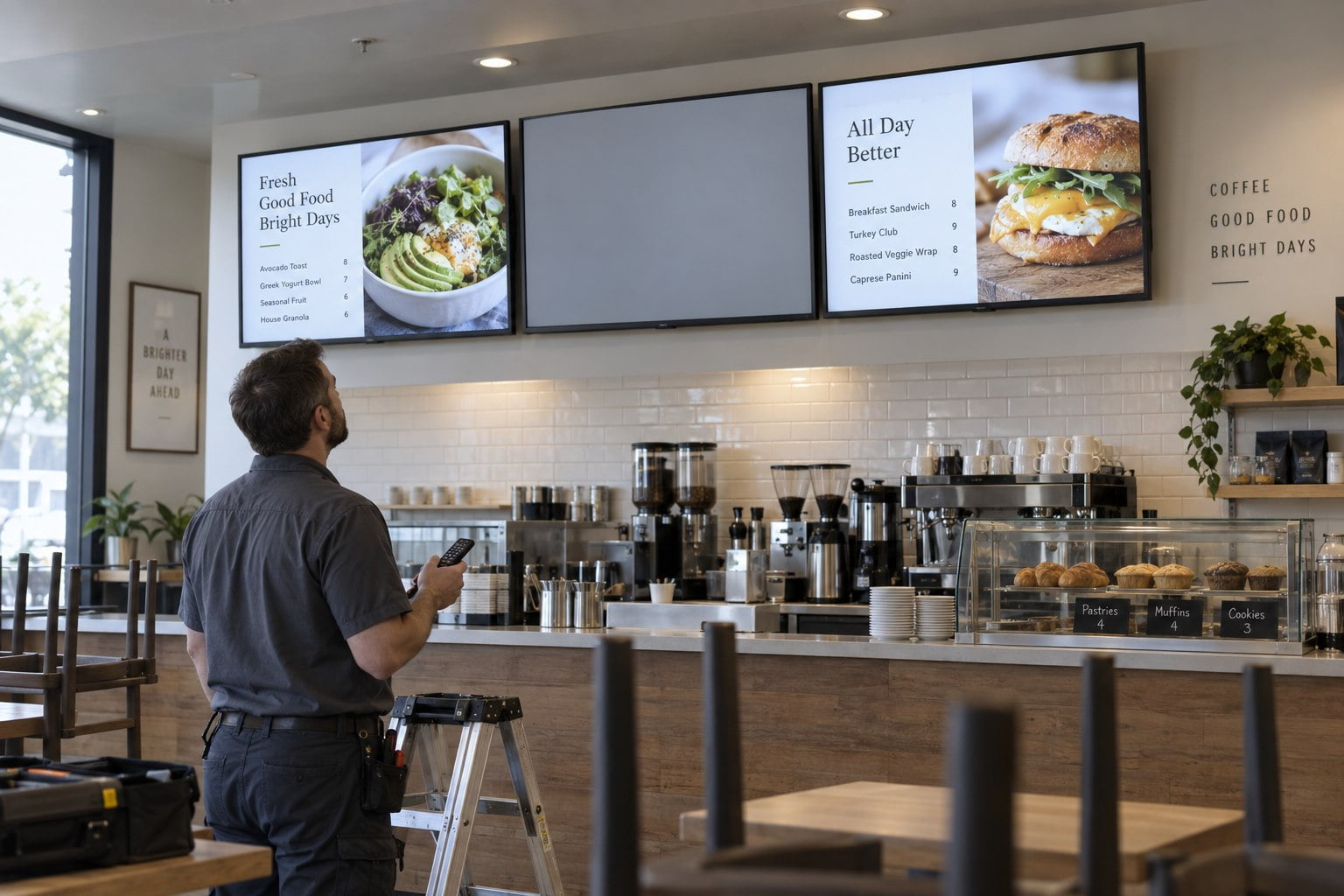
Note the display model, input, player, operating hours and the content shown before the trace appeared. Photograph the symptom with representative new content and, if supported, a neutral test image. Keep the camera position and exposure consistent when documenting changes.
Ask staff when they first noticed the problem. Was it after a campaign change, a long closure, a player update or an unusually hot period? This does not establish the cause, but it helps the service team choose a useful next check instead of repeating the same questions.
Separate content from display behaviour
If the player can capture its own output, inspect that capture. An old graphic present in the source image suggests that the content or application needs attention. A clean capture does not prove the panel is faulty, because the signal path still remains to be checked.
Use a known-good source or a built-in test pattern when the manual permits it. Change only one part of the setup at a time and record the result. A mark that remains in the same screen location across independent sources is useful evidence for the supplier, not a complete diagnosis on its own.
Respond without making the problem worse
The NEC manual linked above recommends avoiding prolonged fixed images and describes power-off periods for alleviating image persistence. Treat those instructions as manufacturer guidance for the relevant equipment. Follow the manual for your model rather than applying an internet recovery time to every screen.
Do not run a downloaded flashing “repair” video indefinitely or increase brightness to maximum in the hope of erasing the trace. Record the current settings before making changes. If the mark remains after the supplier’s recommended procedure, send the evidence to support and request an assessment.
Keep the enclosure closed unless maintenance instructions and your role allow access. A user-level check should focus on approved controls, source substitution and documentation. Work on internal components belongs with the appropriate service personnel.
Reduce static exposure in the content layout
Review which elements remain fixed across every item in the playlist. When the business allows it, vary the layout as well as the photographs. For example, alternate between a full-screen promotion and a menu layout instead of keeping the same border and logo around every video.
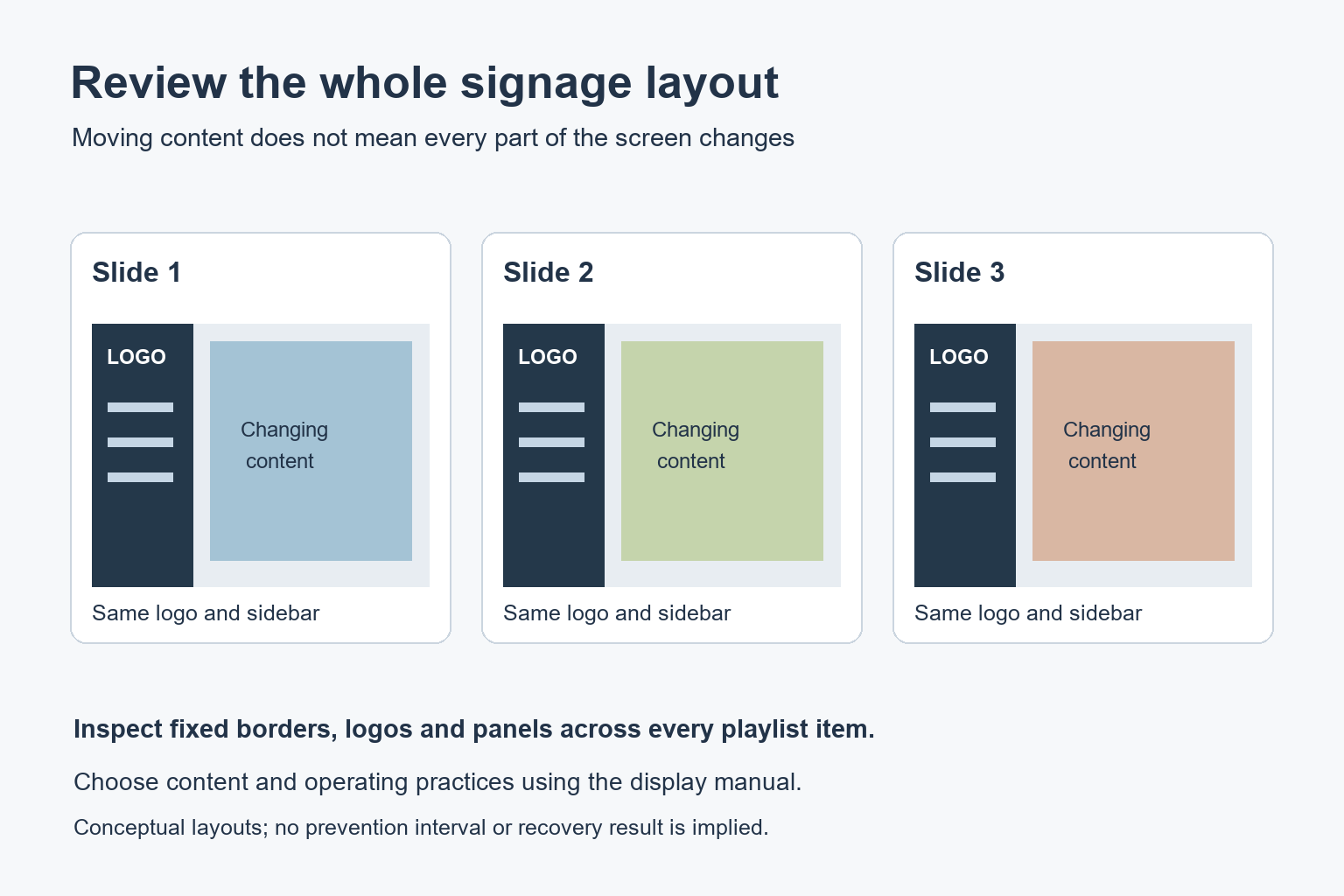
This is a design review, not a promise that a particular interval prevents retention. Ask the supplier about appropriate content guidance for the model. A required permanent element may need a different operating plan from a display that can change its entire frame.
Check whether the product offers approved image-protection features, scheduled standby or other relevant functions. Understand how those features interact with the content before enabling them. A shift or protective pattern that obscures small menu text is not acceptable simply because it is labelled a screen-protection setting.
Include operating conditions in routine maintenance
Follow the specified ventilation clearances and temperature limits. Check that furniture, temporary signs or stored items have not blocked external vents. Record abnormal heat or fan behaviour for service. Do not remove filters, seals or covers to improve airflow without the manufacturer’s instructions.
For a network of indoor commercial displays, keep a simple register of model, location, content owner and normal operating schedule. This helps distinguish one problematic installation from a repeated issue affecting a whole campaign or device configuration.
A commercial LCD video wall needs a layout review across all panels. Document which areas carry permanent information and whether the same image region remains fixed on individual screens. Ask about the exact panel’s operating recommendations before approving a long-running dashboard.
What to include in a service request
- Display model and serial number, with installation date if known.
- Photographs of the trace and a description of the previous content.
- Normal daily hours, brightness setting and scheduled rest periods.
- Results from a different source or supported test pattern.
- Any relevant temperature warnings or ventilation observations.
- The approved recovery steps already tried and their duration.
Questions about LCD image retention
Can LCD displays get permanent image marks?
They can. Some temporary afterimages fade, but prolonged fixed-image use can also lead to lasting sticking. The appearance alone cannot establish whether a particular mark will recover.
Is moving video enough to prevent it?
Not if other parts of the frame remain fixed. Review logos, borders, information panels and background areas as well as the moving video.
What should we specify before purchasing?
Describe the full layout, daily operating hours and installation conditions. Include any elements that must stay permanently visible. Ask YJCEN about the proposed commercial display configuration and confirm its operating guidance before committing to a rollout.
Related reading: LCD Contrast Ratio: How to Compare Digital Signage Displays
Share your screen size, installation environment and quantity for a display quotation.