How long will a digital signage display last?
There is no single service life for every display. Operating hours, brightness, heat, component quality and maintenance all affect how long it remains useful.
- Match the model's operating rating to the intended daily schedule.
- Treat backlight-life figures separately from a guarantee for the entire system.
- Provide the specified ventilation and avoid unnecessary heat or excessive brightness.
- Follow the maintenance instructions and compare warranty and support terms before buying.
Most manufacturers rate the lifespan of their LCD panels in hours, often citing figures like 50,000 hours. It's crucial to understand what this number means: it usually represents the time it takes for the display's backlight to degrade to 50% of its original brightness, not the point of complete failure. A display with 50,000 hours of life running 24/7 would theoretically reach this half-brightness point in about 5.7 years. However, real-world conditions like heat and continuous high brightness can shorten this timeline.
In contrast, a consumer television is designed for only a few hours of use per day and lacks the durability for commercial applications. Using a consumer TV for digital signage will lead to rapid degradation, image retention issues, and likely failure in less than a year, while also voiding its warranty. Therefore, choosing a commercial-grade display and operating it correctly are the foundational steps to achieving a long service life.
What Determines a Digital Signage Display's Lifespan?
Several key components and conditions dictate how long a commercial display will perform effectively. Understanding these factors helps you select the right product and operate it for maximum longevity.
- Backlight Technology: Modern digital signage uses LED backlights. The quality and type of these LEDs are a primary determinant of lifespan. Over time, LEDs naturally dim. Running them at maximum brightness generates more heat and accelerates this dimming process, directly impacting the screen's perceived longevity.
- Panel and Component Quality: Commercial displays are built with higher-grade components than consumer TVs. This includes industrial-strength power supplies, capacitors, and cooling systems designed to withstand prolonged use. These robust parts are less prone to failure under the stress of continuous operation.
- Heat Dissipation: Heat is the number one enemy of electronics. A commercial display's design incorporates passive or active (fan-based) cooling systems to manage the heat generated by the backlight and internal electronics. Inefficient heat dissipation leads to higher internal temperatures, which significantly shortens the life of every component.
- Operating Environment: The environment where the display is installed plays a major role. Factors like high ambient temperature, direct sunlight exposure, dust, and humidity all place additional stress on the display, potentially reducing its lifespan. Outdoor displays have even more stringent requirements for weatherproofing and temperature management.
Understanding Operating Ratings: 16/7 vs. 24/7 Displays
When you see a display rated as "16/7" or "24/7," it's a direct indicator of its intended use and build quality. Choosing the wrong type for your application is a common and costly mistake.
16/7 Rated Displays
A 16/7 display is engineered and warrantied to run for 16 hours a day, seven days a week. These are perfect for environments with defined operating hours, such as retail stores, corporate offices, schools, and restaurants. Their components are robust enough for a full business day but are designed with the assumption that they will have a daily "rest" period of about 8 hours. This downtime allows the components to cool completely, reducing cumulative stress.
24/7 Rated Displays
A 24/7 display is built for non-stop, round-the-clock operation. These are essential for applications where information must always be available, including:
- Airport flight information screens
- Hospital wayfinding and waiting rooms
- Quick-service restaurant (QSR) menu boards
- Control room monitoring
- Hotel lobbies
To achieve this reliability, 24/7 displays feature superior components, such as heavy-duty power supplies and more advanced cooling systems, often including fans. They are rigorously tested to ensure they can handle the thermal load of continuous operation without premature failure. Using a 16/7 display in a 24/7 environment will almost certainly lead to early failure and will void the manufacturer's warranty.
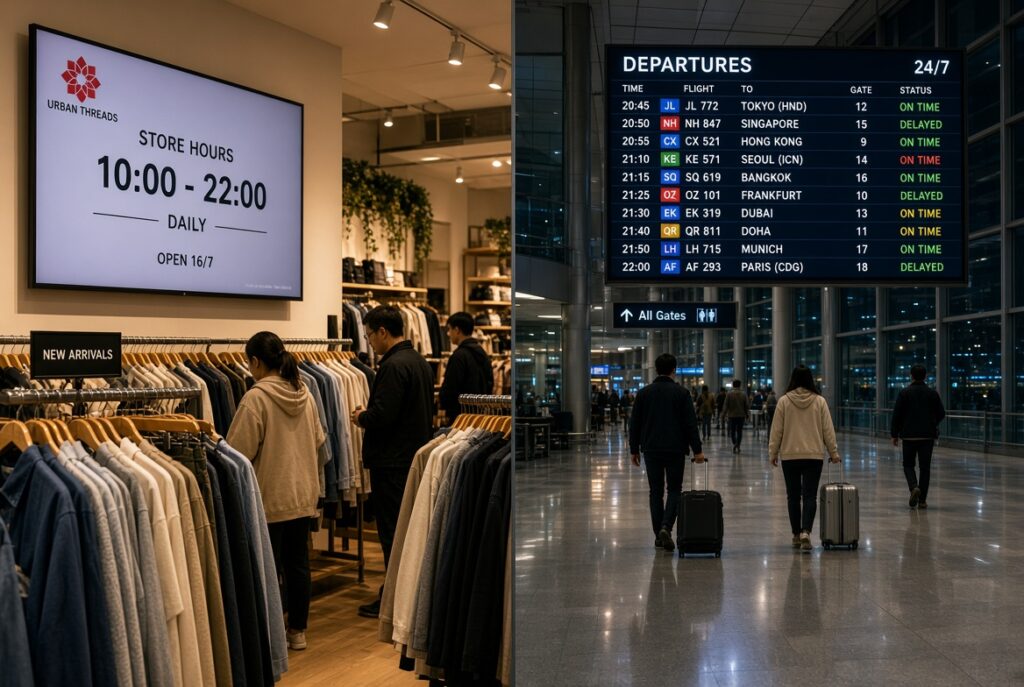
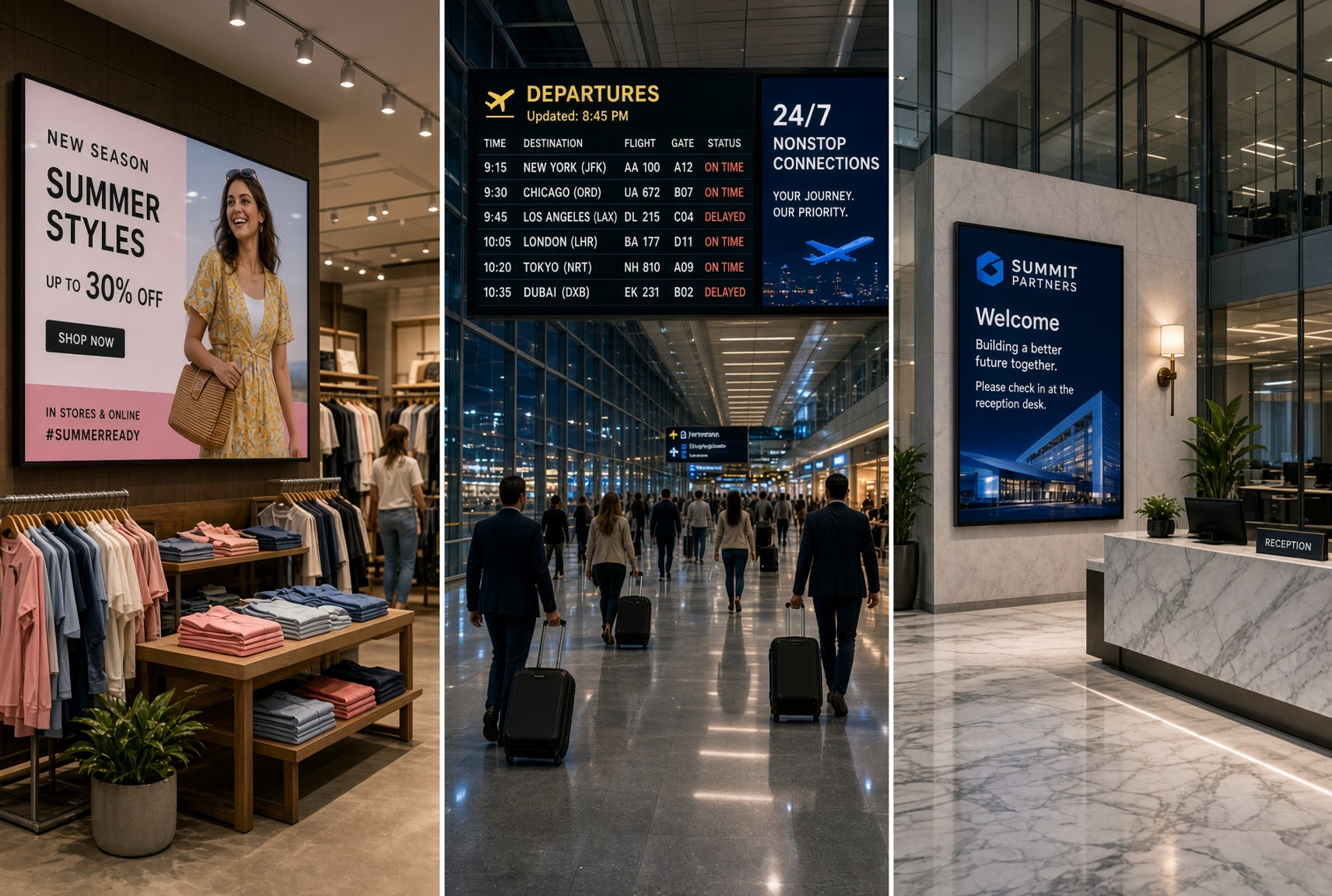
Comparison of digital signage applications: retail store display showing business hours (left) and airport flight departure board with real-time schedule updates (right). Demonstrates versatile uses of digital displays in commercial and transportation environments.
Key Factors That Accelerate Display Aging
Even the most durable 24/7 display can have its life cut short if operated improperly. Be mindful of these key aging accelerators.
- Excessive Heat: As mentioned, this is the most significant factor. Poor ventilation is a primary cause. Installing a display in a tight, custom-built enclosure without adequate airflow is a recipe for disaster. The display will trap its own heat, causing internal temperatures to soar and components to degrade quickly.
- Running at 100% Brightness Continuously: Many users set their displays to maximum brightness to compete with ambient light. While sometimes necessary, running a display at 100% brightness 24/7 is like redlining a car's engine constantly. It generates maximum heat and places maximum stress on the LED backlight, causing it to dim much faster.
- Image Retention or "Burn-In": While modern LCDs are far more resistant to this than older plasma screens, displaying a static image (like a logo or a fixed text bar) for hundreds or thousands of hours can cause temporary image retention or, in extreme cases, permanent non-uniform aging of the pixels.
- Direct Sunlight: Placing a standard indoor display in direct sunlight causes two problems. First, the UV rays can damage the panel's polarizers and liquid crystal layers. Second, the solar radiation (the greenhouse effect inside the display) can cause temperatures to rise far beyond the unit's operating limits, leading to blackouts or permanent damage. Specialized high-brightness, outdoor-rated displays are required for these applications.
Practical Maintenance Tips to Maximize Your Display's Lifespan
Simple, regular maintenance can significantly extend the effective life of your digital signage investment. Incorporate these practices into your operational routine.
1.Keep it Clean, Especially the Vents: Dust is an insulator that traps heat. Regularly wipe down the display's casing and, most importantly, clean the ventilation ports. Use a soft brush or a can of compressed air (used in short bursts) to clear dust from vents and fans to ensure proper airflow.
- Optimize Brightness Settings: Don't set it and forget it at 100%. If your display has an ambient light sensor, use it. This automatically adjusts brightness to an appropriate level, saving energy and reducing wear. Alternatively, use the scheduling function in your CMS to lower brightness during nighttime hours or when your business is closed.
- Ensure Proper Ventilation: When installing the display, adhere to the manufacturer's clearance specifications. Ensure there are at least a few inches of open space around all sides, especially at the top and bottom where vents are often located. Never block the vents.
- Schedule Periodic Reboots: Even for 24/7 displays, a scheduled weekly reboot can be beneficial. This can clear memory caches, reset any minor software glitches, and give the system a momentary pause. Think of it as a quick refresh that helps maintain stable performance.
- Conduct Regular Visual Checks: Once a month, take a close look at the display. Check for any signs of image discoloration, flickering, or uneven brightness. Listen to ensure that if the unit has fans, they are running smoothly and not making grinding noises, which could indicate a pending failure.
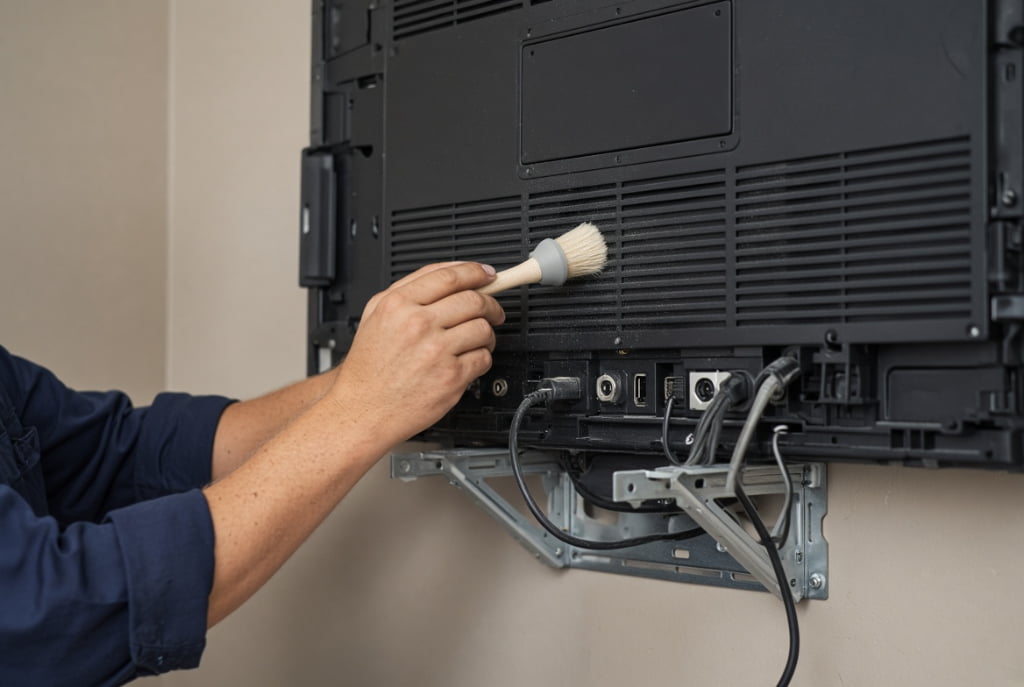
Expert maintenance service for wall-mounted digital displays: technician carefully cleaning ventilation grilles and connection ports on rear panel of commercial digital signage screen. Proper maintenance ensures optimal performance, extended lifespan, and reliable operation of professional display systems in retail, corporate, and public environments. Regular cleaning prevents dust buildup and overheating issues.
Choosing the Right Display for Longevity
The most critical decision influencing lifespan is made at the time of purchase. To ensure a long and trouble-free service life, you must match the display's specifications to your intended application.
Consider your operating hours and select a 16/7 or 24/7 rated model accordingly. Assess the ambient light in your location and choose a display with adequate brightness (measured in nits or cd/m²), so you don't have to run it at 100% all the time. For example, a standard indoor space might need 350-500 nits, while a bright, window-facing storefront may require 700 nits or more.
By investing in the right commercial-grade product and committing to simple, regular maintenance, you can expect your digital signage to be a reliable and effective communication tool for many years. It is an investment in durability, performance, and peace of mind.
For durable and high-performance screens tailored to your business needs, explore our range of [Indoor Digital Signage].