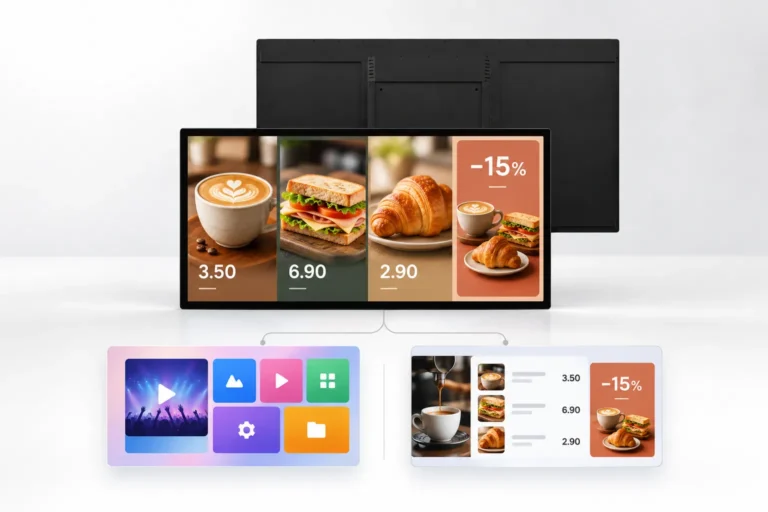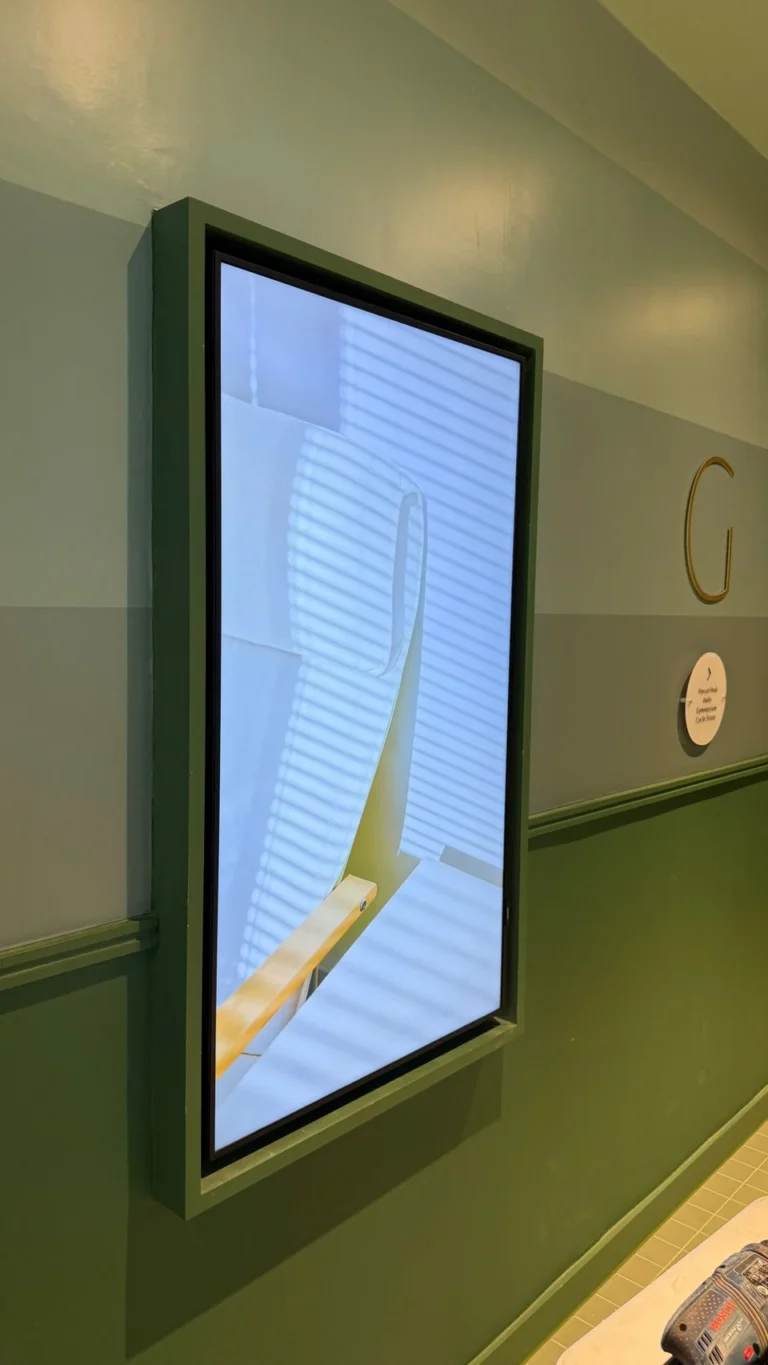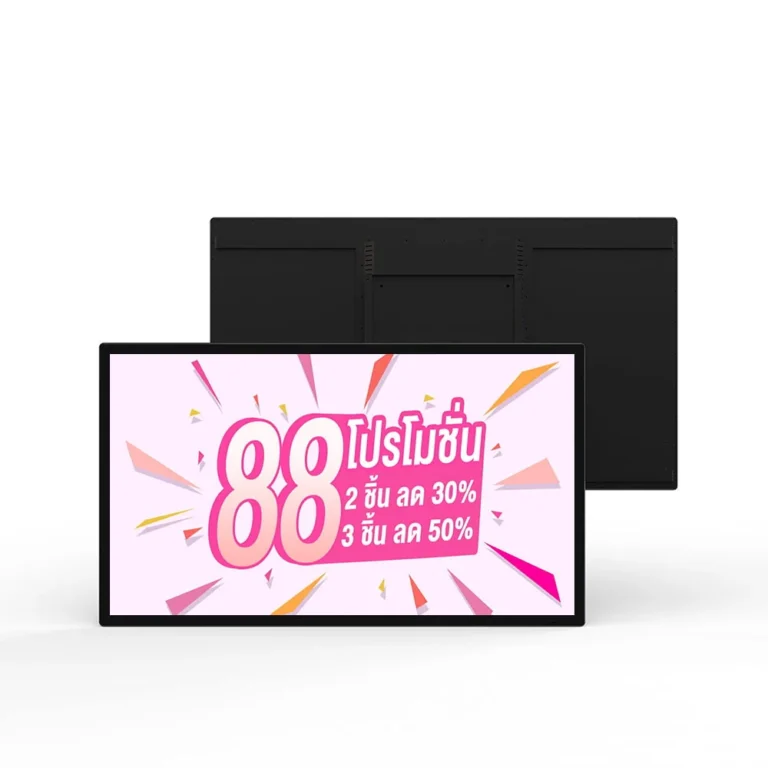
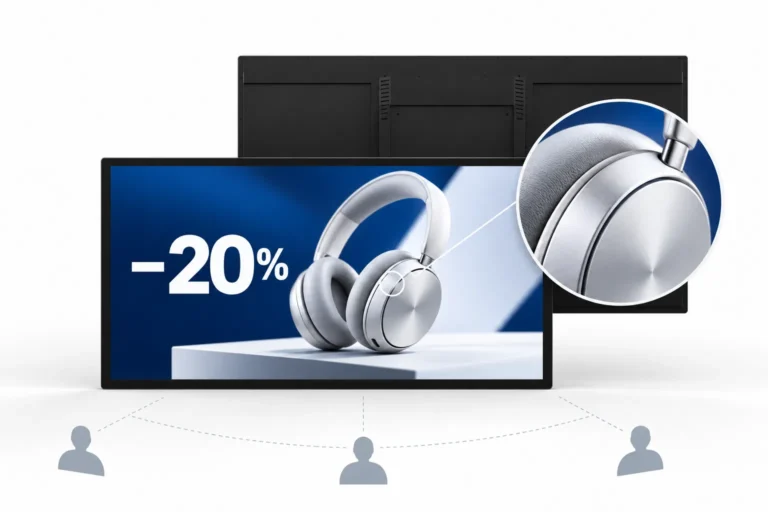
YJCEN indoor digital signage displays show offers, notices and visitor information on the wall. The range combines a Full HD LCD panel, slim bezel and metal housing, with portrait or landscape orientation and a supplied wall-mount bracket.
Download technical documentation and installation guides to help you get the most out of your product
Explore the product features, application options and configuration details for this commercial display solution.
Indoor digital signage puts changing information where customers, guests and staff can see it. A wall position keeps the floor clear while creating a defined display area for offers, directions or company news. The screen can form part of a retail wall, hotel reception or office corridor.
The LCD panel has Full HD 1920 × 1080 resolution for images, video and text. A 178° viewing angle supports viewing from different positions in the room. The slim bezel keeps the surrounding frame compact, while the metal housing gives the display a clean commercial finish.
This LCD digital signage format suits content people read while standing, waiting or walking past. The screen can carry a single message or a layout prepared in the selected playback application.
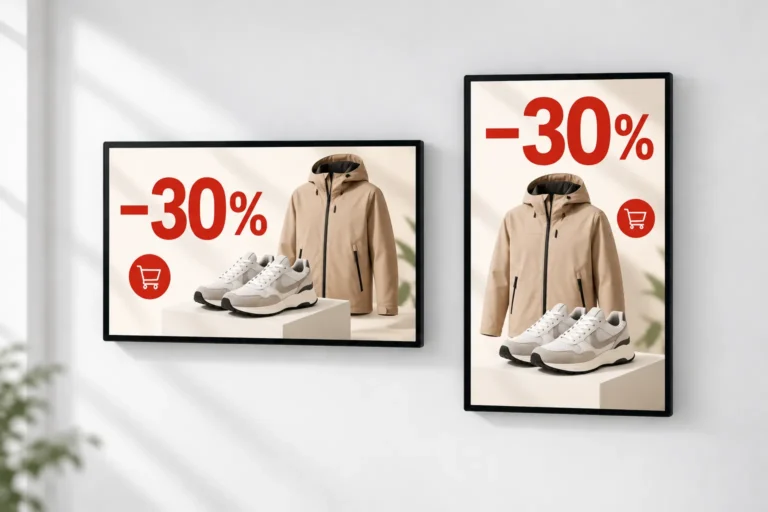
Portrait orientation suits vertical promotional artwork and lists of information. Landscape provides a wider area for presentations, menus and notice layouts. Both formats use the same role on the wall: a visible place for current information.
A standard wall-mount bracket is supplied. Plan the screen position, cable route and fixings for a suitable supporting wall. Wall-mounted digital signage keeps the floor area available for customers and furniture; the selected model drawing defines the enclosure dimensions.
A built-in Android or Windows system is available as an option. The operating system can be selected around the digital signage application already used by the business. A simple local display and a networked content system may need different hardware and software arrangements.
Software licensing and remote management are specified with the chosen application. Choose the system that matches the application used across your sites.
| Specification | Details |
|---|---|
| Screen Size | 15.6 / 18.5 / 21.5 / 24 / 27 / 32 / 43 / 49 / 55 / 65 / 75 / 86 / 98 inches |
| Resolution | Full HD 1920 × 1080 |
| Viewing Angle | 178° |
| Orientation | Portrait or landscape |
| Enclosure | Metal housing with slim bezel |
| Installation | Wall mounting; standard bracket supplied |
| Operating System | Android or Windows |
| Installation Environment | Indoor |
In a shop, the screen can show product offers or department information. In a hotel, it can display event schedules and guest notices. Office buildings and conference rooms can use an indoor digital signage display for announcements, meeting information and presentations.
Choose the information around how the screen will be read. A reception display can show a welcome message and directions; a waiting-area screen can carry a longer sequence of notices. Keep prices, dates and room names large enough to read at the intended distance.
Choose from the listed screen sizes to fit the wall and the content. Confirm the mounting orientation before preparing artwork. The available display area, viewing distance and amount of information are more useful starting points than size alone.
For a bright storefront position, compare our high-brightness window display. For an exposed exterior location, see our outdoor LCD display.
Check the selected unit drawing, wall structure, fixing points and power route. A standard bracket is supplied, but the supporting wall and installation fixings need to suit the display.
Prepare artwork for the chosen orientation and panel resolution. Rebuilding the layout avoids stretched images, unused borders or text that becomes too small after scaling.
This range is presented with a Full HD 1920 × 1080 panel. A player’s ability to accept another resolution does not change the panel’s native resolution.
A built-in Android or Windows system is optional. The system is selected around the software and connections needed for the project.
This is an indoor display. An outdoor location needs an enclosure and thermal design intended for the weather at that site.
Yes. Our floor-standing digital signage provides an indoor display with its own base for locations where a wall position is unsuitable.
Tell us the screen size, orientation and system you need for your indoor display project. Contact YJCEN.
Explore more products from our digital signage collection

<p>YJCEN outdoor LCD displays show advertising, menus and public information outside shops, restaurants and other commercial sites. Available in six sizes from 32 to 75 inches, the range combines a 3,000-nit panel, 4K UHD resolution and an IP66 enclosure.</p>
<ul><li>32 / 43 / 49 / 55 / 65 / 75 inches</li><li>3,000 nits with automatic brightness adjustment</li><li>4K UHD display with Android 11</li><li>IP66 enclosure with tempered front glass</li></ul>

<p>YJCEN self-ordering kiosks combine a touchscreen, receipt printer and configurable payment hardware for restaurants, cafés and canteens. Choose wall-mounted or floor-standing installation and a 21.5, 27 or 32-inch screen to suit your ordering area.</p>
<ul><li>21.5 / 27 / 32-inch capacitive touchscreens</li><li>Wall-mounted or floor-standing installation</li><li>Integrated 80 mm thermal receipt printer</li><li>QR code and NFC payment configurations</li></ul>

<p>YJCEN battery-powered digital signage displays combine a Full HD IPS screen, built-in lithium battery and foldable carrying stand. The 32, 43 and 55-inch options suit exhibitions, pop-up shops and temporary information points where a fixed power connection is inconvenient.</p>
<ul><li>32 / 43 / 55-inch screen options</li><li>Built-in lithium battery</li><li>Foldable carrying stand</li><li>USB playback and automatic looping</li></ul>