How should a hotel plan digital signage?
Give each hotel screen a defined guest task, such as finding a room, checking an event or choosing a service, then match the display and content workflow to that location.
- Survey guest routes, viewing distance, lighting and installation conditions.
- Assign owners for reception information, schedules, menus and promotions.
- Treat check-in, identity, payment and key issuance as separate integrations to confirm.
- Pilot readability, content changes, restart behaviour and maintenance before repeating the setup.
For hotel owners, purchasing teams and AV integrators, the useful question is not simply how many screens to buy. It is which information needs to appear at each point in the guest journey, who will keep it accurate, and how the system will operate when a connection or service is unavailable.
Match the display to the hotel area
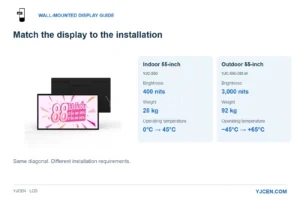
The indoor range includes 21.5-inch Full HD and 55-inch UHD wall displays. A nearby room notice and a lobby information board therefore need different physical layouts: choose size around the reading position, then prepare content for that model’s native resolution. Indoor Digital Signage.
| Area | Main information task | Display approach to evaluate | Check before ordering |
|---|---|---|---|
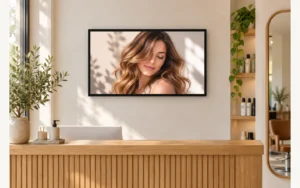
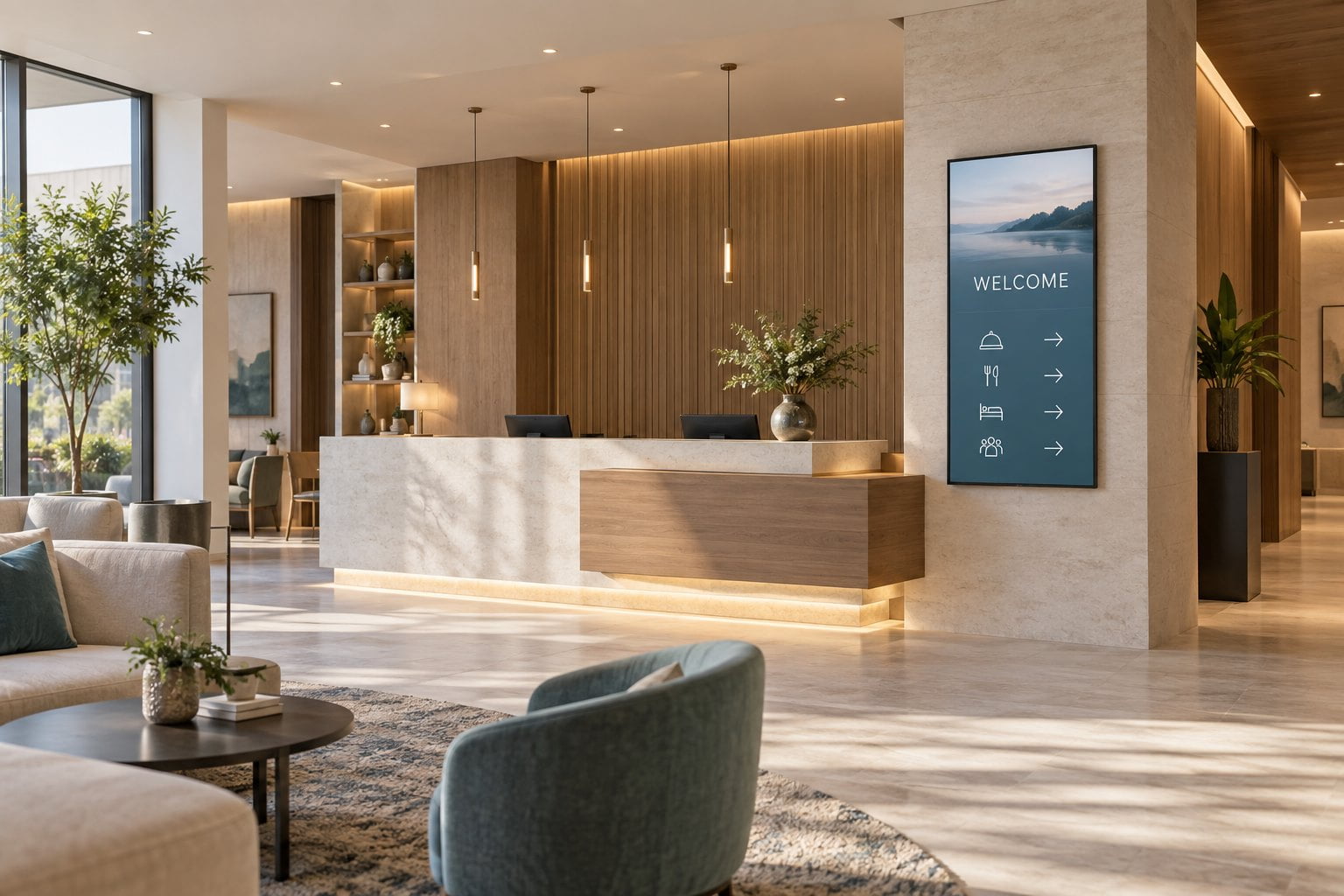
| Reception and lobby | Welcome messages, opening hours and a concise property directory | Wall-mounted commercial display or floor-standing sign | Sightlines, reflections, cable route and space around reception |
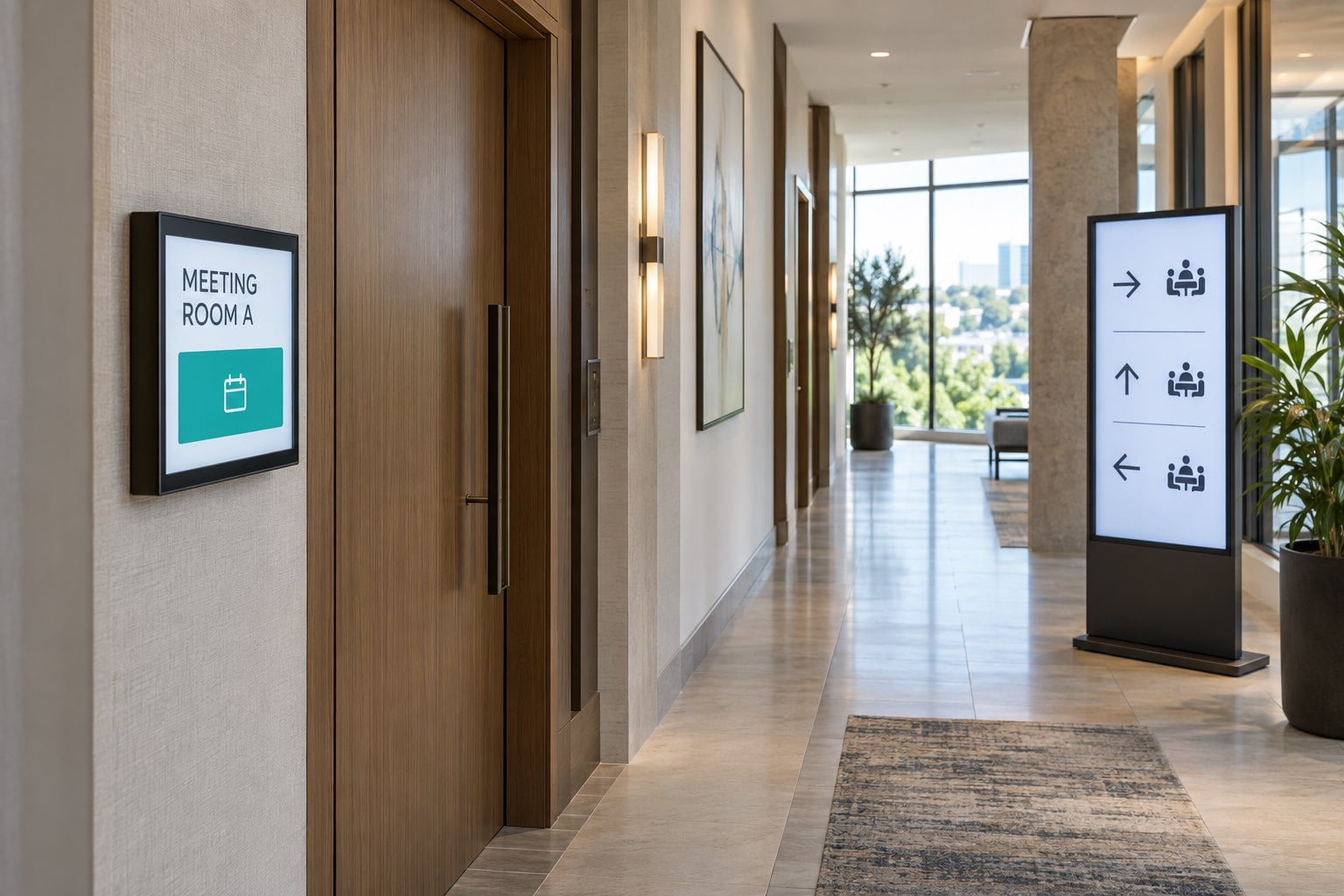
| Lift lobby or corridor junction | Directions to meeting rooms, dining and facilities | Clearly positioned information display | Readability from the approach direction and consistency with permanent signs |
| Conference area | Event names, room allocations and session times | Schedule display near decision points | Ownership of schedule updates and the handling of cancellations |
| Restaurant or bar | Menus, service periods and current offers | Indoor digital menu board | Menu accuracy, viewing distance and responsibility for updates |
| Larger public area | Guest-selected maps and information | Interactive information kiosk | Application design, accessible interaction and staff assistance |
| Exterior entrance | Arrival information or outdoor promotion | Display specified for the actual outdoor environment | Exposure, brightness, temperature, mounting and service access |
These are planning options, not interchangeable specifications. A sheltered entrance can still expose equipment to moisture or temperatures outside an indoor display’s operating range. Select from the approved conditions for the exact model.
Separate information displays from transactional kiosks
A touchscreen directory does not automatically become a hotel check-in kiosk. Check-in may require a property management system connection, identity workflow, payment integration and key-issuing equipment. Each function needs an identified supplier and a tested process.
Similarly, an event screen that shows a prepared schedule is different from a screen that reads live booking information. For the latter, confirm the available interface, update frequency, permissions and fallback message before selecting hardware.
For a directory project, define the information guests can find in a few taps. For a transaction project, map the complete process, including how a guest reaches staff if something goes wrong. YJCEN’s interactive kiosk range can be a starting point for hardware discussions; application requirements and integrations should be confirmed for the project.
Survey the site before choosing screen size
Walk the route a guest will actually take. Record where a person first sees the screen, where they can stop safely and how far away they must read it. Photograph the location during the lighting conditions in which the screen will be used.
Bring a sample layout with realistic text: a long conference name, a room change, breakfast hours and a directional instruction. Check it from the intended distance. If visitors must stand very close to read a directory, a larger screen alone may not solve the problem; the layout may contain too much information.
For each location, record the available wall or floor space, orientation, power point, network access, reflections and proposed service route. Obtain the dimensions, weight and mounting requirements for the selected unit. Where a floor-standing display is proposed, confirm the installation method and cable routing with the installer.
Make content ownership part of the purchase specification
A hotel display network needs an operating routine as well as equipment. Assign an owner to each type of content: reception information, conference schedules, menus and promotions. Define who can edit a message, who approves it and when it expires.
Use a small set of templates so room names, arrows and opening hours remain consistent. Avoid showing a full website on a screen when guests only need one short instruction. Test multilingual layouts using real translations; translated text may need more space.
For connected content, ask the software provider what happens when the connection fails. Some systems can continue showing downloaded material, while live feeds and interactive services may behave differently. Our guide to online and offline digital signage explains the planning distinction.
Run a pilot with acceptance criteria
Before repeating a design across a property, test a representative installation with reception, events and maintenance staff. A practical acceptance checklist includes:
- Guests can read the intended message from the planned approach and viewing positions.
- An authorized employee can change a room or schedule without rebuilding the layout.
- Content behaves as agreed after a restart or temporary network interruption.
- Staff can access the equipment for maintenance without dismantling unrelated fixtures.
- Interactive functions have a clear route back to the start and a way to obtain assistance.
- The final configuration, software responsibilities and support contacts are documented.
What to include in a hotel display inquiry
Send the location photos, screen quantities, viewing distances, installation method, operating hours and content requirements. State whether the project is indoor, behind glass or outdoors, and identify any required hotel-system connection.
YJCEN offers indoor digital signage, floor-standing displays and interactive kiosk hardware for project evaluation. Discuss your hotel display requirements to confirm suitable configurations, documentation and the scope of supply before ordering.
Frequently asked questions
Can one hotel signage system manage several types of screen?
Possibly, but confirm the chosen software supports every player, operating system and content function in the proposal.
Should every hotel information screen be interactive?
No. A visible schedule or directional message may be easier to use without touch. Interaction is useful when guests need to choose among information paths, such as finding a facility on a map.
Does lobby signage replace hotel room televisions?
No. Public-area information displays and guest-room entertainment have different workflows and management requirements. Specify them separately, even if the project coordinates their content.
Further reading: LG’s hospitality display applications illustrate the distinction between guest-room, meeting-area and public-space displays. Manufacturer-specific software and specifications in that resource do not describe YJCEN products.
Share your screen size, installation environment and quantity for a display quotation.