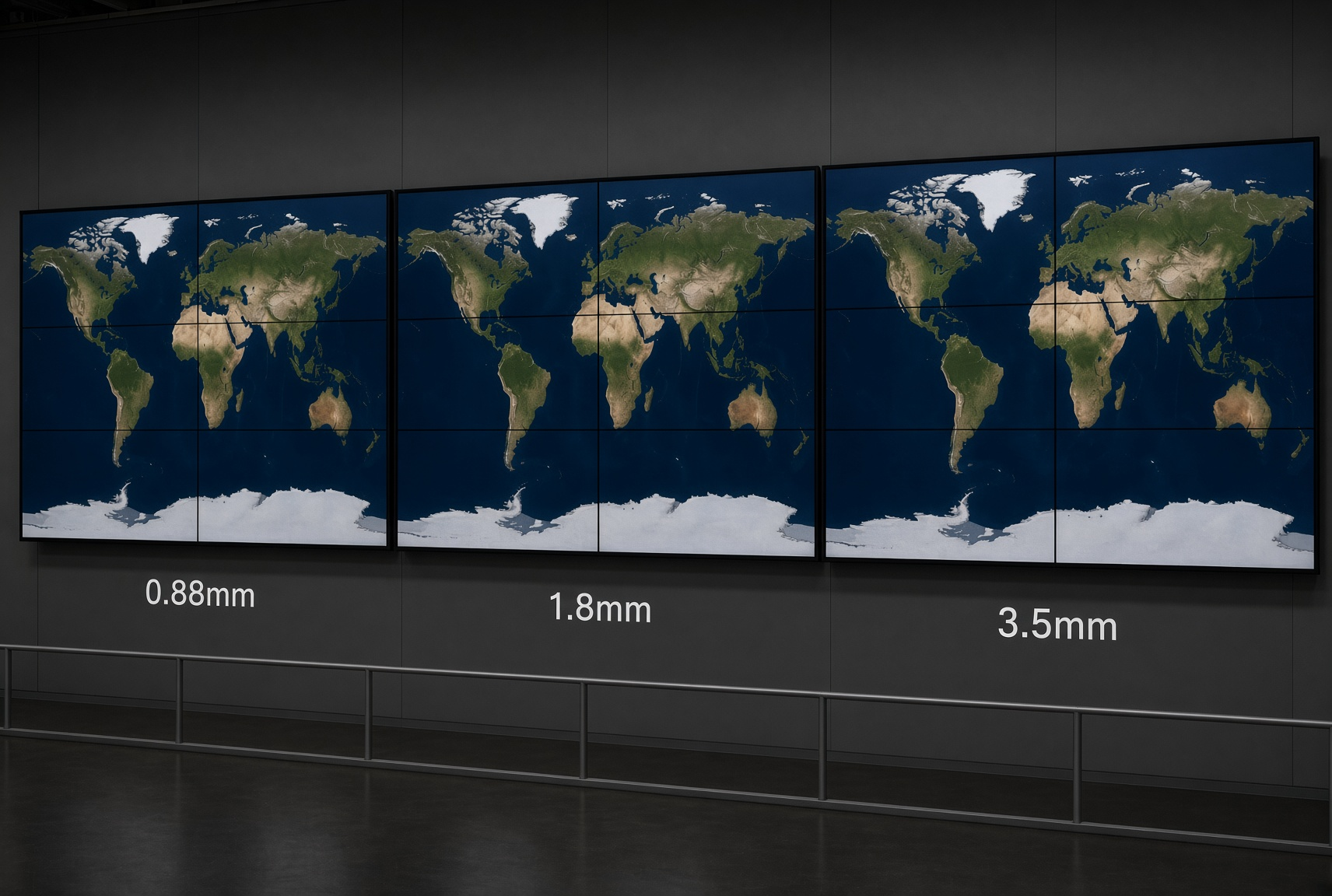
LCD video wall bezel size affects the visible grid between screens, but a quoted number needs a clear measurement definition. Compare the panel specification, installed spacing and actual content together before deciding which option suits your project.
This guide compares the 0.88 mm, 1.8 mm and 3.5 mm options listed in YJCEN's LCD video wall range. A narrower combined border can reduce interruption across an image; it does not remove the joins between separate LCD panels. Viewing distance, content layout, alignment and the complete system budget also matter.
What Are Bezel and Bezel-to-Bezel Gap?
A bezel is the border around one display. The quoted bezel-to-bezel width usually describes the combined borders of two adjacent panels. Confirm whether a supplier's figure refers to one edge, a combined border or an installed image-to-image gap.
Do not assume all four edges are equal or divide every quoted value by two. Ask for the exact model drawing, the dimensions of the adjoining edges and the manufacturer's installation clearance. The visible interruption between active images also includes any physical spacing required between cabinets.
Bezel compensation in a player or controller adjusts the image mapping around the borders; it does not make the physical joins disappear. Test important text, chart labels and faces near panel boundaries before approving the layout.
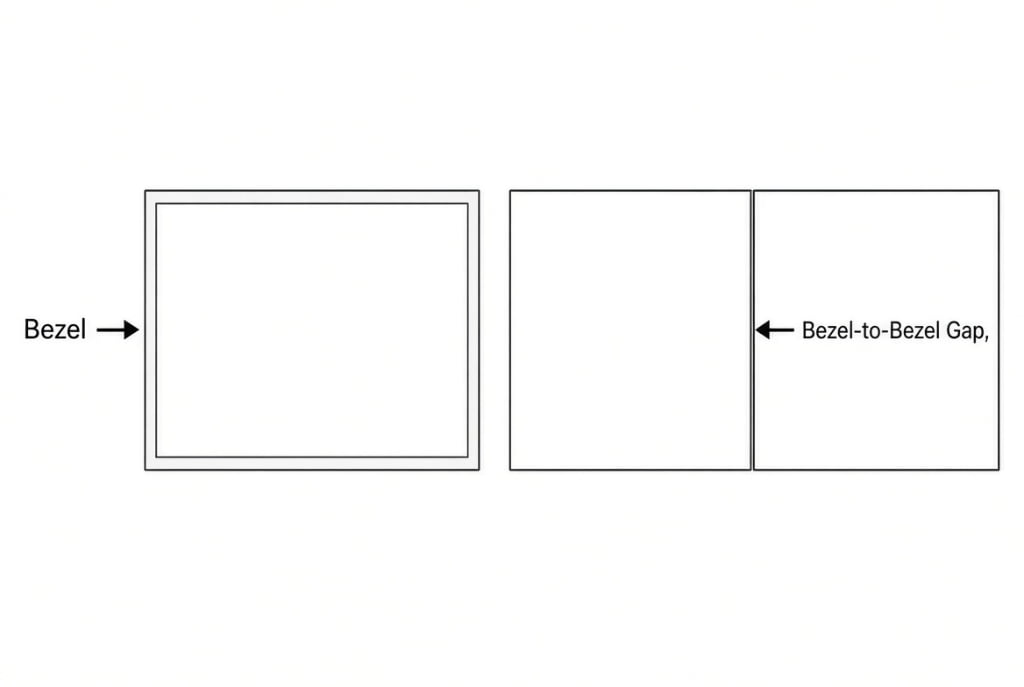
The diagram explains the terminology. Use the selected model's dimension drawing and installation instructions to confirm measurements and clearance.
Comparing Bezel Sizes: 0.88 mm vs. 1.8 mm vs. 3.5 mm
How should you choose a video wall bezel size?
Compare the visible gap between neighbouring panels, then balance image continuity, viewing distance and budget.
- 0.88 mm: consider when interruptions across detailed images are especially important.
- 1.8 mm: consider as a balance between a narrow visual gap and cost.
- 3.5 mm: consider when budget and longer viewing distances make a more visible grid acceptable.
- Confirm the supplier's measurement definition and review representative content before choosing.
0.88 mm - Reducing image interruption
When specified as a combined border width, 0.88 mm gives a narrower joint than 1.8 mm or 3.5 mm on the same measurement basis. This may help when maps, product images or other visuals span several panels. The seams remain visible, especially where fine detail crosses them.
Assess the display from the intended viewing positions using representative content. A narrow border alone does not guarantee readable small text, matching colors or accurate panel alignment. Compare quotations for equivalent screen size, resolution, brightness and service requirements before judging the price difference.
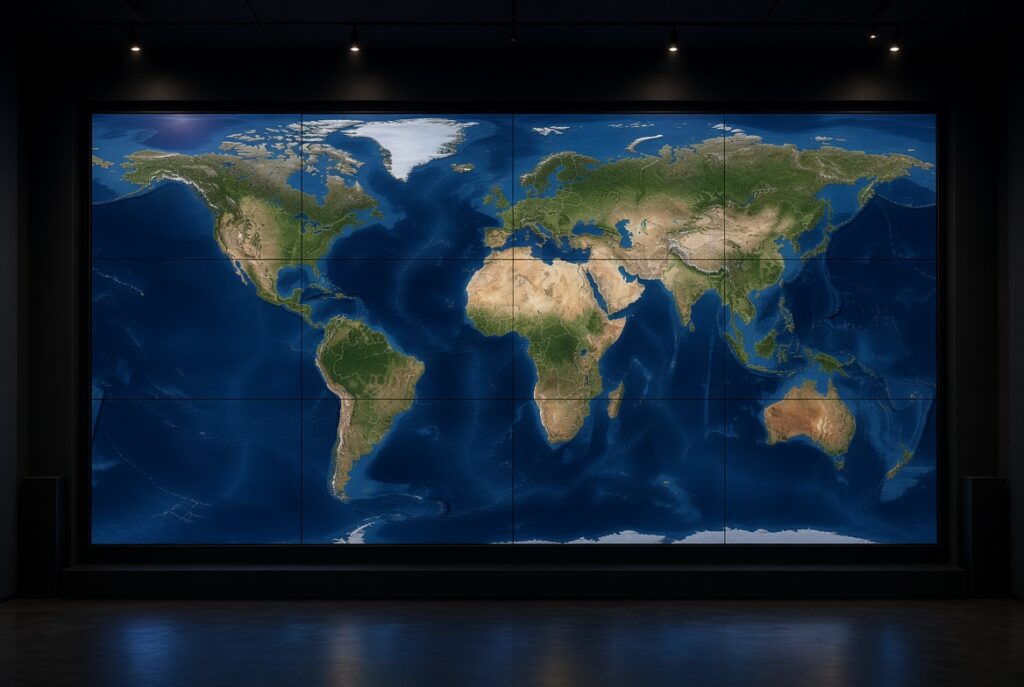
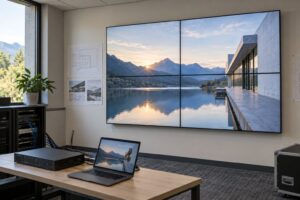
A world map spreads detail across several panels. Check map labels and lines at the actual joins when assessing a sample.
1.8 mm - Comparing continuity and project cost
A 1.8 mm combined border is another option to assess where both image continuity and budget matter. Its suitability depends on the content, viewing positions and complete configuration; it is not automatically the best value for every project.
For a lobby or showroom, test the actual campaign images and text. Keep essential labels away from joins where possible, and compare the shortlisted panels under similar lighting. Obtain model-specific prices rather than assuming a fixed saving over a narrower option.

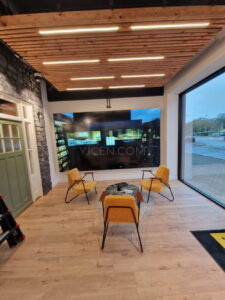
Showroom content is a useful test for faces, product details and text crossing panel boundaries. Confirm the result with the proposed hardware and content.
3.5 mm - Planning around a more visible grid
On the same measurement basis, 3.5 mm creates a wider border than the narrower options. It can still suit a project where the content works with the panel grid and the selected configuration meets the budget. It is not restricted to audiences more than 10 meters away.
Separate information zones or content positioned within individual panels may make joins easier to accommodate. A longer viewing distance can reduce their apparent size, but no universal distance makes the grid irrelevant. Test both readability and image continuity at the nearest and farthest intended positions.
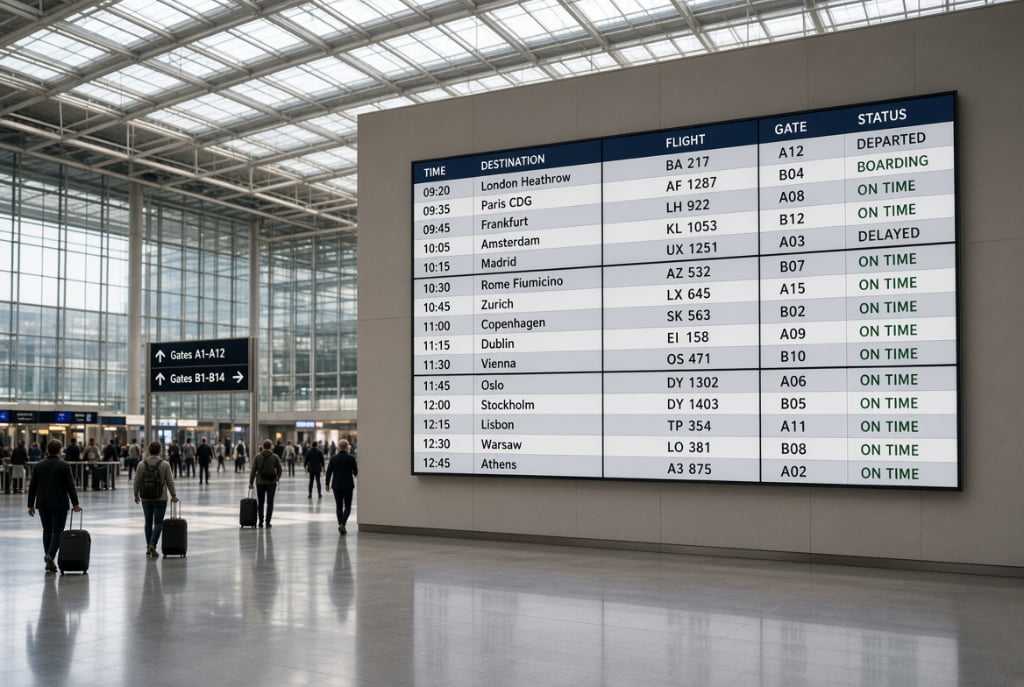
Arrange flight-information rows and labels around panel boundaries so that each entry remains readable.
How to Choose: The Triangle of Visuals, Distance, and Budget
Use this comparison only after confirming that all quoted widths use the same measurement definition. There is no reliable one-to-one conversion from bezel width to an ideal viewing distance.
| Selection point | 0.88 mm | 1.8 mm | 3.5 mm |
|---|---|---|---|
| Relative border width | Narrowest of these options | Between the other two options | Widest of these options |
| Content to test | Fine detail crossing joins | Campaign images and text | Layouts that accommodate the grid |
| Viewing-distance check | Test actual viewing positions | Test actual viewing positions | Test actual viewing positions |
| Budget check | Compare equivalent configurations | Compare equivalent configurations | Compare equivalent configurations |
Include mounts, controller or player, cabling, installation, alignment and service access in the quotation. Panel price alone does not describe the cost of a working video wall. Agree an acceptance test using the intended content and viewing positions.
Review the complete LCD video wall buying guide.
Best Bezel Choices for Different Applications
For control rooms and detailed maps, prioritize readable labels and continuity where information crosses panels. Consider narrower borders, but check resolution, layout and operating requirements as well. A bezel specification alone does not prove suitability for critical monitoring.
For retail and corporate showrooms, compare actual product imagery, faces and brand text on the shortlisted configurations. For information boards or separate camera feeds, organizing content within each panel may matter more than minimizing every join. Review the display with its intended users before choosing.
A real YJCEN furniture-showroom project
YJCEN's documented furniture-store installation used nine 55-inch displays in a 3×3 arrangement, with a listed 3.5 mm bezel specification, HDMI connections and a matrix controller. The project shows one practical configuration; it does not establish that the same setup suits every showroom.
The case includes project photographs and explains that the bezel lines remain visible. Review the 3×3 furniture-showroom video wall project alongside your content and viewing requirements. Confirm the exact bezel measurement and mounting clearance for any new order.
Conclusion: Choosing the Right Bezel for Your Project
Choose a bezel width by comparing a consistent measurement, representative content, actual viewing positions and a complete quotation. Narrower borders reduce the physical interruption, but alignment, content placement and the chosen display configuration remain part of the result.
Review YJCEN's LCD video wall options and send your project requirements, including the wall layout, viewing distances, content samples and installation constraints. Ask for a model drawing and an agreed acceptance test before confirming the configuration.