LCD video wall display with ultra-narrow bezel showing seamless 2x2 screen array with wave imagery
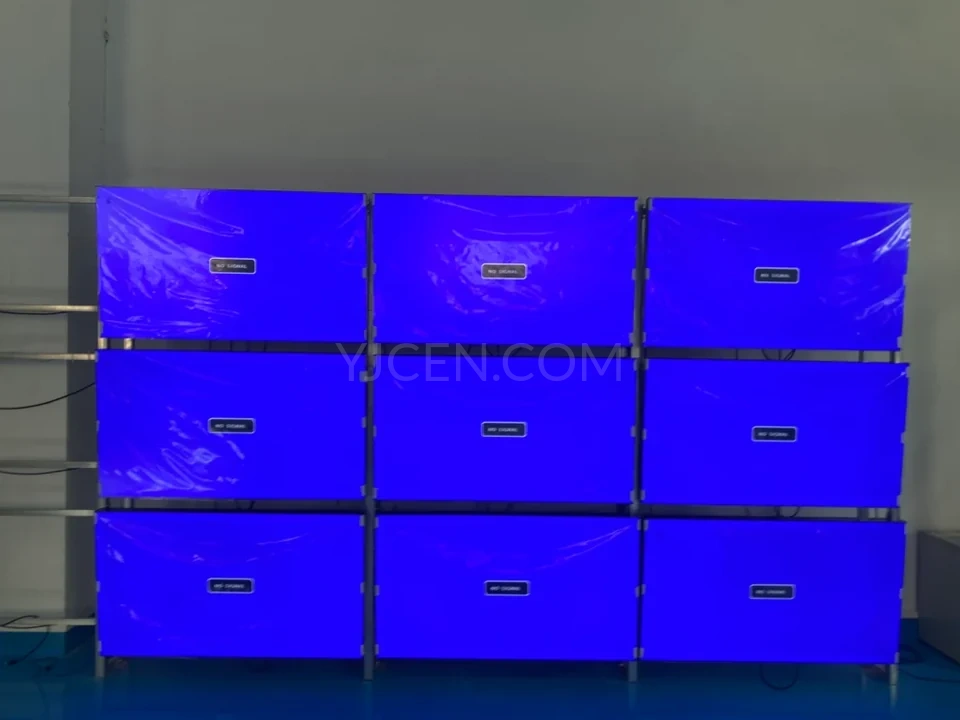
High-definition LCD video wall with ultra-narrow bezel, noise reduction function, remote control and smart split screen featuring 3x3 display array
LCD video wall installation methods showing front maintenance hydraulic, wall mount, cabinet type and floor-standing options in sports facility
Customized LCD splicing screen with 46, 49, 55 inch options featuring ultra-narrow bezel 0.88mm to 3.5mm, 178-degree viewing angle and seamless splicing technology
1 / 4
LCD video wall display with ultra-narrow bezel showing seamless 2x2 screen array with wave imagery
High-definition LCD video wall with ultra-narrow bezel, noise reduction function, remote control and smart split screen featuring 3x3 display array
LCD video wall installation methods showing front maintenance hydraulic, wall mount, cabinet type and floor-standing options in sports facility
Customized LCD splicing screen with 46, 49, 55 inch options featuring ultra-narrow bezel 0.88mm to 3.5mm, 178-degree viewing angle and seamless splicing technology
New Release

LCD Video Wall

Build a shared display from multiple LCD panels. YJCEN LCD video walls support large images and multiple-source layouts, with 46, 55 and 65-inch panels and 0.88, 1.8 or 3.5mm bezel options.

  • 46 / 55 / 65-inch panel options
  • 0.88 / 1.8 / 3.5mm bezel options
  • 500–700-nit brightness range
  • Single-image or multiple-source layouts

Product Resources

Download technical documentation and installation guides to help you get the most out of your product

Product Manual

Complete product specifications and features guide

Download (573 KB)

Dimension Drawing

Technical drawings and measurements

Download (304 KB)

Installation Manual

Step-by-step installation instructions

Download (2 MB)

Product Overview

Explore the product features, application options and configuration details for this commercial display solution.

View full product details, specifications and applications

Product Features

An LCD video wall combines separate panels into one larger display area. It can present a shared map, a presentation or video across the wall. With the appropriate controller, several sources can occupy different parts of the layout at the same time.

Narrow-Bezel Panel Options

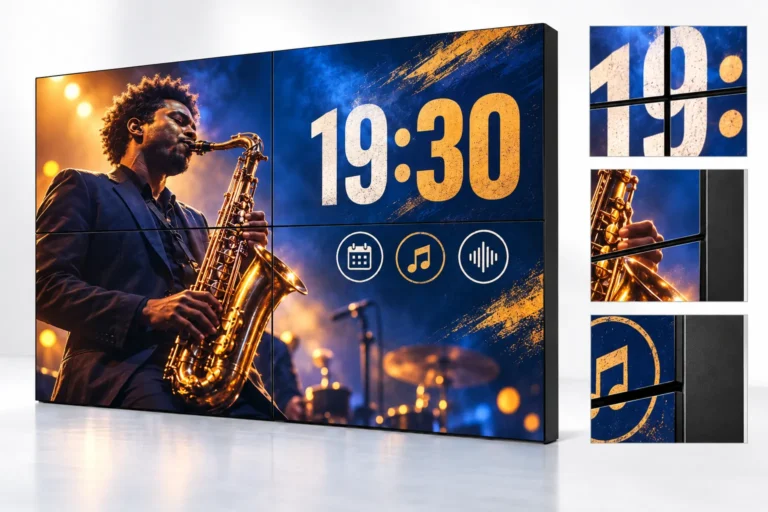
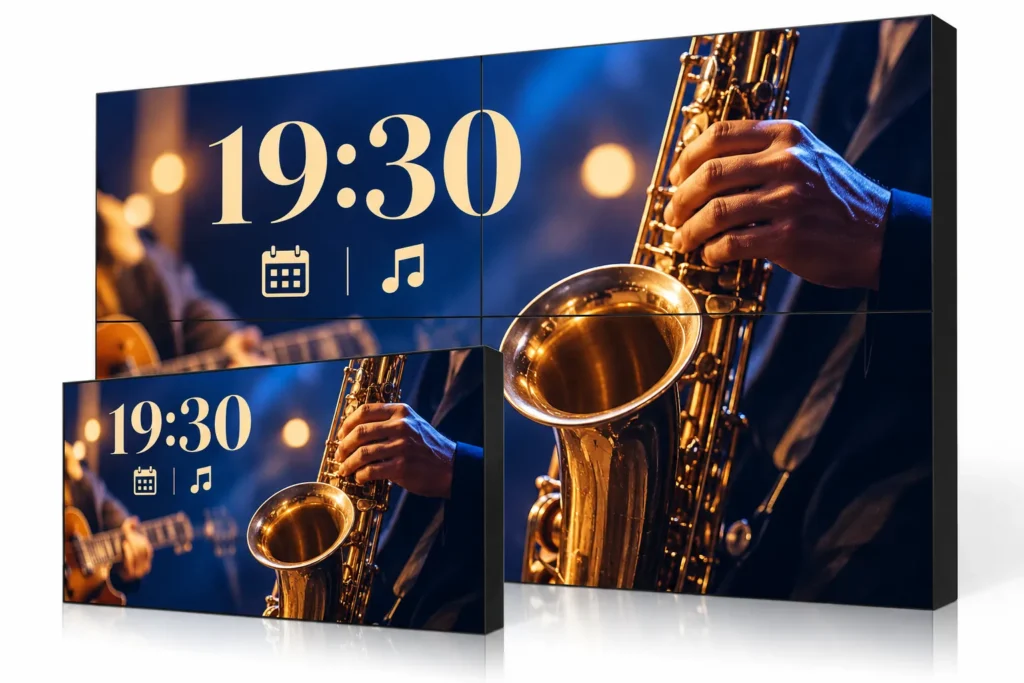
The range offers 0.88, 1.8 and 3.5mm bezel options. A narrow bezel video wall reduces the visible borders where panels meet, which is useful for maps, graphics and images extending across more than one panel. The panels remain separate screens with visible joins.

Choosing the bezel is part of selecting the panel configuration. The effect can be reviewed with the actual content, especially where a number, a line of text or an important graphic falls close to a panel boundary.

Panel Sizes and Brightness

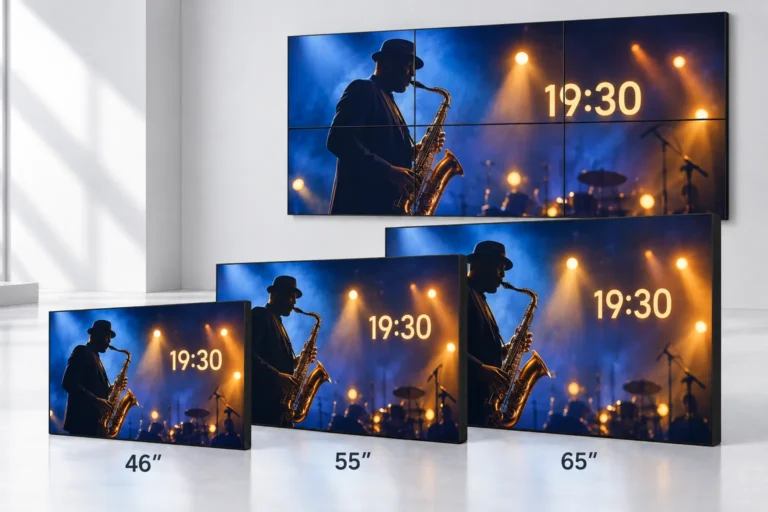
LCD video wall panels are available in 46, 55 and 65-inch formats. The number of rows and columns determines the overall display size and shape. Different grids can create a wide presentation area or a more compact shared information display.

The LCD video wall panels offer 500–700-nit brightness options and a 178° viewing angle. The chosen panel defines its native resolution, dimensions and brightness. Use those values when specifying the overall grid and the mounting arrangement.

Single Image or Multiple Sources

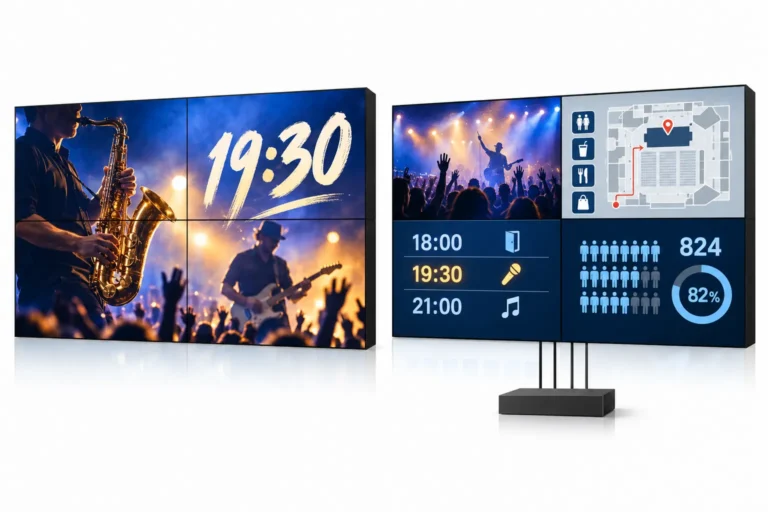
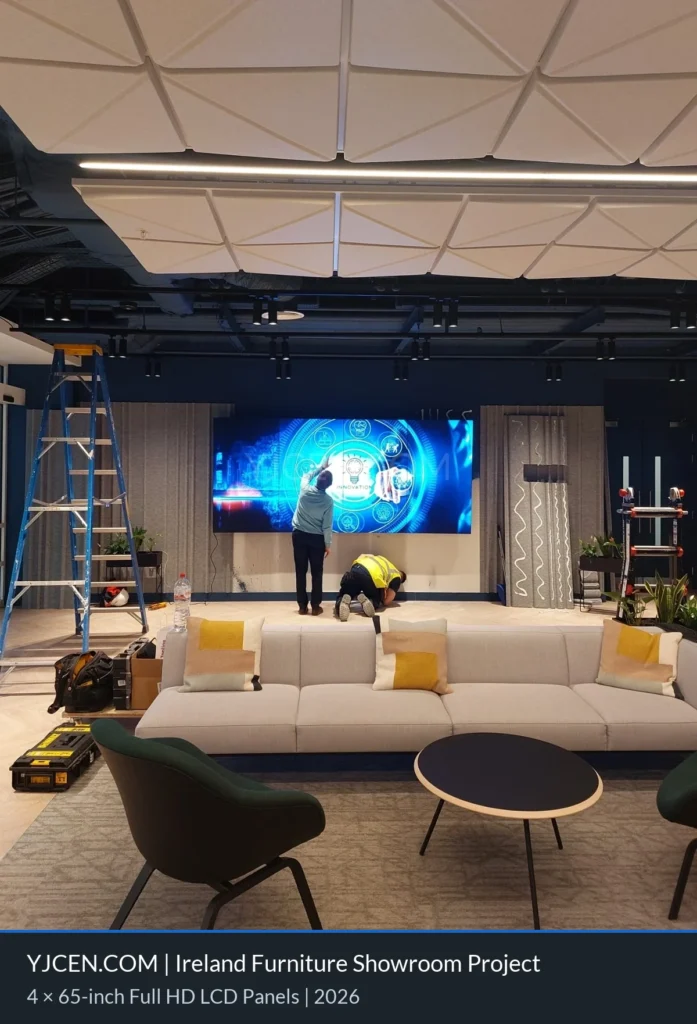
An LCD video wall display can show one image across several panels or divide the wall between sources. A control room may use separate areas for maps, status information and video. An exhibition may use the whole wall for a single presentation.

The controller and source equipment determine routing, scaling and window layouts. These are specified with the panel configuration so the finished system can display the required sources in the intended positions.

Product Specifications

SpecificationDetails
Screen Size46 / 55 / 65 inches
Bezel Options0.88 / 1.8 / 3.5 mm
Brightness500–700 nits, depending on panel configuration
Viewing Angle178°
Display LayoutsOne image or multiple sources with the selected controller
Signal Features4K and HDR support with appropriate system configuration
ResolutionSpecified per selected panel
Installation EnvironmentIndoor

Applications

Control rooms can use a video wall for shared operational information. Meeting spaces can present several sources to a group. Exhibition halls can use the combined display area for media presentations and larger visual content.

For data displays, the size of text and charts should suit the room’s viewing positions. For video and presentations, the panel grid becomes part of the visual layout. The same panel family can support these uses with a suitable controller and content arrangement.

Choosing the Panel Grid and Controller

Start with the available wall width and height, viewing distance and number of sources. Select the panel grid, then define which sources need to be visible together and how frequently the layout will change. Check that important text and graphics do not fall across panel joins.

4K signal and HDR support depend on the source and control configuration. Input resolution, the total pixels across the grid and one panel’s native resolution are separate specifications. Include the required mounting and controller equipment in the quotation scope.

Related Display Formats

For a single wall-mounted screen, explore our indoor digital signage. For an independent display position on the floor, see floor-standing digital signage. A video wall is most useful when the project needs a panel grid or several sources sharing a larger display area.

Frequently Asked Questions

Is an LCD video wall seamless?

The wall is assembled from separate panels. Narrow bezels reduce the visible borders, but a join remains between adjacent screens.

Can I display several sources at once?

Yes, with a controller and source setup that supports the required layout. Source routing and window arrangements are defined as part of the system.

How is the overall wall size determined?

The panel dimensions, row and column count and mounting arrangement determine the finished size. Use the selected panel drawings to check the full installation against the available wall.

How should I choose a bezel option?

Compare the available panel specifications and view representative content with the intended joins. A map or continuous image may need a different bezel choice from a layout with separate information areas.

Does 4K support mean every panel has a 4K resolution?

No. 4K input support, total wall resolution and native panel resolution are different specifications. Each is defined for the selected system.

Is the controller included?

The quotation specifies the panel, mounting and controller scope. Controller selection depends on the number of sources and how they need to appear on the wall.

Discuss Your Project

Share the available wall dimensions, proposed panel grid and number of video sources for a system quotation. Contact YJCEN.

Related Products

Explore more products from our digital signage collection

Self-service ordering kiosk with touchscreen digital menu display showing yogurt advertisement and integrated payment terminal for fast food restaurants

Self-Ordering Kiosk

<p>YJCEN self-ordering kiosks combine a touchscreen, receipt printer and configurable payment hardware for restaurants, cafés and canteens. Choose wall-mounted or floor-standing installation and a 21.5, 27 or 32-inch screen to suit your ordering area.</p>
<ul><li>21.5 / 27 / 32-inch capacitive touchscreens</li><li>Wall-mounted or floor-standing installation</li><li>Integrated 80 mm thermal receipt printer</li><li>QR code and NFC payment configurations</li></ul>

View Details
Outdoor Digital Totem

Outdoor Digital Totem

<p>YJCEN outdoor digital totems are floor-standing displays for fixed outdoor advertising and information points. The range includes eight sizes from 32 to 98 inches, with up to 3,000-nit brightness, automatic brightness adjustment, an IP65 enclosure and anti-glare tempered glass.</p>
<ul><li>32–98 inch screen sizes</li><li>Floor-standing outdoor enclosure</li><li>3,000-nit brightness with automatic adjustment</li><li>IP65 protection and anti-glare tempered glass</li></ul>

View Details
Interactive touchscreen kiosk digital signage with floor stand displaying 55% off wardrobe sale promotion for retail stores and shopping malls

Interactive Kiosk

<p>YJCEN interactive kiosks provide touchscreen hardware for visitor information, directories, product content and wayfinding applications. The range includes ten screen sizes from 15.6 to 65 inches for retail and public interiors. Application software is selected for the project.</p>
<ul><li>15.6–65 inch screen sizes</li><li>Commercial touchscreen kiosk hardware</li><li>For information, directories and interactive content</li><li>Application software selected for the project</li></ul>

View Details