Choose an outdoor TV enclosure when retaining a suitable existing screen has a clear operational or financial benefit. For a new outdoor signage installation, start with an integrated display that combines the panel, protection and thermal controls in one specified unit. Using YJCEN’s IP66 Outdoor Digital Signage as an example, this guide compares the decisions that change the purchase: readability, cooling, installed dimensions and responsibility for the finished system.
1. When is keeping the existing screen worth it?
An enclosure is a sensible route when your organization already standardizes on a screen model, holds compatible spares or needs to retain a particular display. Its value comes from preserving equipment that already meets the viewing and operating requirements.
If the screen itself needs replacing to meet daylight or operating-hour requirements, the comparison changes. You are buying a screen, protective enclosure, mounting arrangement and thermal solution together; price that complete assembly against an integrated display.
| Project situation | Recommended starting point | Reason |
|---|---|---|
| A suitable screen is already owned and supported | Compatible outdoor enclosure | Retains useful equipment and the existing replacement process |
| New fixed outdoor signage, with no screen to retain | Integrated outdoor display | Screen, protective structure and controls are specified together |
| A particular screen or player must remain standard across sites | Compare both complete configurations | Compatibility and replacement planning may outweigh the cabinet price |
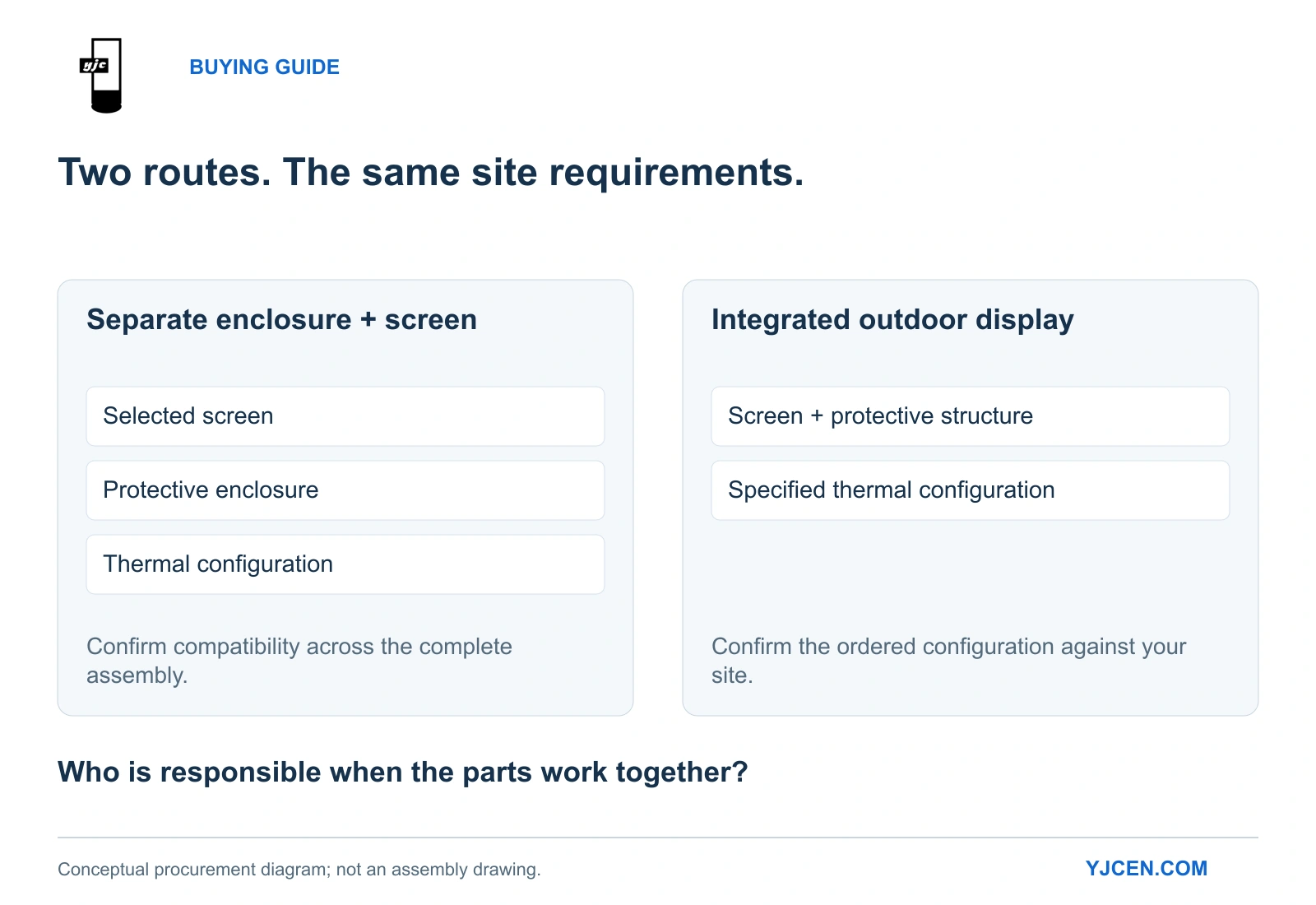
The strongest reason to choose an enclosure is a useful screen worth keeping. A low television price alone does not settle the outdoor-system decision.
2. Will the finished screen remain readable?
Choose the display and front surface together. In NIST’s discussion of daylight readability, reflected illumination and ambient contrast are central to judging the image under daylight.
Adding a protective viewing window changes the optical assembly. For a separate enclosure, evaluate the television behind that window; for an integrated product, evaluate the finished display rather than an uncovered panel.
YJCEN’s 55-inch YJC-550-OD09-A specifies 3,000-nit brightness and automatic adjustment through a light sensor. The practical benefit is daytime light output with adjustment as ambient conditions change, rather than treating one fixed brightness setting as appropriate all day.
For an exposed daytime menu or promotion, start with a high-brightness configuration. For an evening-only location, prioritize the actual evening setting and reflections instead of paying attention only to the maximum brightness figure.
Use the intended artwork at the real viewing distance. Essential prices and directions should remain legible through the finished front surface; a bright background with unreadable small text is not a successful demonstration.
3. What thermal equipment are you actually buying?
Buy a defined thermal arrangement, not merely a box with a fan. Schneider Electric’s enclosure guidance treats internal equipment losses, cabinet construction, installation position and solar radiation as inputs to thermal selection.
The 55-inch YJCEN specification lists temperature control, fan control, backlight control and overheating protection. These are distinct functions: managing heat, adjusting light output and responding to an overtemperature condition should be part of the equipment specification.
Its maximum electrical input is listed as 230 W, and the product range specifies operation from −45°C to +65°C with the appropriate thermal configuration. The 230 W figure supports electrical planning; it is not a standalone cooling-capacity calculation or a measurement of temperature rise.
For an enclosure proposal, include the selected screen and every player or power supply placed inside it in the thermal assessment. For the integrated route, keep the specified rear heat-removal arrangement unobstructed and select the configuration for the site’s temperature and sun exposure.
IP66 and thermal controls address different requirements. IEC 60529 classifies enclosure protection; the IP rating is not a cooling specification.
Our outdoor digital signage cooling guide explains the relationship between equipment heat, sunlight and installation conditions.
4. Does the installed assembly fit the wall?
Use the mounted assembly dimensions when planning the site. YJCEN’s 55-inch drawing shows why the cabinet thickness alone is insufficient:
| Dimension or load | Documented 55-inch configuration | Procurement implication |
|---|---|---|
| Display body, portrait | 1,262 × 732.8 × 86 mm, height × width × depth | Defines the unit itself |
| Depth with the illustrated wall bracket | 169 mm | Use this assembly depth when checking wall projection |
| VESA mounting pattern | 400 × 400 mm | Matches the display-side mounting interface |
| Net display weight | 37 kg | Include the bracket and site fixing arrangement in the support design |
The illustrated bracket assembly adds 83 mm to the body depth. A layout based only on “86 mm thick” therefore understates the space occupied by that installation.
The 55-inch dimension drawing shows the body and bracket views. The installation manual also places cable connection before the display is hung onto the wall bracket.
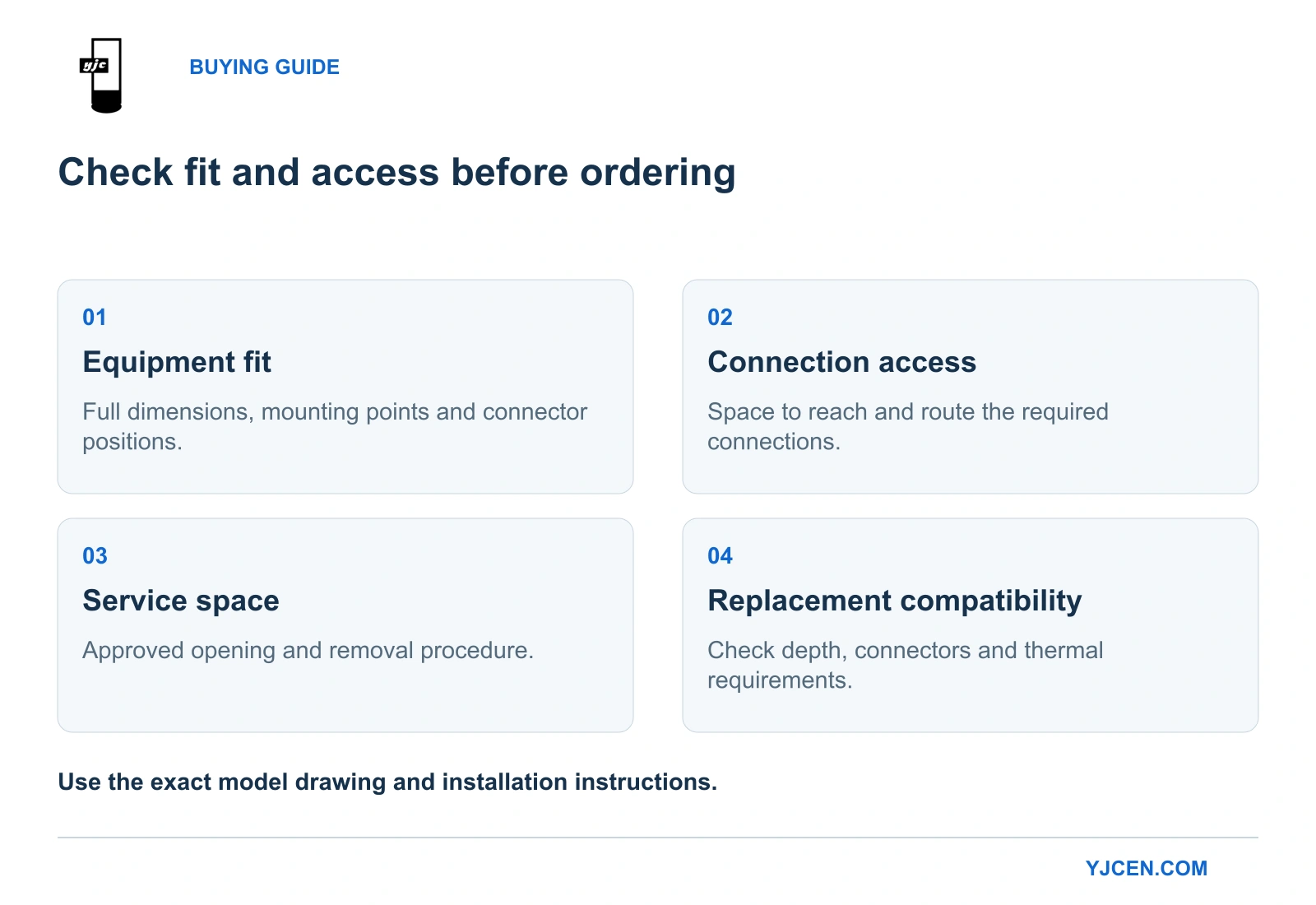
Plan cable routing and connector access before lifting the unit into position. For a separate enclosure, apply the same method to its complete external dimensions and the access needed to remove the screen.
5. Which quotation covers the work your team needs?
Compare delivered configurations, not a television price against a complete commercial display price. Include the screen, enclosure, thermal equipment, mounting hardware, connections, player, installation and maintenance access in both scopes.
YJCEN’s IP66 outdoor LCD display offers an integrated hardware route with Android or Windows configurations. YJCEN can preinstall and test customer-provided software; the application and its licenses remain separate items in the project scope.
For an enclosure-based system, assign one party to coordinate screen, housing and cooling integration. For an integrated unit, agree on the supplied mounting configuration and site work so that installation responsibilities are equally clear.
Choose the enclosure route when retaining the screen creates a real benefit and the assembled solution meets the site requirements. Choose the integrated route for a new installation when specifying the outdoor hardware together reduces the integration work your team must organize.
For the broader environmental criteria, see our outdoor digital signage selection guide.
What should you send for a useful comparison?
Send the screen size, quantity, orientation, operating hours and site photos showing sunlight, the wall and available access. For an existing television, include its model and dimensions; for a new installation, include the allowable wall projection and proposed cable route.
YJCEN can then match the display size and thermal configuration to the brief and provide the relevant dimensions for comparison with an enclosure-based proposal.