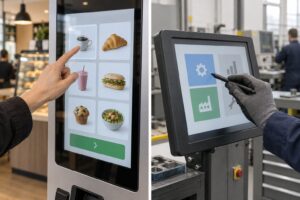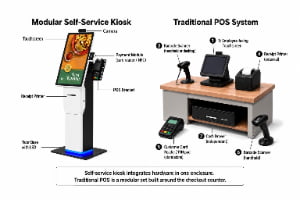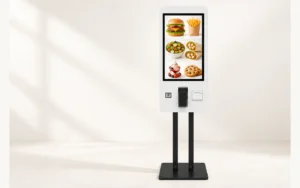
Choose an outdoor advertising totem when visitors need to read or watch; add interaction when they must search, select or enter information at the screen. A transaction also needs an application and the services that complete it. YJCEN’s Outdoor Digital Kiosk illustrates the distinction: its outdoor LCD hardware is available with optional touch, so the visitor’s task should determine the configuration rather than the cabinet name.
1. Does the visitor need to view, choose or complete a transaction?
For a retail entrance showing the same promotion to every passerby, start with a display-only configuration. Touch adds value when the visitor needs a different answer from the person before them, such as a store search or a language selection.
| Visitor task | Appropriate starting point | Deliverable |
|---|---|---|
| Read a promotion, menu or fixed map | Advertising totem | Content plays and can be updated through the agreed method |
| Search a directory or choose information | Touch-enabled kiosk with an application | The visitor makes a selection and receives the intended result |
| Order, pay, check in or collect a ticket | A defined service workflow with the required hardware and integrations | The connected service records the action and returns the agreed confirmation |
A QR code can move a task onto the visitor’s phone without adding touch to the sign. Choose that arrangement when using a personal device is acceptable; choose on-screen interaction when the service must be usable at the kiosk itself.
2. What does YJCEN’s optional touch configuration change?
The 55-inch YJC-550-OD-F specification explicitly lists touch as optional. For an advertising installation, order the display configuration; for a searchable directory, specify touch together with the application that supplies the directory.
The documented Android configuration provides a concrete starting point:
| Item | Listed 55-inch Android configuration | Why it matters |
|---|---|---|
| Operating system and processor | Android 11; RK3568 quad-core, 2.0 GHz | Gives the application provider a defined platform |
| Memory and storage | 2 GB RAM; 32 GB eMMC | Supports an application review based on actual hardware |
| Interfaces | Two USB ports, one HDMI input and one RJ45 Ethernet port | Defines the available connection types |
| Network | Wi-Fi or LAN; optional 3G/4G | Separates the standard connection options from a cellular requirement |
| Touch | Optional | Makes visitor input an explicit order item |
YJCEN also offers Windows configurations and can preinstall and test customer-provided software. Use that service to run the actual search, input and recovery workflow on the selected configuration before a larger rollout.
For a directory, the useful result is a completed search with responsive controls. For a service kiosk, include the chosen scanner, printer or payment device in the integration brief; the display’s USB or HDMI connection alone does not establish application compatibility.
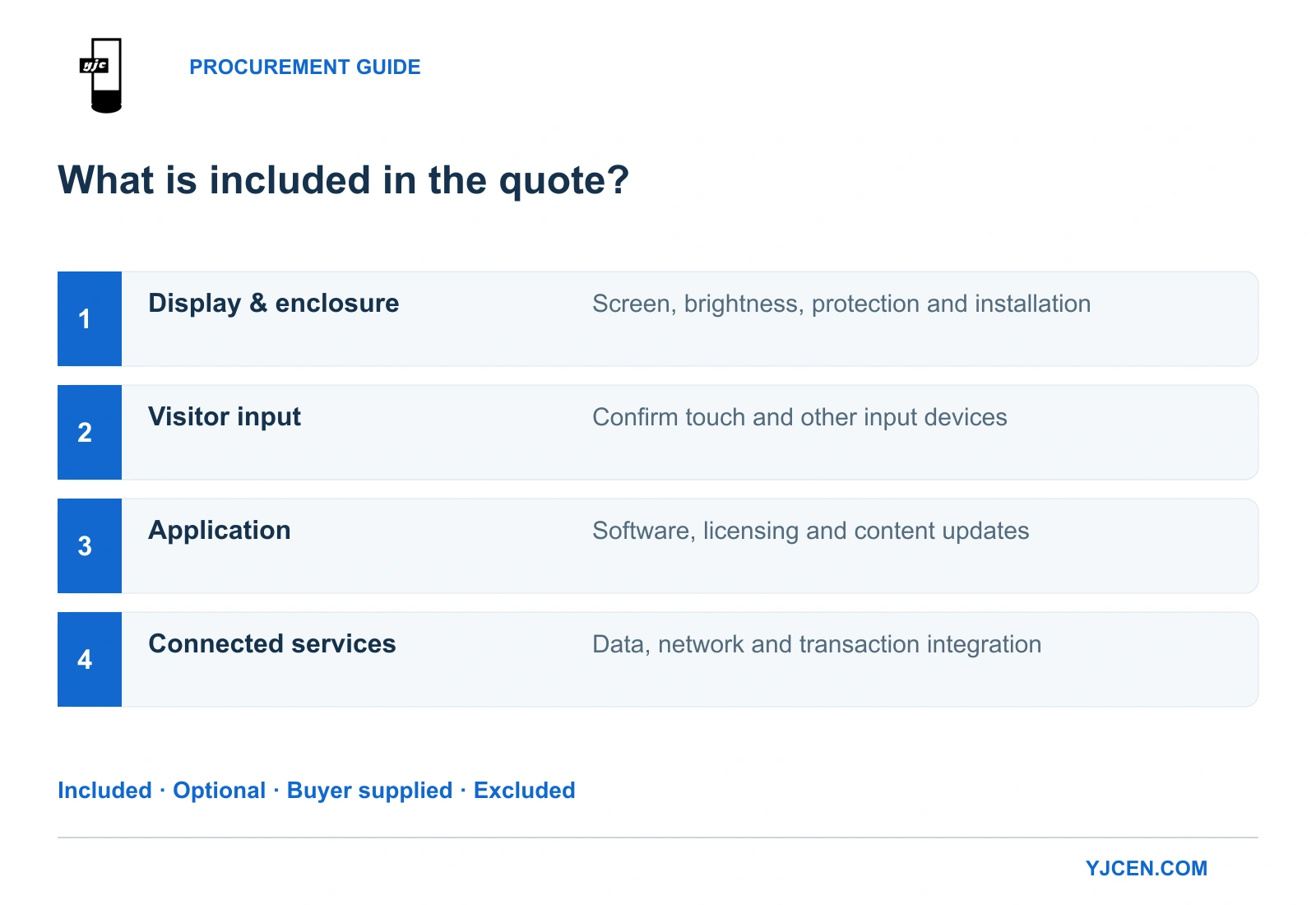
Software, licenses and connected services belong to the project’s application scope. State who supplies them once in the quotation, alongside the selected hardware.
3. How does interaction change the space you need?
An advertising display is read from the approach route. An interactive kiosk also needs a position where a person can stop, reach the controls and complete the task without obstructing others.
Start with the actual base footprint. The dimensions below come from YJCEN’s single-sided, fan-cooled models and their corresponding drawings:
| Physical requirement | 43-inch YJC-430-OD-F | 55-inch YJC-550-OD-F |
|---|---|---|
| Overall height | 1,895 mm | 1,990 mm |
| Cabinet width | 650 mm | 800 mm |
| Cabinet body thickness | 125 mm | 125 mm |
| Base footprint, width × depth | 650 × 400 mm | 800 × 400 mm |
| Net weight | 83 kg | 120 kg |
Moving from 43 to 55 inches adds 150 mm of width and 37 kg of net weight in these configurations. Both bases are 400 mm deep, so using the 125 mm body thickness as the floor-space requirement would understate the footprint.
For interaction, add the user’s approach and standing space to that equipment footprint. Place the application’s important controls within the intended users’ reach; a larger screen does not by itself make controls easier to operate.
Use the 43-inch drawing or 55-inch drawing for the selected model. These are fixed installations: the series installation manual shows leveling and anchoring the unit and routing power into the cabinet.
4. What outdoor requirements remain the same?
Both an advertising totem and an interactive kiosk need suitable outdoor hardware. YJCEN’s outdoor digital signage kiosk specifies 3,000-nit brightness, automatic brightness adjustment and an IP65 enclosure; adding touch does not replace those environmental requirements.
Select the display for the location first, then add the input and application needed for the task. IEC 60529 classifies enclosure protection, which is separate from touch performance or the operation of a service application.
The 55-inch drawing identifies a rear air inlet, air outlet and lockable access door. Position the kiosk so the airflow path and maintenance access remain usable; placing its back tight against a decorative wall would work against that layout.
For a new site, use our outdoor display selection guide to establish the exposure and viewing requirements before specifying interaction.
5. What should a useful handover demonstrate?
Accept the equipment against the visitor’s completed task. A home screen appearing on the display is only the start of that demonstration.
| Ordered configuration | Handover task |
|---|---|
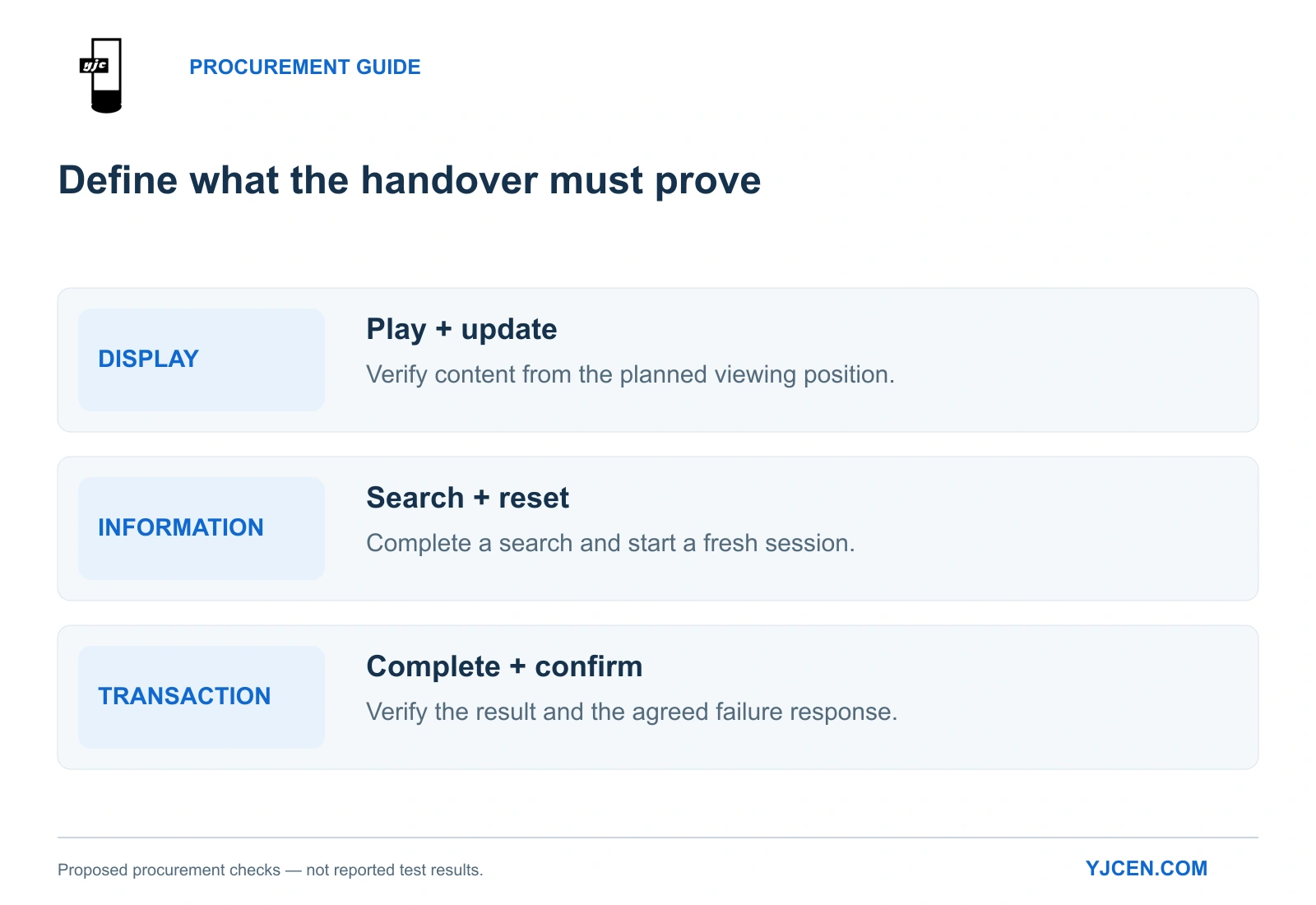
| Advertising display | Play the intended media, update it and read the essential information from the planned position |
| Interactive information kiosk | Complete a representative search, display the result and return to a clean starting screen for the next visitor |
| Service or transaction kiosk | Complete the defined workflow, verify its recorded result and demonstrate the agreed cancellation or failure response |
Record the tested display, operating system, application version and connected devices. When a configuration changes, repeat the affected task rather than assuming the earlier demonstration covers the replacement.
For broader computer and peripheral planning, see our self-service kiosk selection guide.
What should you send for an accurate quotation?
Send the visitor’s task, preferred screen size, quantity and site photographs with the available floor space. For interaction, add the application or a sample workflow, operating-system requirements and any selected peripheral models.
YJCEN can use that brief to quote the display and touch configuration, provide the relevant dimensions and arrange testing of customer-provided software on the agreed hardware.