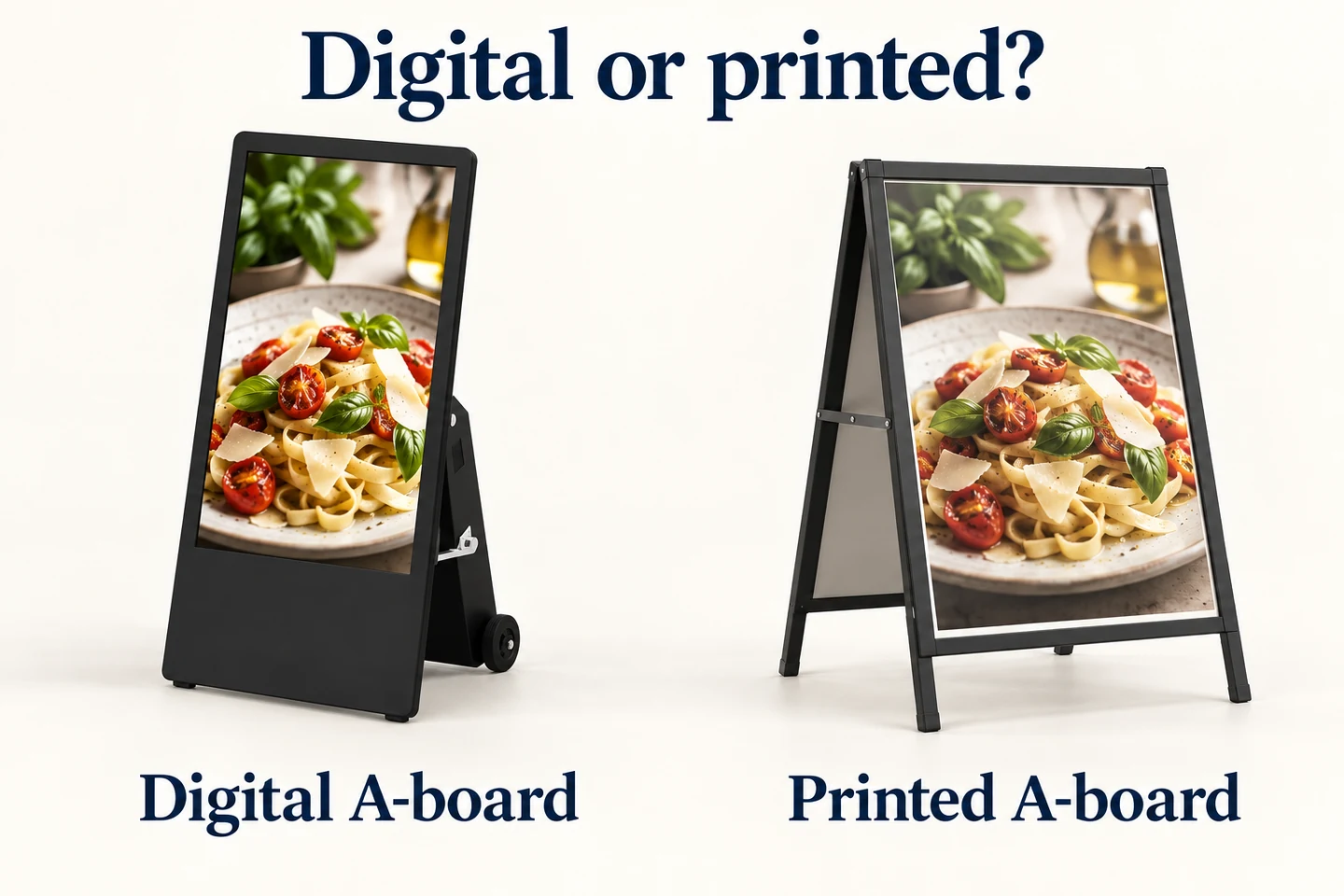
Should you choose a digital or printed A-board?
Choose around the message schedule and daily workload. A printed board can suit stable information; a digital board can suit frequent content changes when staff can manage power, updates and equipment care.
- Compare both options with the same real message and viewing position.
- Plan charging where applicable, movement, storage and daily ownership.
- Price the exact board and accessories alongside actual printing and staff costs.
- Test an offer change and removal of expired content before expanding; do not assume a universal break-even month.
This comparison helps shops, temporary venues and event teams choose a format. It covers display hardware and the practical work around it. It does not include software subscription costs in a hardware quotation or assume that a digital screen will increase sales.
Start with the message schedule
List the messages you expect to show during a normal week. Separate permanent information, such as an entrance direction, from changing offers, menu periods and event notices. Include how quickly an incorrect message must be removed.
A printed board can be a straightforward choice when one clear message remains useful for a long time. A digital A-board becomes more useful when several prepared messages need to share the same display area or when the content changes frequently.
Do not choose animation simply because a screen supports it. A visitor walking past may need one large offer or direction. Several short messages can work, but each needs enough time on screen to be read. Test the actual content instead of judging the equipment with a fast demonstration video.
Compare the daily work, not just the purchase price
| Question | Printed A-board | Digital A-board |
|---|---|---|
| How is the message changed? | Replace an insert or rewrite the surface, depending on the board. | Prepare and load compatible content using the chosen update method. |
| What powers the message? | The printed message needs no electrical supply. | The screen needs mains power or a charged battery. |
| Can several messages share the space? | Usually through a combined layout or changing inserts. | A playlist can rotate messages, subject to the playback configuration. |
| What needs daily checking? | Message condition, stability and correct placement. | Message, playback, brightness, power and correct placement. |
Assign a person to each task before buying. If nobody owns the content update, a screen can display yesterday’s information just as easily as an old poster. A process for checking dates and prices matters with either format.
Decide where the board will actually stand
Photograph the intended position at the times when customers will see it. Check the approach direction, reflections, nearby lighting and available space. An indoor demonstration does not establish readability at a bright shop entrance.
For a digital model, ask for the documented brightness and outdoor suitability of the exact offered configuration. Brightness, enclosure protection and resistance to the site’s operating conditions are separate questions. A portable stand does not automatically make a screen suitable for rain.
For a printed model, inspect how the chosen insert or surface looks under the same conditions. Consider reflections from any cover and how the message remains legible as people move past. Compare both boards with equivalent content and from the actual viewing position.
Battery power changes placement, not the need for planning
A battery-powered display can operate away from a fixed socket during use. It still needs a charging location, a storage plan and a routine that leaves it ready for the next operating period. Check that staff can move it through the actual doorway and storage route.
Request runtime information at the intended brightness and content settings. A headline maximum measured at minimum brightness may not describe a bright outdoor operating day. Record the test conditions alongside any runtime figure.
YJCEN offers a battery-powered signage range and a separate high-brightness outdoor battery model. Their specifications are not interchangeable. The latter lists a 43-inch screen, brightness options of 2,000 or 2,500 nits and an IP65 enclosure; confirm runtime for the selected version and settings.
Keep hardware quotations comparable
Ask suppliers to identify the display, stand, battery where applicable, charger, included player and required accessories separately. Check whether packaging, delivery and installation are included. State the destination and quantity so that quotations refer to the same scope.
A printed-board quotation should similarly identify the frame, insert size, included printing and any replacement inserts. Comparing a complete delivered digital unit with the frame-only price of a printed board will not give a useful project total.
Keep software fees outside the hardware total. If a supplier proposes a content service, record it as a separate commercial item. Local playback, network updates and a managed service are different arrangements; confirm what the offered hardware actually supports.
Build a simple ownership comparison
Use your own message schedule to estimate printing and staff work. Record the number of planned changes and the actual cost of preparing each insert. Do not assume a universal break-even month: local printing prices and working practices differ.
For the digital option, record the quoted hardware and accessories, the planned operating hours and the manufacturer’s relevant power information. Add delivery and installation where they apply. Keep any unconfirmed maintenance or replacement cost clearly marked rather than assigning an invented value.
| Cost item | Evidence to use |
|---|---|
| Initial equipment | Written quotation for the exact board and included accessories. |
| Delivery and setup | Destination-specific quote and actual installation scope. |
| Printed updates | Your required change count and a printer’s quote. |
| Daily handling | The tasks and time observed in your own trial. |
| Digital operation | Relevant power data, operating schedule and confirmed service terms. |
Include the cost of errors in the discussion without inventing a financial return. Ask how quickly an outdated offer can be corrected and who notices it. A clear responsibility and checking routine may matter more than a small difference in equipment price.
Inspect movement and storage with the sample
Move the sample along the route staff will use. Check thresholds, turning space, the storage opening and the proposed parking position. Use the handling method described by the supplier. Do not infer stability from the presence of wheels or a folding support.
Ask how the board should be secured in its operating position and which conditions require moving it inside. Follow the documented limits. Avoid claiming a wind rating, impact resistance or theft protection unless the offered product has evidence for that requirement.
Keep the pedestrian route clear and confirm the site’s placement rules before deployment. This applies to both formats. A brighter or more attractive display is not useful if its position interrupts access or is not permitted by the venue.
Approve the update process before approving a fleet
Give the person responsible for daily updates a realistic task: change one offer, remove an expired message and check the result. For a digital sample, use the intended file format, orientation and update method. Check playback after a normal restart.
For a printed sample, replace the insert and inspect the result in the intended position. Check whether the message is correctly oriented, protected as intended and easy to read. Include the storage of spare inserts in the trial.
If several locations will use the boards, write down which parts of the process are shared and which belong to each location. A standard content template can help, but local dates, offers and opening information still need an owner.
Compare both options with one real message
Prepare the same offer or entrance message for both samples. Keep the intended reading distance and amount of information comparable. Otherwise, a large printed headline may appear easier to read simply because the digital sample uses a crowded layout. The comparison should test the message your visitors need, not two unrelated designs.
For a digital sample, include the actual transition between messages and observe how long a visitor has to read each one. For the printed sample, check whether the whole message is visible in one view. Motion is useful only when it supports the task; it should not hide the information someone needs immediately.
Have the staff member responsible for the board complete the trial. Ask them to change the message, move the unit to storage and prepare it for the next opening. Record any step that requires equipment or assistance. A manageable daily routine matters more than a feature that nobody will use.
Keep replacement and service assumptions explicit
Ask what happens if an insert holder, charger, wheel or another frequently handled part needs replacement. Confirm which parts are available for the offered configuration and how the issue is reported. Do not assume that an accessory shown with a demonstration unit is included in every quotation.
Keep the confirmed scope beside the quote: board, power equipment, agreed accessories, delivery and any installation work. Record taxes and freight separately where applicable. A low headline price is difficult to compare when another supplier has included items that the first quote leaves to the buyer.
For a multi-site order, retain the approved sample record and identify any allowed changes. If the final configuration differs in brightness, battery, enclosure or supplied accessories, review the affected checks again. Approval of one sample should not silently become approval of a different configuration.
When each choice makes sense
Choose a printed board when the message is stable, a simple static layout is sufficient, and the venue wants minimal equipment management. It can also serve a different purpose alongside a screen, such as a permanent entrance direction.
Consider a digital A-board when changing messages, scheduled content or video serve a specific need, and staff can manage charging or power, updates and storage. Select brightness and protection around the site rather than assuming every digital board belongs outdoors.
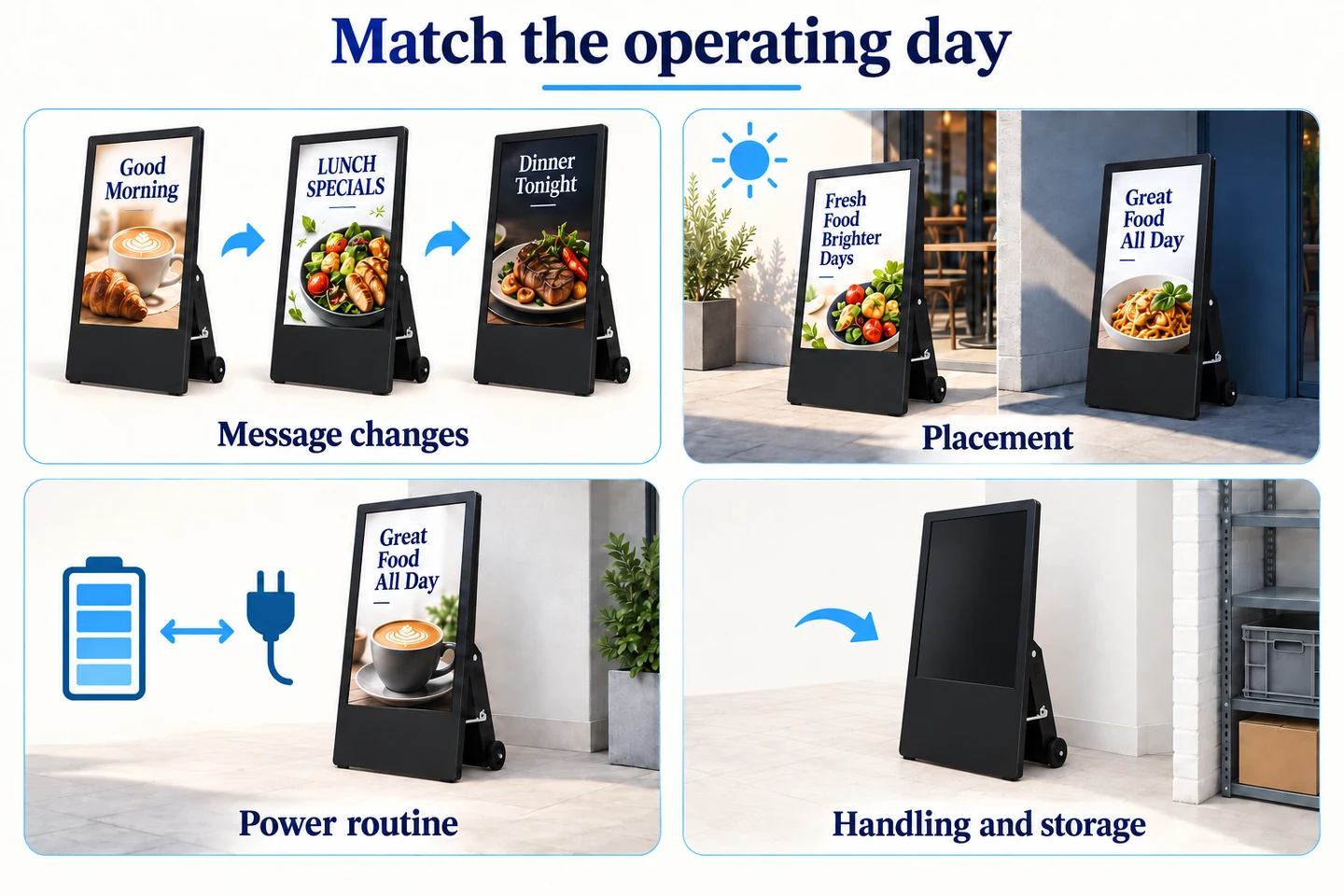
To discuss the hardware, send YJCEN the intended position, operating hours and update routine. For a mains-powered indoor alternative, review the portable digital signage display. A useful proposal should match the operating day and identify the configuration being quoted.