What should you send for an outdoor LCD display quotation?
Send a site brief that explains what viewers need to read, where the screen will operate and how it will be installed. Size alone is not a complete specification.
- Include photos, quantity, orientation, viewing distance and representative content.
- Describe sunlight, reflections, ambient conditions and operating hours.
- Confirm mounting, service access, mains power, playback and software scope.
- Request an itemised configuration with exclusions, then approve a sample against the same brief.
A useful enquiry gives suppliers the same requirements and asks them to identify what is included, optional or still unconfirmed. This guide explains how to prepare that enquiry for YJCEN’s outdoor LCD range without turning a single model’s drawing into a specification for every size.
If you have not yet defined the technical requirements, first compare the selection criteria before preparing your enquiry. Start with our outdoor digital signage selection guide.
Start with a one-page site brief
Describe the job before choosing individual components. Is the screen showing prices outside a restaurant, promotions at a shop entrance, or directions at a visitor attraction? State what a person needs to read and where they will be standing.
Include photographs from the viewer’s position and from behind the proposed display. A close-up of the wall alone does not show sunlight, surrounding reflections, pedestrian space or access for servicing. Mark the intended location clearly so the supplier does not assess the wrong surface.
| Information to send | Why it affects the proposal |
|---|---|
| Site photographs and location | Shows exposure, surrounding space and access |
| Content example and viewing position | Helps assess size, orientation and readability |
| Quantity and rollout stages | Separates sample requirements from later production |
| Power and network availability | Defines the proposed operating setup |
| Expected temperature and exposure | Informs the thermal configuration review |
| Mounting and service constraints | Identifies drawing and installation questions |
Describe unknowns honestly. “Rear clearance still to be measured” is more useful than an invented dimension. Assign someone to resolve each open item before approving the final configuration.
Match the size to the information people need
A larger diagonal does not automatically solve an unreadable layout. A dense menu and a single promotional photograph make different demands. Send a realistic content sample, including the smallest information that must remain legible.
Measure the normal viewing distance and identify whether people stop or walk past. Check more than one position if the entrance has several approach routes. A screen selected for someone standing directly in front may not work equally well for someone approaching from the side.
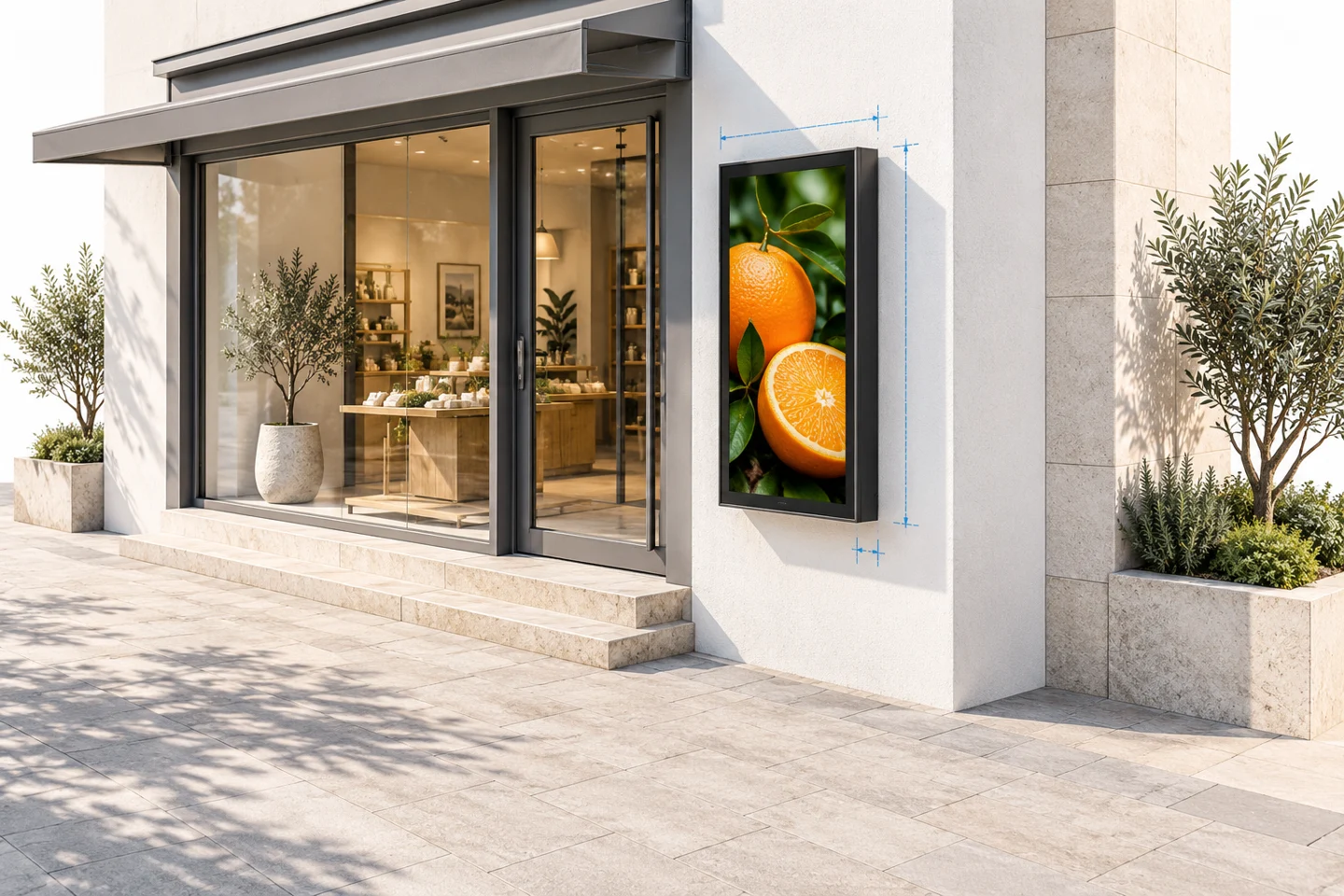
YJCEN’s outdoor LCD display range lists six sizes from 32 to 75 inches and supports portrait or landscape layouts. External dimensions vary with the selected size. Request the corresponding drawing before planning fixing points, surrounding panels or delivery access.
Keep the screen size, active image area and enclosure size as separate entries in the enquiry. They answer different questions. The diagonal helps identify the display class; the drawing determines whether the complete unit fits the installation.
Describe sunlight instead of asking only for more nits
Tell the supplier when sunlight reaches the front glass and whether nearby windows or pale surfaces create reflections. Photographs taken at different parts of the operating day can reveal conditions that a single indoor photograph misses.
The current YJCEN product page specifies a 3,000-nit panel with automatic brightness adjustment. That is a product-family specification, not a guarantee that every layout remains readable from every position. Screen placement, reflected light and text design still need an on-site assessment.
Include evening use in the brief. A display used after dark needs a suitable brightness workflow as well as daylight visibility. Confirm how the chosen configuration adjusts brightness and how the operator checks the result.
A sample assessment should use the intended content and viewing position. Do not judge visibility only from a close-up photograph with automatic camera exposure. Keep a written record of what viewers can read under the conditions being assessed.
Confirm the thermal configuration for the actual site
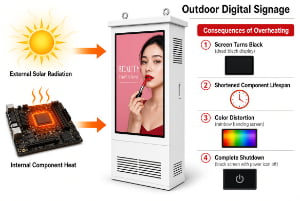
Send the expected ambient conditions, operating hours and exposure to direct sun. Identify an enclosed recess, nearby heat source or restricted space around the unit. These details matter when reviewing the proposed thermal arrangement.
The outdoor range includes an IP66 enclosure, temperature control and overheating protection. Its stated operating-temperature range is conditional on the appropriate thermal configuration. Ask the quotation to name that configuration and its operating conditions rather than copying an extreme temperature into the purchase order without qualification.
Do not treat an ingress rating as a complete answer to every environmental question. Ask separately about the complete installed arrangement, cable entry, service procedures and site-specific exposure. The product rating does not replace a review of the installation.
If the site is unusual, describe it specifically: an exposed entrance, a sheltered exterior wall or a coastal setting are different briefs. Request written confirmation of suitability and any maintenance conditions for the proposed equipment.
Compare outdoor display cooling options.
Choose the enclosure format and service access together
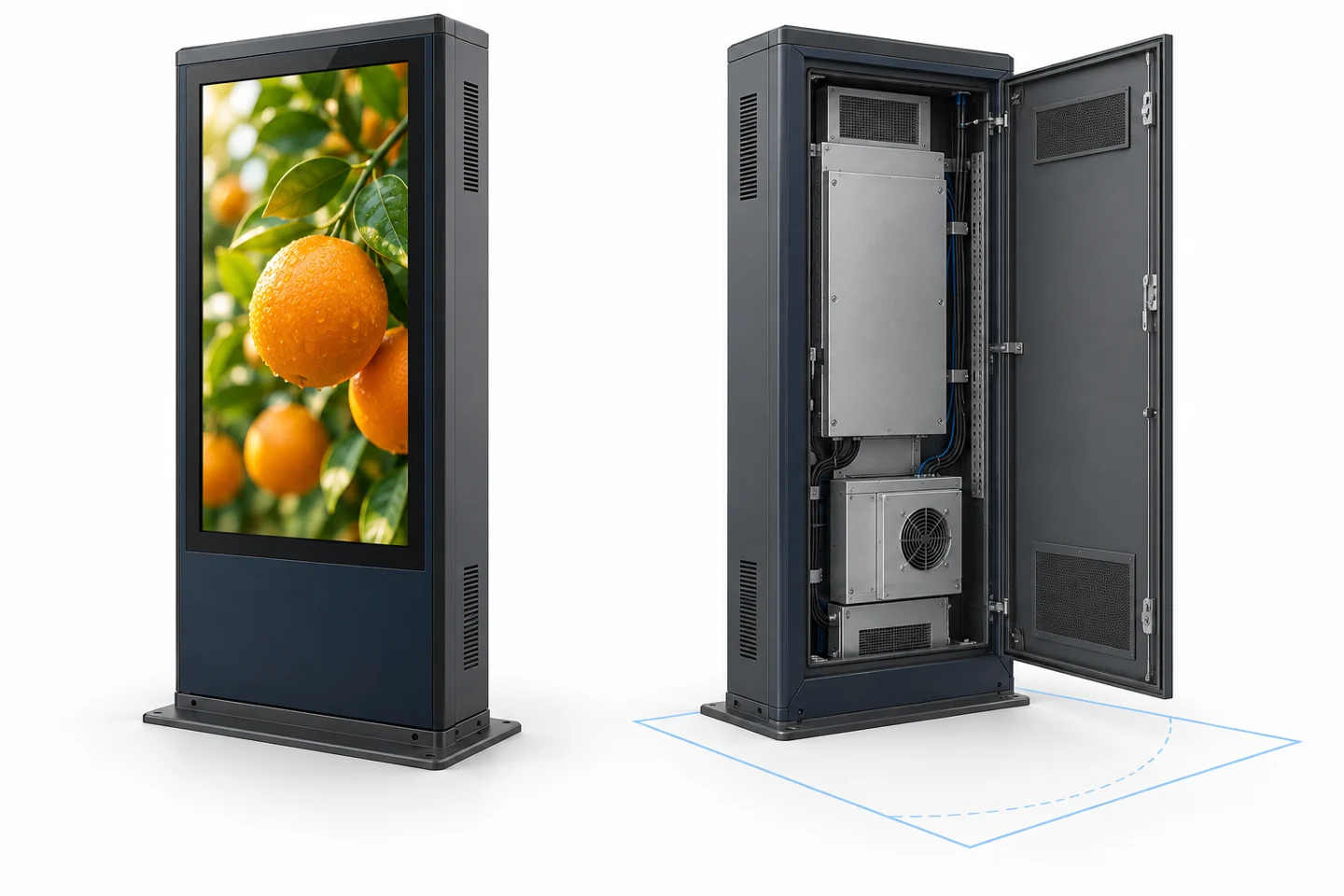
Decide whether the screen belongs on a wall, within a project structure or in a dedicated freestanding format. For a defined installation style, compare the separate outdoor wall-mounted signage and outdoor digital totem pages.
Ask which side opens for service and what clearance is required. Show obstacles such as columns, doors and landscaping in the site photographs. A unit may fit physically while leaving too little room to inspect or replace a component.
Keep structural fixing and electrical installation responsibilities explicit. Request the relevant drawings and have the site’s responsible installers review them. Avoid assuming that an accessory described for one product format is included with every configuration.
Understand outdoor display IP protection ratings.
Separate power, playback and software
This outdoor LCD range uses mains power. If the requirement is operation away from a fixed electrical connection, discuss a different product configuration rather than assuming that a movable or freestanding enclosure contains a battery.
The product page lists an Android 11 player with USB, HDMI and network connections. State whether you intend to use local files, an external source or a managed signage application. Confirm the selected application’s compatibility and required functions before ordering.
Content-management software, licences and related services are specified separately. Keep those costs distinct from the display hardware quotation. Network connectivity alone does not confirm a particular scheduling service, cloud account or integration.
For several sites, identify who prepares content, who approves it and who can recover a screen that shows the wrong playlist. These operating questions help define a useful sample test without inventing software capabilities for the hardware.
Prepare power, cabling and access before installation.
Ask for a quotation you can compare line by line
Give every supplier the same site brief and content sample. Ask them to list differences from the requested configuration. A lower total may reflect a different enclosure, excluded accessory or unresolved installation requirement rather than an equivalent offer.
- Selected size, orientation and exact configuration reference.
- Display, enclosure and thermal specifications with applicable conditions.
- Included player, connections and accessories.
- External dimensions and service-clearance drawings.
- Packaging, delivery terms and site installation responsibilities.
- Sample approval steps and what remains to be confirmed.
- Applicable support, warranty and spare-part terms in writing.
Keep optional items separate. A supplier can quote an option without it becoming part of the agreed base configuration. Mark accepted options clearly when moving from enquiry to order.
Approve a sample against the brief
Use the sample to resolve the uncertain parts of the project. Check actual content at the intended viewing position, planned orientation, input source, restart behavior and agreed brightness workflow. Inspect the enclosure dimensions and access arrangement against the drawing.
Record the configuration used in the test. If a component or software setup changes afterward, identify which checks need to be repeated. Approval of one sample does not automatically establish that a different configuration has passed the same assessment.
Give each finding a clear description and an owner. “Text at the lower edge is unreadable from the queue position” is actionable. “The display needs to be better” does not identify whether the issue is layout, size, reflections or installation height.
Frequently asked questions
Can I use the 55-inch drawing for all sizes?
No. The family shares listed features, but external dimensions change with size. Use the drawing for the exact unit being proposed.
Should the enquiry include a software budget?
Identify the intended software workflow, but request software and service costs separately from the display hardware. This keeps the quotations comparable.
What if the site has no fixed power supply?
State that at the start. The range discussed here is mains powered. Ask about a suitable alternative and verify its operating conditions and runtime for the actual use case.
Send YJCEN a clear outdoor display enquiry
Send the size, quantity, site photographs, viewing distance, orientation, operating conditions and content sample. Include the unresolved questions. Request a configuration review and quotation so the hardware proposal addresses the installation you actually need.
Product reference: the current YJCEN outdoor LCD product page, checked on October 7, 2026. Confirm the final ordered configuration in the quotation and matching technical documents.