What is included in digital signage cost?
A useful signage budget includes equipment, setup and ongoing operation. Compare complete quotations for the same scope and planning period rather than using the screen price alone.
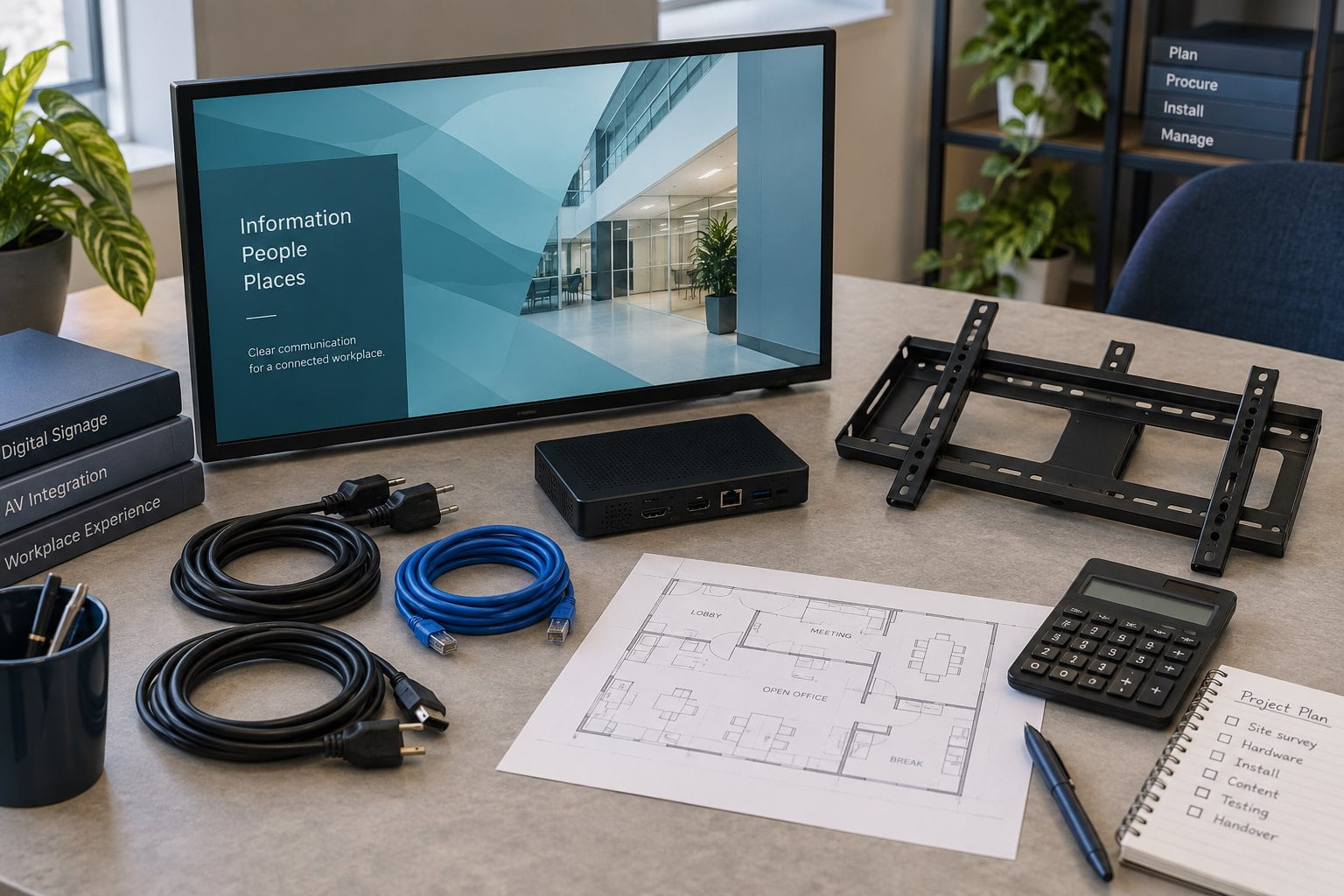
- List displays, players, mounts and required accessories.
- Add installation, software setup, content work and any integrations.
- Include licences, connectivity, electricity, maintenance and support where applicable.
- Ask suppliers to identify the exact models, quantities, optional items and exclusions.
The total depends on where the screen will run and what it must show. An indoor wall display, a window screen and an outdoor unit need different checks. This guide helps you build a clear brief and compare quotes. Ask YJCEN for a price for the exact model and scope you need.
What goes into a digital signage budget?
The 27-inch ordering kiosk has an 80 mm thermal printer and a choice of Android or Windows. Those hardware choices belong in the equipment comparison, while payment processing and application licences are separate budget items. Self-Service Ordering Kiosk.
Split the budget into equipment, setup and running costs. List the quantity and unit price for each item where possible. Ask the supplier to mark anything that is optional or outside the quote.
| Cost item | What to include | What to ask |
|---|---|---|
| Display | Model, size, resolution, brightness and screen direction | Which exact model does this price cover? |
| Player | Built-in system or separate player, storage and cables | Does it run the chosen software? |
| Software | The plan, device controls and needed features | Is the fee per screen, player, user or site? |
| Mount | Wall bracket, stand, housing or support frame | What comes with the unit? |
| Site work | Survey, wiring, fitting, access equipment and tests | What must be ready before the installer arrives? |
| Content | First layouts, media files and later updates | Who creates and approves the content? |
| Delivery | Packing, freight and handling at the destination | Which address and delivery terms are priced? |
| Running costs | Power, network, software renewal and service | Which fees start after the initial purchase? |
Use one currency and record how long each quote stays valid. Ask the supplier or freight provider to explain any taxes or import charges that apply to your order. Check the agreed delivery terms instead of assuming every charge is included.
Why do screen prices differ?
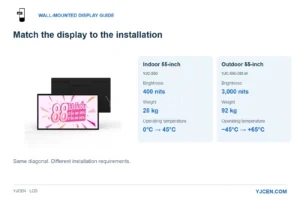
The place where a screen runs affects the model you need. An indoor unit should not be treated as an outdoor unit. A screen behind a shop window also needs checks for sunlight, glare and heat behind the glass.
Compare the operating conditions listed for each model. Check brightness, screen direction, weight, mounting points and access for service. Confirm which computer, touch options and cables are part of the quoted unit.
Start with the YJCEN product directory to find the right category. An indoor project can begin with indoor digital signage. For an exposed site, discuss the actual conditions against an appropriate outdoor display.
A product photo may show optional parts. Use the model sheet and quote to check what you will receive. If two offers use different models, list those differences before comparing the prices.
Choose the player and software together
A built-in player can reduce the number of separate boxes. A separate player may be easier to replace in some setups. The best choice depends on the software, content and service plan.
Ask the software provider to confirm the exact operating system and hardware it supports. Check which plan includes the features you need. These may include schedules, remote checks, staff access controls and live data.
ScreenCloud’s cost guide also separates the screen, player, software and setup costs. Its prices describe its own offer. They are not YJCEN prices or proof that the software runs on every YJCEN model.
Before buying a full set of screens, test your own content on the chosen setup. Include the longest menu item, a real video file and any data feed you plan to use. Check how staff will update each screen.
Compare costs over the same period
Choose one planning period for all offers. For example, a buyer can compare the initial cost plus three years of running costs. The three-year period is a planning choice, not a claim about product life.
Total project budget = equipment + setup + software and network fees + energy + planned service.
Record the screen count, hours of use and software plan behind the total. If a fee is unknown, mark it as awaiting a quote. Do not put zero in a blank field unless the supplier has confirmed that no charge applies.
Keep optional work separate. A quote that includes content design and staff training cannot be compared with an equipment-only quote until both cover the same tasks.
Estimate energy from the actual model
Ask for expected average power use for the model and settings you plan to use. Do not use a different screen’s rating just because it has the same size.
Energy in kWh = average watts ÷ 1,000 × hours of use.
For illustration, a screen averaging 100 watts for 12 hours a day over 30 days uses 36 kWh. Multiply that by your electricity rate to estimate the charge. The 100-watt figure is an example, not a YJCEN specification.
Count any separate player or other powered equipment as well. Brightness settings and outdoor heating or cooling can change power use. State your assumptions so the next buyer can check the estimate.
Check what the installer must supply
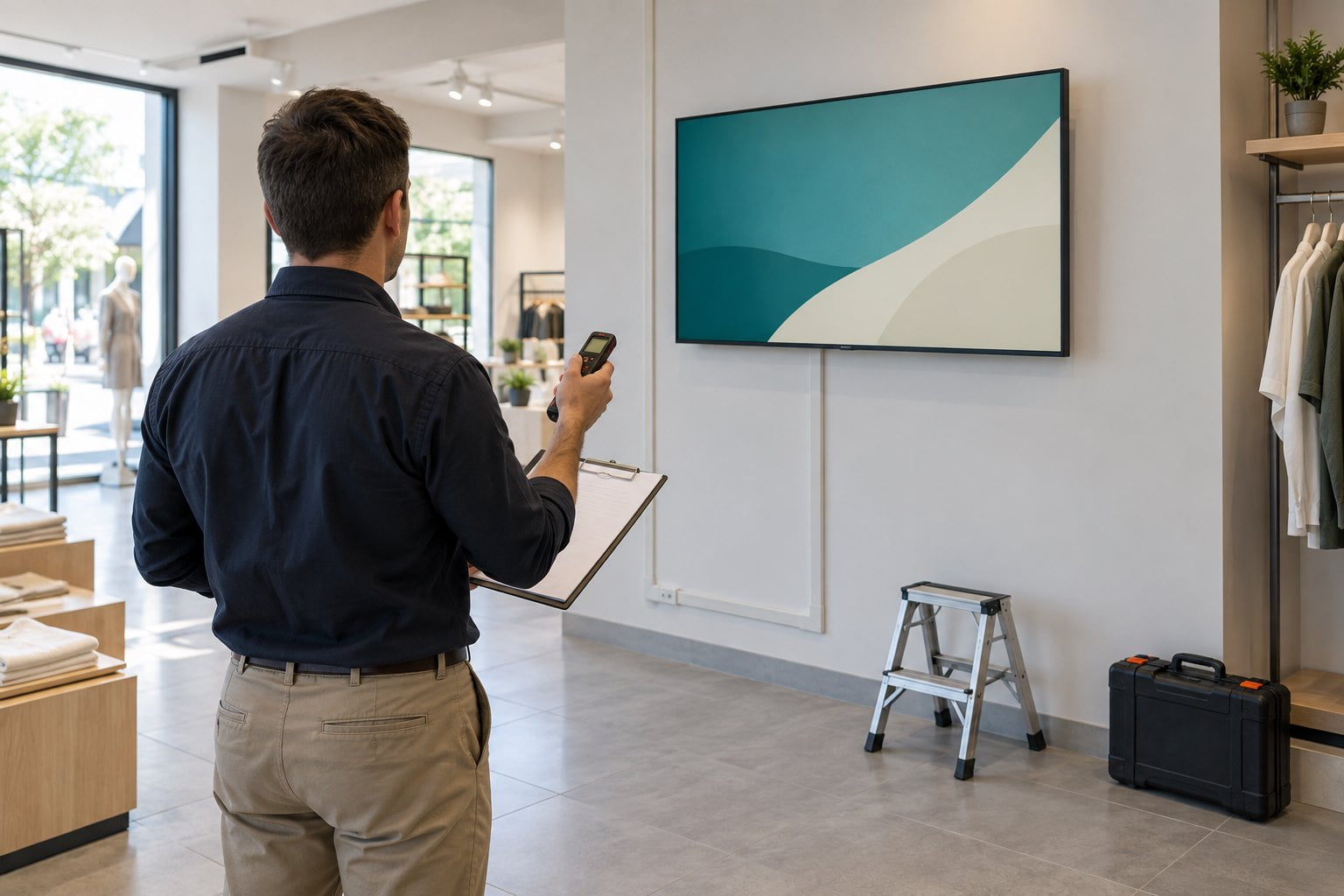
Send photos of the site before asking for a firm fitting price. Show the wall or floor area, power source and cable route. Give the installer the screen’s dimensions, weight and proposed mount.
Ask who checks the wall or support structure, provides the bracket and runs the cables. Confirm access hours and whether special equipment is needed to reach the mounting point. Check who removes any old display.
For several sites, keep shared work separate from work at each location. A layout may be reused, but each store can still need its own wiring, mount and setup visit. Ask suppliers to state which costs apply once and which apply per site.
Use a simple quote comparison process
First, send every supplier the same brief. Include quantities, country, location, hours of use, screen direction and content needs. Name any software you already use.
Next, copy each quote into one list of cost items. Leave a visible gap where an item is missing. Ask for the missing price or a written reason why that item is not needed.
Then check the scope of support. Ask who diagnoses a fault, who supplies parts and who pays for labor or shipping. Record the terms for the quoted model and destination.
Reduce cost by matching the system to the task
A screen that only shows prepared notices may not need touch control. A simple playlist may not need the same computer as an interactive app. Remove options that serve no defined task, while keeping the features the site needs.
Existing equipment may be useful if it fits the software and working conditions. Our commercial display versus consumer TV guide explains the trade-offs. Check suitability before treating reuse as a saving.
Start with a small pilot. Let the people who will run the system test the content and update process. Use the results to confirm the model and scope before repeating the order across more sites.
Request a complete digital signage quote
Send YJCEN your display project brief with the screen count, site photos, country and intended use. Ask for the exact model, included parts, delivery terms and exclusions.
A clear brief helps each party price its own work. Keep the hardware, software and fitting responsibilities visible, even when more than one supplier is involved.
Frequently asked questions
Is digital signage software always a monthly cost?
No. License and playback options vary. Check whether the chosen setup uses a subscription, a different license or local playback. Confirm the support and update features it includes.
Does a bigger screen always cost more to run?
Do not decide from size alone. Compare the actual model’s power use, brightness settings, player and hours of use.
Can I work out payback from the screen price?
No. You need the full project cost and a clear basis for any expected savings or extra profit. Use measured pilot results where possible.
Share your screen size, installation environment and quantity for a display quotation.