What makes a warehouse dispatch screen trustworthy?
A dispatch screen should show a defined operational answer from an approved source, with clear status labels and a visible update time.
- Match shipment and bay labels to the warehouse's actual process.
- Assign who can change records and what happens when data becomes stale.
- At handover, check the timestamp and compare one known record with the source.
- Test the full data path and keep information displays separate from required safety signs, alarms and traffic controls.
This guide focuses on dispatch and shift handover. It covers screen placement, readable information and the behavior required when data stops updating. A display is the hardware endpoint; a live connection to a warehouse system requires a separately confirmed integration.
Give each screen one operational purpose
Start by asking the people who use the dispatch area which information they currently request repeatedly. Select a small set that a shared screen can answer. Keep the screen’s purpose specific rather than copying every field from an office dashboard.
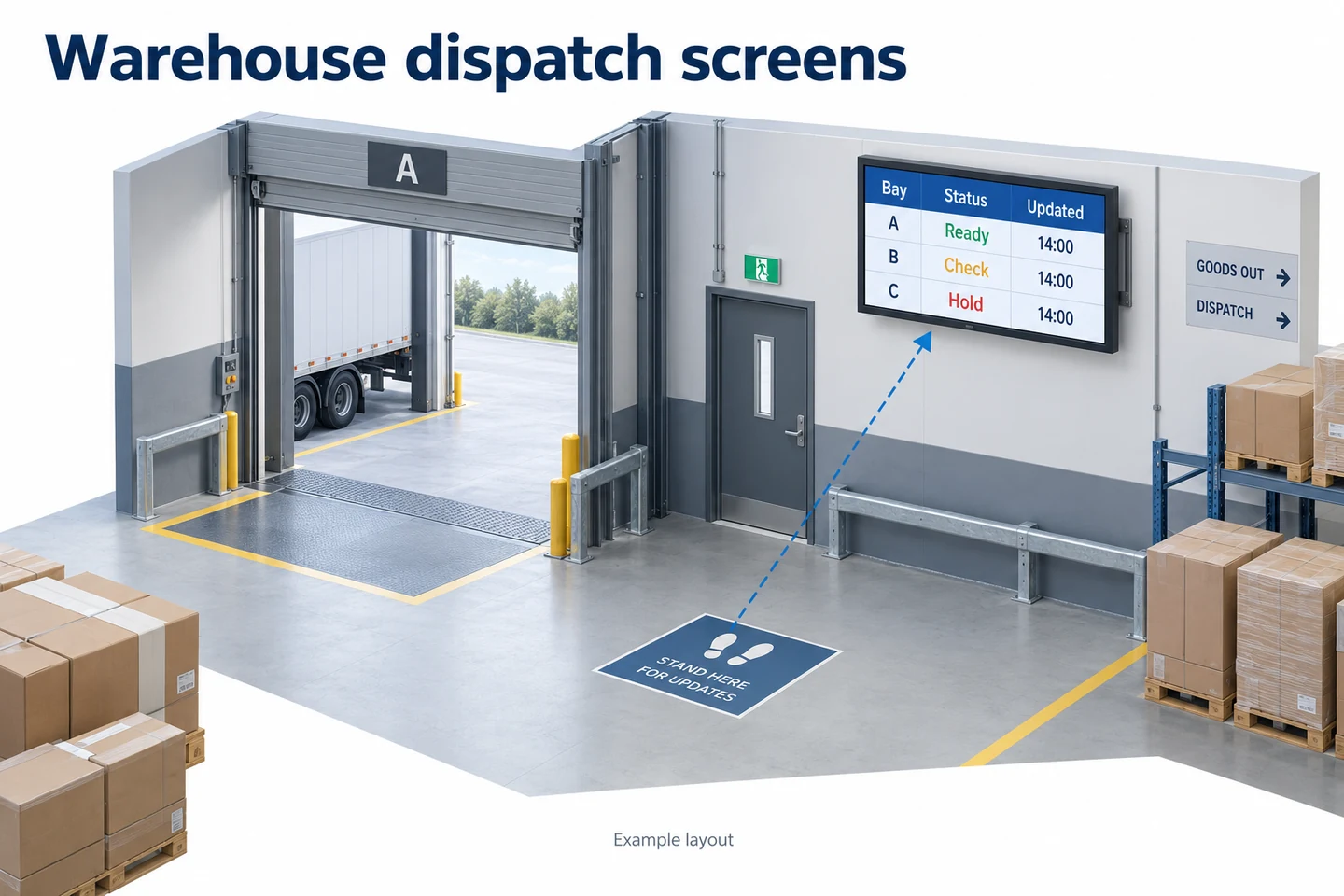
A dispatch screen might show a shipment reference, assigned bay and an agreed status. A shift-handover screen might show unresolved items and the responsible team. These are proposed content arrangements, not features that every signage player provides automatically.
Separate information for workers from information for visitors or drivers. Review what may be displayed publicly and avoid exposing unnecessary customer or employee details. The team responsible for the source data should approve the fields before launch.
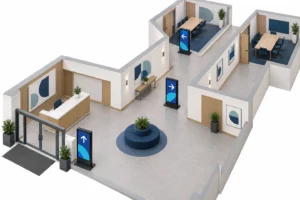
Place screens where people can read them safely
Choose viewing positions before choosing screen size. Identify the places where people can stop and read without obstructing work. Do not design a detailed information screen around reading it while driving a vehicle or crossing a busy route.
Visit the proposed location during a normal shift. Check whether pallets, parked equipment or an open door block the view. Look for glare from loading doors and changes in lighting across the day. Test the layout from the farthest intended reading position.
A mounting proposal should include the wall or support, power, cable route and service access. Ask the responsible installer to confirm the support and installation method. Avoid specifying a mounting height or clearance without considering the site and local requirements.
Make status readable without relying on color alone
Use explicit words for each state, such as Ready, Waiting or Hold, if those terms match the warehouse’s process. Color can reinforce the state, but the label should remain understandable without it. Keep the meaning consistent across screens.
Limit the number of rows so that references and states remain readable. If the dispatch list is longer, decide whether to split it by area or use another method for detailed lookup. Rapidly cycling through many pages can leave a reader waiting for one item to return.
| Information | Useful design question |
|---|---|
| Shipment reference | Can workers identify the right load without unnecessary personal details? |
| Bay assignment | Does the label match the physical signs used at the site? |
| Status | Is its meaning clear in words, with an agreed owner? |
| Last update | Can the reader tell how old the displayed information is? |
| Exception contact | Who should be contacted if the screen and actual operation disagree? |
Use the real references and typical text lengths when testing, with sensitive details removed. Short demonstration labels can hide wrapping and clipping that appear with actual operational content. Check the layout in the final screen orientation.
Decide who owns each change
Write down which system or person is allowed to change a bay assignment or release a held item. The display should communicate the agreed source, not become an unofficial second record that drifts away from the warehouse process.
If updates are manual, assign a shift owner and a handover routine. If updates come from a system, document which fields are read, how often the display refreshes and how failures are detected. Confirm these with the integrator instead of assuming the screen includes a ready-made connector.
Before connecting live data, approve a sample layout with representative records. This separates the question of what should be shown from the technical work needed to supply it. Keep credentials and operational system access out of public screen content.
Define what the screen should do when data becomes stale
A screen that continues showing an old dispatch list may appear healthy. Decide how it will indicate that updates have stopped. The appropriate age limit depends on the operational process; agree it with the team rather than choosing a universal number.
Ask whether the proposed player uses local files, web content or a stream. BrightSign’s description of content sources distinguishes these arrangements and notes the role of caching for web content. This distinction is useful when planning failure behavior; it does not establish the capabilities of another player.
Specify the intended fallback: a clearly marked stale-data view, a neutral notice or another approved screen. Verify that the complete player and application combination can provide it. Cached content may keep a screen visible, but visibility alone does not mean the dispatch information remains current.
Choose hardware for the exact location
An indoor staff area and a position beside an exposed loading door may need different display configurations. Record dust, moisture, ambient light and operating hours for each location. Ask the supplier to match those conditions to documented product limits.
A YJCEN indoor digital signage display is one option for appropriate indoor wall positions. Where the site needs another level of exposure protection, discuss the requirement separately. Do not assume a standard indoor screen has an outdoor enclosure rating.
Include service access in the decision. A screen positioned above working stock may be difficult to reach for inspection or replacement. Agree how maintenance will be performed and whether the planned mounting position interferes with other equipment.
Test the complete information path
During commissioning, change a permitted test record in the source and observe the public screen. Check the reference, state, bay and update time. Measure the actual delay against the agreed requirement without presenting that trial as a guaranteed figure for every installation.
Then test a source interruption in a controlled maintenance period with the responsible team. Check whether the agreed stale-data or fallback behavior appears. Restore the connection and confirm that the screen returns to current information without retaining an outdated state.
Also test a normal player restart. Confirm the intended application opens, the correct screen orientation returns and the data connection recovers. A successful demonstration before the restart is only one part of the acceptance test.
Use a shift-handover check that takes little effort
At handover, confirm that the display is on, the update time is current and one known record matches the approved source. Report discrepancies through the agreed contact. Do not ask staff to trust a screen whose information conflicts with the operating system.
Keep a short log of recurring problems: unreadable rows, glare, missed updates or recovery failures. Record the location and circumstances. These observations help distinguish a content layout problem from a data or hardware fault.
Clean and inspect the display according to its instructions and the site’s maintenance routine. Do not spray liquids into openings or substitute a cleaning method without checking the equipment guidance. The article’s deployment plan does not replace the product’s maintenance documentation.
Keep signage separate from mandatory safety systems
A dispatch information screen should not be treated as a replacement for required signs, alarms, training or the site’s traffic controls. If safety-related messaging is part of a project, have the responsible team define its role and the applicable requirements.
Keep operational information calm and clear. Avoid decorative animation that competes with the state or reference a person is trying to read. When the screen has no current work to show, display an approved neutral state rather than leaving an old load visible.
Test the board at the moment a shift changes
Run a short rehearsal with the people who will use the information. Ask them to identify the next dispatch action, find the time of the last update and explain who to contact when something looks wrong. Their answers show whether the layout supports the task without relying on the person who designed it.
Use sample data that is clearly marked for testing and does not expose customer details. Introduce an outdated item deliberately, then check whether the agreed freshness warning and fallback process are understood. Do not place unapproved test instructions on an operational screen during live dispatch work.
Check the screen from each intended standing position. A board that works from the supervisor’s desk may be blocked by stored goods or unreadable from the handover area. Record those positions in the brief so that later changes to the warehouse layout do not quietly remove the useful viewing area.
Separate a display fault from a data problem
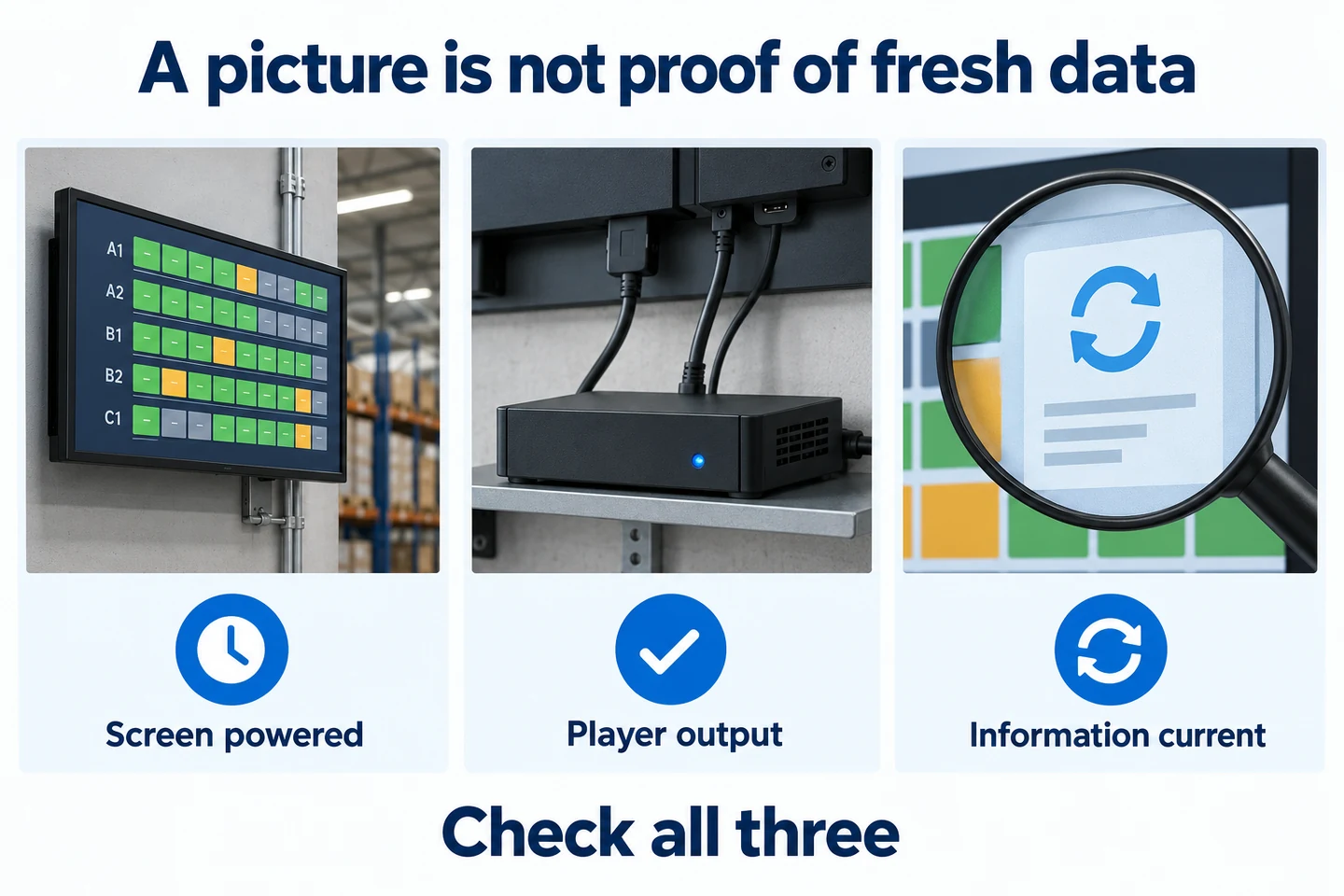
Record whether the screen is powered, whether the player shows its normal output and whether the information carries a current timestamp. A visible picture does not prove that the underlying dispatch data is current. Likewise, an empty board may reflect the content source rather than a failed LCD panel.
Give the support contact a precise description: which board, which message, the last known correct update and what changed. Include an approved photograph when useful, taking care not to disclose sensitive operational information. This is more actionable than reporting only that the warehouse screen is not working.
Keep the fallback procedure accessible to the shift team outside the affected screen. If the board is unavailable, staff still need a way to obtain approved instructions. Agree that process with the operation owner before deployment, and test it alongside the normal display workflow.
Prepare a useful project brief
Include photographs of the intended positions, viewing distances, operating hours, lighting and environmental conditions. Add a sample dispatch layout and identify who supplies and owns its data. State the expected response when the connection fails.
For broader production-area planning, see our manufacturing signage guide. For this dispatch project, send YJCEN the screen locations and hardware requirements. Confirm data integration with the appropriate system provider as a separate part of the deployment.