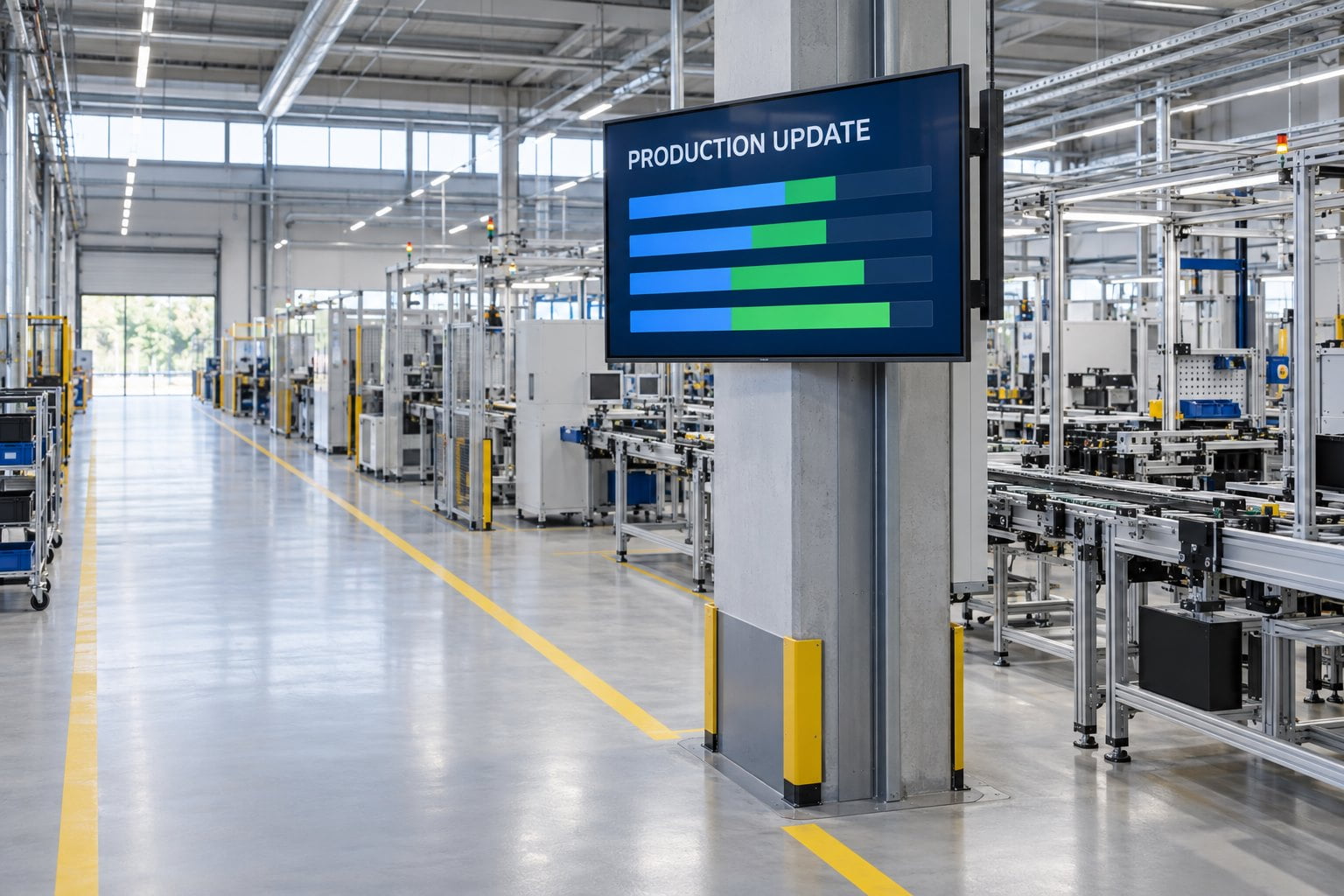
What makes factory digital signage useful?
Readable, current information with clear ownership. Define the task and data meaning before selecting hardware or designing dashboards.
- Label production measures with the line, shift, unit and latest update time.
- Agree what the screen shows when a data feed stops refreshing.
- Survey dust, moisture, temperature, cleaning and mounting conditions.
- Assign publishing and support responsibilities, then pilot the actual dashboard and data connection with production and IT teams.
Plant managers, facilities, IT and integrators need one shared plan: which communication job each screen owns, what “current” means for its data, and which enclosure the location actually requires — before a volume hardware order.
Define the job of each factory screen
Start with a specific communication need. A shift briefing area may need approved handover notes. A production team may need a concise view of current output against its plan. A staff entrance may need a temporary access notice. Sending one long corporate playlist to all three locations makes the information harder to use.
Keep general communication screens distinct from machine controls and established safety systems. A signage dashboard can provide context, but its data path, refresh rate and availability must be understood before anyone relies on it for an operational decision. Define its role with the responsible plant teams during planning.
| Screen location | Useful information | Required context | Responsible owner |
|---|---|---|---|
| Production team area | Approved output or status summary | Line, shift, unit of measure and latest update time | Production with the data owner |
| Shift briefing space | Handover notes and scheduled work | Applicable shift, date and action owner | Shift supervision |
| Staff entrance | Site notices and access changes | Location, start time and expiry | Facilities or site communications |
| Break area | Training reminders and employee information | Audience and route to more detail | Designated communications team |
| Visitor reception | Arrival instructions and approved company information | Public audience and reception contact | Reception or site administration |
Indoor display vs enclosed hardware — pick from exposure
At the Irish concrete plant, a 55-inch YJC-550-OD09-A display with IP66 protection was wall-mounted in a dusty, humid environment. The enclosure choice addresses that exposure, while the wall position keeps the floor area available for work and access. Project example.
| Location condition | Starting hardware path | What still needs written confirmation |
|---|---|---|
| Controlled staff room / briefing area; normal indoor cleaning | Indoor Digital Signage for a suitable model | Operating hours, orientation, player/OS vs CMS |
| Dust, humidity, hose-down or outdoor-adjacent exposure | Start enclosure discussion with the IP66 display range | Chemical resistance, vibration, mounting and cable protection for this process |
| Environment unknown or mixed across the plant | Survey each location separately; do not one-spec the whole site | Photos, cleaning method, temperature range and service access |
Make production dashboards trustworthy
Agree what each number means
Before choosing colors or chart styles, agree the definition of each displayed measure. State whether output means completed units, accepted units or another value. Identify the production line and time period. A number without a clear unit or scope can create confusion even when the software is updating correctly.
Use a small number of measures that the audience can interpret and act on. Put the current condition ahead of decorative charts. Review the layout with the people who attend the shift briefing or use the team area. If they need a separate explanation for every value, simplify the presentation before expanding it.
Show freshness and handle missing data
Define how recent the information needs to be for the screen’s purpose. A daily training reminder and a production status summary do not need the same refresh behavior. Ask the software or integration provider to explain the complete route from the source system to the display, including scheduled exports, caches and network dependencies.
Where timing matters, show a visible update time and agree what happens when the source stops refreshing. The correct response may be to replace the dashboard with a clear unavailable message. Leaving an old number on screen without context can make a functioning panel appear more reliable than the underlying information really is.
Poppulo’s manufacturing communication guide discusses production metrics and integration with operational systems. Treat integration as a distinct project requirement: a display purchase does not automatically include a connection to your manufacturing execution system, enterprise software or reporting database.
Survey the environment before selecting hardware
Separate controlled interiors from demanding locations
A clean staff room and an exposed production area can impose very different conditions on a display. Record dust, moisture, ambient heat, cleaning methods, vibration and nearby processes. Ask the facilities team about conditions during normal production and cleaning, not only during a quiet site visit.
YJCEN’s indoor digital signage can be considered for suitable controlled interior areas, subject to the chosen model’s specification. For locations that need an enclosed design, discuss the actual exposure with the supplier. The IP66 display range provides a starting point for enclosure discussions, not proof that a model suits every industrial process.
Do not infer resistance to particular cleaning chemicals, impact, vibration or special industrial conditions from a general product description. Send the relevant environmental information to the supplier and request written confirmation for the proposed configuration. Where the site has additional equipment requirements, include them in the purchasing specification before comparing quotations.
Check visibility without interfering with work
Inspect the screen position from the intended viewing area. Structural columns, stored materials and moving equipment can interrupt sightlines. Avoid choosing a position that requires people to stop in a working route or turn away from a task that needs their attention. Coordinate the location with the plant’s existing layout and operating arrangements.
Test a sample dashboard at realistic size. Use short labels, clear units and adequate spacing. Do not depend on red and green alone to explain a condition; add words or recognizable symbols. If a viewer must study small table entries, move that detailed information to a more appropriate interface.
Plan mounting and service access
Confirm the mounting structure, orientation, cable route and access needed to replace the screen or player. Ask how servicing can occur during an agreed maintenance window. Include power isolation and access arrangements in the installation plan with the responsible site team. Avoid hiding essential connections behind a mounting arrangement that makes routine replacement unnecessarily difficult.
Specify the display, player and software together
The screen shows content, the player renders it, and the management platform distributes it. Data integration may add another component and another support team. Draw a simple component list and identify the owner of each part. This gives a clearer fault-finding path than treating a blank display as a single undifferentiated problem.
Indoor units can be quoted with optional Android or Windows configurations. Confirm the selected system against the CMS and application requirements. If an external player will be used, check its output connections, resolution, startup behavior and mounting access. Do not assume a shared operating system name guarantees support for every dashboard or authentication method.
- Request confirmation of operating hours and supported orientation for the exact display model.
- Check the player’s supported content formats and required software version.
- Confirm how updates reach the device and how failed updates are reported.
- Agree who supports the source data connection, playback and physical equipment.
- Document subscription costs and the process for adding more screens.
Create a shift-aware publishing process
Information relevant to one shift may be obsolete for the next. Set clear start and expiry times for temporary notices. Identify which messages apply to the whole site and which belong only to a line, department or building. Where the workforce uses multiple languages, arrange a review process that preserves the same meaning and action in each version.
Keep handover content concise and owned by the relevant supervisor or team. Include the date, applicable area and person responsible for follow-up. Do not let a general communications contributor overwrite production information without an agreed approval process. The platform’s user roles should match these responsibilities.
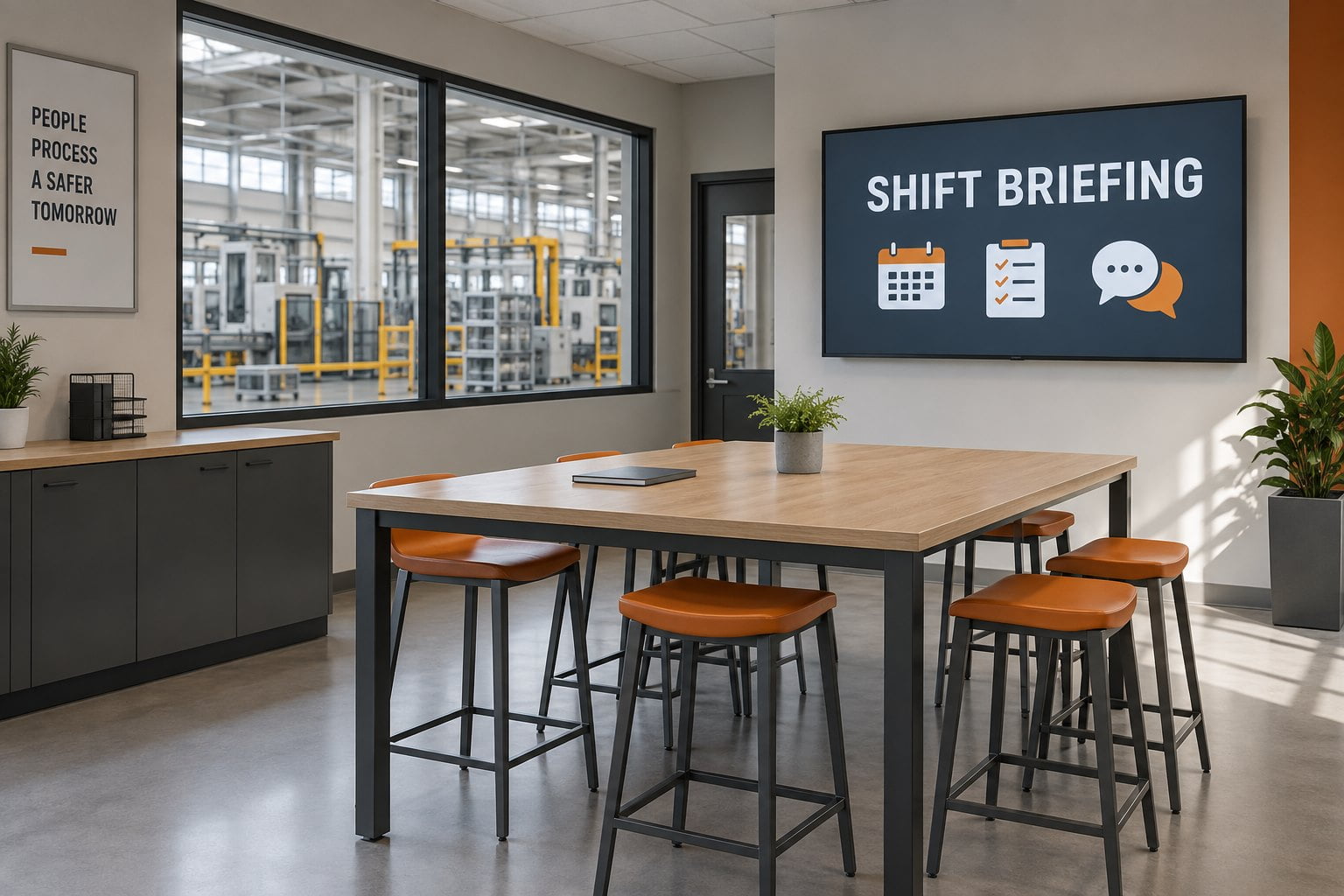
A separate briefing area gives shift teams a place to review notices and handover information without standing in a production route.
For training reminders, use the screen to communicate the required next step and where employees can find the approved material. Do not turn a short rotation into a substitute for a process that requires direct instruction or confirmation. Align the display’s role with the site’s established training and communication arrangements.
Coordinate network access with IT and operations
Ask the relevant teams to review the proposed network arrangement before devices arrive. Provide the CMS, player configuration and integration requirements. Identify which systems need to exchange information and who approves those connections. A convenient network socket is not enough evidence that the device belongs on that network.
Use the site’s approved method for accounts, access permissions, updates and remote support. Keep an equipment register with location, device identity and support responsibility. Decide who receives a failure notification and what they should check first. A practical support plan should work when the person who installed the system is unavailable.
Test power and network recovery during a planned window. Record whether the screen resumes the correct input, whether the player restarts its application and whether current content replaces cached content. If a dashboard requires an interactive login after every restart, resolve that workflow with the software provider before rollout.
Run a pilot with clear acceptance criteria
Choose a representative location and a limited set of real communication tasks. Agree the expected behavior with production, IT and the content owner. The pilot should prove that the information is useful and maintainable, as well as confirming that the hardware turns on.
- Check a sample dashboard from normal viewing positions during representative operating conditions.
- Verify every measure, unit, line label and update time against an approved source.
- Pause the data refresh in a controlled test and confirm the agreed stale-data response.
- Publish a shift-specific notice and verify its audience, timing and expiry.
- Restart equipment and test the planned network recovery behavior.
- Have the regular owner and backup complete a content update and basic fault report.
- Document remaining issues and resolve them before extending to other areas.
Keep an acceptance record containing the model, location, software configuration, test results and responsible contacts. Review the installation after normal use to check whether the chosen measures still help the team. Add more screens only when their locations and communication jobs are clear.
Frequently asked questions
Can manufacturing signage display live production data?
Yes — when software and an approved integration support the source. Confirm the refresh path, permissions, measure definitions and failure behavior. “Live” means a demonstrated update process, not an animated dashboard alone.
Does every factory display need an industrial enclosure?
No. Match enclosure to the actual location. A controlled staff area and a dusty or wet production zone need different specs. Obtain model-specific confirmation from the supplier.
Should production dashboards and employee notices share a screen?
Yes, when audience, timing and priority rules allow it. Avoid interrupting information that must stay visible. Use separate screen groups when messages serve different jobs.
What should we send YJCEN for a factory display quotation?
Provide location photos, viewing distances, operating hours, mounting constraints, environmental conditions and the proposed player or software arrangement. Identify any integration work separately. Share your manufacturing display requirements with YJCEN to discuss hardware options for the project.
Share your screen size, installation environment and quantity for a display quotation.