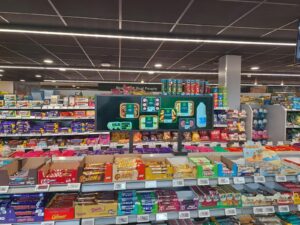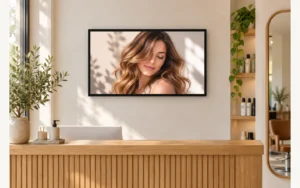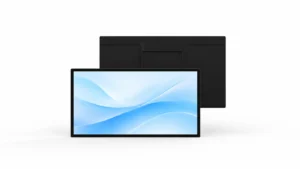
Start with the viewing location, then match content, playback and installation requirements to the display configuration.
To choose a digital signage LCD display, start with where people will read it, then match brightness, content size, operating hours and playback hardware to that location. A 55-inch indoor screen, a window-facing screen and an outdoor unit can all offer 4K resolution yet serve different jobs. Using YJCEN’s Indoor Digital Signage as a practical reference, this guide explains which specifications should change your buying decision.
1. Is the screen indoors, behind glass or exposed outdoors?
Classify the location before comparing prices. A screen mounted inside a building can still face strong daylight through a storefront window, while a display beneath a canopy may remain exposed to wind-driven rain.
The following three YJCEN configurations illustrate why screen size alone is an incomplete specification.
| Published specification | 55-inch indoor non-touch display | 55-inch hidden-cable window display | 55-inch IP66 outdoor display |
|---|---|---|---|
| Model | YJC-550 | YJC-550-W | YJC-550-OD09-A |
| Native resolution | 3840 × 2160 | 3840 × 2160 | 3840 × 2160 |
| Specified brightness | 400 nits | 3,000 nits | 3,000 nits |
| Intended location | Indoor commercial space | Inside a storefront, facing outward | Exposed outdoor installation |
| Enclosure protection listed | IP5X | IP5X | IP66 |
| Selection implication | Start here for an indoor noticeboard or menu away from strong sunlight | Use a window configuration for daylight-facing content behind glass | Use an outdoor enclosure where weather protection is required |
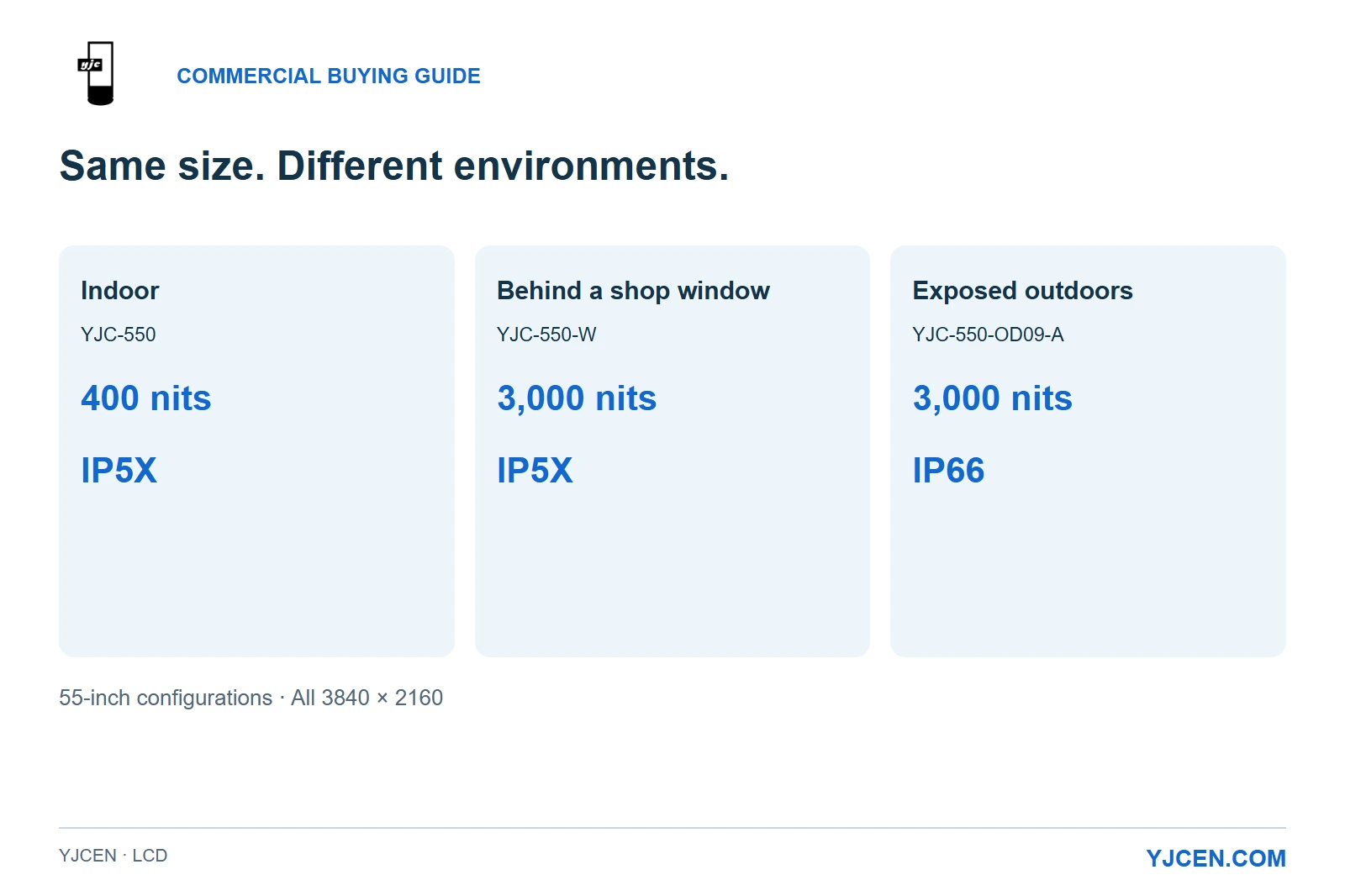
These are specifications for the identified configurations, not universal brightness thresholds. In IP5X, the “X” does not establish a water-protection rating; the window model’s high brightness therefore does not make it an outdoor substitute.
For a chain with lobby screens, storefront advertising and outdoor customer information, standardize the content workflow where practical, but select the hardware for each environment. Buying one identical screen for all three locations removes the distinction that matters most.
2. How much brightness do you need to make the content readable?
After choosing the right environment category, judge readability at the actual viewing position. A larger indoor screen does not solve the reflection problem of a sunlit storefront.
Brightness describes the light produced by the display; reflections add light that competes with its image. Research published by NIST on daylight readability and ambient contrast evaluates display performance under daylight and sunlight while accounting for reflection, supporting a broader assessment than the brightness number alone.
Use your smallest essential text as the test: can a customer read the price, destination or headline from the intended position? Evaluate it against the actual lighting, rather than judging the screen only by a bright promotional video.
Our buying recommendation is to establish an appropriate brightness class first, then examine reflections, placement and content contrast together. Increasing brightness cannot correct every poorly placed light source or an overly dense layout.
3. Should you prioritize screen size or 4K resolution?
Choose physical size from the viewing task, then choose resolution to preserve the detail that task needs. Small text remains physically small even when a panel has more pixels.
YJCEN’s indoor non-touch specifications show a useful distinction: the 43-inch YJC-430 is Full HD at 1920 × 1080, while the 55-inch YJC-550 is UHD at 3840 × 2160. Both list 400-nit brightness and portrait or landscape use, so the larger model changes the available image area and pixel count without changing the brightness class.
| Content and viewing task | Practical buying choice |
|---|---|
| A short promotion with a large headline | Select the physical size that makes the message clear at the intended distance; avoid paying for resolution as a substitute for placement |
| A directory, menu or dashboard with fine detail | Consider UHD, and assess the smallest essential text using the final layout |
| A portrait poster | Specify portrait installation and create the content in the intended orientation |
| A landscape menu | Allocate readable space to prices and product names before adding more items |
The 55-inch non-touch drawing gives an active image area of 1209.6 × 680.4 mm. That is the content canvas in landscape orientation; the enclosure surrounding it is larger, so do not use the screen diagonal to calculate a cabinet opening.
LCD signage commonly uses an LED backlight, which is different from a direct-view LED display. If those descriptions are confusing a quotation, our explanation of how LCD digital signage works separates the panel, backlight and player functions.
4. What does a 24/7 specification actually tell you?
Use operating hours to match the display to the business schedule. A continuously operating reception area needs hardware specified for continuous use; a shop opening for part of the day can select suitable commercial hardware and run it to the store’s schedule.
The YJC-430 and YJC-550 indoor specifications list 24/7 operation and a 50,000-hour backlight life cycle. These describe different things: the operating rating addresses the intended duty, while the backlight figure is a component specification rather than a guaranteed period of fault-free operation for the complete installation.
For procurement, keep operating hours, warranty and the actual playback schedule as separate fields. This makes quotations more useful than a single headline claim such as “long life.”
5. Should playback use Android, Windows or an external player?
Choose the application before choosing the computer configuration. An Android signage app and a Windows application can have different hardware requirements even when they display the same content.
The published indoor Android configuration uses Android 11, an RK3568 quad-core processor, 2 GB RAM and 32 GB eMMC storage. Those specifications give an application vendor or integrator a concrete platform to assess; the panel’s UHD resolution alone does not establish that every application will render and play its content at UHD smoothly.
YJCEN offers Android or Windows configurations and can preinstall and test customer software. Select the system that supports your existing application and management workflow, with the software license treated separately from the display hardware.
| Playback approach | When it fits | What belongs in the purchase specification |
|---|---|---|
| Integrated Android | Your signage application supports the proposed Android platform | Application name and version, processor, memory, storage and network requirements |
| Integrated Windows | Your application or IT environment requires Windows | Required Windows version, application requirements and agreed computer configuration |
| External media player | Your organization already standardizes on separate players | The player’s video output, a matching display input, power provision and cable route |
Pay particular attention to the last row: the indoor specification lists two USB ports and one Ethernet RJ45 port, but does not list an HDMI input. An external HDMI player therefore requires an explicitly specified HDMI-capable configuration; Ethernet provides a network connection and is not a substitute for that video input.
For the sample test, use the actual application and playlist, including the largest media files and most demanding page. This tests the intended workload rather than an easy demonstration loop.
6. Will the chosen configuration fit the installation?
Use the drawing for the selected configuration, especially when a screen must fit inside furniture or an architectural recess. Adding touch can change the enclosure even when the nominal screen size stays the same.
| 55-inch indoor configuration | Published enclosure face dimensions, long side × short side |
|---|---|
| Non-touch | 1275.51 × 747.12 mm |
| PCAP touch | 1294.6 × 765.5 mm |
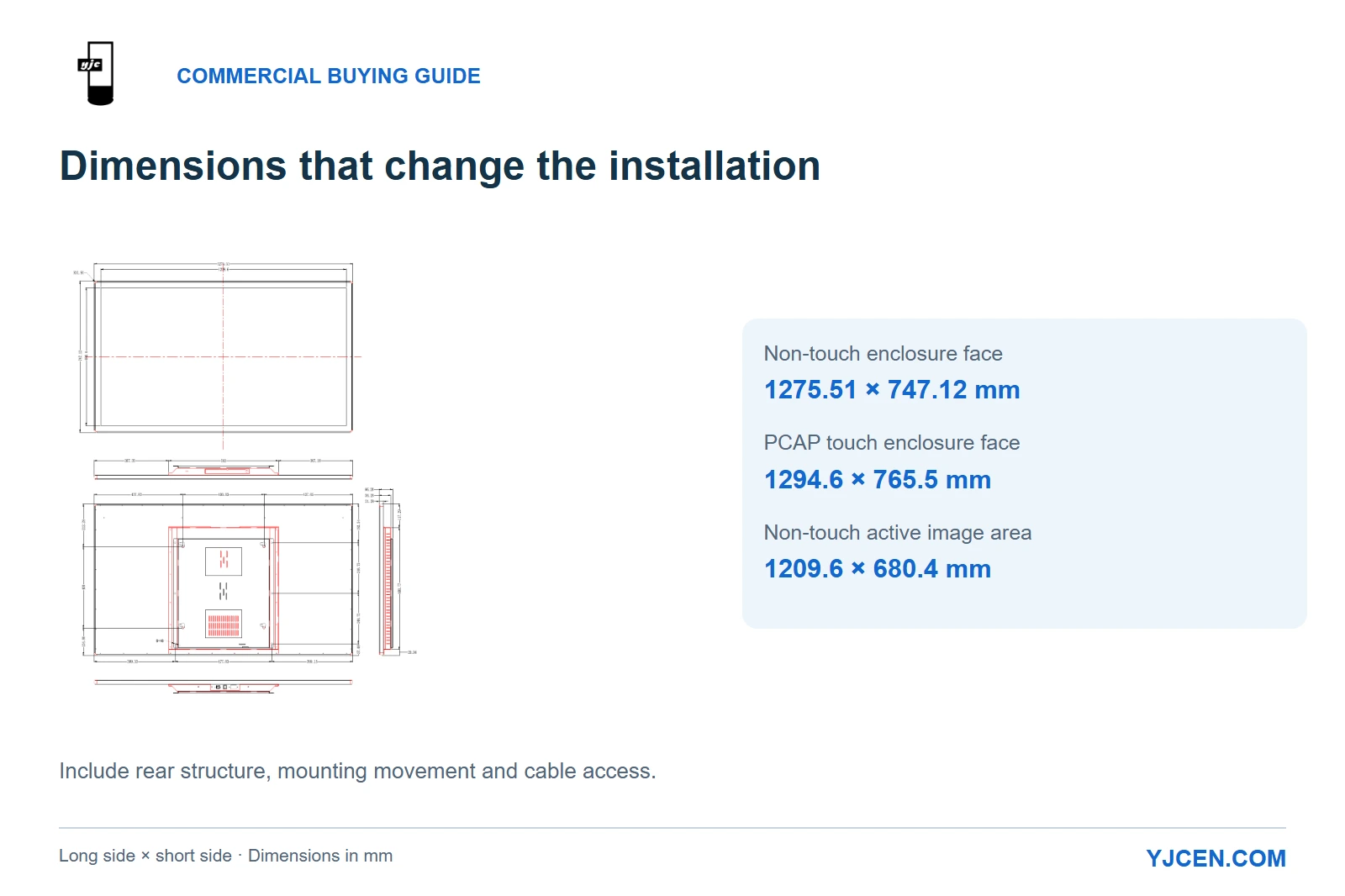
Calculated from these dimensions, the touch enclosure is 19.09 mm longer and 18.38 mm wider across its face. A tightly fitted surround designed around the non-touch unit should therefore not be reused unchanged for the touch version.
Depth needs a separate check. The non-touch dimension drawing shows a thin display edge together with a deeper rear assembly and mounting components, so a headline thickness is not the complete installed projection from the wall.
The installation manual uses a wall plate that is fixed first, followed by the screen engaging with that plate.
Allow space to engage the screen with the plate, connect the cables and remove the unit for service. A recess that fits the front face can still obstruct those operations.
Choose non-touch for passive advertising and information display. Choose touch when the user has an actual interaction to complete, with the application and its interface included in the project plan.
7. How do you compare quotations on an equal basis?
Compare complete configurations after they meet the location and content requirements. A cheaper line item can represent a different computer, a different touch option or an incomplete installation package rather than a lower price for the same result.
Keep these items separate in the quotation:
- Display hardware: size, native resolution, brightness, enclosure, orientation and touch selection.
- Playback: Android or Windows configuration, or the required external-player input.
- Installation: bracket, cables, mounting work and access arrangements.
- Software: application licenses, content management and any integration work.
- Delivery and support: quantity, destination, project timing, warranty and service scope.
For power planning, the 43-inch indoor non-touch model lists 60 W maximum and the 55-inch model lists 75 W maximum. Use maximum consumption for equipment planning; it is not a measured average from which to promise an electricity bill.
Before a bulk order, evaluate one representative configuration against the decisions already made: readable content at the intended position, correct playback and restart behavior, workable mounting and accessible connections. The purpose of the sample is to prove your proposed deployment, not simply to show that the panel lights up.
What should you send for a useful display recommendation?
Send YJCEN a photo of the installation location, the intended screen size and orientation, a sample of the content, operating hours, application or player requirements, quantity and destination. Identify whether the screen is inside the building, facing out through glass or exposed outdoors.
We can use those details to recommend an LCD configuration and provide the relevant specifications and dimension drawing. For a repeat rollout, sample orders start at one unit, allowing the proposed setup to be evaluated before the larger order.