How should a property agency use digital signage?
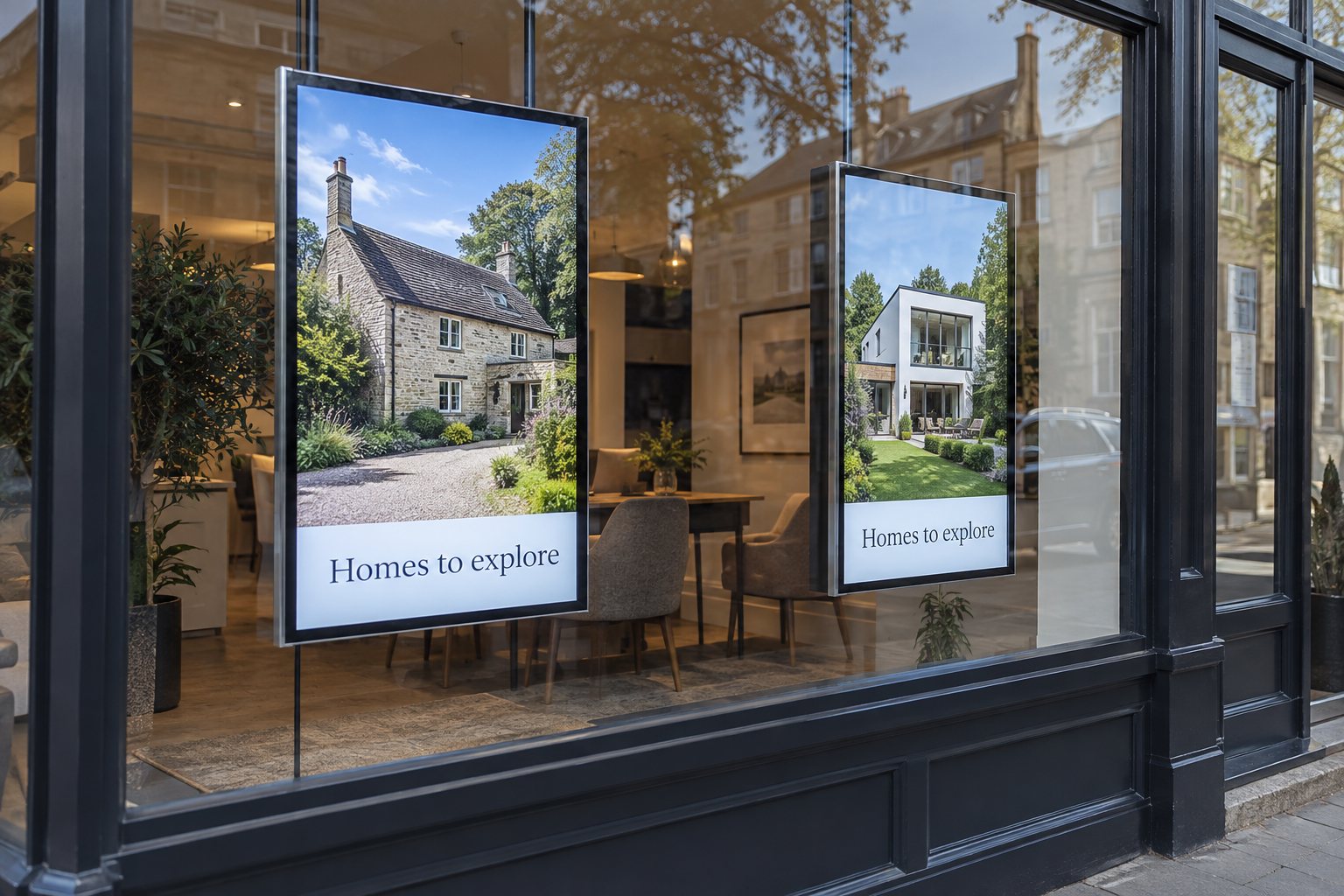
Use the window for a concise selection of current listings and a clear enquiry route. Use an indoor consultation screen for the property an agent is discussing.
- Test the window from outside in changing sunlight and reflections.
- Keep property cards consistent, with useful images, key details and contact information.
- Assign responsibility for reserved, sold, let or withdrawn listings.
- Verify enquiry links and keep private client records off public-facing screens.
The important decisions are where people will view the screen, how listings stay current and who corrects a mistake. Those decisions should come before selecting a screen size or creating an elaborate animation.
Separate the window display from the consultation screen
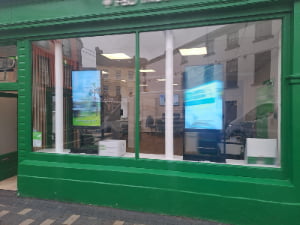
The window-display range offers 32–86-inch screens with brightness up to 3000 nits for installation behind storefront glass. For property listings, choose the size around the photograph and essential text viewed from the pavement, while reserving detailed information for the enquiry route. Digital Window Displays.
A person walking past the office may give a listing only a brief look. Window content needs a strong property photograph, a readable headline and a clear way to ask for details. A visitor sitting with an agent has more time and can explore several rooms or compare floor plans.
Prepare separate layouts for those two situations. A detailed brochure spread may be useful during a meeting but too dense for the window. Conversely, a rotating window promotion can interrupt a consultation when the agent needs to keep one property on screen.
- Window: a small set of current listings with an obvious enquiry route.
- Reception: appointment information, local coverage and relevant listings.
- Meeting area: controlled access to property images and floor plans.
- Temporary event: a commercial display positioned for an open-house presentation, where the site conditions allow it.
Keep the purpose visible in the project brief. It helps the installer, content designer and office manager agree on what success looks like without relying on unproven promises about increased enquiries.
Check the window conditions before buying
Start outside the shopfront, where the viewer will stand. Note the direction of the sun, the glass finish and reflections from the street. Repeat the check at different times of day. An office can feel comfortably shaded while its window display is difficult to read from the pavement.
A high-brightness window display is intended for a different viewing situation from an ordinary indoor information screen. Review the exact model’s brightness, installation instructions and thermal limits. Do not assume that a high brightness figure alone resolves reflections or heat behind glass.
Window-facing equipment is also different from a display installed outdoors. A screen protected by the shopfront may still need ventilation, while a unit exposed to rain needs an appropriate enclosure. Describe the installation clearly so a quotation does not treat those environments as interchangeable.
LG’s window-facing display documentation shows property-agency applications and model-specific installation considerations. Its specifications apply to that LG model; use the documentation for your chosen display when checking temperature, orientation and operating limits.
Think about people inside the office too
Check the rear appearance of the installation, nearby seating and cable routes. Allow staff to reach the display for service without dismantling the window presentation. Ask about operating noise if desks or consultation chairs sit close to the screen.
Agree on an opening-hours schedule and a separate evening setting where appropriate. Test the view after dark, when a setting chosen for daytime may be uncomfortable. Preserve a clear view of the entrance and avoid creating a visual barrier between staff and customers.
Make each property card easy to understand
Use a consistent order for important information. A large photograph, area name, key property features and contact route are easier to recognise across a changing playlist than a completely different design for every listing. Show only information that the agency has approved for that property.
Use images in the screen’s intended orientation. Cropping a wide property photograph into a tall screen can remove the feature the listing is meant to show. Review the actual crop instead of relying on automatic fit settings. Avoid stretching floor plans or making room proportions misleading.
Choose a few readable details rather than displaying the entire listing record. The agency can decide which fields matter locally, including how prices, status and required notices should appear. Keep any necessary wording readable; reducing it to a tiny footer does not help the viewer understand the offer.
Give the viewer a next step
An enquiry route might be a clear instruction to speak to the team, a short web address or a tested QR code linked to the specific property. Use one primary action per card. If a QR code is used, verify it through the glass from a realistic distance and confirm the destination on a phone.
When a listing expires, decide what its linked page should show. A useful page can explain that the property is no longer available and offer an appropriate next step. Do not leave the screen advertising a home simply because its old link still opens.
Keep property availability current
Appoint someone to own the display playlist and its update schedule. Define what happens when a property is reserved, sold, let or withdrawn. The same change may need to reach the agency website, printed material and signage, but those channels do not necessarily update together.
If you want the display to use a property feed, confirm access with the listing-system provider. Ask which fields are available, how images are delivered, how often updates are checked and what happens when a record disappears. A screen with network access does not automatically include a compatible property-feed connection.
For a manually managed playlist, use an expiry date and a regular review. For an automated feed, test changes with sample records before launch. Check missing images, long area names, price changes and unavailable properties. Record who can override a feed problem and what the screen should show in the meantime.
Use the indoor screen for the conversation
In a meeting area, let the agent control the pace. Show the property being discussed and keep related photographs or floor plans ready to open. Avoid displaying private client records on a screen visible from reception or the street.
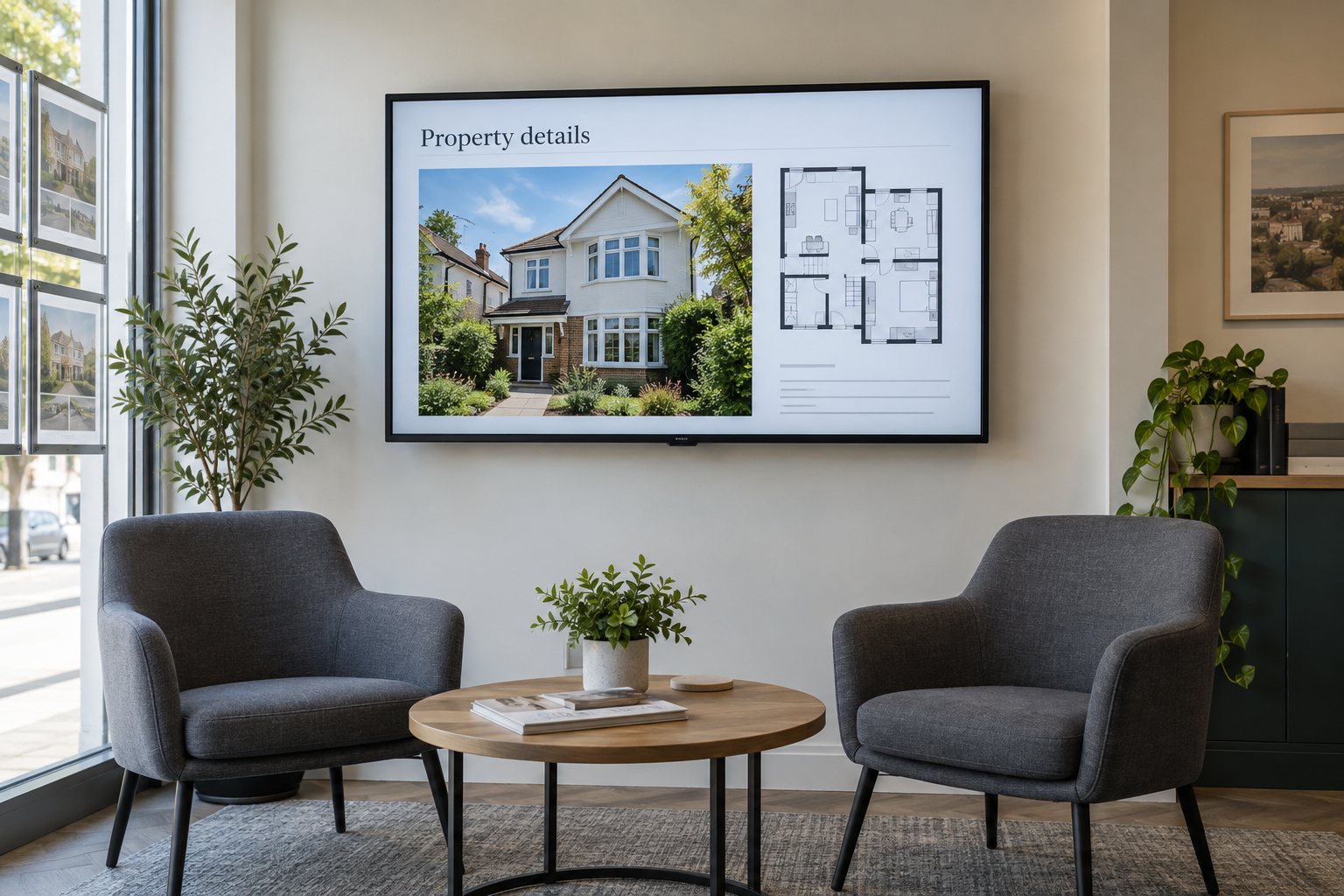
A wall-mounted commercial display can keep the meeting table clear while giving everyone a shared view. Check the viewing angle from each seat and test the smallest room labels on a floor plan. Screen resolution is only part of readability; the original file and layout matter as well.
Before ordering, confirm how the agent will change content: an approved player, a controlled input or another agreed system. Review connection compatibility and access with the installer. Do not assume that every display supports the same wireless sharing tools or property applications.
Trial the display with a real working playlist
Use the kinds of content the office actually handles: a bright exterior photograph, a darker interior, a detailed floor plan and a listing with a long description. Walk past the window at normal speed, then view it from likely stopping positions.
- Check the smallest essential text in daytime and evening conditions.
- Confirm that the window frame and reflections do not cover important details.
- Verify that every enquiry link reaches the correct property.
- Change a listing’s status and confirm the display follows the intended process.
- Restart the player and check that the correct playlist returns.
- Document who handles content errors and who handles hardware faults.
Our digital signage content guide covers practical layout and publishing checks. Use it alongside your agency’s listing rules rather than applying a generic advertising template without review.
Questions about real estate digital signage
Can one screen show every listing?
It can rotate through a playlist, but a long loop makes individual properties harder to encounter. Select a useful group for the window and provide access to the wider portfolio through a clear enquiry route. Review the selection when stock changes.
Does a window display need to run overnight?
That depends on the location and the agency’s purpose. Assess evening foot traffic, nearby surroundings and operating requirements. Set a schedule that suits the site, and confirm that the selected equipment supports the planned daily operating hours.
What is needed for a hardware quotation?
Send window photographs, available mounting space, likely viewing distance, sunlight conditions and daily running hours. Include whether the screen faces outdoors through glass or sits inside a meeting area. Ask YJCEN about a suitable commercial display configuration before finalising the installation.
Share your screen size, installation environment and quantity for a display quotation.