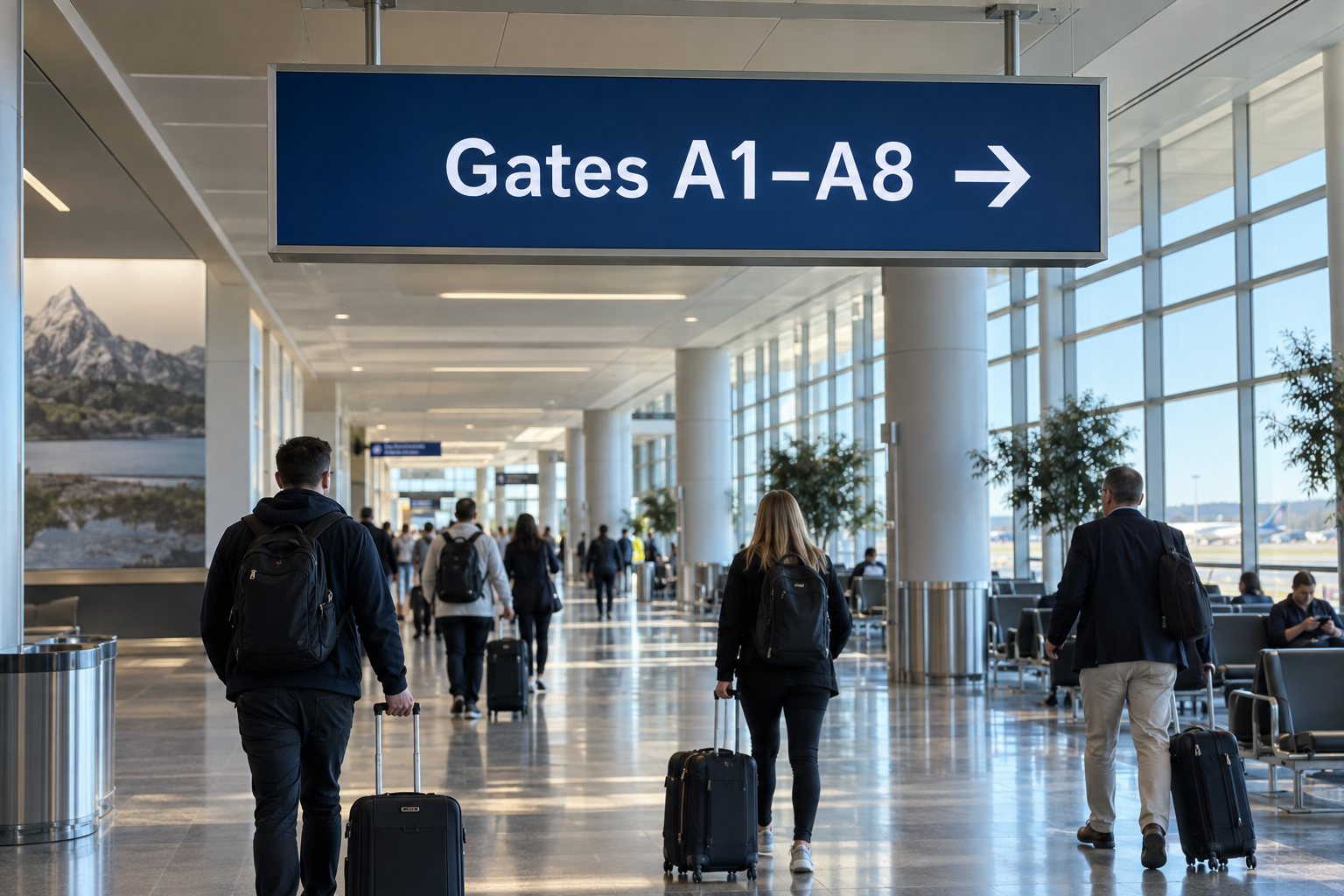
What must an airport signage plan define?
Assign each screen a role, approved content source and responsible team. Flight information, directions and advertising have different operating requirements.
- Specify location, viewing distance, orientation, hours and the player or application.
- Separate operational publishing permissions from commercial campaigns.
- Define what happens when live data stops updating; continued playback does not prove the information is current.
- Test real passenger information and interruption scenarios with the complete approved system.
A gate-direction screen must remain understandable while people are moving. A flight information display needs accurate, current data from an approved system. An advertising display in a waiting area can use a scheduled playlist. Treating them as one generic screen network can hide important differences.
Give each screen a defined airport role
The 55-inch indoor wall display uses a 3840 × 2160 panel at 400 nits. A fixed terminal information point can use the wall-mounted format to keep floor space clear; the flight-information application and its data connection remain a separate system choice. Indoor Digital Signage.
Flight and baggage information
A flight information display system, often called FIDS, combines data, application logic, playback and screens. The LCD panel is the visible part. Buying a commercial display does not provide the flight-data connection or the airport’s operational workflow.
For these locations, the airport and its systems integrator should define the source of truth, update timing and response to stale or missing data. The equipment brief should specify what passengers see during a fault, who receives an alert and how staff confirm that information is current.
Passenger directions
Place directions before the decision point, where passengers still have time to choose the right route. Use the airport’s approved names, arrows and symbols consistently. A screen should agree with nearby fixed signs and any route information provided by staff.
Review directions from the approach path, not only from directly underneath the screen. Check sight lines with queues, luggage and groups in place. A readable sign above an empty corridor can become hard to see when the terminal is busy.
Retail, lounge and service messages
Commercial advertising screens can introduce food, shopping and lounge services in suitable areas. Keep these messages visually distinct from essential passenger information. A promotion should not appear to be a gate instruction or interrupt information people need for their journey.
Samsung’s airport display overview describes several different terminal uses, including passenger information and commercial areas. It is a useful reminder to plan by location and task, rather than assigning the same specification to every screen.
Build a screen schedule before requesting prices
Create a list for the proposed installation. For each location, record the display role, mounting direction, viewing distance, operating hours, environment and content owner. Add the source device or application and the team responsible for maintaining it.
This schedule does not need to be complicated. Its purpose is to expose differences early. A display behind a sunny terminal window may need a different brightness and thermal assessment from a lounge screen. A high-mounted information board has different service-access needs from a freestanding advertising unit.
- Location and purpose: the exact passenger question or commercial message.
- Content source: approved operational system, scheduled media or interactive application.
- Installation: wall, suspended structure or floor-standing enclosure.
- Operation: daily hours, environmental conditions and maintenance access.
- Failure response: approved fallback, reporting route and recovery procedure.
Share this list with all bidders so their assumptions are visible. Compare the complete installation scope, including brackets, source equipment and access for service. A lower screen price can be misleading when those requirements are left out of the quotation.
Choose commercial display hardware for the conditions
Check the exact display model’s rated operating schedule and mounting orientation. Review brightness with the actual ambient light and content. For text-heavy information boards, test the smallest critical characters at the intended viewing distance rather than relying only on screen size or resolution.
A wall-mounted commercial display may suit an indoor information location when its specifications match the brief. A floor-standing digital signage unit may suit a designated commercial area with suitable floor space and power access. Final placement still needs site approval.
For external approaches or exposed areas, describe the environment separately. Rain, dust, direct sunlight and temperature affect enclosure selection and installation. Do not extend an indoor screen specification to a kerbside location simply because both screens show the same content.
Plan replacement access at the same time as mounting. Can a technician safely reach the connectors? Does replacing a unit require special equipment or an operational closure? Confirm the agreed access procedure with the airport before the final installation design is accepted.
Keep operational information separate from advertising
Define screen groups and publishing permissions around responsibility. Commercial teams can manage approved advertising areas while operational teams control passenger information. If the system supports an override, specify who can trigger it, which screens respond and how normal content resumes.
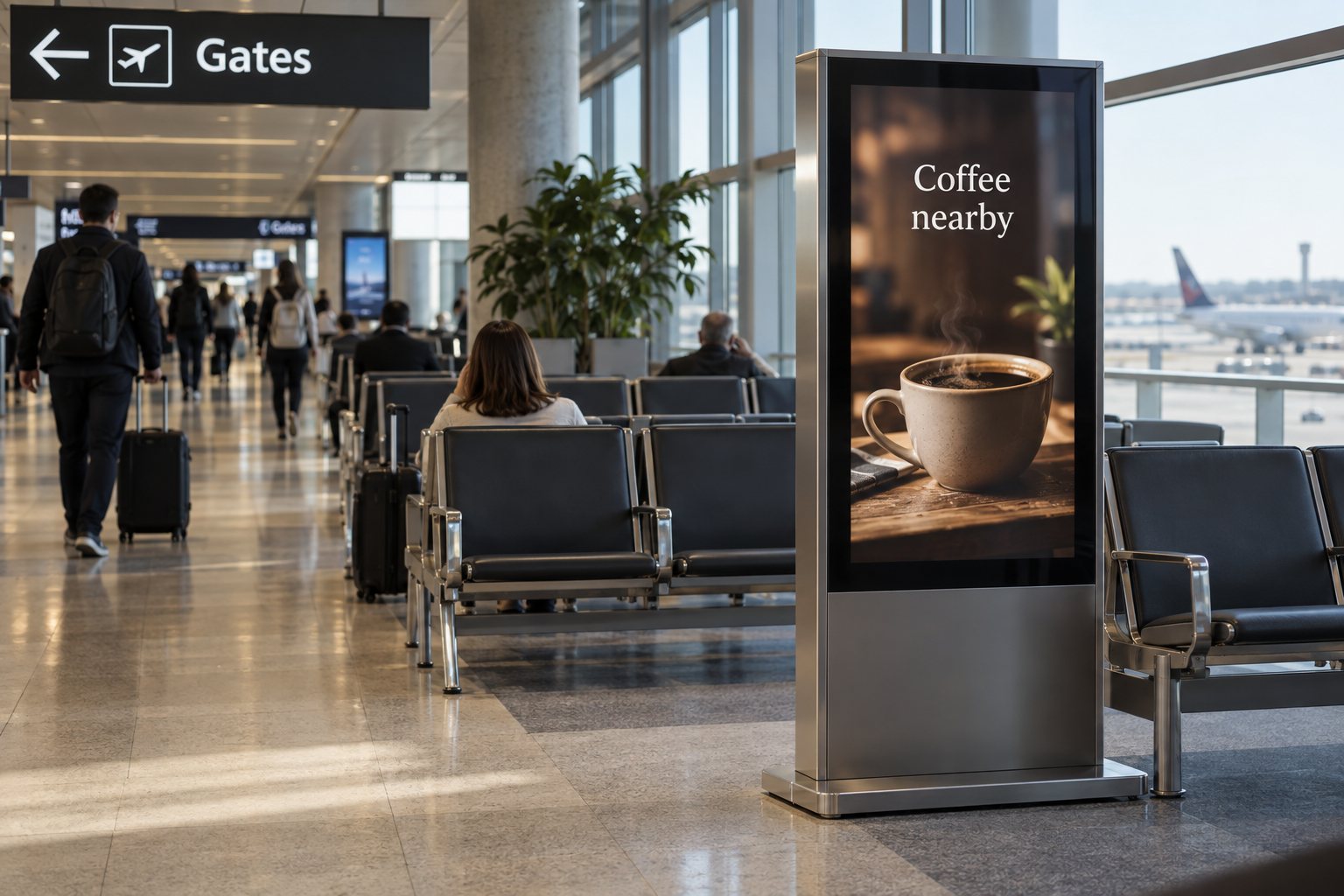
A lounge advertisement and a gate direction should be recognisable at a glance. Use the airport’s content rules to determine layout, timing and priority. Avoid placing essential information inside a long rotating loop that requires passengers to wait for it to reappear.
For airport digital signage solutions that include interactive directories, define the route data and update process before commissioning the kiosk. A new shop, closed passage or changed accessible route can make an otherwise working interface unhelpful. Our digital wayfinding guide covers the relationship between the map, route and physical installation.
Specify what happens when a connection fails
Offline playback can be useful for approved advertising or general information stored on a player. It should not be treated as proof that live operational data is current. A screen that continues displaying an old flight record may look healthy while the information is no longer useful.
Ask the systems integrator to demonstrate loss of data, loss of network and a player restart as separate conditions. Agree on a stale-data timeout and an approved fallback where relevant. The exact response belongs in the operational requirements, not in a generic display marketing description.
Confirm monitoring at more than one level. A reachable player does not by itself prove that the panel is showing the correct picture. Decide how staff or monitoring tools will detect a blank panel, frozen application, incorrect input or obsolete message.
Acceptance checks for a terminal installation
Test the system with the airport’s approved sample content and expected operating conditions. Include long destination names, multiple languages where required and the smallest important information. Record the screen position and software version used for the test.
- Walk the approach routes and read directions before each junction.
- Check contrast and glare across normal changes in terminal lighting.
- Confirm that the correct content reaches the correct screen group.
- Test normal updates and controlled failure conditions with the integration team.
- Restart equipment and verify recovery to the approved state.
- Confirm permissions, service contacts, spares and maintenance access.
Document the outcome so replacement equipment can be checked against the same requirements later. For background on source hardware, our digital signage media player guide explains why playback capability and display capability need separate review.
Questions about airport digital displays
Can an ordinary signage screen show flight information?
A compatible commercial display can present the output of a flight information system. Suitability depends on the complete solution: approved data, application, player, connections, operating conditions and monitoring. Confirm those requirements with the airport’s integration team; the display alone is not a FIDS.
Should all airport screens run continuously?
Use the operational requirement for each location. Some areas may need continuous service; others may follow terminal or tenant schedules. Specify the intended hours and verify the chosen model’s rating, rather than assuming all commercial displays have the same duty cycle.
What should a display supplier receive?
Provide the screen schedule, mounting drawings, content examples, operating conditions and source-device requirements. Identify any airport-specific approvals the project needs. Contact YJCEN to discuss commercial display hardware, while the airport and its integrator confirm operational software, data access and acceptance requirements.
Share your screen size, installation environment and quantity for a display quotation.