Buy a complete YJCEN kiosk when you need enclosure, panel, board, touch, and mounting already assembled; buy an open-frame LCD/touch panel through YJCEN’s OEM/custom path when your team owns the sheet-metal chassis, cooling, and interface cutouts — and put every RFQ field (LVDS/eDP, PCAP/IR, mounting holes, thermal path) in writing before sample.
This page locks the supply split for system integrators and distributors. It maps the supply split — complete kiosk product pages versus the OEM/custom open-frame path.
Open-frame LCD vs complete kiosk: the difference in one minute
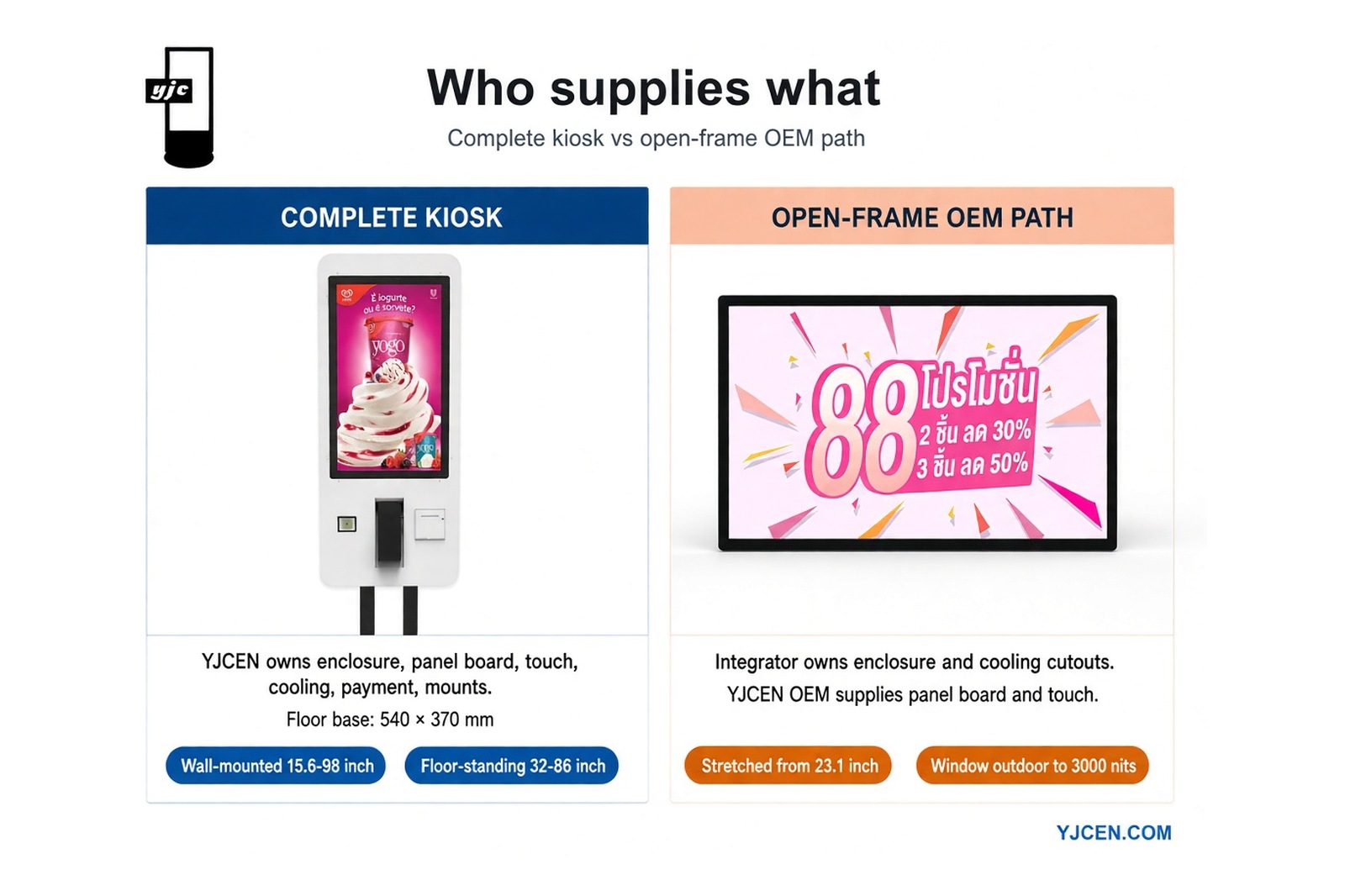
An open-frame LCD (or open-frame touch monitor) is the panel — with optional PCAP or IR touch — without a finished public-facing enclosure. The integrator owns the sheet-metal chassis, cooling path, and interface cutouts that make the unit installable in a brand-specific housing.
A complete kiosk is finished hardware: enclosure, panel, board, touch, and mounting options already assembled for software and payment integration. Choose the complete path when you need a product-page configuration. Choose the open-frame OEM path when your team already owns chassis design.
Decision table: complete kiosk hardware vs open-frame + integrator chassis
| Part | Complete kiosk (YJCEN) | Open-frame + integrator chassis |
|---|---|---|
| Enclosure / sheet metal | YJCEN | Integrator |
| LCD panel | YJCEN | YJCEN via OEM on custom-display-solutions |
| Motherboard / SoC board | YJCEN | YJCEN via OEM (same path) |
| Touch (PCAP or IR) | YJCEN | YJCEN via OEM (same path) |
| Cooling / thermal path | YJCEN (product design) | Integrator designs heat path |
| Payment / printer / camera mount cutouts | YJCEN product configs | Integrator owns cutouts and dims |
| Mounting (VESA / custom holes / stand) | YJCEN options on product pages | Integrator owns hole pattern / stand |
| RFQ fields the buyer must send | Model · qty · peripherals · destination country | Chassis drawing (mm) · size · LVDS/eDP · touch · thermal owner · cutouts · qty · country |
Explicit split: Complete kiosk = YJCEN supplies enclosure + panel + board + touch + mounting options listed on the product pages. Open-frame path = integrator owns chassis / cooling / cutouts; YJCEN supplies panel / touch / board via the OEM path on custom-display-solutions. Open-frame panels are supplied on YJCEN’s OEM path via custom-display-solutions, not as a separate catalogue product page.
When to buy a complete kiosk instead
- You need a finished indoor self-service unit with detachable screen / stand / camera — modular self-service kiosk at 15.6 / 21.5 / 23.8″, Android 11 RK3568, payment/printer configs, IP5X indoor.
- You want a catalogue self-service range without owning sheet-metal tooling — self-service kiosk.
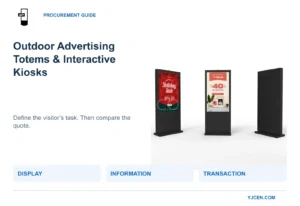
- You need interactive / touch-forward finished hardware — interactive kiosk.
- Payment, printer, and camera mounts must ship as product configurations, not as your own cutouts.
- Mounting (VESA / stand) must come from the product page, not from a custom hole pattern you design.
When open-frame + own chassis is the right RFQ
Use the open-frame OEM path when your team already has sheet-metal capability or a brand-specific enclosure, and you need panel interface (LVDS vs eDP), touch type, and mounting hole pattern locked before tooling.
Open-frame supply is the OEM/custom path on custom-display-solutions — there is no separate open-frame catalogue page. Published ranges on that page include:
- Wall-mounted screens 15.6–98″
- Floor-standing 32–86″
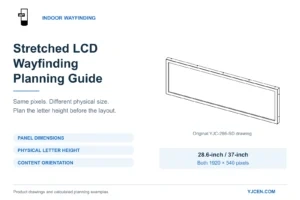
- Stretched from 23.1″
- Window / outdoor to 3000 nits
- Touch: PCAP or IR
- Factory / docs: ISO 9001; CE / RoHS / FCC / ETL / CB; 3-year warranty; 5000+ m²; samples from 1
Lock interface on the LVDS vs eDP commercial display integration sister page. Lock touch on projected capacitive touch for commercial kiosk integration.
Related engineering pages: pixel density, color gamut, LCD viewing angle.
RFQ checklist before you quote (paste into email)
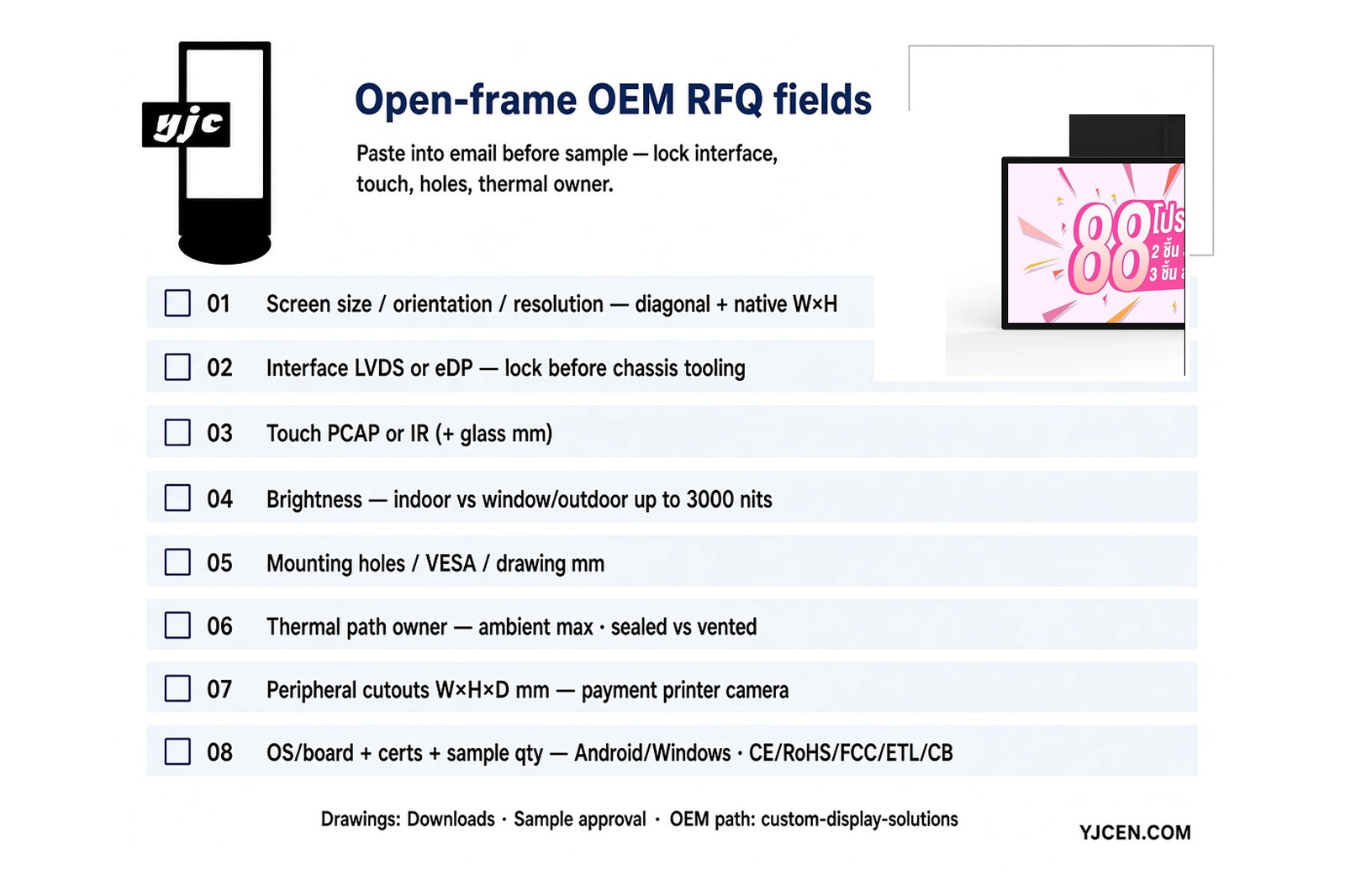
- Screen size, orientation, resolution (diagonal + native W×H from the agreed panel)
- Interface: LVDS or eDP — see LVDS vs eDP
- Touch: PCAP or IR; cover glass thickness if known
- Brightness target (indoor vs window/outdoor; outdoor/window up to 3000 nits per custom-display-solutions)
- Mounting: hole pattern / VESA / chassis reference drawing (mm)
- Thermal: ambient max, sealed vs vented chassis, who designs the heat path
- Peripherals: payment terminal dims W×H×D mm, printer, camera cutouts
- OS / board: Android or Windows requirement
- Cert docs needed (CE / RoHS / FCC / ETL / CB) + sample qty
- Drawings: Downloads
- Sample / approval process: choose digital signage manufacturer — sample approval
Interface and touch sisters
LVDS vs eDP — LVDS vs eDP for commercial display integration locks which panel interface your chassis and board must support before tooling. Do not leave LVDS/eDP as a verbal note.
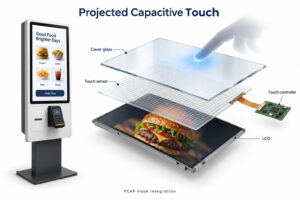
PCAP touch — Projected capacitive touch for commercial kiosk integration locks PCAP cover-glass and integration rules for kiosk fronts. IR is the alternate touch path listed on the OEM page; state which one you need on the RFQ.
FAQ
What is an open-frame monitor in a kiosk project?
An open-frame monitor is the LCD panel — with optional PCAP or IR touch — without a finished public-facing enclosure. The integrator supplies chassis, cooling, and cutouts. YJCEN supplies panel / touch / board on the OEM path at custom-display-solutions.
Should I buy a complete kiosk or an open-frame panel?
Buy a complete kiosk when enclosure, panel, board, touch, and mounting must ship assembled — see modular self-service kiosk, self-service kiosk, interactive kiosk. Buy open-frame OEM when your team owns the chassis.
Does YJCEN sell a standalone open-frame product page?
No. Open-frame hardware is quoted on the OEM/custom path at custom-display-solutions (wall 15.6–98″, floor 32–86″, stretched from 23.1″; window/outdoor to 3000 nits), not as a standalone catalogue product page.
Who designs cooling when I buy open-frame?
The integrator designs the cooling / thermal path for an open-frame build. State ambient max, sealed vs vented chassis, and thermal-path owner in the RFQ before sample. YJCEN quotes thermal figures only against your chassis drawing.
What RFQ fields do I send for an open-frame OEM quote?
Send size / orientation / resolution, LVDS or eDP, PCAP or IR, brightness target, mounting holes (mm), thermal owner, peripheral cutouts W×H×D mm, OS/board, cert docs, sample qty. Pull drawings from Downloads; follow sample approval.
Can YJCEN supply PCAP or IR on an open-frame build?
Yes. The OEM path on custom-display-solutions lists PCAP or IR. State the touch type and cover-glass thickness (if known) on the RFQ. Detail PCAP integration on the PCAP sister page.
Next step
Send the chassis drawing (mm), panel size, LVDS/eDP, touch type, peripheral cutouts, quantity, and destination country via Contact. Route open-frame OEM supply through custom-display-solutions. Put every RFQ field in writing before sample.