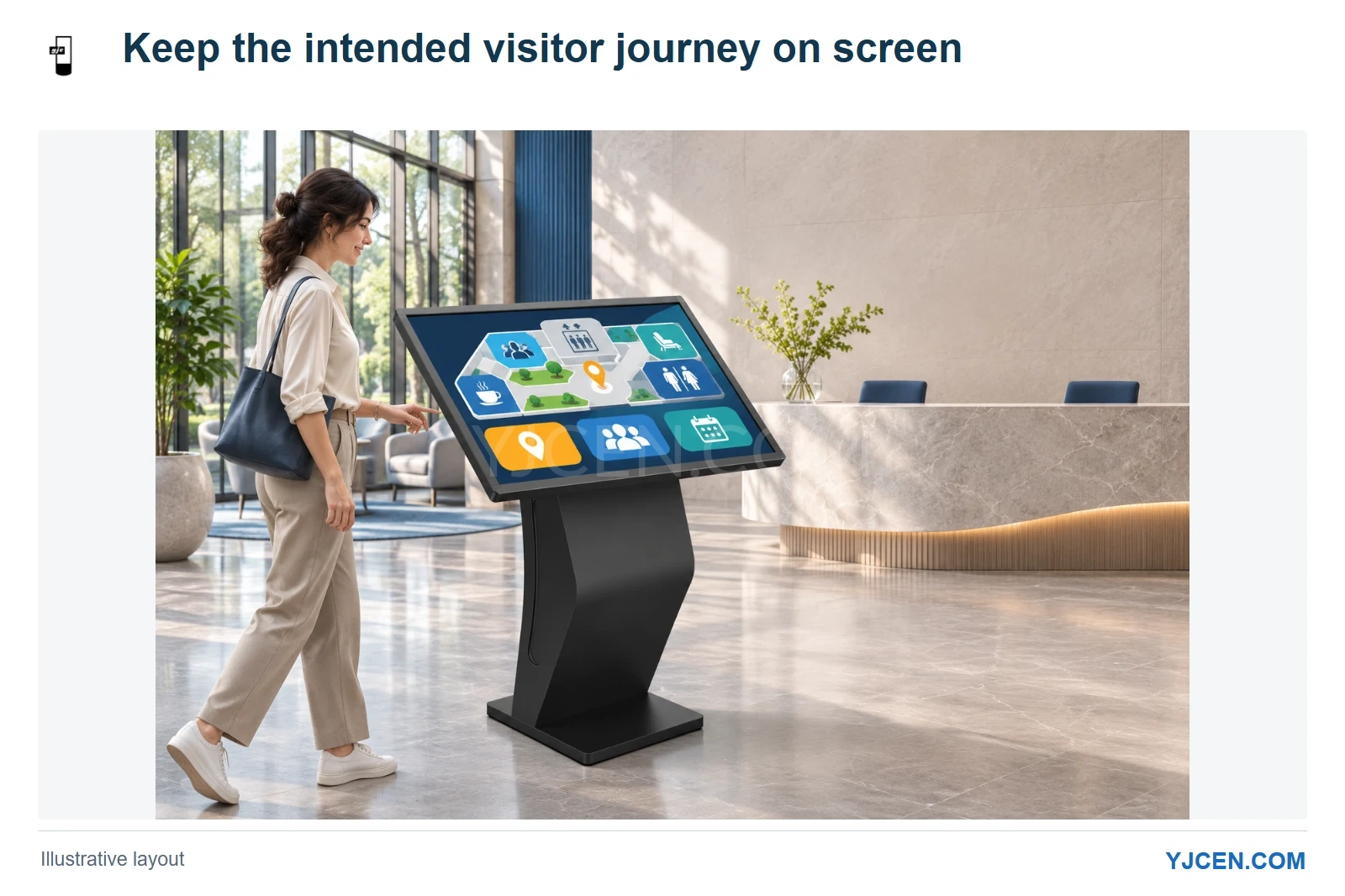
The illustrated kiosk uses the verified YJCEN enclosure. Its visitor journey, startup destination and power-return behavior are configured around the customer application.
A public Android kiosk needs a clear answer to three questions: what visitors can use, what opens at startup, and what happens when power returns. For an Android configuration of our Interactive Kiosk, we can support full-screen presentation, kiosk mode, automatic startup after a power interruption and opening a specified website at startup. Choose these behaviours around the service you want visitors to reach.
When is full screen enough?
Full screen gives the application the display area. It suits a presentation that a member of staff operates, such as a product demonstration where switching applications is part of the job.
We would keep that flexibility at an attended demonstration desk. At an unattended visitor terminal, however, the same freedom can leave the next visitor looking at a desktop, a browser menu or unrelated content, so we would add kiosk restrictions to the intended application.
Android lock task mode can restrict access to other applications and the home screen, while ordinary screen pinning can be exited by the user. The restriction method needs to match the selected Android configuration and application; a full-screen screenshot does not show whether users can leave the app.
What should a visitor be allowed to leave?
Start with the complete visitor journey. A reception application may need a directory, a map and a help page, while a survey terminal may need only one form and a return-to-start action.
For the reception example, we would preserve the useful navigation inside the service and restrict routes into the Android desktop or unrelated applications. For the survey terminal, a narrower journey makes more sense because extra destinations do not help the visitor complete the task.
A website adds another layer: its own links can take the visitor away from the intended service even when the browser remains open. Give us the actual URL and its required destinations so that the browser behaviour and the site’s navigation can be considered together.
| Installation | Behaviour we would choose | Reason |
|---|---|---|
| Staff-operated demonstration | Full-screen presentation with the staff’s required application access | The operator needs to change demonstrations during a conversation. |
| Public information point | Kiosk mode with access to the intended visitor journey | The terminal should remain useful for the next visitor without staff resetting it. |
| Unattended web terminal | Kiosk mode, startup to the specified website and automatic power-on recovery | The expected service should be the destination after the unit starts. |
What should appear after the kiosk starts?
We support opening a specified website at startup in our Android kiosk configuration. For a visitor directory, we would use the directory’s public start page rather than a staff administration page or a temporary link.
The destination also needs to make sense before anybody touches the screen. A persistent sign-in requirement, consent dialogue or expired session can put the visitor in front of a different starting point, so use the customer’s application to establish the intended opening state before the hardware configuration is finalized.
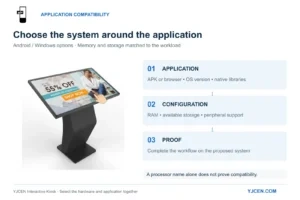
For an installed application, decide which app should open and what visitors should see first. We can pre-install and test customer software on the selected hardware; match the Android kiosk’s system and peripherals to the application’s requirements when choosing that configuration.
What does recovery after a power interruption mean?
Our Android kiosk configuration supports automatic startup when power returns. For an unattended web terminal, we would combine that with the specified startup website so staff do not have to open the browser again after each interruption.
The application still decides what a returning visitor sees. A public directory can start at its home page, while an interrupted booking or payment journey needs the application’s own transaction and session handling; switching the screen back on does not settle an unfinished transaction.
For a site with a web service, include the site’s network in the recovery discussion. The terminal, network connection and web application may become available at different times, so the useful outcome is the intended visitor page after the complete service returns.
How should the requirement be written?
A short description of the intended behaviour is more useful than asking only for “kiosk mode.” It lets us distinguish the application access, startup target and power-return behaviour without selecting a processor or operating-system setting on your behalf.
For an unattended visitor directory, a suitable starting description would be:
Run our visitor directory in full screen. Keep visitors within the directory and its map pages. After power returns, start the kiosk automatically and open the directory’s public start page.
Add any staff-only task, such as changing the starting URL, to the project discussion. We can then consider how the visitor experience and authorized servicing will work on the selected configuration.
Questions about Android kiosk startup
Does full screen stop visitors leaving an application?
No. Full screen describes the presentation; kiosk restrictions govern access outside the intended application.
Can a YJCEN Android kiosk open a website at startup?
Yes, our Android kiosk configuration supports a specified website opening at startup. Send the actual URL so we can discuss the opening page and any application sign-in requirements.
Does automatic power recovery restore an unfinished transaction?
No, transaction recovery belongs to the application. Specify the screen’s startup destination separately from how your software handles an interrupted session.
Configure the startup around your application
If your kiosk needs to run unattended, send us the application or website and describe what visitors may access and what should open after power returns. Our engineers can use those details to discuss the Android configuration and test your application on the selected hardware, so the startup behaviour is part of the project from the outset.