3000-Nit Menus in Bright Outdoor Light
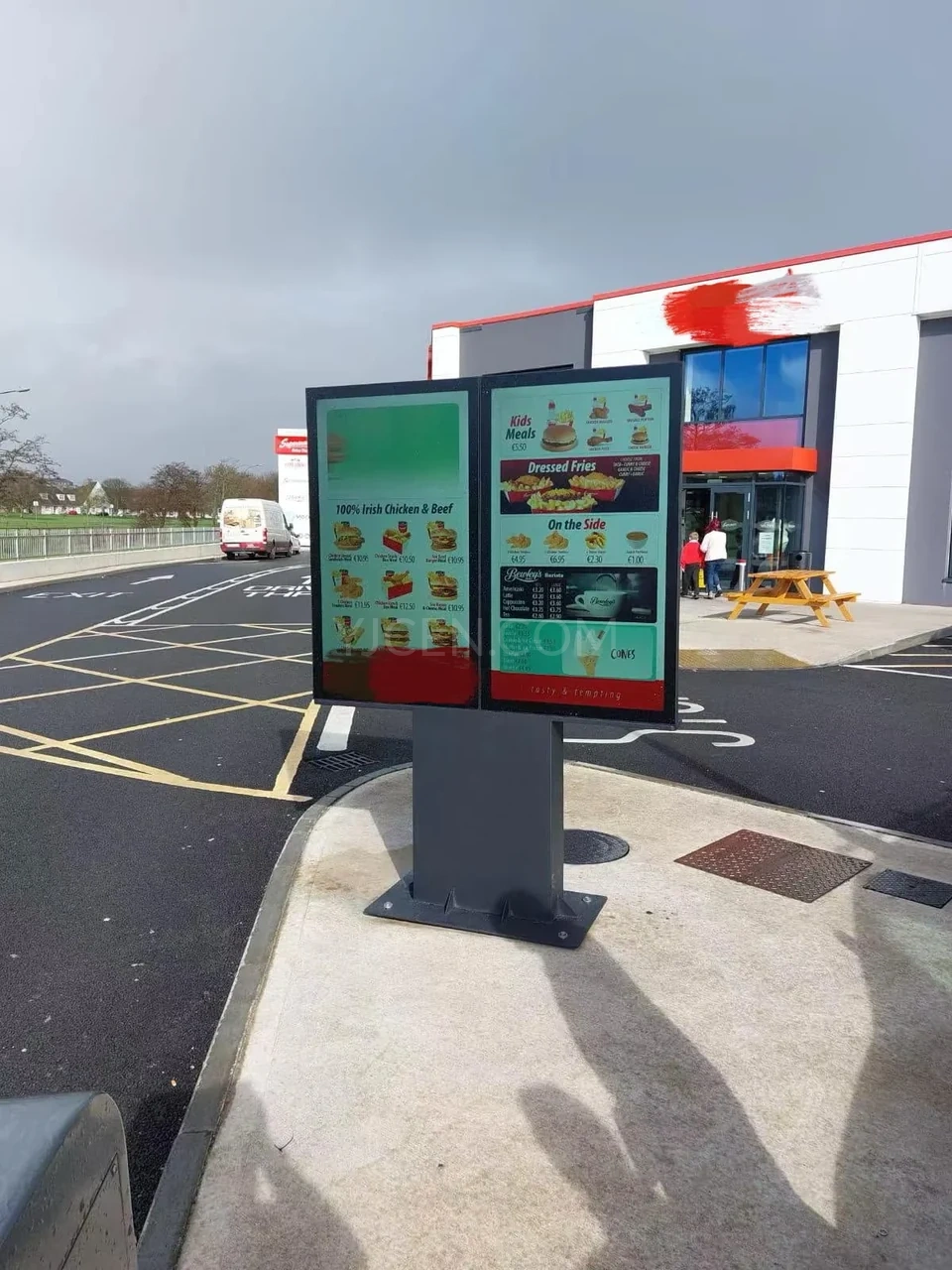
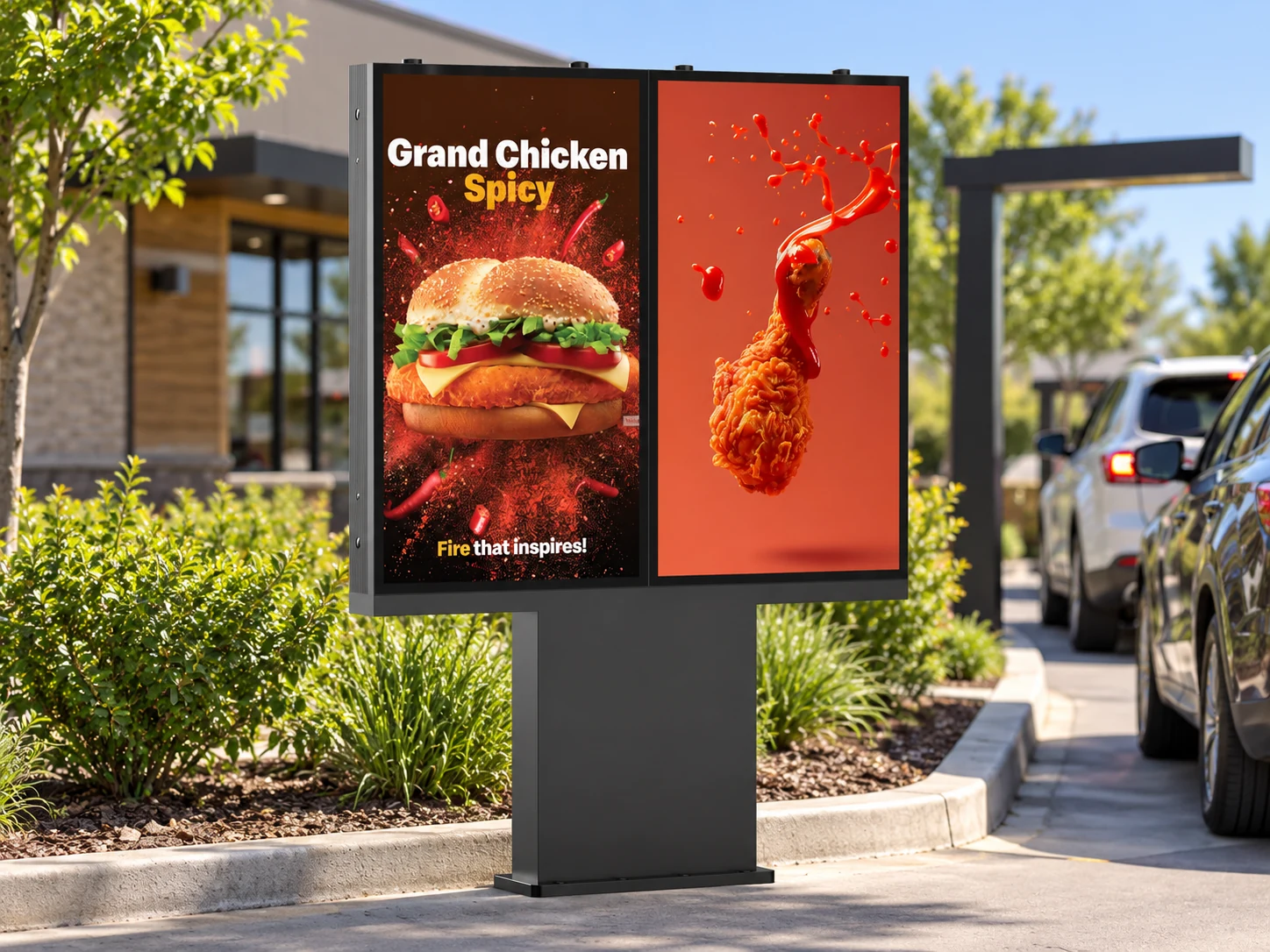
The UHD panel displays menu items, prices and food imagery at 3000-nit brightness. A light sensor supports automatic backlight adjustment as ambient conditions change.
Product image 1 of 6
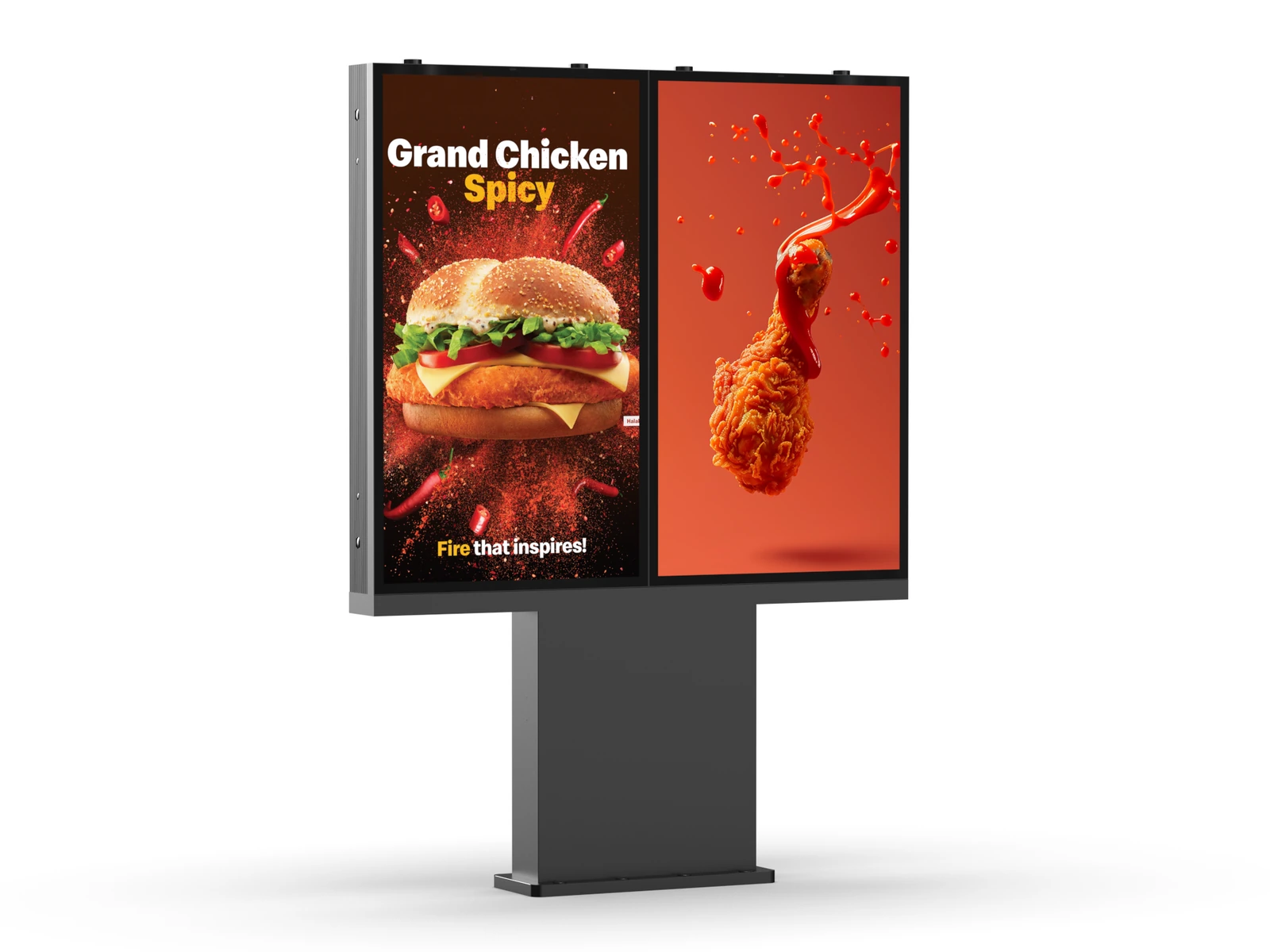
YJCEN digital drive-thru menu boards display menus, prices and promotions beside the ordering lane. Choose one, two or three 55-inch portrait screens on a freestanding pedestal to suit the menu and available space.
Model YJC-550-OD09-A is available with one, two or three 55-inch screens. Select the configuration for your site before confirming the installation layout.
Swipe across to compare configurations.
| Configuration | Single screen | Dual screen | Triple screen |
|---|---|---|---|
| Configuration & dimensions | |||
| Model | YJC-550-OD09-A | ||
| Number of screens | 1 | 2 | 3 |
| Screen size | 55 inches per screen | ||
| Screen orientation | Portrait | ||
| Overall width | 732.8 mm | 1465.6 mm | 2198.4 mm |
| Overall height | 1999.6 mm | ||
| Screen-body thickness | 148 mmDisplay enclosure only; excludes the pedestal footprint. | ||
| Display performance | |||
| Resolution | 3840 × 2160 pixels (UHD) | ||
| Brightness | 3000 cd/m² (nits) | ||
| Contrast ratio | 1200:1 | ||
| Viewing angle | 178° horizontal / vertical | ||
| Response time | 6 ms | ||
| Backlight life | 50,000 hours | ||
| Operating hours | 24/7 | ||
| System & connectivity | |||
| Operating system | Android / Windows (selectable) | ||
| Processor | RK3568 / RK3576 (Android); customizable | ||
| Memory / storage | Customizable | ||
| Connections | 2 × USB, 1 × HDMI input, 1 × RJ45 | ||
| Network | Wi-Fi / LAN; optional 3G/4G | ||
| Audio | Built-in speaker; Bluetooth speaker support | ||
| Outdoor & electrical | |||
| Ingress protection | IP66 | ||
| Enclosure | Black aluminum housing with glass front | ||
| Brightness / thermal control | Light sensor, fan control and overheating protection | ||
| Power supply | AC 100–240 V, 50/60 Hz | ||
| Maximum system power | 230 W | 460 W | 690 W |
| Operating temperature | −45 °C to +65 °C | ||
| Storage temperature | −50 °C to +70 °C | ||
| Humidity | 10–80% | ||
Refer to the dimension drawings for pedestal footprint and mounting details. The installation manual illustrates the dual-screen assembly; confirm the selected configuration before installation.
Combine a high-brightness screen, a weather-resistant enclosure and a choice of screen layouts for your restaurant's drive-thru menu.
The UHD panel displays menu items, prices and food imagery at 3000-nit brightness. A light sensor supports automatic backlight adjustment as ambient conditions change.
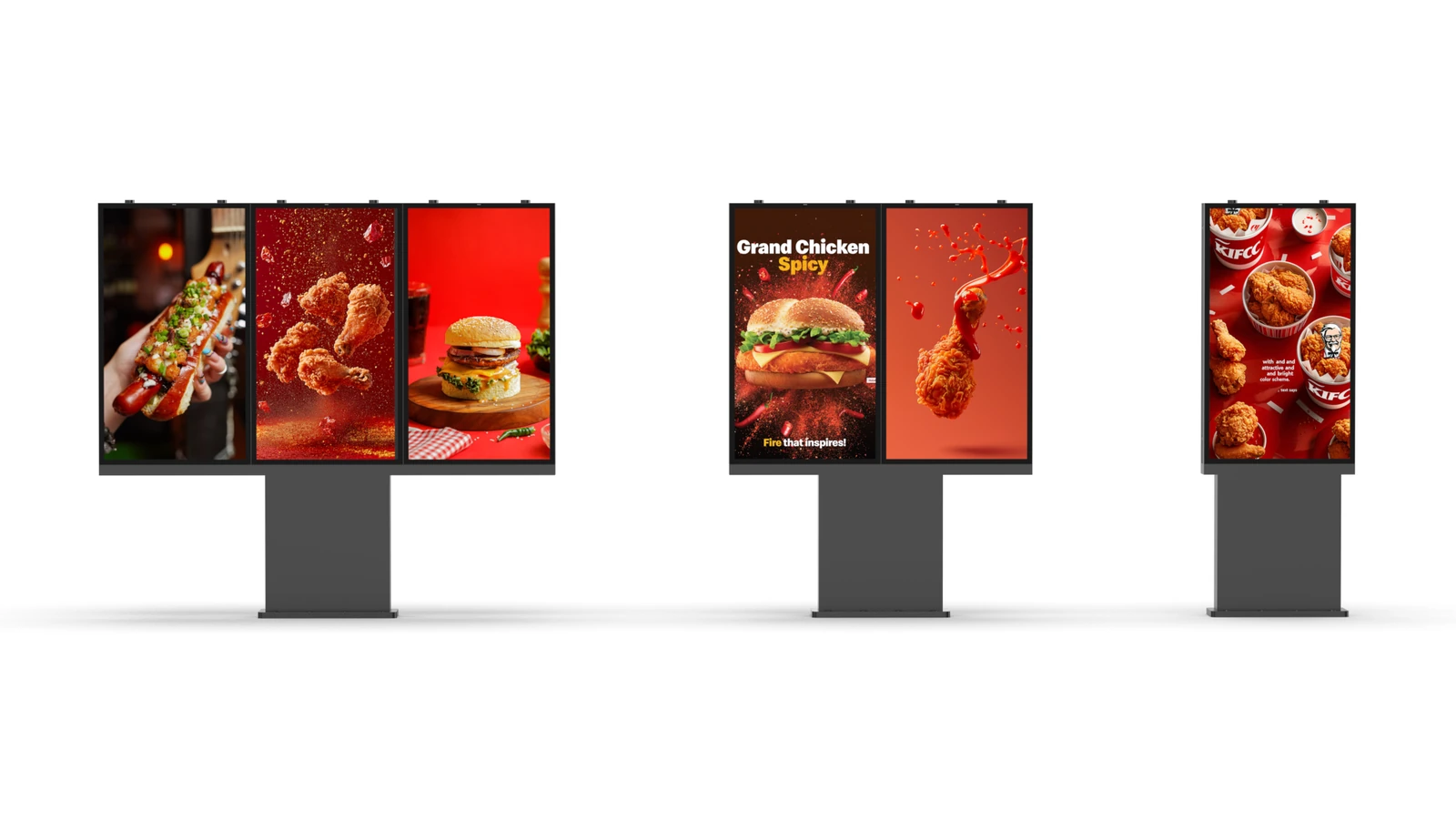
Choose a single screen for a focused menu or side-by-side screens for a broader selection. Every display is 55 inches; the screen count determines the overall width of the installation.
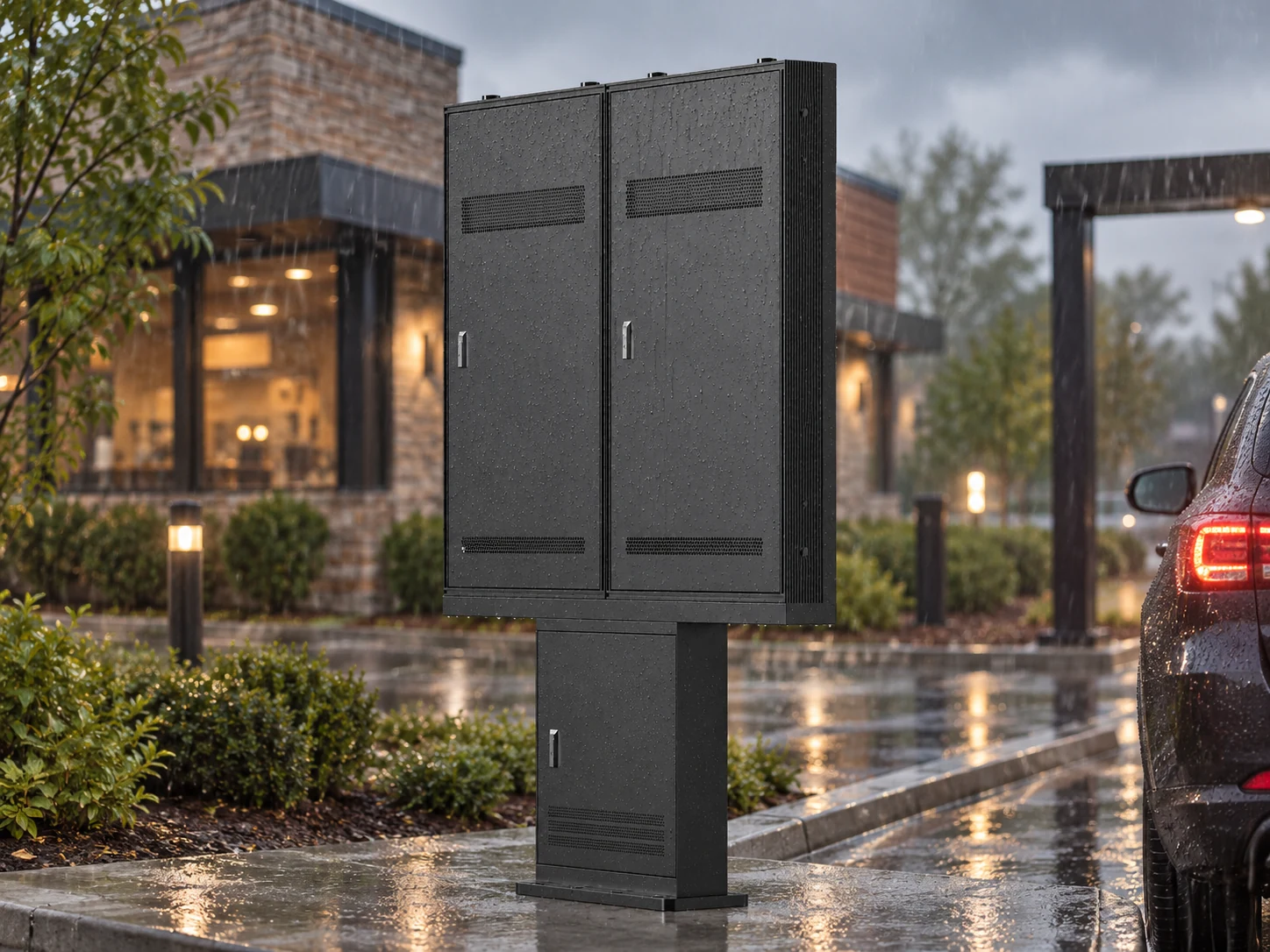
The aluminum enclosure is rated IP66. Temperature-controlled fans and overheating protection help manage heat inside the display during outdoor operation.
Model YJC-550-OD09-A is identified in IP66 test report BKC23114331KS from Shenzhen BKC Testing Co., Ltd. The report records passing IP6X dust and IPX6 water-jet tests to EN 60529:1991+A1:2000+A2:2013.
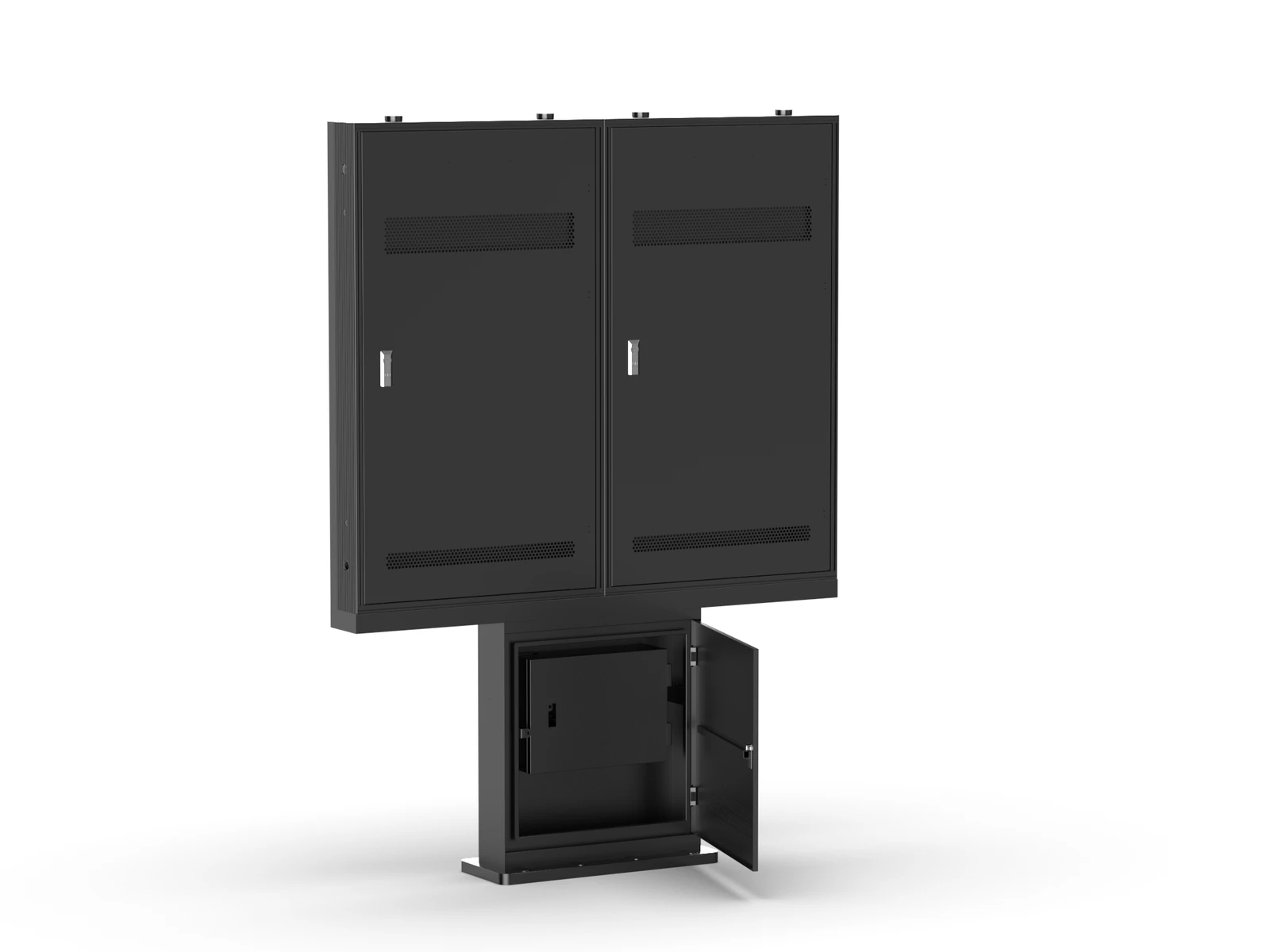
Rear display panels and a pedestal access door provide access to the equipment and wiring. Plan sufficient clearance behind the unit for installation and maintenance.
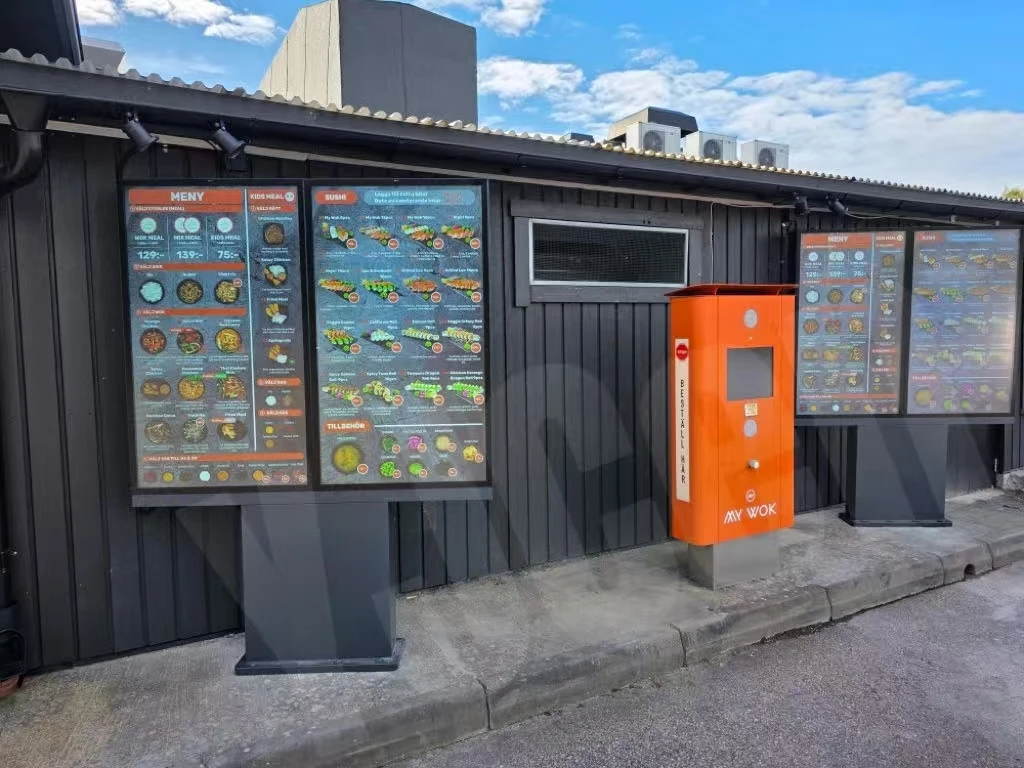
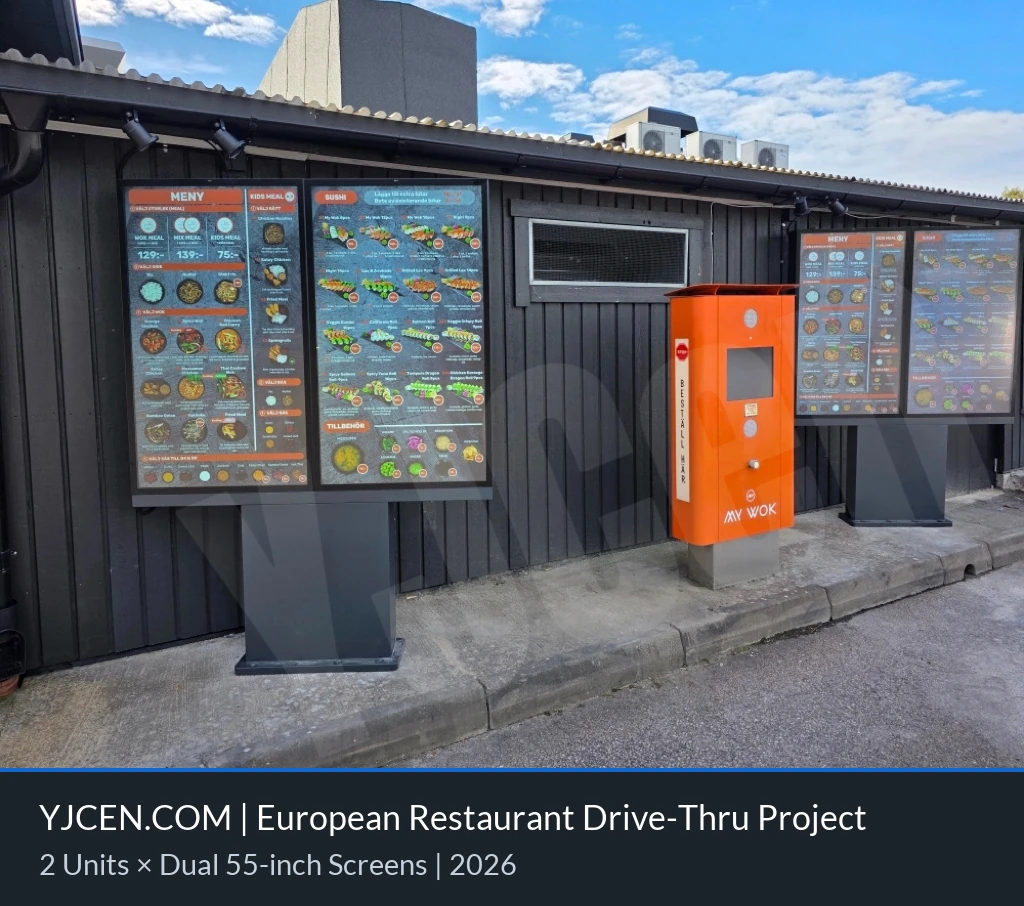
A restaurant in Europe uses YJCEN digital drive-thru menu boards to display food selections and prices beside its ordering point. The outdoor displays present the menu to customers arriving by car.
View all projects: Drive-Thru Menu BoardsUse the screens at a restaurant's outdoor menu viewing point to present food selections, prices and promotions to customers in vehicles.
A single screen suits a compact menu or promotional message. Dual and triple arrangements offer separate display areas for menu categories and featured items.
Android 11, Wi-Fi, LAN and HDMI input provide options for your content setup. Confirm the required playback software, network connection and any ordering-system integration with your project team.
Select your screen size and configuration to find the right documents.
49″ · 49-inch drive-thru display
49-inch drive-thru display
55″ · Single screenYJC-550-OD09-A
The 55-inch drawing set contains three layouts: page 1 shows the single-screen configuration, page 2 the dual-screen configuration, and page 3 the triple-screen configuration. Use the page matching your selected screen count to plan the installation footprint. The installation manual illustrates the dual-screen assembly sequence.
Shared product manual covering single-, dual- and triple-screen configurations.
Shared drawing set: page 1 single screen, page 2 dual screen, page 3 triple screen.
Installation guide illustrated with a dual-screen assembly. Confirm the mounting layout for your selected configuration.
55″ · Dual screenYJC-550-OD09-A
The 55-inch drawing set contains three layouts: page 1 shows the single-screen configuration, page 2 the dual-screen configuration, and page 3 the triple-screen configuration. Use the page matching your selected screen count to plan the installation footprint. The installation manual illustrates the dual-screen assembly sequence.
Shared product manual covering single-, dual- and triple-screen configurations.
Shared drawing set: page 1 single screen, page 2 dual screen, page 3 triple screen.
Installation guide illustrated with a dual-screen assembly. Confirm the mounting layout for your selected configuration.
55″ · Triple screenYJC-550-OD09-A
The 55-inch drawing set contains three layouts: page 1 shows the single-screen configuration, page 2 the dual-screen configuration, and page 3 the triple-screen configuration. Use the page matching your selected screen count to plan the installation footprint. The installation manual illustrates the dual-screen assembly sequence.
Shared product manual covering single-, dual- and triple-screen configurations.
Shared drawing set: page 1 single screen, page 2 dual screen, page 3 triple screen.
Installation guide illustrated with a dual-screen assembly. Confirm the mounting layout for your selected configuration.
This model is available in 55 inches only. You can choose a single-screen, dual-screen or triple-screen configuration, each using 55-inch portrait displays.
Yes. It has an IP66 enclosure, 3000-nit brightness, smart fan control and overheating protection. Follow the installation drawings and confirm site requirements before installation.
Maximum system power is 230 W for a single-screen configuration, 460 W for a dual-screen configuration and 690 W for a triple-screen configuration. Confirm the chosen screen configuration and electrical installation requirements when requesting a quotation.
The display hardware specifications do not define an included ordering application or POS connection. Share your content and integration requirements so the required software and interfaces can be checked.
Tell us whether you need one, two or three screens, the quantity, installation country and site layout. Include your content software and network requirements so we can prepare a suitable quotation.
Plan hardware, installation and operating costs
Contact YJCEN