Where should a supermarket place digital signage?
Place the message beside the shopping decision it supports, such as a promotion near the matching stock or ordering instructions at a service counter.
- Survey the store during trading and restocking, not only when aisles are empty.
- Choose screen formats around space, stability, power and access.
- Assign a source and owner for prices, availability and promotion expiry.
- Trial the screen with real offers and verify the displayed information against stock and checkout records.
Start with a small number of useful locations. For each one, decide what the shopper needs to know, how far away they will be and who will update the message. This guide covers screen placement, hardware selection and the daily checks that keep supermarket signage useful.
Match the Screen to a Shopping Decision
The 35-inch shelf-edge model has a 3840 × 200 pixel canvas. Use that narrow strip for a short product name, price and one offer message; a full 16:9 promotional slide would need a separate layout to remain readable. Bar Type LCD Display.
Walk the store during normal trading hours before marking screen positions on a plan. Look for places where shoppers stop, compare products or need directions. Include seasonal displays and delivery trolleys in the review: a clear sightline in an empty shop may disappear once the store is busy.
| Store location | Useful screen content | Placement check |
|---|---|---|
| Entrance | A short seasonal message or department direction | Visible after entry without blocking the route |
| Produce or promotional endcap | A featured item beside the stock | Screen and featured product visible together |
| Bakery or service counter | Available items and where to order | Readable before the shopper reaches the counter |
| Checkout waiting area | Collection guidance or brief store information | Useful to people already waiting in that area |
Keep essential directions continuously visible when possible. A shopper should not need to watch several unrelated promotions before finding out where to collect an order. A separate screen or a fixed area within the layout can keep that instruction available.
Commercial grocery deployments already use different display locations for different departments. Samsung’s account of the Hy-Vee installation describes commercial screens in aisles and service departments. It is an example of that approach, not a performance promise for another store.
Choose Commercial Display Hardware for Each Position
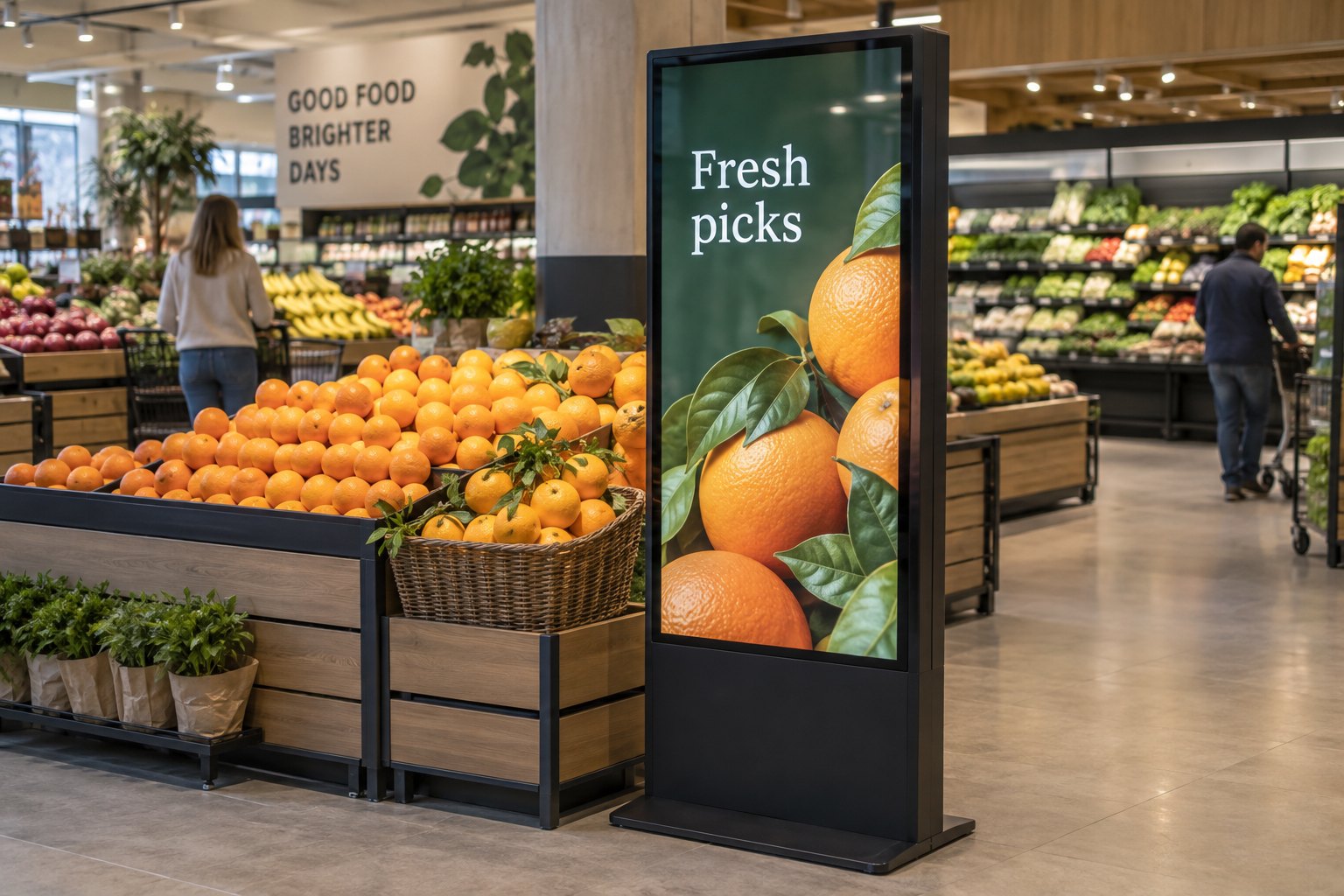
A floor-standing advertising display can sit beside an endcap where there is no suitable wall. Check the footprint, stability, power route and access for restocking. Place the enclosure where shoppers can see it without creating an obstacle for baskets, trolleys or staff moving goods.
A wall-mounted commercial display keeps the floor clear and can suit a service counter. The mounting position needs to work with shelves, hanging signs and the actual viewing angle. Confirm that an installer can reach the screen and connections after the counter is fitted.
For these positions, compare YJCEN’s floor-standing digital signage and indoor commercial signage displays. Confirm the operating schedule, orientation, mounting arrangement and playback configuration for the chosen model. Do not apply one model’s rating to every size in a range.
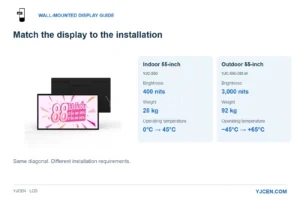
Window-facing screens need a separate check for daylight, reflections and heat around the enclosure. An indoor aisle position and a sunlit shop window are different environments. Record the conditions at the proposed location before choosing brightness or installation details.
Use Shelf Displays for a Specific Job
A stretched bar screen can add a narrow band of product information along a shelf or fixture. Its shape is useful when a conventional landscape screen would cover merchandise or take too much space. Check the shelf dimensions and the available view before selecting the display length.
Keep the message close to the relevant products. If a shelf is rearranged, the content should change with it. A promotion for an item that has moved to another aisle creates work for staff and confusion for shoppers.
YJCEN’s stretched bar LCD displays provide a different format from a large advertising kiosk. Our retail shelf display guide covers that format in more detail. Confirm that any shelf fixture leaves product labels, access and restocking space usable.
Keep Counter Information Easy to Read
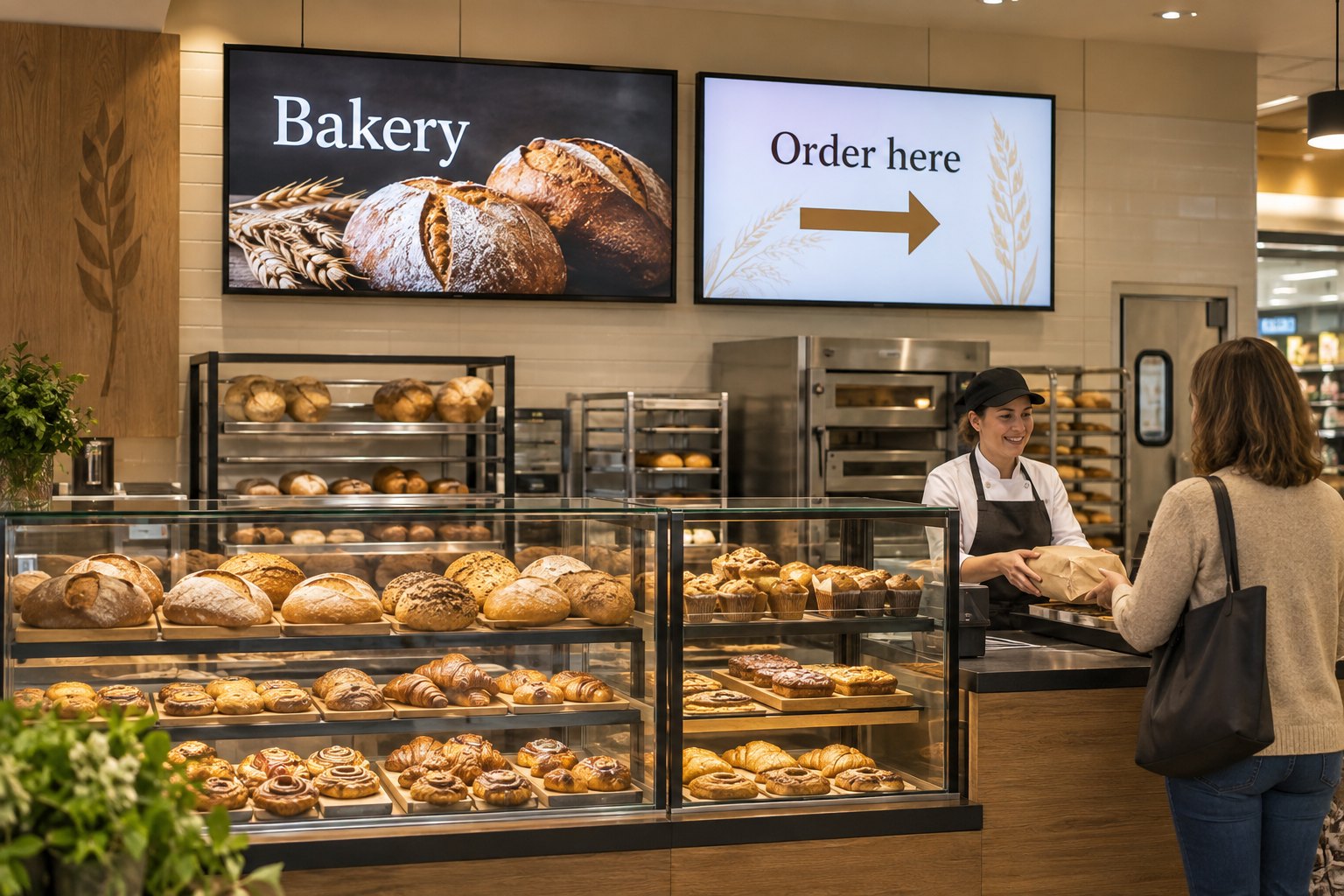
A bakery or deli screen often needs to answer a simple question quickly: what can I order here, and where do I start? Separate that instruction from detailed promotional content. Use a clear heading and enough space around the main message to make it readable across the counter.
Test the actual layout from the back of the queue. Check small details as well as the headline. If shoppers cannot read a product name or condition at that distance, simplify the layout or reconsider the display size and position.
Match the content to what staff can supply. When a featured item runs out, give staff a defined way to remove the message or switch to an approved alternative. Avoid leaving an attractive promotion on screen after the product is unavailable.
Keep Prices and Promotions in Step with the Store
Choose a responsible source for each price or offer before showing it on a screen. A manually prepared slide needs a review process; a connected price feed needs a confirmed integration. Buying the display does not automatically connect it to the till or inventory system.
If a price appears, identify the product, pack size and any conditions clearly. Check the screen against the corresponding shelf label and checkout record before a promotion starts. Agree who corrects a mismatch and which message should appear while it is being resolved.
For a planned campaign, record its start date, end date, participating stores and replacement content. Different store formats may carry different ranges, so sending the same promotion everywhere may be inappropriate. Organize publishing groups around real merchandising needs.
Ask the software provider to demonstrate scheduling and expiry on the proposed playback setup. Verify what happens if a player misses an update.
Plan Playback, Cabling and Maintenance Together
Decide whether the selected screen uses an integrated player or a separate device. Confirm the supported application, content format, network connection and restart behaviour as a complete system. A hardware specification alone does not establish compatibility with the retailer’s content software.
Check power and data routes before fixing the display position. Keep connections accessible for maintenance and protected from routine cleaning and stock movement. Near chilled cabinets or service areas, ask the supplier to review the actual moisture, heat and cleaning conditions.
Include a recovery check in commissioning. Restart the equipment and confirm that the expected content returns. If the system supports offline playback, test it with the intended files and confirm how expired offers are handled during an outage.
Our digital signage media player guide explains the playback questions to include in a purchase brief. Record who supports the display, player, network and content system so a fault reaches the right person.
Run a Small Store Trial Before Expanding
Trial the planned screen and content in a working department. Ask staff whether customers notice the message and whether it causes new questions. Watch for blocked views during restocking, glare at different times and any interference with the route through the shop.
- Read the message from the intended approach and waiting positions.
- Compare a displayed offer with the matching stock and checkout record.
- Remove an unavailable product and confirm the new message appears.
- Check campaign expiry and replacement content.
- Restart the equipment and record the recovery procedure.
Use the results to refine the next installation. Track practical measures such as the time needed to change a promotion, outdated messages found during checks and repeated customer questions. Screen count alone does not show whether the system is helping the store.
Send YJCEN your supermarket layout and proposed display positions to discuss commercial display hardware. Include viewing distances, opening hours, orientation, mounting space and the planned content system so the quotation can address the actual installation.
Share your screen size, installation environment and quantity for a display quotation.