Does a 178-degree viewing angle guarantee readability?
No. A viewing-angle figure describes a range under a stated image-quality criterion. Colour, contrast and text readability can still change within that range.
- Ask which measurement condition the specification uses.
- Test real content from straight ahead, side approaches and seated or lower positions.
- Check portrait orientation and mounting height with the complete display.
- Inspect reflections separately before attributing a problem to the panel's viewing angle.
A wide angle on a specification sheet is a starting point. It does not promise identical color, contrast or text clarity across an entire shop, station or reception area. This guide explains how to turn the specification into a practical screen-position and sample check.
What does a 178-degree viewing angle mean?
When a supplier lists 178 degrees as the total horizontal range, that usually describes approximately 89 degrees to either side of the screen normal. The normal is an imaginary line pointing straight out from the screen. Confirm how the manufacturer defines the range and whether the vertical figure is listed separately.
The number needs a test condition. In its LCD display-quality guide, EIZO explains that published viewing angles may use a minimum contrast threshold, such as 10:1 or 5:1. Meeting that threshold is different from keeping colors and brightness unchanged. Ask for the criterion used for the proposed panel.
At a very shallow angle, the screen also appears narrower to the viewer. Even if the image remains visible, a small label may be difficult to read. A quoted angle should therefore not replace a check of the actual content, size and viewing distance.
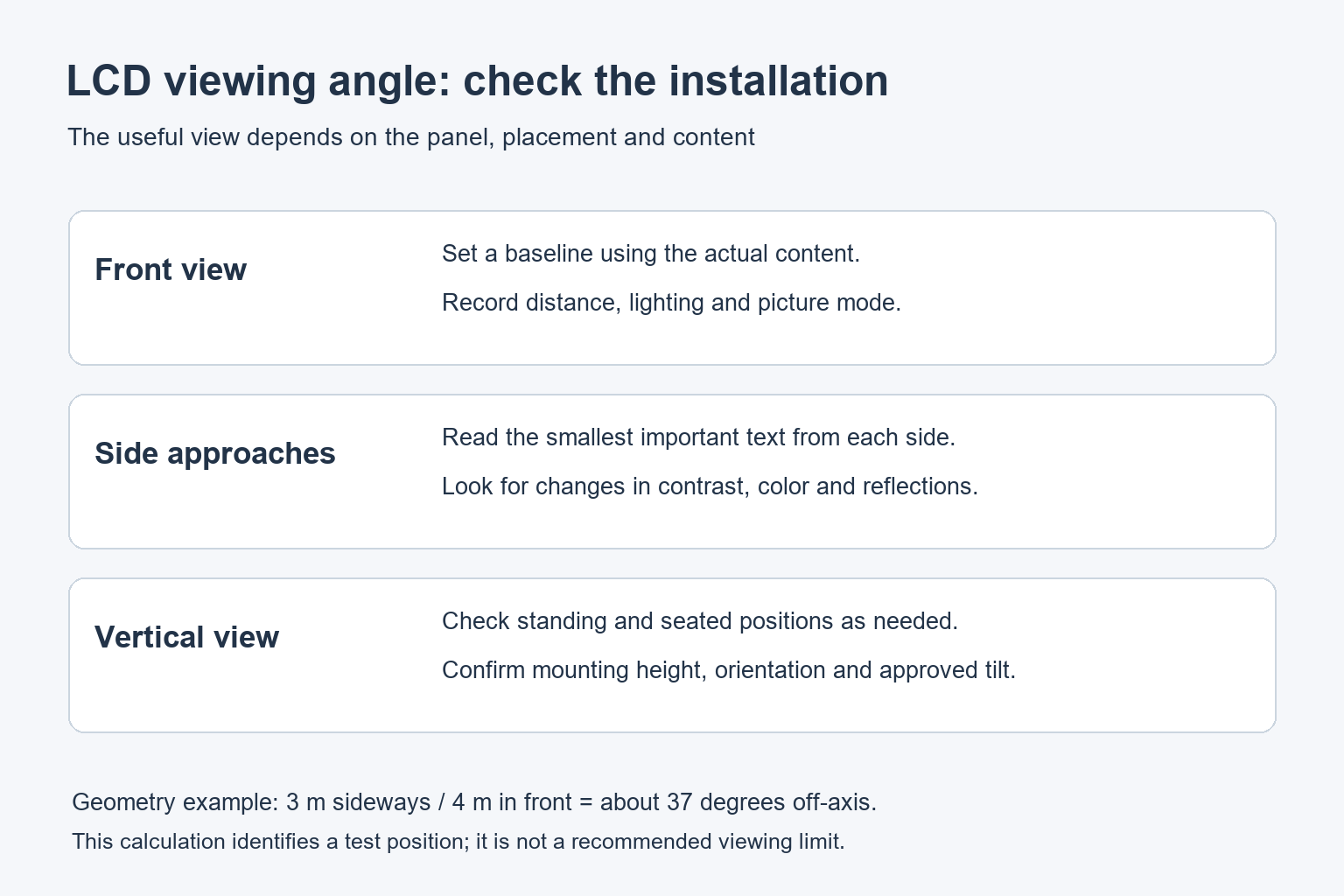
Separate panel behavior from installation geometry
Panel behavior
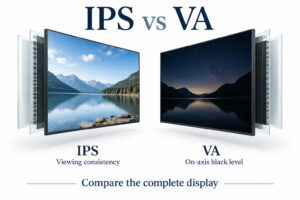
Liquid-crystal panel design affects how the image changes away from the center position. IPS, VA and TN are different panel families, but the family name alone does not specify the result for a complete commercial display. Compare the actual model and configuration being offered.
During a demonstration, look at a neutral gray background, a familiar product image and the colors used in your brand. Move sideways and change viewing height. Note any changes that interfere with the content rather than judging only a bright, highly saturated demonstration video.
Screen position
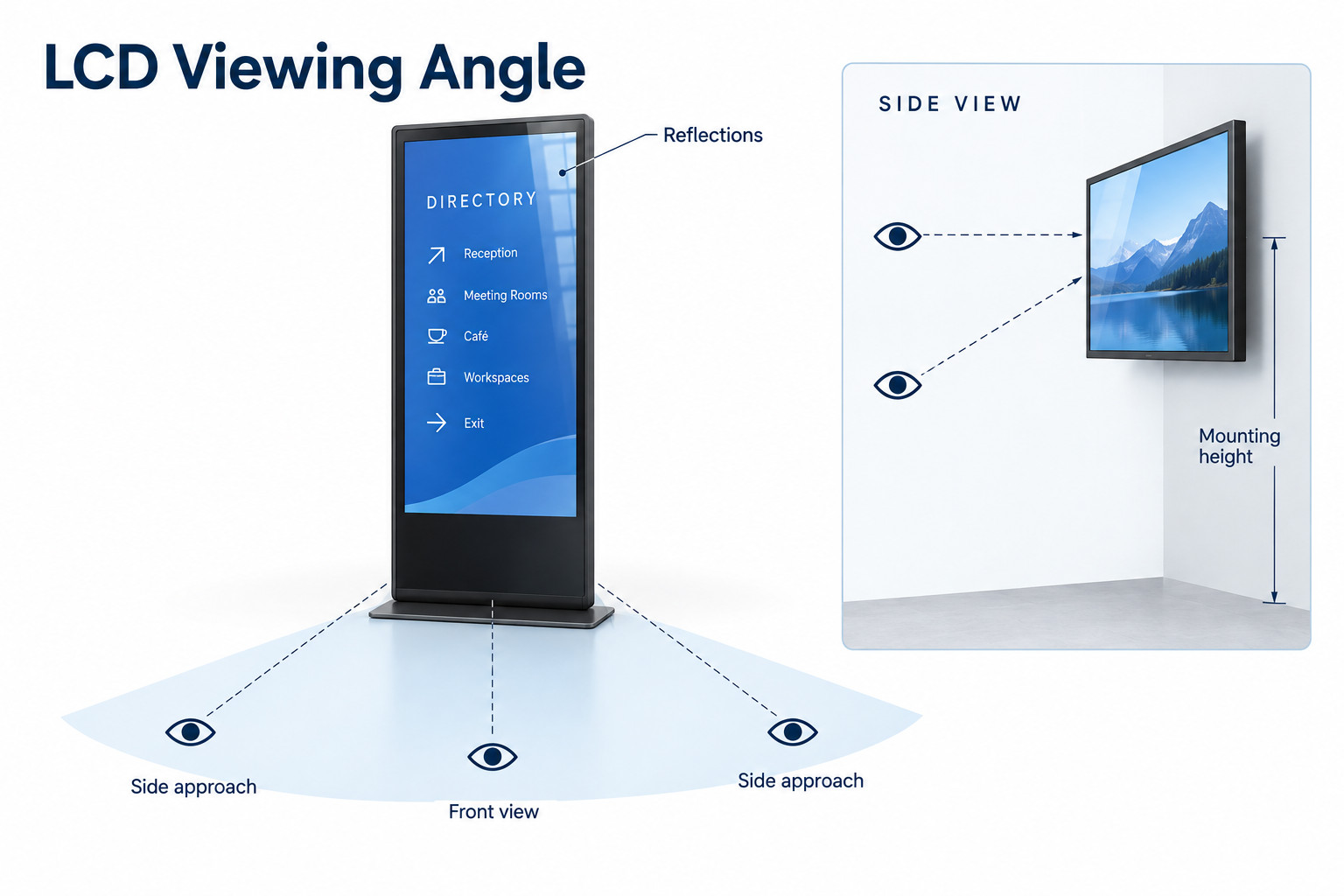
A display can have a wide specified angle and still face the wrong direction. For a corridor sign, map the approach from both ends. For a menu above a counter, include customers standing close to the counter as well as people waiting farther back.
A simple floor-plan calculation can help with horizontal placement. If a viewer stands 3 metres sideways from the screen’s center line and 4 metres in front of its plane, the off-axis angle is arctan(3/4), or about 37 degrees. This is a geometry example, not a recommended viewing limit.
Use that calculation to identify positions for a sample test. It does not account for letter size, glass reflections or the viewer’s eyesight. A quick reading check at the marked location is still necessary before approving the mounting position.
Check portrait orientation and mounting height
Rotating a display changes which panel axis corresponds to the viewer’s horizontal and vertical movement. Confirm that the complete display supports the proposed portrait installation, then inspect the image in that orientation. A landscape demonstration does not settle every portrait-viewing question.
Mounting height matters because visitors rarely look at a public screen from its exact center. Review the view from seated and standing positions where relevant. A screen installed high above an entrance may need a different position or an approved tilt to keep the message readable.
Keep the bracket’s adjustment range and the display’s installation instructions in the decision. An optical improvement is not useful if the new position blocks ventilation or creates a mounting problem. Check the final angle with the installer before drilling or fabricating a surround.
Reflections can look like a viewing-angle problem
If a dark section becomes difficult to see only from one location, look for a reflected window or ceiling light. Walk a little farther and observe whether the bright patch moves across the screen. The room and the panel can both influence what the viewer sees.
Test the complete front assembly, including cover glass or touch layers. Our anti-glare and anti-reflective glass guide explains why surface treatment is a separate choice. Ask which construction is included in the quotation instead of assuming it from the panel’s viewing-angle figure.
For window-facing signage, make the reading check from outside the shop. Include the window glass, nearby buildings and the expected daylight conditions. A screen that looks clear while viewed from inside may present a different reflection pattern to a passerby.
A practical viewing-position test
Prepare a short set of real content before reviewing a sample. Include the smallest important text, a product photograph, a dark layout and a typical information page. Use the planned operating brightness and keep the same files throughout the comparison.
| Position | What to check | Record |
|---|---|---|
| Straight ahead | Baseline readability and color | Distance and picture settings |
| Side approach | Text shape, contrast and color change | Location on the floor plan |
| Close and below | Vertical view of a raised display | Mounting height and tilt |
| Across the room | Smallest useful text and visual hierarchy | Content file and text size |
| Near reflected light | Whether glare crosses key information | Lighting and time of day |
Ask someone who has not memorized the content to read it at each position. Knowing the message in advance can make a weak layout seem more readable than it is. Record the specific word, number or button that causes difficulty.
Change one factor at a time. First compare the position or tilt; then consider content size or the display configuration. If several things change together, it becomes difficult to explain why the final sample performs better and reproduce the result across other sites.
What to include in the installation brief
Share a floor plan, approximate viewing distances, mounting height, orientation and sample content. Add photographs showing windows and lighting. Mark the locations where the message must be read, including side approaches and waiting areas.
For a floor-standing digital signage display, a placement trial may be possible before fixing the final position. For wall-mounted commercial signage, settle the reading positions before installation. Ask YJCEN to confirm the proposed display configuration against that brief.
Common questions about LCD viewing angles
Does 178 degrees mean the picture looks identical everywhere?
No. It describes a range under a stated criterion. Color, contrast and practical readability may change within that range, so ask for the measurement condition and review a sample.
Can higher brightness solve a poor side view?
It may improve visibility in some lighting conditions, but it does not remove every off-axis color change or reflection. Compare the complete installation before changing brightness settings.
Should every viewer be directly in front of the screen?
That is rarely possible in a public space. Identify the important viewing positions and choose the screen placement, content and hardware around them. Very shallow or obstructed views may justify a second display.