
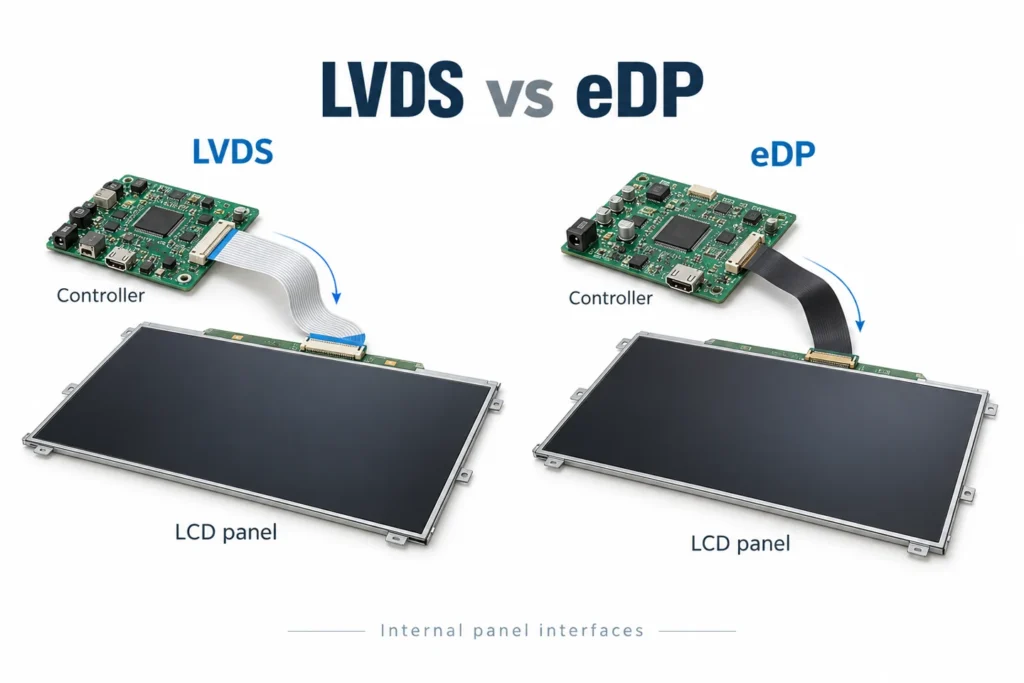
LVDS vs eDP: What to Confirm Inside a Commercial Display
Compare internal LVDS and eDP display connections. Check the panel, controller, cable and configuration before changing a commercial signage assembly.
Compare internal LVDS and eDP display connections. Check the panel, controller, cable and configuration before changing a commercial signage assembly.
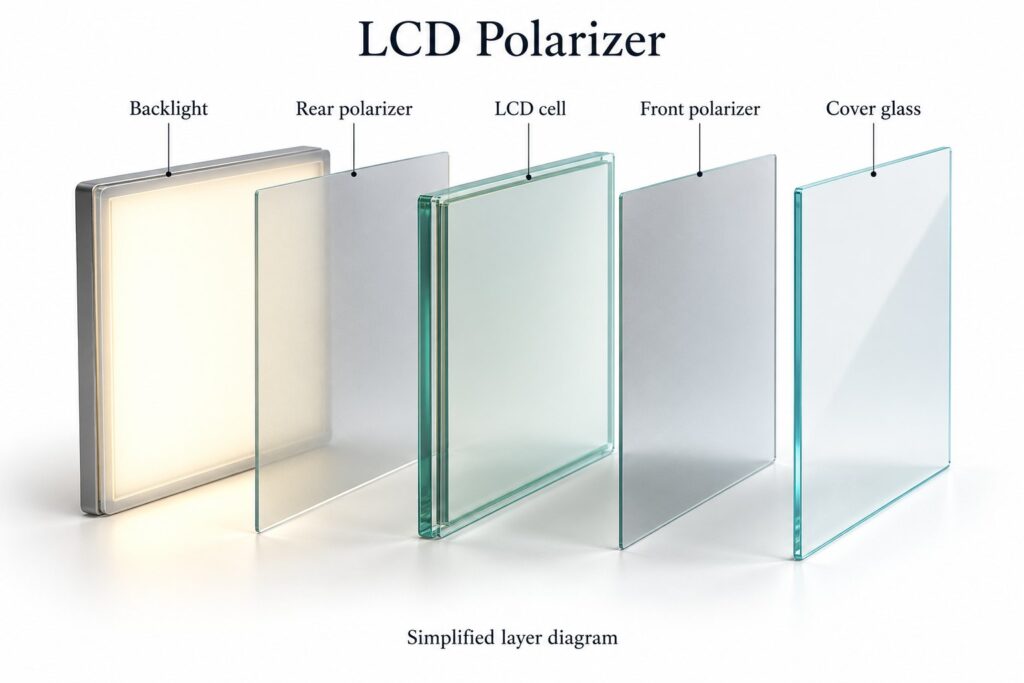
Understand LCD polarizers and why sunglasses can darken signage. Check orientation, cover glass and optical options with a complete display sample.
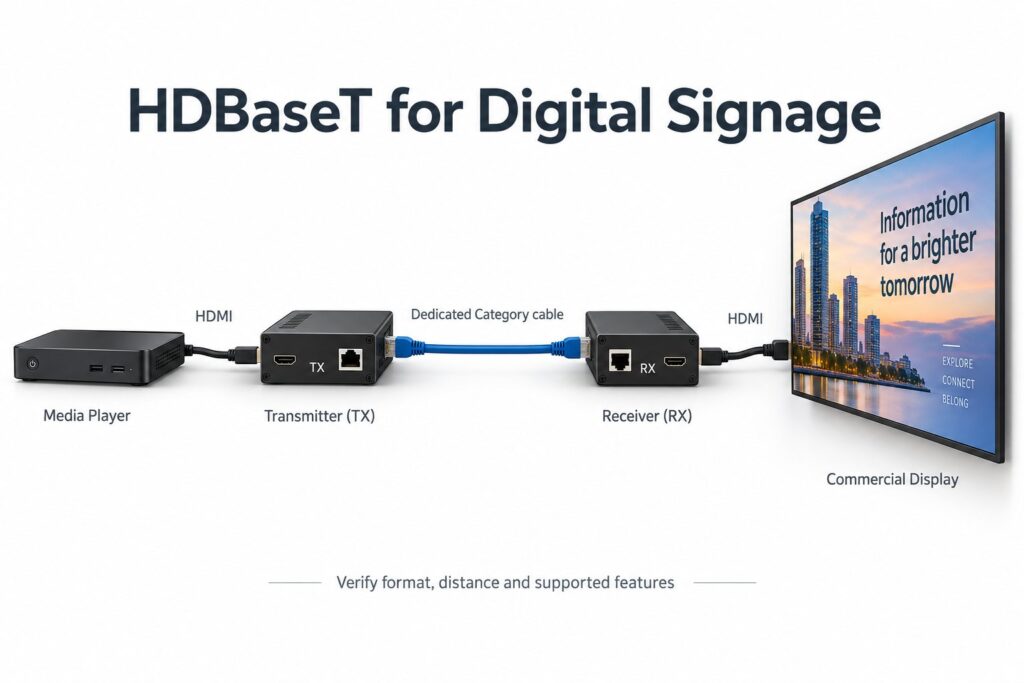
Plan an HDBaseT connection for commercial signage. Match transmitters and receivers, confirm video formats, separate network ports and test the installed link.
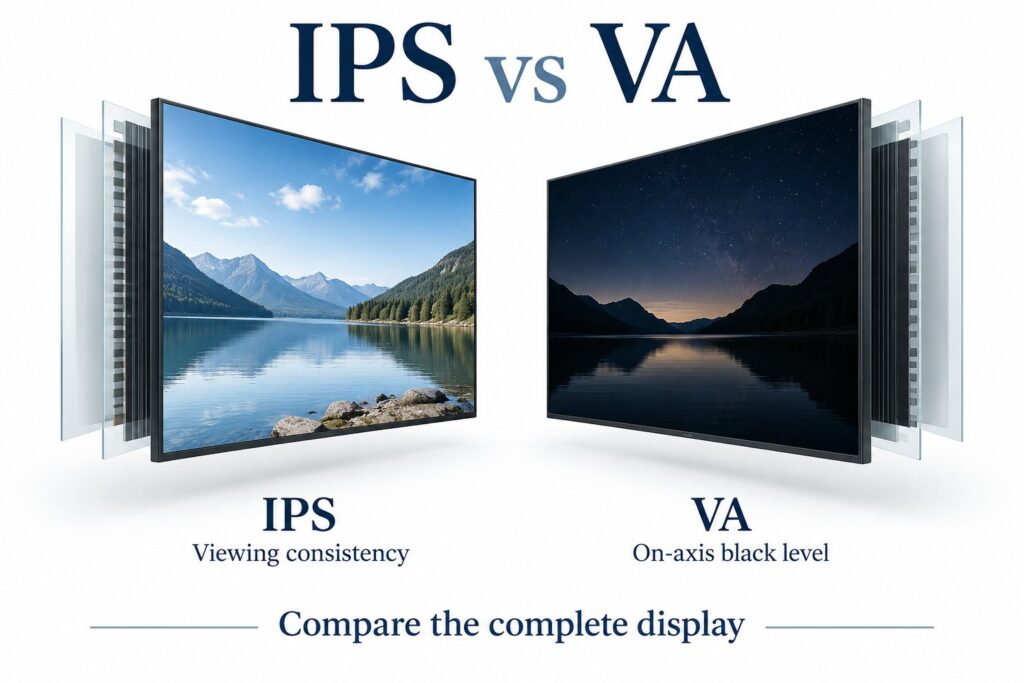
Compare IPS and VA panels for commercial signage. Check viewing positions, black levels, reflections and the complete display before choosing.
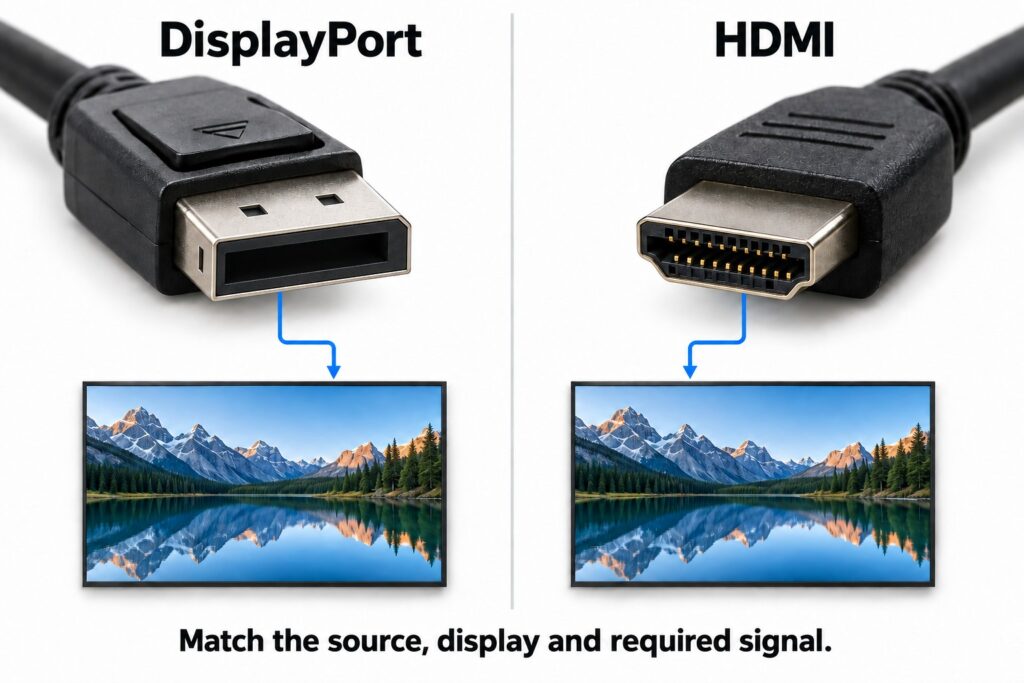
Compare DisplayPort and HDMI for commercial signage. Check formats, adapter direction, multiple screens and the complete installed connection.
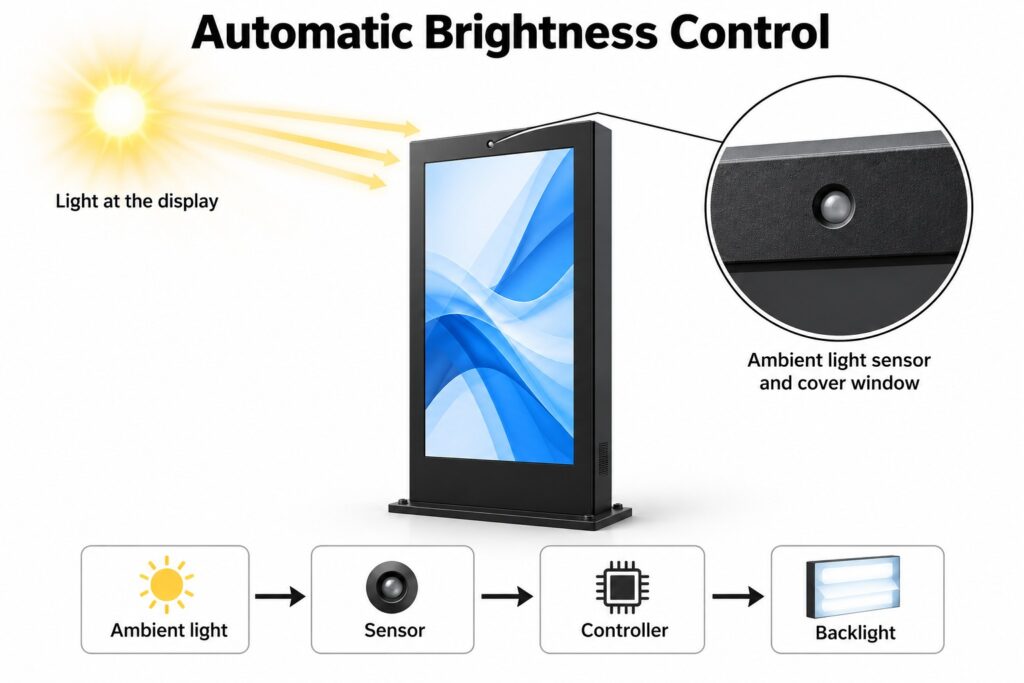
Plan automatic brightness for commercial signage. Check ambient light sensor placement, control settings and operation in changing light.
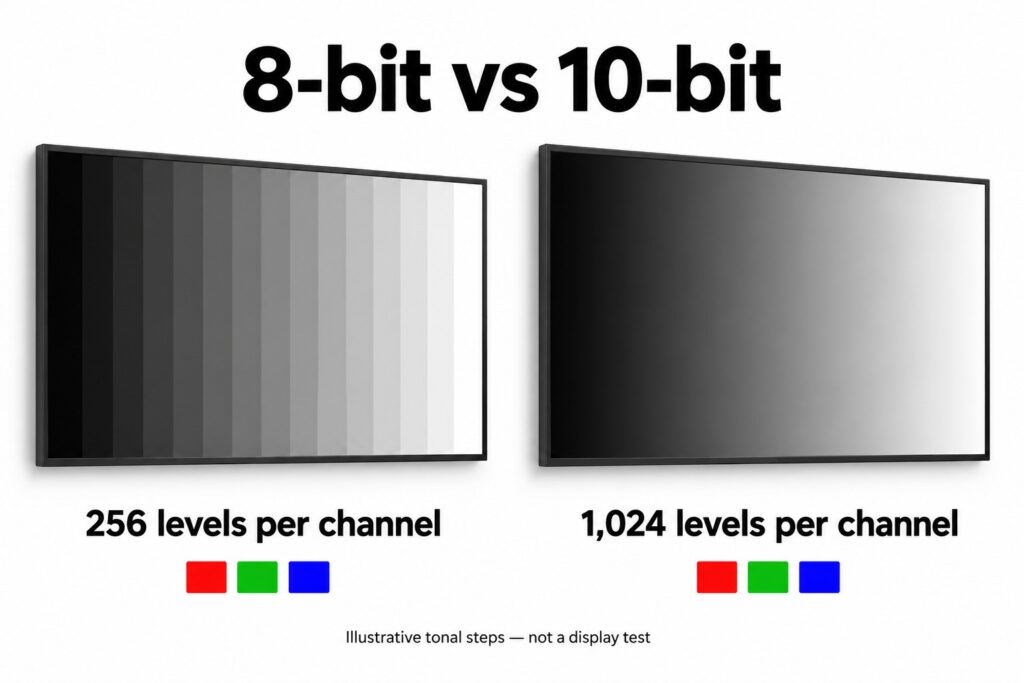
Compare 8-bit and 10-bit color for commercial signage. Understand native depth, FRC and input support, then test the complete playback path.
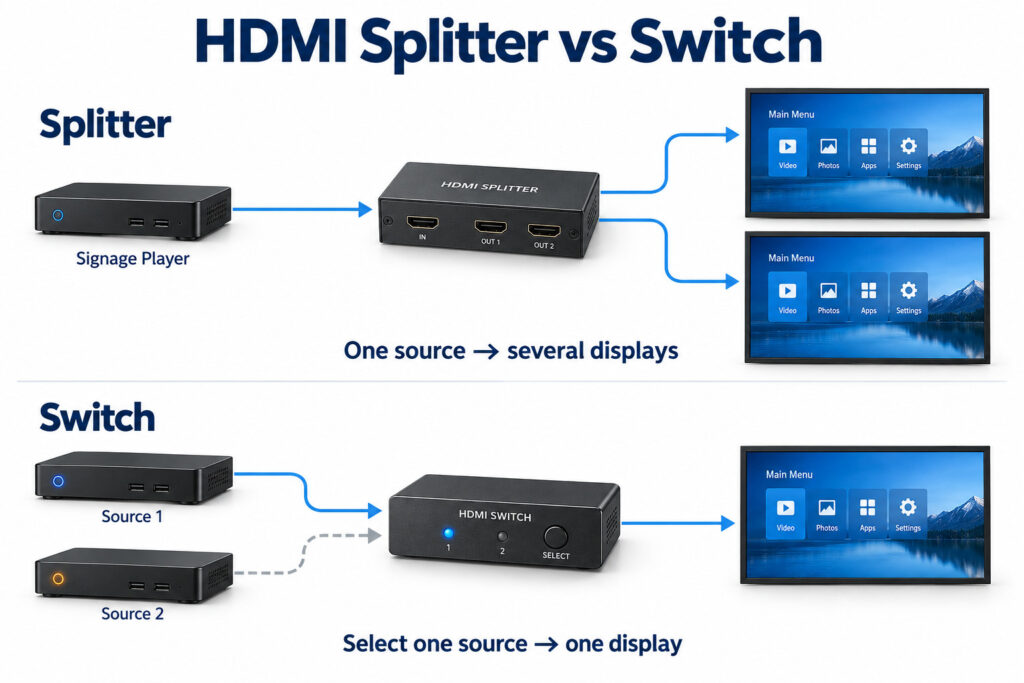
Compare HDMI splitters, switches and matrices for digital signage. Match sources, screens, signal formats and operating requirements before buying.
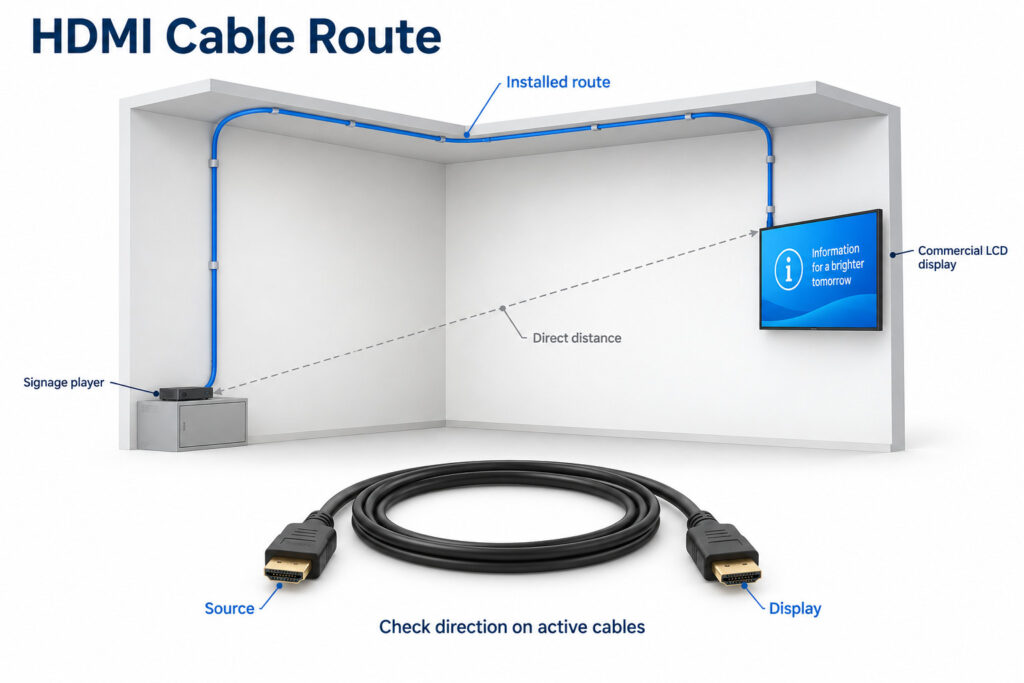
Plan HDMI cable length for commercial digital signage. Compare connection types, measure the full route and test the required signal before installation.
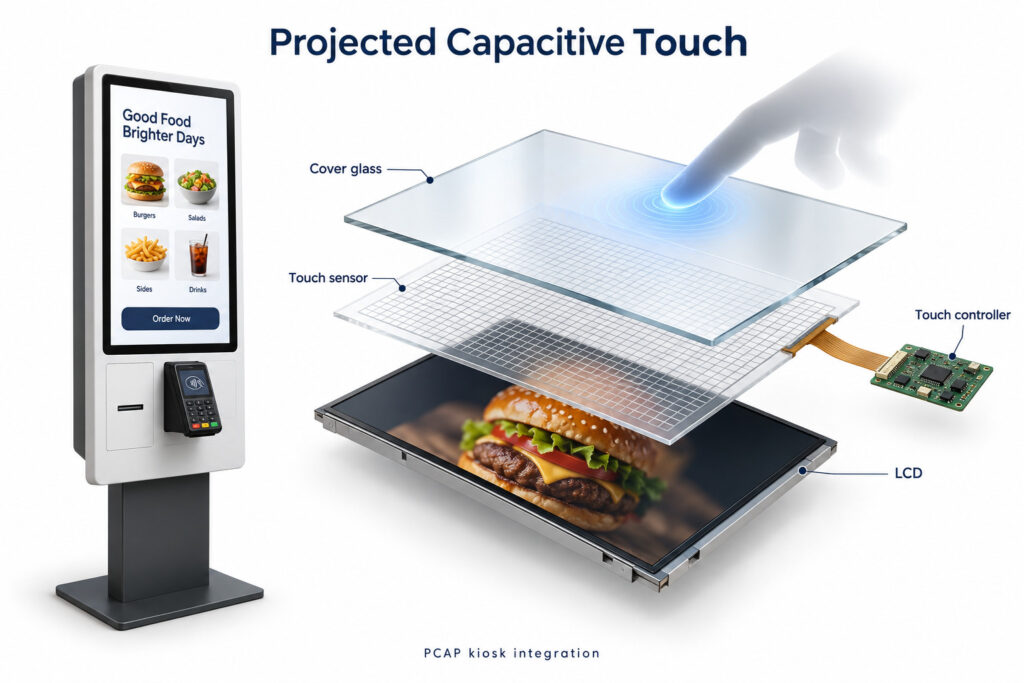
Plan projected capacitive touch for commercial kiosks. Check glass, gloves, controller support, application behavior and sample acceptance before ordering.
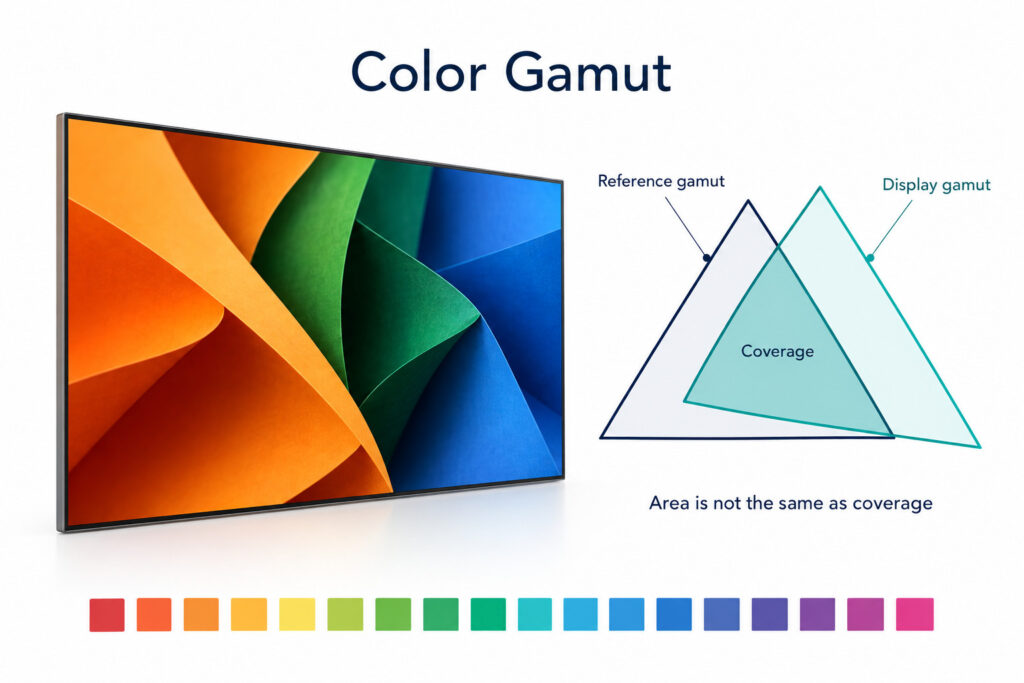
Compare commercial display color gamut claims. Learn what sRGB and NTSC percentages mean, distinguish coverage from area, and plan a useful sample review.
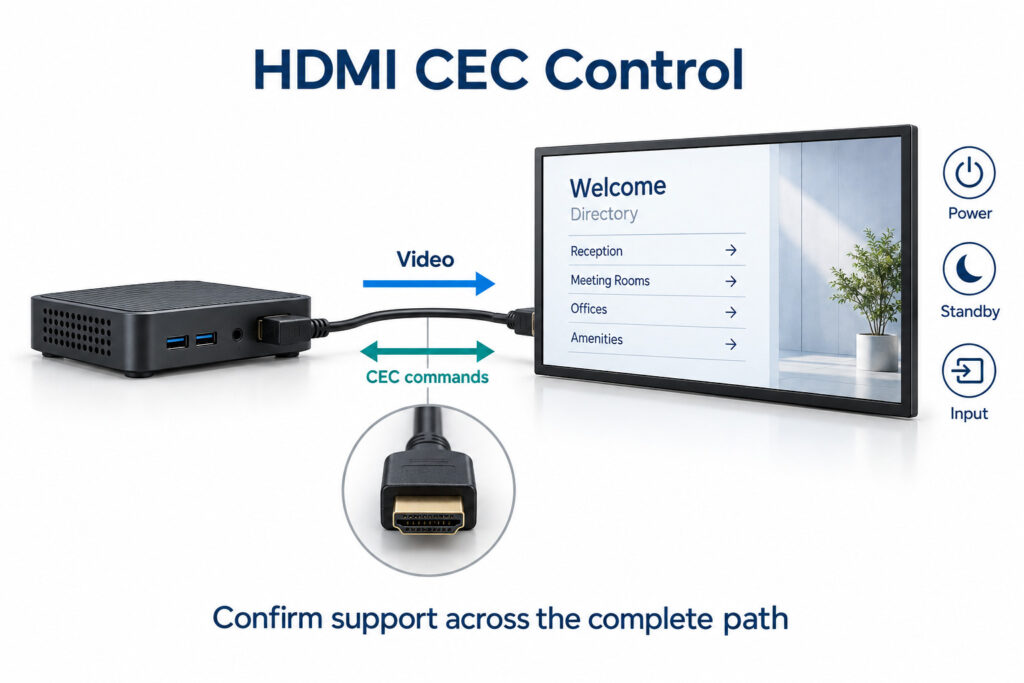
Check HDMI CEC for commercial digital signage. Verify player and display support, standby behavior, signal paths and scheduled power control before rollout.