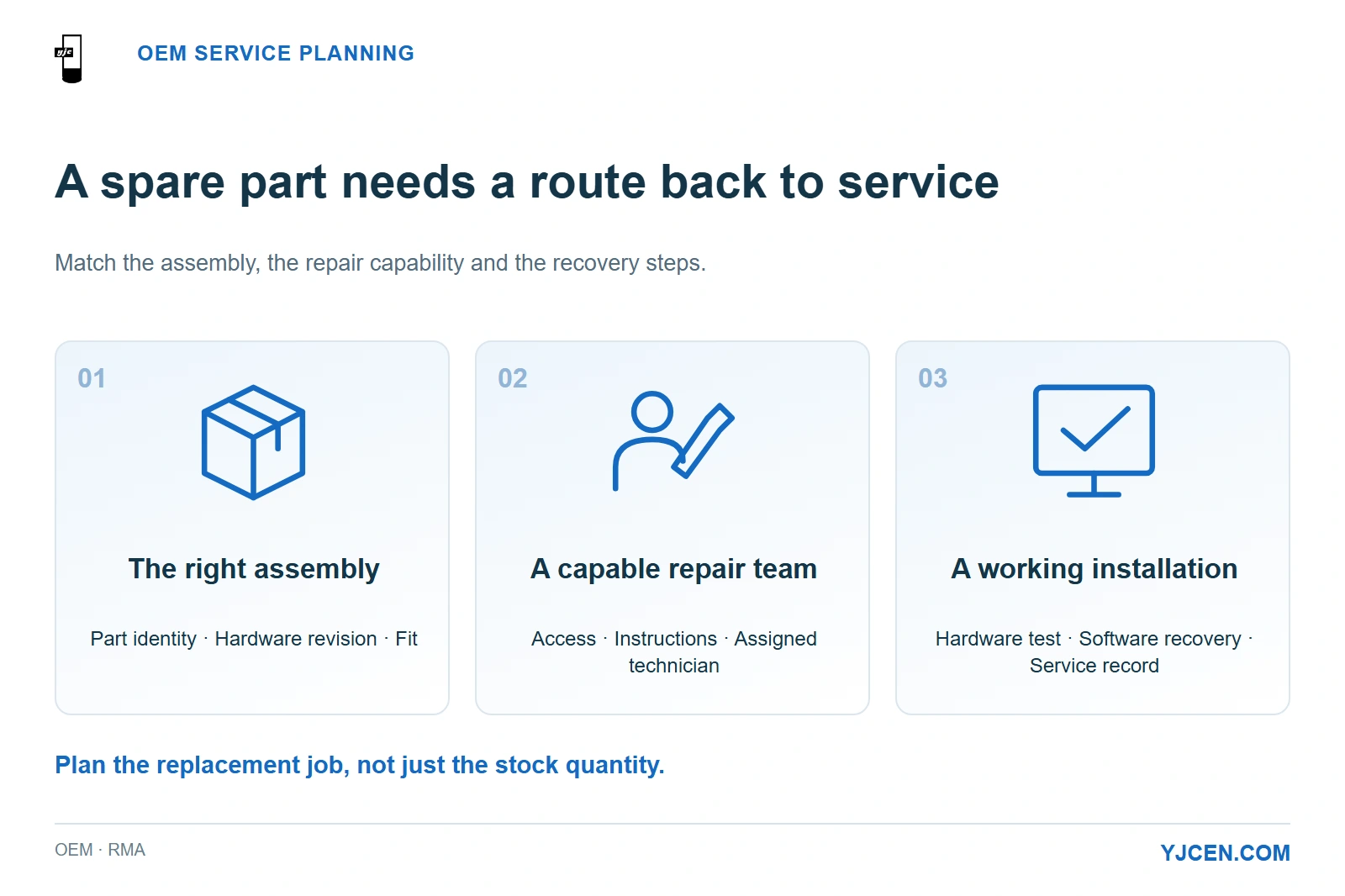
A spare kit needs matching hardware, an executable repair procedure and a recovery test. Select stock around the work the assigned team can complete.
An OEM commercial-display or kiosk agreement should identify the spare assemblies, warranty coverage, diagnosis owner, repair route and shipping responsibility for the installed configuration. Build the spare kit around what your technicians can replace and return to service at each site—not simply the number of screens you purchase.
A useful spare is more than a compatible part: it needs an identified replacement procedure, someone able to fit it, and a way to verify that the installation works again. A component sitting in a regional warehouse offers little operational value if every replacement still requires returning the complete unit.
1. What Does the Warranty Actually Provide?
YJCEN products have a 3-year warranty, with user-caused damage and faults caused by improper screen installation excluded from coverage. Repairs are supported with replacement parts and instructions; when the customer cannot repair the unit, YJCEN arranges a replacement unit.
Separate the cost of the remedy from the cost of moving it. YJCEN covers after-sales shipping during the warranty period, while partner labour and travel for an on-site visit are quoted separately.
| Service item | YJCEN’s stated provision | What the OEM order should identify |
|---|---|---|
| Warranty period | 3 years | Covered units and the agreed start date |
| Coverage exclusions | User-caused damage and improper screen installation | How the fault and installation evidence are documented |
| Repair support | Replacement parts and repair instructions; a replacement unit when the customer cannot repair it | The contact responsible for diagnosis and the authorised remedy |
| After-sales shipping during warranty | YJCEN covers all after-sales shipping costs, regardless of region or cause of the fault | Collection and delivery addresses, packaging and shipment coordination |
| Support after warranty | Technical guidance remains free; the customer pays for parts, shipping and repairs | Quote approval and purchasing contact |
| Partner on-site service | Available through partner organisations in Europe and North America; labour and travel quoted separately | Site location, access arrangements and visit scope |
Partner on-site service is unavailable in countries affected by war or conflict. Keep that service location alongside the equipment destination so that the repair plan matches the actual deployment.
Use backlight-life figures for replacement budgeting, and the warranty term to define the period of after-sales coverage.
2. Which Parts Belong in the Spare Kit?
Group spares by the assembly a technician would replace, then tie each assembly to the approved hardware revision. Start that record during sample approval so the production batch, spare kit and service instructions refer to the same build.
| Spare class | Specify the replacement assembly | Why it changes the service plan |
|---|---|---|
| LCD panel or display module | Panel alone or a larger display assembly; exact part and revision, electrical interface and mechanical fit | A bare panel needs a different repair setup from a complete module or replacement unit |
| Power supply unit (PSU) | Approved PSU identity, output ratings, connector arrangement and mounting | Matching wattage alone does not establish a usable replacement |
| Cooling components | Fan or cooling assembly fitted to the ordered build, connections and access procedure | Stocking a fan helps only when it matches the thermal design and can be serviced by the assigned team |
| Touch assembly | Sensor, controller, glass or combined assembly, with the corresponding driver and configuration | The replacement must restore reliable input as well as the visible image |
| Player or motherboard | Board revision, interfaces, operating-system image and restoration steps | Hardware replacement must also restore content, networking and application operation |
| Kiosk peripherals | Printer, scanner or payment-device assembly, mounting and interface details | Physical fit, device setup and application integration affect whether the terminal can resume service |
For YJCEN’s IP66 Outdoor Digital Signage, the enclosure protection and thermal configuration make the service procedure part of spare selection. Where a repair opens the enclosure, include the closure and sealing steps in the job; choose a complete-unit exchange if the local team cannot carry out the required repair procedure.
For the Self-Service Ordering Kiosk, the integrated 80 mm thermal printer and selectable Android or Windows hardware create different service dependencies. A printer repair needs a successful receipt test, while a player replacement needs the ordering application and device connections restored before the kiosk is useful again.
YJCEN supplies the kiosk hardware and can pre-install and test the customer’s application. Assign application licences, CMS access, payment processing and software recovery to the relevant customer or software-provider contact so a hardware repair does not stall at the login or payment stage.
3. Who Owns Each Step of an RMA?
Use one SI or brand-owner contact to coordinate the fault, even when hardware and software teams investigate different parts of it. RMA means return merchandise authorisation; the first decision is whether the incident needs a return at all.
The following is a proposed project workflow, with the named people and timing completed for the order.
| Stage | Proposed lead | Information or decision that moves the job forward |
|---|---|---|
| Fault intake | SI or brand support desk | Unit serial number, site, hardware revision, symptom and relevant photos or video |
| Initial diagnosis | Assigned hardware support contact, with the application team where needed | Whether the fault points to hardware, power, connectivity or the application |
| Remedy selection | YJCEN and the SI service owner | Guided part replacement, partner visit or unit replacement; any return authorisation |
| Dispatch and return | Assigned logistics contacts | Part or unit identity, destination, packaging, shipment tracking and handling of the faulty assembly |
| Installation and recovery | Named site technician or service partner | Correct assembly installed, connections restored and application recovery completed |
| Closure | SI or brand support desk | Functional test result, replacement identity and updated installed-unit record |
For a unit that fails on arrival, preserve the packaging and photograph both the shipment condition and the unit label. The order should state the DOA reporting window, required evidence and approval route; that gives the receiving team an actionable process when the equipment arrives.
A support-response time and a return-to-service time are different commitments. Separate initial response, diagnosis, part dispatch, transport and site attendance in the service schedule so an acknowledgement is not mistaken for a repair deadline.
4. When Is On-Site Repair Better Than Returning the Unit?
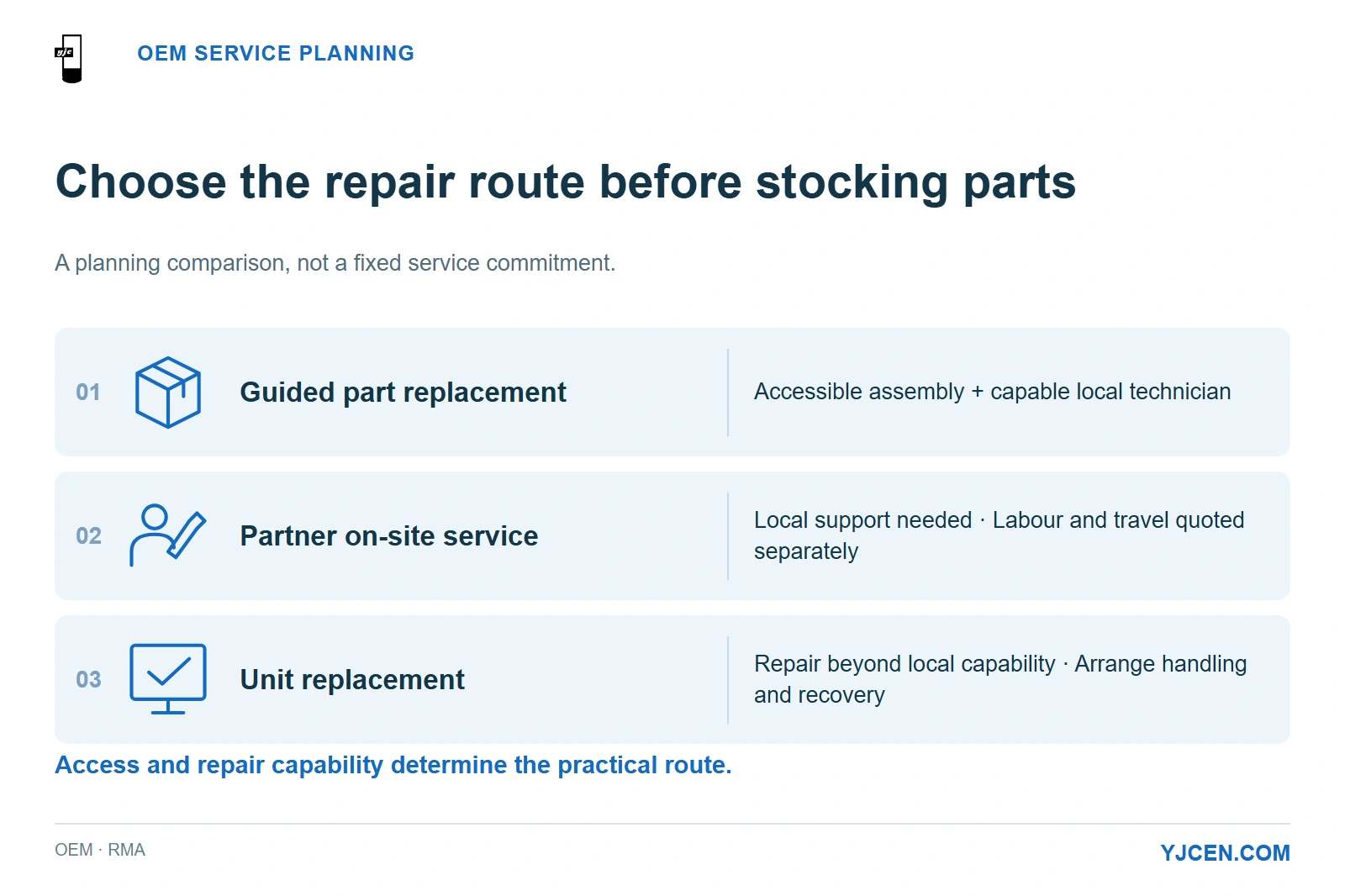
Choose the route around access and repair capability. A field-replaceable assembly favours local repair when the correct part, authorised instructions and a capable technician are available; a repair requiring work the local team cannot perform favours a replacement unit or an agreed workshop route.
| Site condition | Practical route to plan | Main trade-off |
|---|---|---|
| Accessible assembly and a trained local technician | Guided part replacement | Less equipment to transport, but technician availability and recovery testing still matter |
| Suitable repair access but no local technical team | Partner on-site service where available | Labour, travel and access scheduling become part of the service cost |
| Repair exceeds local capability | Replacement-unit route, with return handling agreed for the faulty unit | Requires transport, handling and a plan to restore the installed configuration |
| Customer cannot tolerate the repair cycle | Price a local spare-unit option during procurement | More inventory investment in exchange for an exchange route under local control |
YJCEN’s European and North American partners provide a practical route for installation and repair, with labour and travel priced for the actual job. Give the service planner the mounting arrangement and access restrictions: removing a wall-mounted display at height is a different task from replacing an accessible kiosk peripheral.
5. How Should You Plan Spares Across Multiple Sites?
Group the estate by compatible hardware revision and service reach before setting quantities. A regional kit works when it can reach the site within the customer’s required recovery window; an isolated location may justify its own spare assembly or complete unit.
| Planning field | Procurement decision it supports |
|---|---|
| Installed quantity by model and revision | Which units can share the same spare inventory |
| Site locations and opening hours | Where stock should sit and when technicians can gain access |
| Customer’s required restoration window | Regional stock versus stock held at the site |
| Local repair capability | Component kit versus complete-unit replacement |
| Parts availability, dispatch lead time and replenishment owner | When to reorder after a spare is used |
| Software image, credentials and device enrolment owner | How a replacement becomes an operational terminal |
| Repair history by component and batch | How to revise the kit after real field use |
Keep production lead time, spare-parts dispatch and repair turnaround as separate quote lines. Each serves a different planning decision; using the finished-product delivery estimate for all three hides the period when a site might be waiting for a part.
Retain the approved part number and revision when replenishing the kit. If an alternative PSU, board or radio module is proposed, include the affected model and certification records in the change review alongside fit, interfaces and software compatibility.
6. Copy This Spare-Parts and RMA RFQ into Your Project Enquiry
Use the fields below as a purchasing schedule to complete with the supplier. They describe the support arrangement being requested, rather than a pre-agreed service commitment.
7. Frequently Asked Questions
How long is YJCEN’s product warranty?
3 years. User-caused damage and faults caused by improper screen installation are excluded.
Does YJCEN cover after-sales shipping during the warranty period?
Yes. YJCEN covers all after-sales shipping costs during warranty, regardless of region or fault cause.
Are partner labour and travel included in the equipment warranty?
No. On-site installation and repair by partners in Europe and North America carry separately quoted labour and travel charges.
Can YJCEN arrange a replacement if the customer cannot repair the unit?
Yes. YJCEN supplies repair parts and instructions, or arranges a replacement unit when the customer cannot repair it.
Does ordering a kiosk include the payment service and software licences?
No. Specify those services separately with the application and payment providers.
Should every installation use the same spare-parts percentage?
No. Choose quantities around compatible revisions, site access, the repair route and replenishment needs.
Is technical guidance still free after the warranty ends?
Yes. The customer pays for parts, shipping and repairs after the 3-year warranty.
Send Your Hardware Configuration and Service Plan
Send your model list, site countries, required restoration window and the RFQ above for an OEM display and kiosk support discussion. Include the site or enclosure drawings where access or spare-module fit affects the repair route, so the hardware configuration and service plan can be considered together.